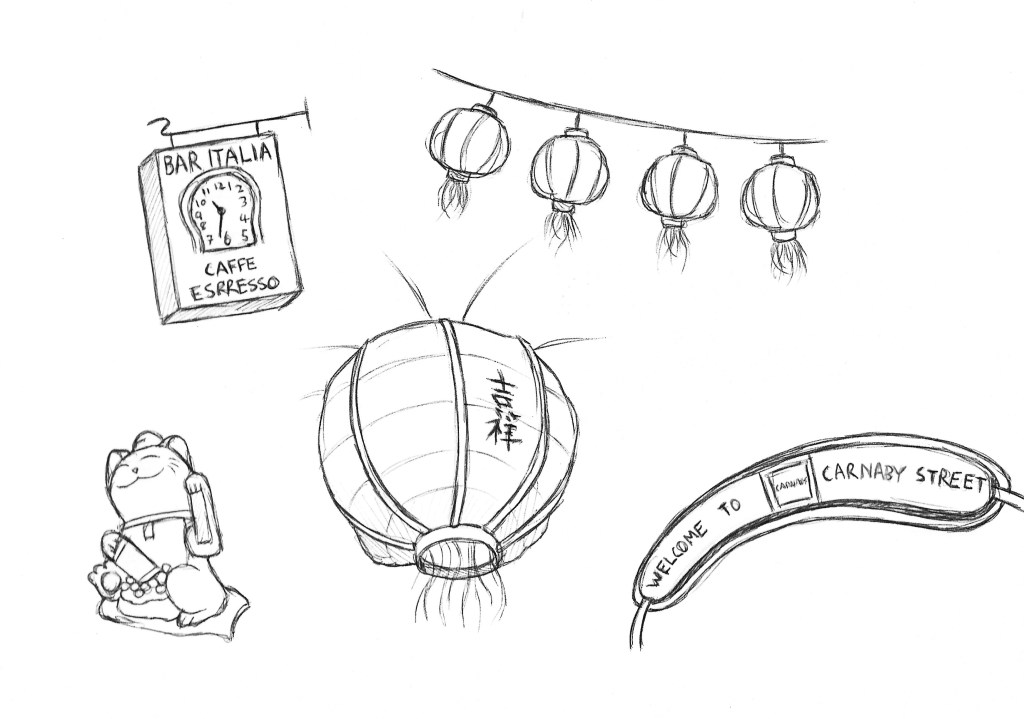
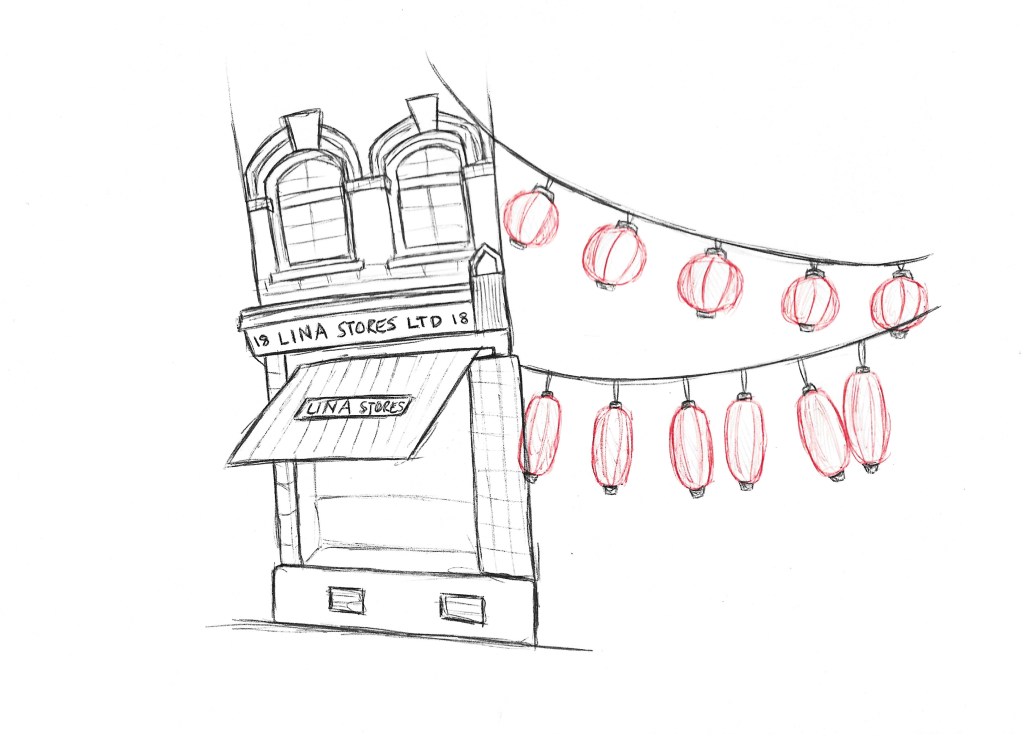
In the afternoon we had to go to the ares around the Photography gallery in London as document the communities. To the South and East of the Gallery there is China Town which is home to London’s largest Chinese community and east beyond that there is a large Italian Community centred around the famous Bar Italia. I wanted to expand my documentary illustration skills by looking at a combination of people, objects and buildings from the various locations. For my sketches I used pencils and biros as they’re medium I’m comfortable with even when having to work fast.
I think through these sketches I was able to capture the important bits of the communities that give them their identity. Generally documentary illustration is something I’m growing more confident with and I think the next step will be to expand on the mediums I use.
In the Lighting Darkness workshop we had illustrator Anna Steinberg come in to talk to us about her process and the industry in general. I found the talk very informative and interesting. Anna shared tips on her creative process from when she is approached about the project to sending of her work. One thing in particular that stood out to me was how she recorded her initial ideas with thumbnail sketches. Anna created a set of illustrations for a poetry book about genocide which is a very difficult topic to work on as there’s lots of technical and moral questions. She taught us good way of handling topics like this and we where able to put these into practice is the afternoon.
Below are some of her illustrations. The style is very minimalistic yet conveys strong messages. This idea is something I wanted to carry into my work in this workshop.
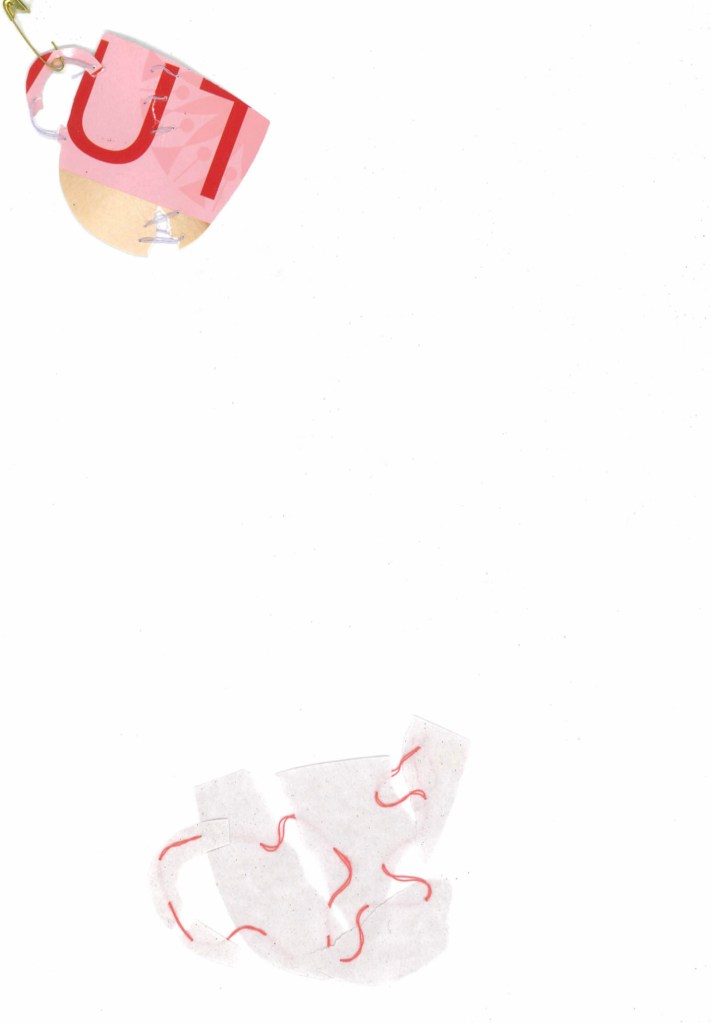
We where given as choice of 2 texts to work with and I chose the one about domestic violence. To begin this activity we read through the text to understand it and all the themes and ideas in it. We did a warm up activity involving collating shapes and altering them in different ways. Then we moved onto the main activity. One of Anna pieces of advice was to work with inanimate objects rather than people when dealing with sensitive topics as it often makes it easier to communicate the message. So for my idea I chose to use tea cups as they’re an easily recognisable silhouette and are quiet fragile therefore easily broken so worked well with the topic of domestic violence. I tested out a couple different versions but both involved the idea breaking the cup silhouette and loosely stitching it back together. This is a technique I’ve never tried before but really liked it so it’s something I’d like to further experiment with. For me this shows the damage that domestic violence cause and how it can break people. I thought is was a good metaphor and a more powerful way of communicating it than a more literal depiction of domestic violence.
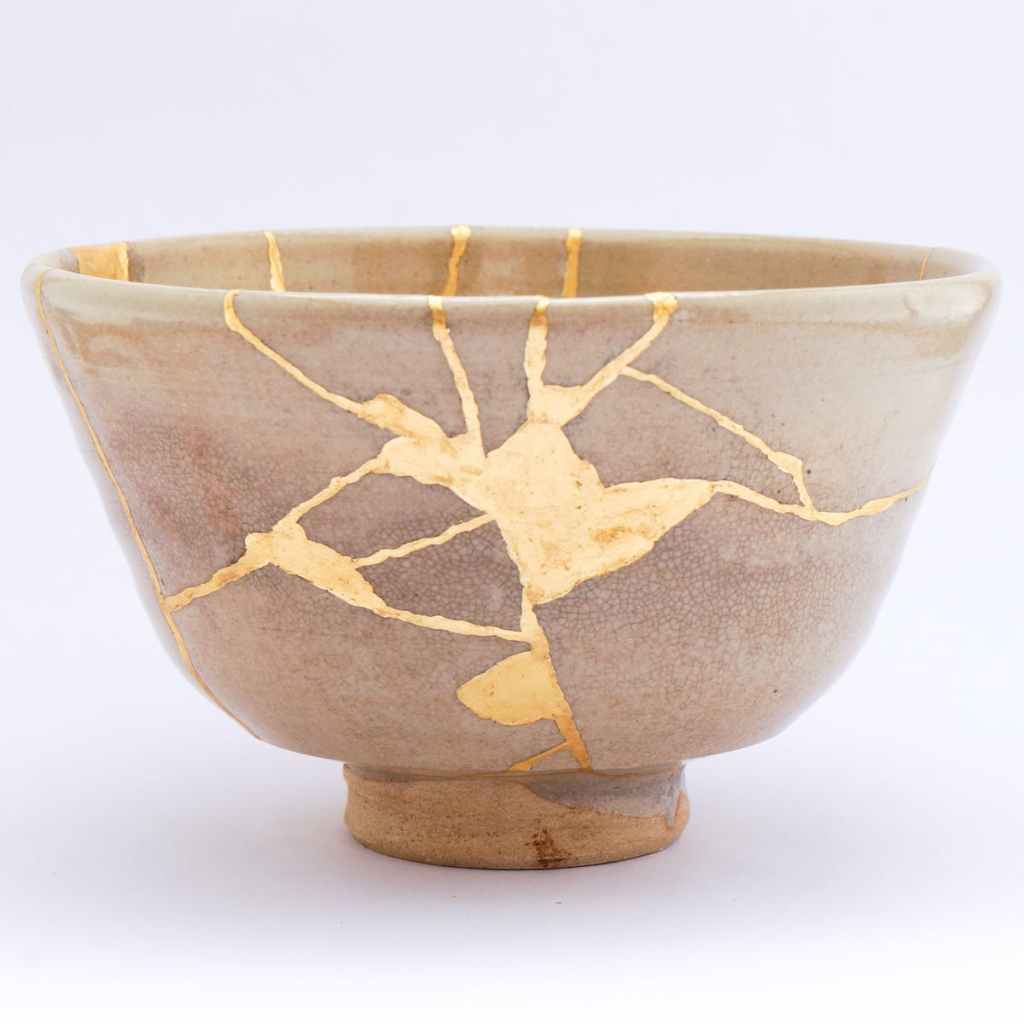
I took inspiration from the Japanese term Kintsugi which is an art form about repairing pottery. What I found so interesting about this art form was how it treats breakage and repair as part of the history of an object, rather than something to disguise so leaves them visible.
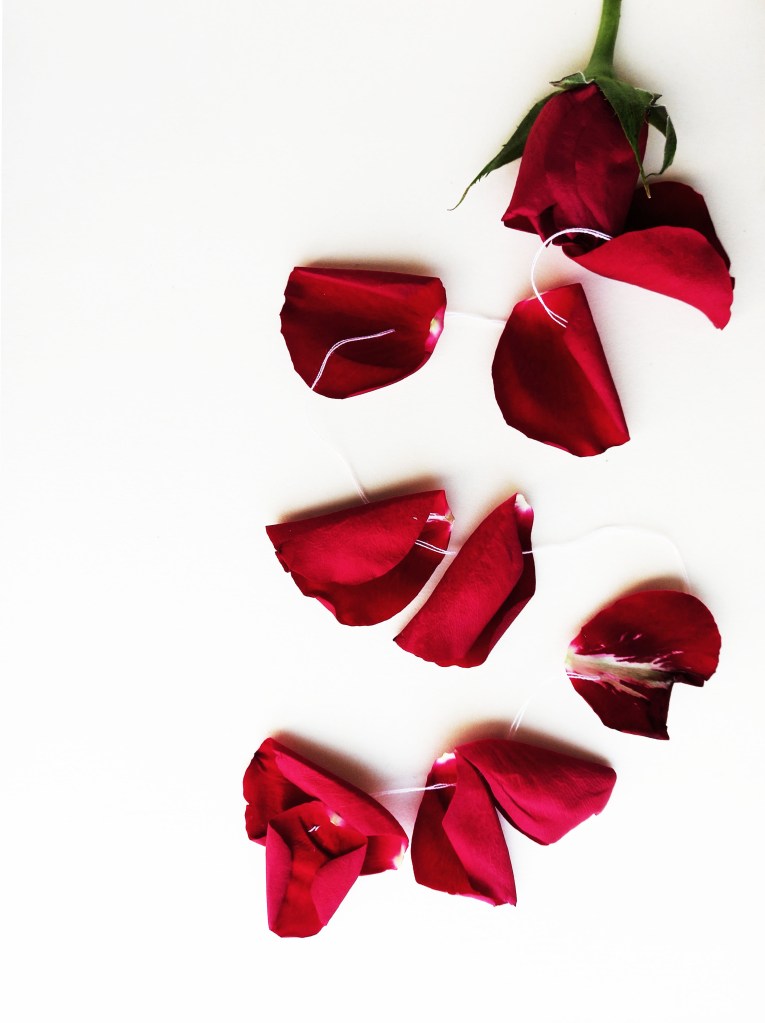
This is a piece I did at home continuing on with the theme of domestic violence. I wanted to develop on my idea of attaching something broken using thread. This time I chose a rose and I wanted to make a more mixed media piece by incorporating an organic element. I think this piece successfully represents the theme as is more visually striking than my previous attempts due to the powerful red of the rose.
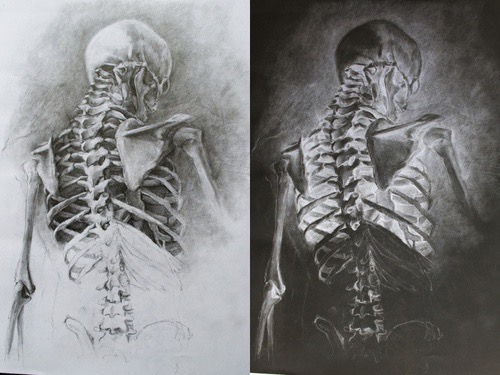
In week 3 of figure drawing we focused on tone by using charcoal. This is a medium I’ve used before and really enjoy using. The materials we used throughout this session were willow and compressed charcoal, brown chalks, erasers, a knife to cut the eraser and a tool to blend such as a blending stumps. One important thing I learnt was to add a mid tone background to the paper by roughly smudging some charcoal on the page. This way you can use an eraser to rub out the lighter areas and add charcoal to the darkest parts.
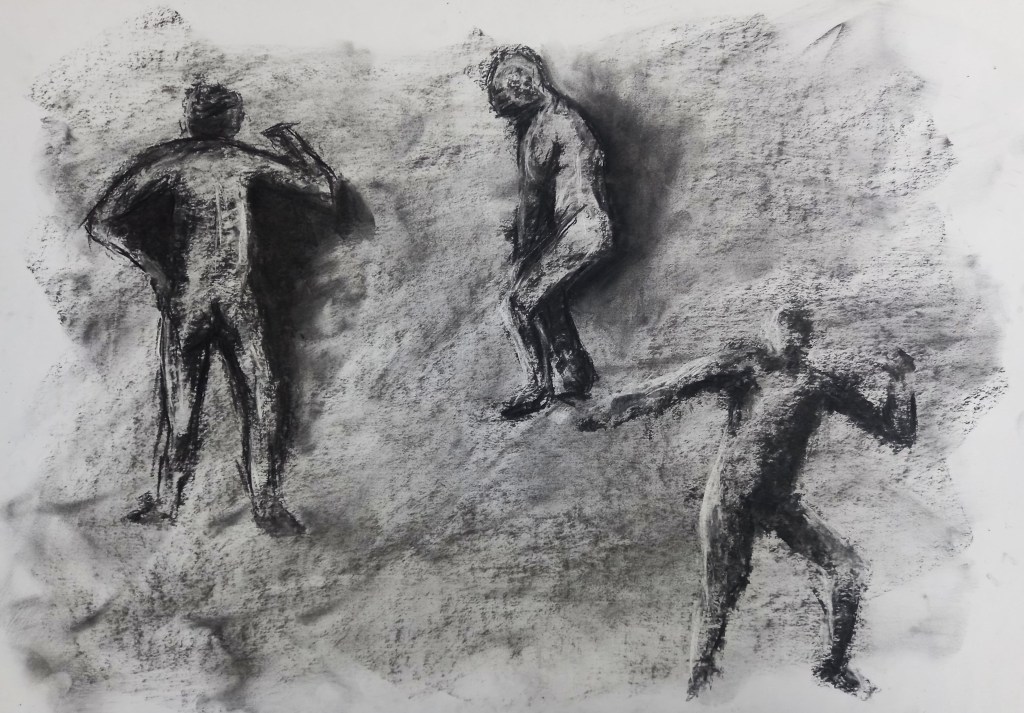
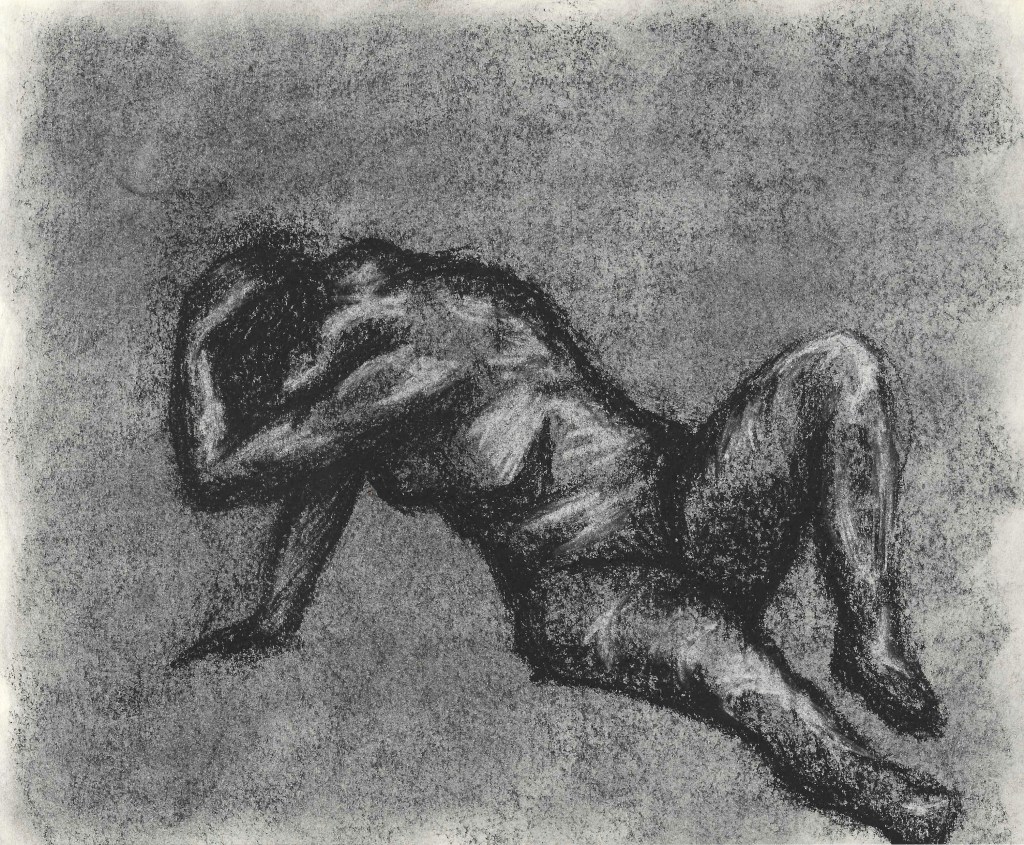
After doing some quick warm up sketches we had to complete 3 5 minute sketches of the model in different poses. We could use a combination of rubbing out and adding charcoal. Charcoal is a very versatile medium that can be redrawn and erased over and over without compromising the piece. This is something I began to understand more and take advantage of as the session went on. Even in these 3 images I can see clear improvement as I stopped drawing in such a linear way and focused more on empathising the light and dark areas to allow a figure to emerge from the mid tone background.
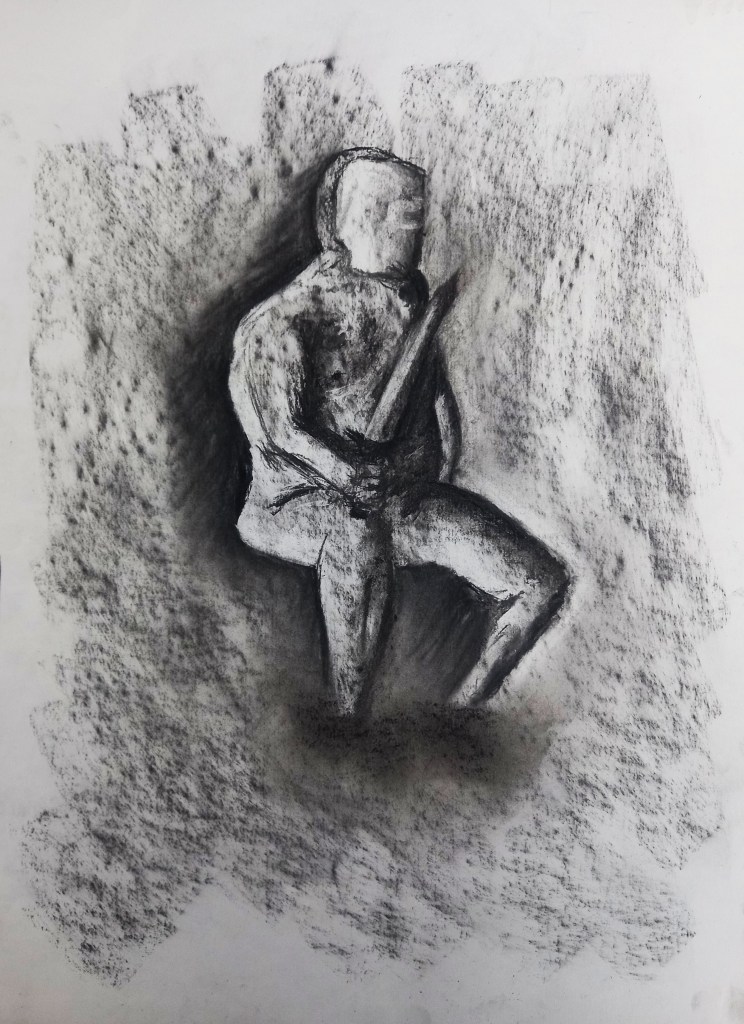
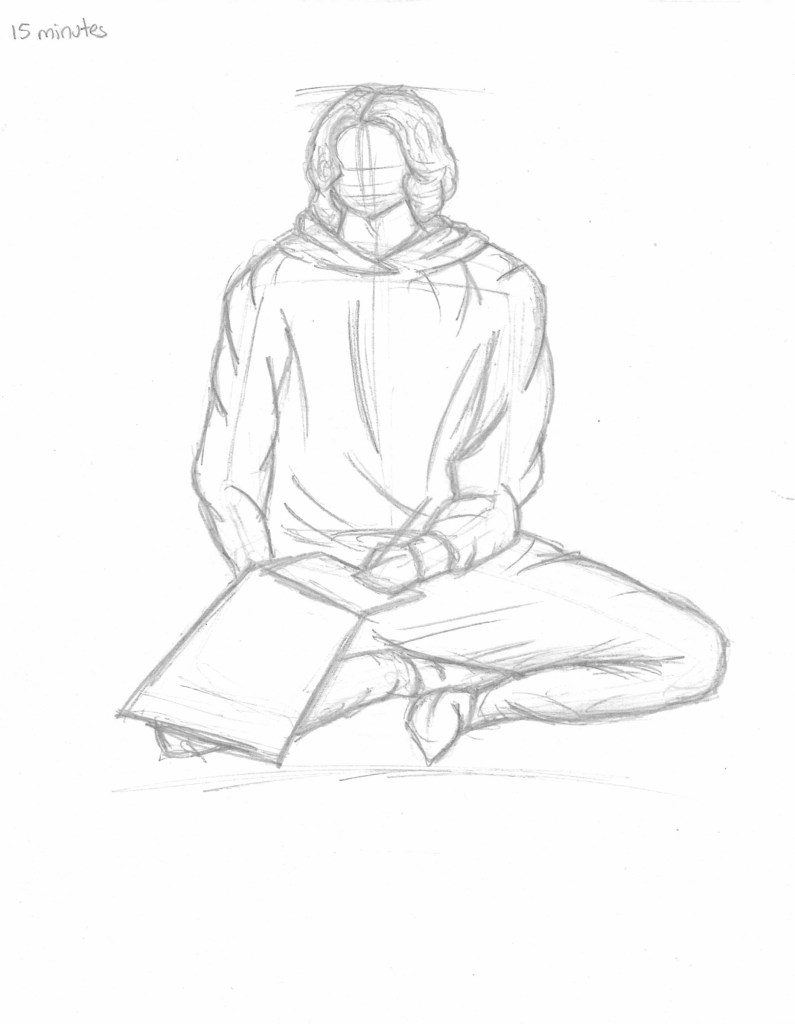
Then we moved onto some longer drawings. This one was a 15 minute piece. Once again we started with the mid tone background but there was more dramatic lighting as spot lights were added. To begin with we had to just use the eraser then after we could go in and add more charcoal and refine the drawing. The twist was that the lightest areas had to be drawn the darkest and the darkest areas had to be drawn the lightest. This was an interesting exercise and it made me really focus on the areas of light and dark. One technique that I think really helped to define the figure was adding areas of dark around the body.
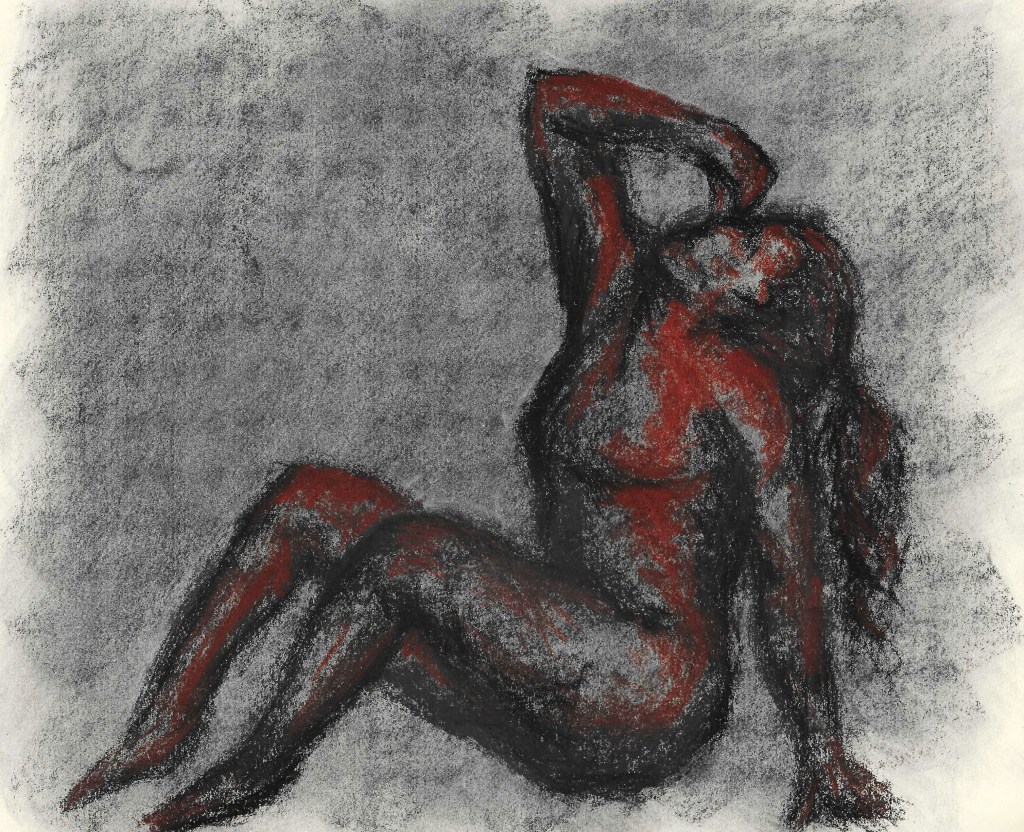
For this piece we worked on a slightly coloured piece of paper to allow us to build tone around a on a different colour. This was a slightly longer piece, we did this one for 20 minutes. I started by using the charcoal to add in the darkest bits then moved into the mid tone brown to add in the mid tones and finished off with the lightest brown for the highlights. I really like this piece a liked building up tone this way and think that working on paper that isn’t white helped me visualise the tones better. Also I liked the rough mark making and the way the colours come to build a figure rather than a linear sketch.
This was the final sketch of the session. I find laying down poses more challenging so was happy to get more practice of that. This time I used the paper colour as the mid tone so only added charcoal for the shadows and the lightest chalk for the highlights. I think the was effective and I was able to create a figure by just drawing out the darkest and lightest areas.
It is important to ‘fix’ work one you’re finished with it to ensure that it doesn’t smudge. You can use hair spray for this.
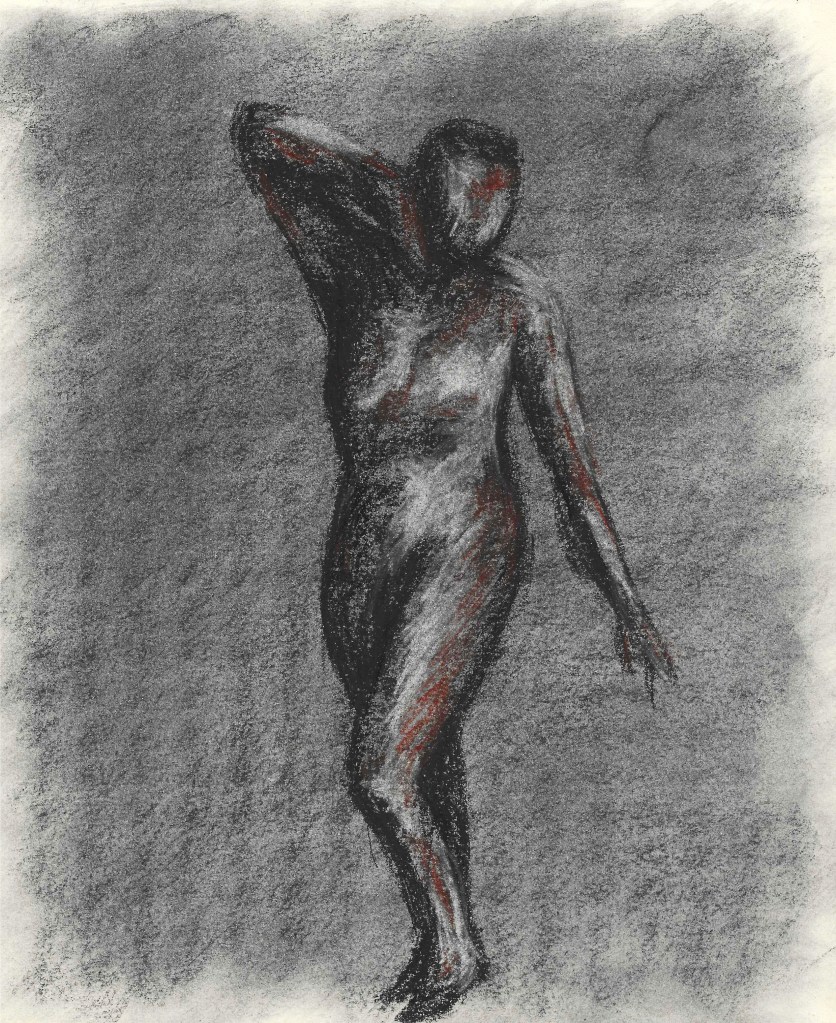
These are 3 charcoal sketches I did for homework. I chose a range of poses including 2 sitting down ones to challenge myself. I used techniques that we learnt in the session such as adding a base layer and sculpting with shadow instead of using lines. I’m happy with the sketches and think that they show improvement as I am now using the medium more successfully.
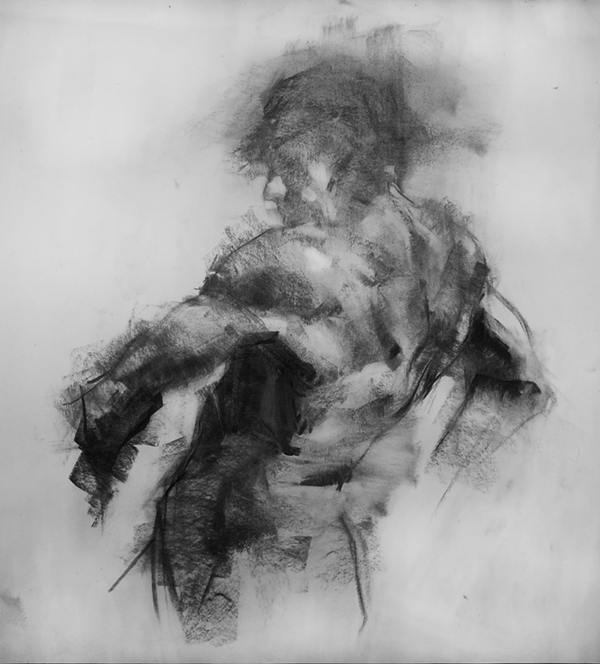
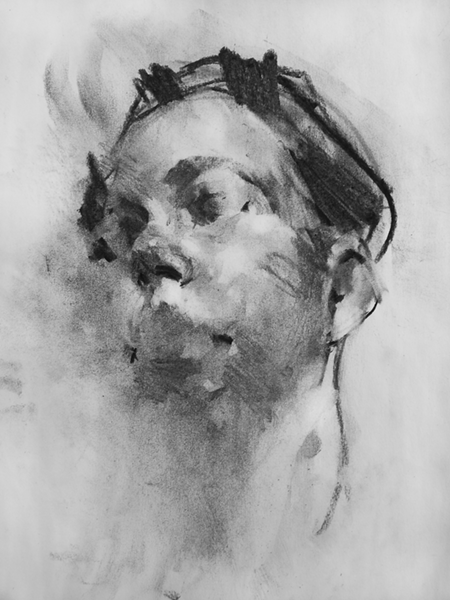
An artist I took inspiration from for this project was Damien Goidich. He’s a contemporary charcoal artist and I really like how he uses tone to shape a subject rather that harsh lines.
For the second week of this module we went off campus to develop our reportage illustration skills. We went to multiple different location including a private school and a shopping centre. These 2 locations are very close to each other but are very different in atmosphere and aesthetic so are interesting to compare. We were tasked with making quick observational sketches of people, activities and locations.
This task took me out of my comfort zone as drawing in public places is something I’m not confident with. It meant I had to draw fast and discreetly and making sure to capture the essential information. All the on location sketches I did where using a HB pencil as it’s my favourite medium and one that allows for quick mark making.
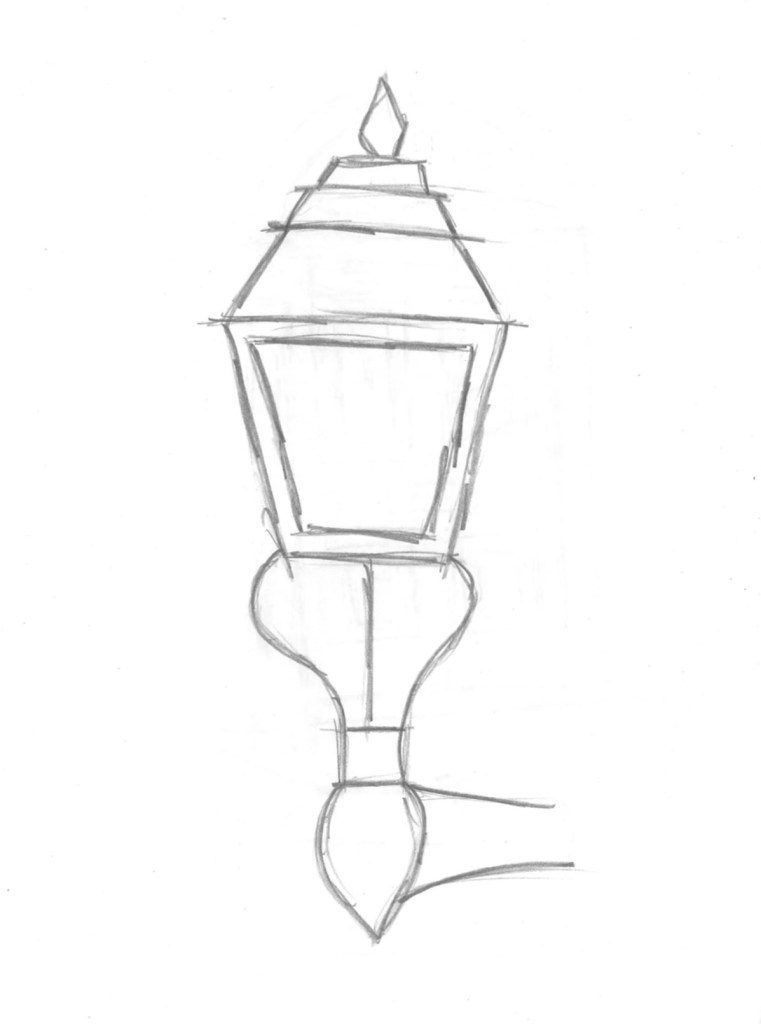
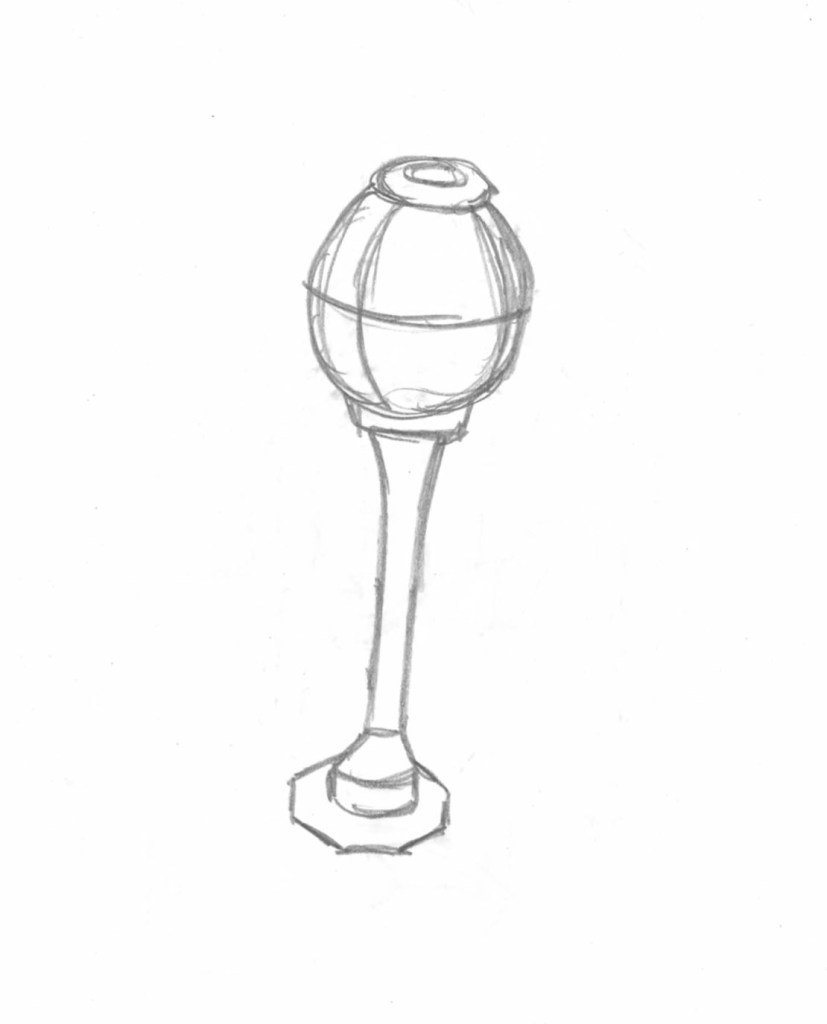
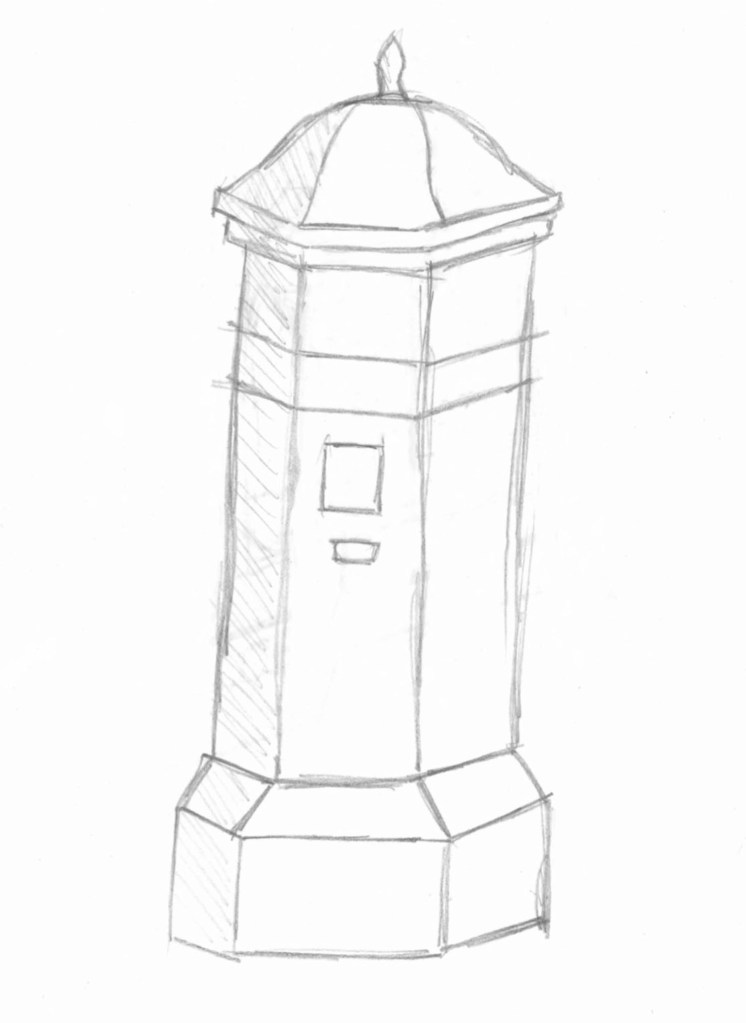
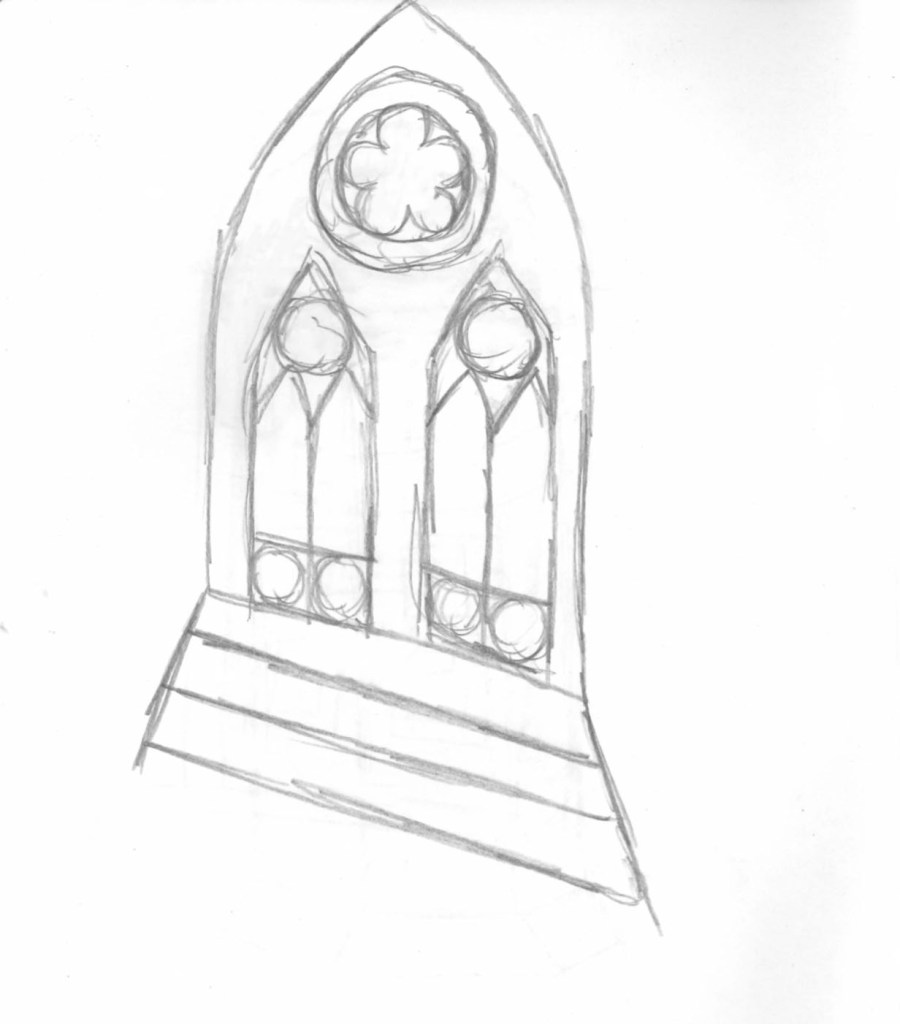
In the first location I mainly focused on the architecture and objects around the private school and they interested me. Also I felt that it was a good way to ease myself into drawing in public as I could be a bit than if I started with sketching people. For these sketches I captured the main details and also took picture so I could use my observational sketch and the photo to develop an image further.
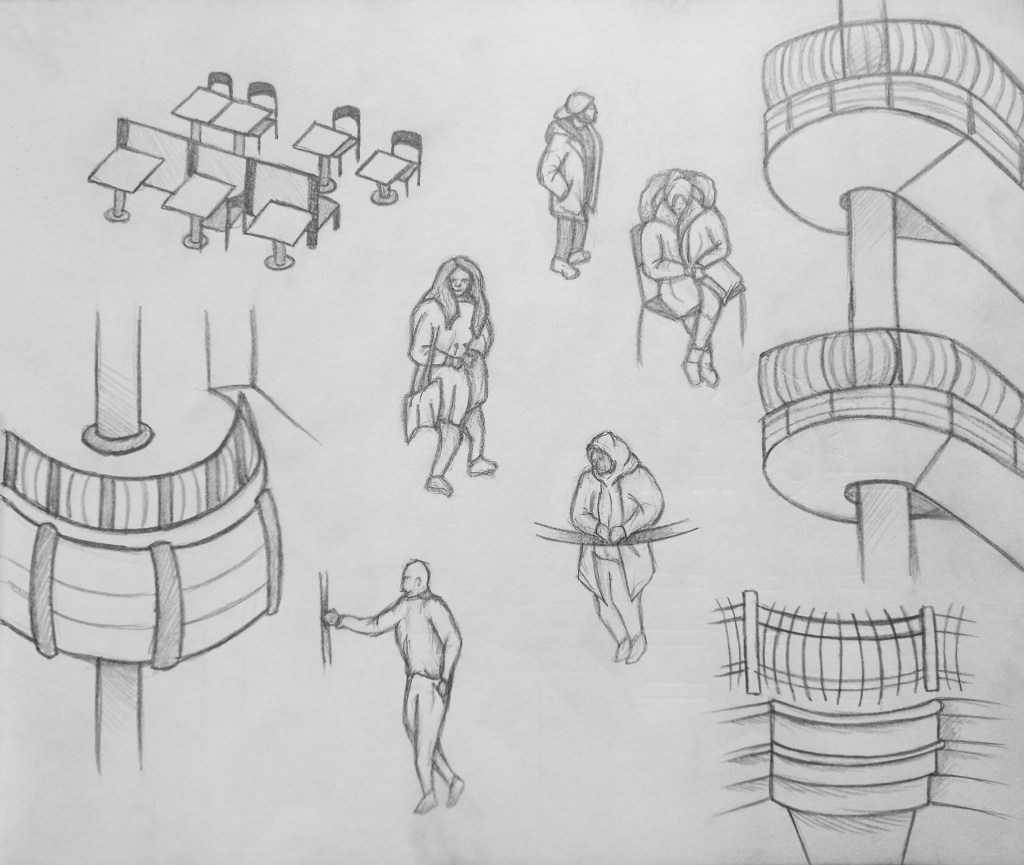
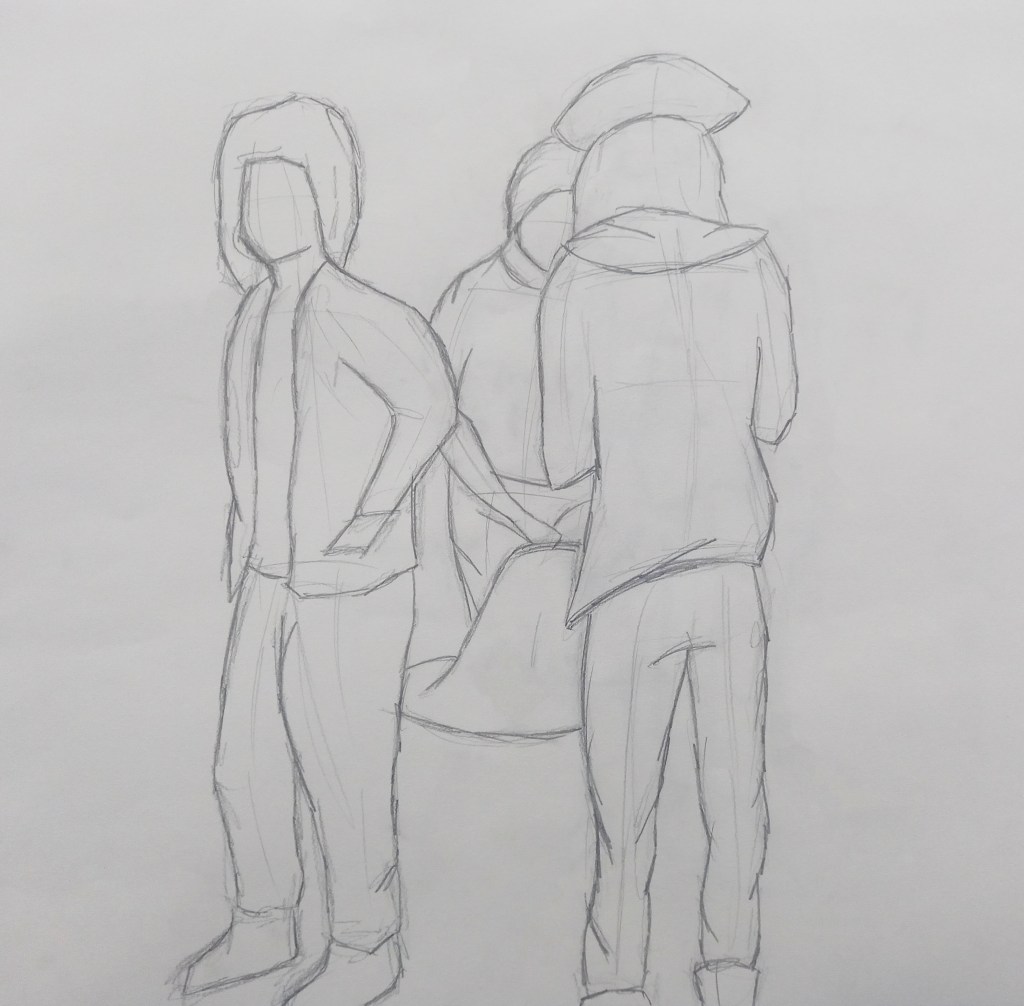
The second environment we went to was Harrow shopping centre. The 2 areas had completely different atmospheres and demographics of people. For this location I decided to focusing on sketching people. Prior to the session I watched a video with tips about gesture drawing and how to capture a person movement and body language quickly. The most helpful where to start with a line of action that runs from the head to the feet, this helps get the overall position of the person and then draw in 3 axis. One at the shoulders, hips and knees. This information alone is enough as from there, with a good understanding of prorations you can sketch a more complete figure. This was especially helpful as people where either constant moving or stopping for brief periods of time.
I became more comfortable with drawing in public as the day went on and it’s something I will continue to practice as it’s a good form of documentation.
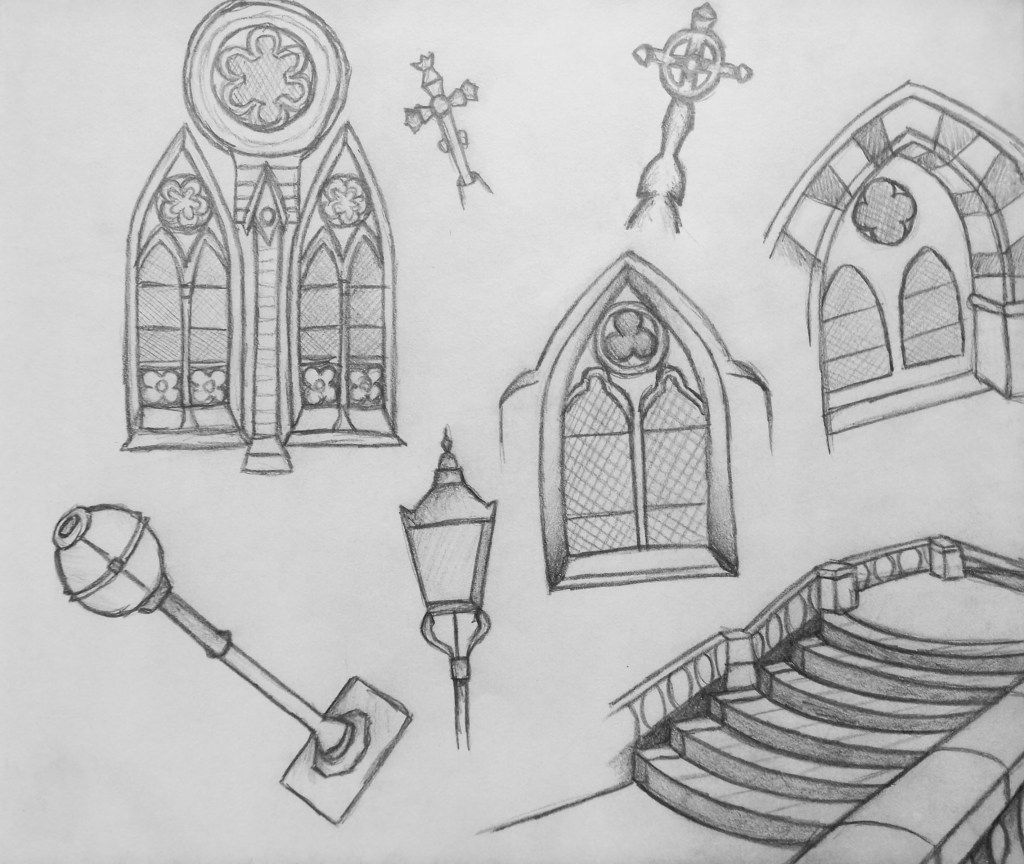
After the session I used my observational sketches and photos to make more developed sketches from the different locations. From the private school I focused on the architecture as it was what I was drawn to most.
One area at the private school that particularly interested me was the church in the cemetery. So from a photo I took I made this more developed biro sketch to try and and capture the texture of the building as well and the detailed, rich architecture.
These are more detailed sketches from the shopping centre. I did some of the architecture to be able to compare the 2 locations as well as developing some of the sketches of people.
A technique I enjoy is using a base of watercolour the overlapping that with biro. I like the aesthetic of them overlapping particularly when the watercolour doesn’t completely fit within the biro lines so this is something I’d like to test out.
Overall I found the experience of drawing from observation in public to be both challenging and enjoyable. It had practical challenges such as having to work fast as well as me just initially feeling a bit uncomfortable but I quickly began to adjust. I plan to continue doing this as I can see it’s uses within documentary illustration and as a quick way of recording ideas and inspiration.
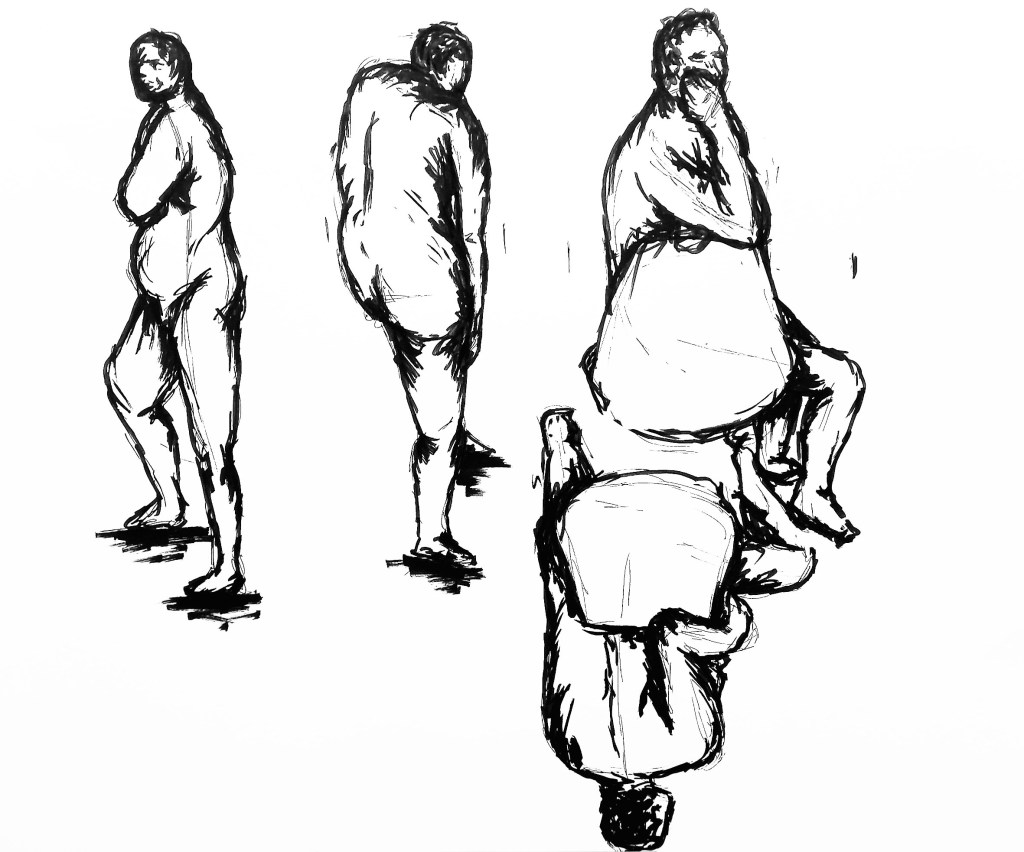
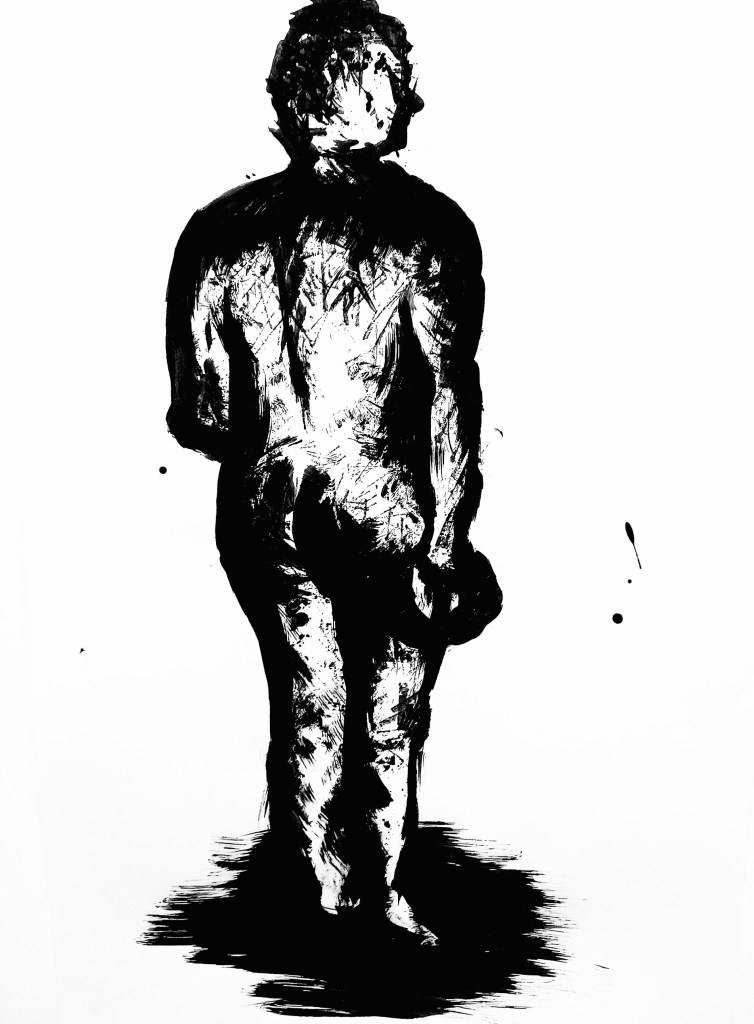
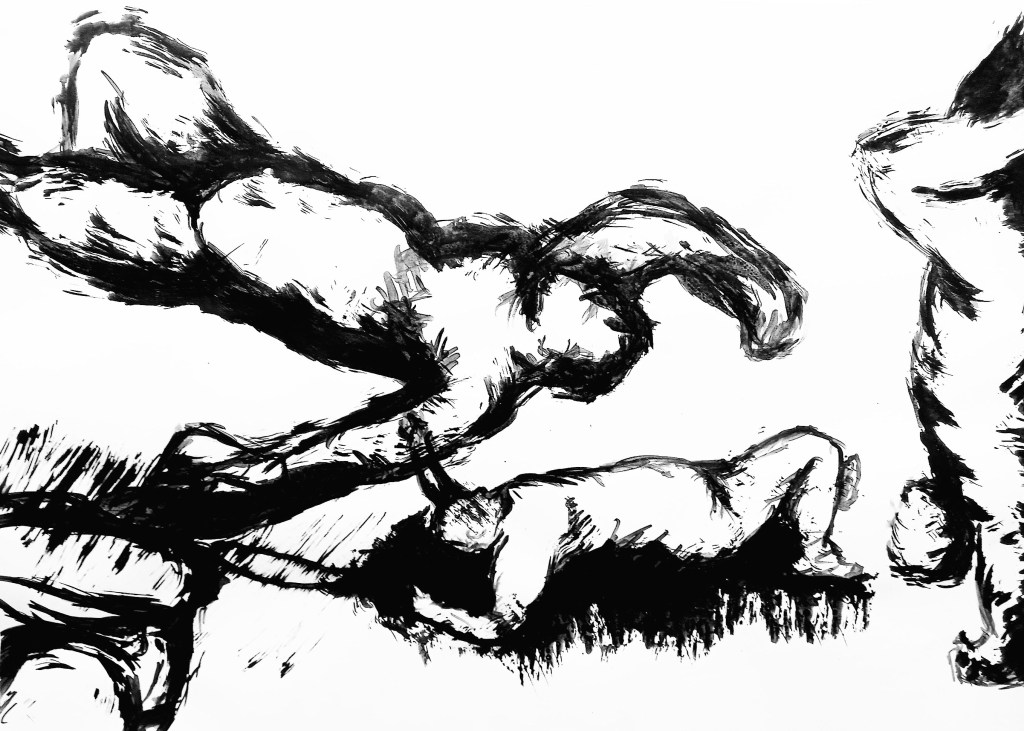
For this weeks session on figure drawing we had a live model come in and used ink to create expressive and distorted lines. The style Sumi-e uses lots of expressive lines in ink so was a good source of inspiration for this work:
The first exercise we did was a series of 9 1 minute sketches of the model in different poses. For this we used a thin black pen. It was a good warm up to get us sketching quickly and getting used to the models physique.
The second exercise was particularly challenging as we have to sketch the model while he was moving. Sketching someone in motion is difficult but because he was doing a repetitive motion I got used to it and was able to make some sketches.
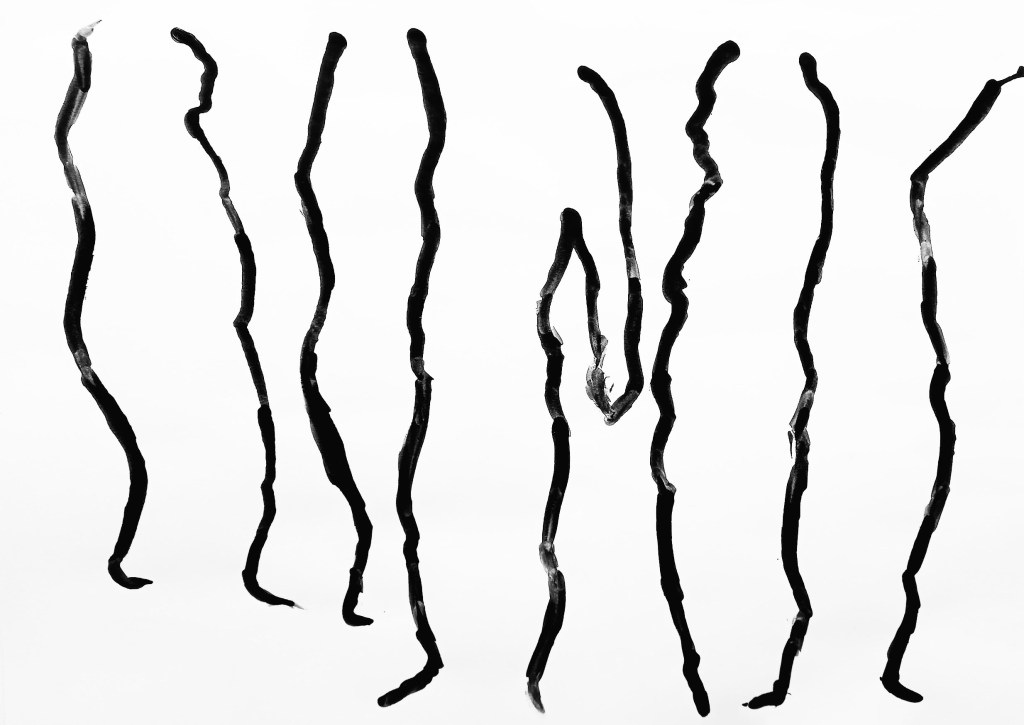
Another task was to just draw one side of the figure in one line in different poses. This was an interesting exercise as it made us focus on the negative space . It’s something I’d never done before and found it helpful as way of really focusing on a figure.
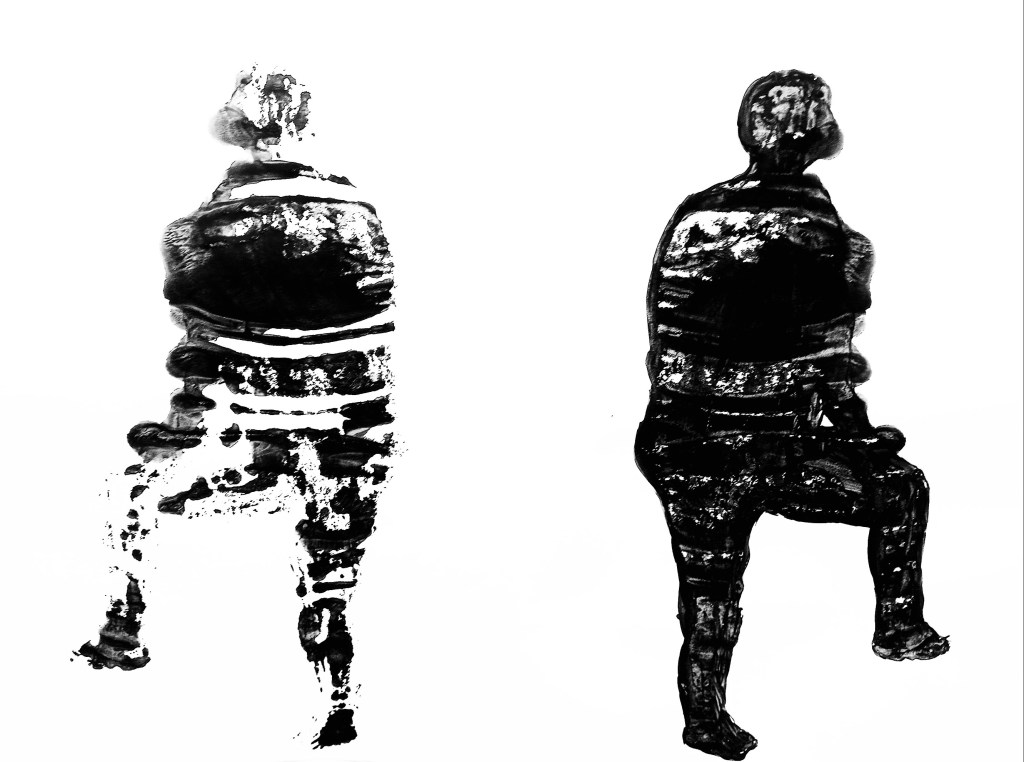
Just like the last task, for this we used black ink. We were given a time limit to sketch the outline of the model and fill it is with black ink. Then we had to fold the paper to make a print of it. I liked this task because it created an interesting print that showed a distorted figure.
For this exercise had had a slightly longer time frame to make for sketches from different positions in the room. I got to try drawing sitting on the floor and chair as well as standing by an easel. I found I had the most control when sitting on the chair but enjoyed standing at the easel because it took me out of my comfort zone and allowed me to be a bit more dynamic. I used a thick black pen for this and was happy with the sketches I created
This was an even longer sketch and I used ink and different tools such as a sponge and sticks to create it. Using unconventional tools is something I’m not used to but was surprise by how much I enjoyed it. I was able to create and interesting texture by using them. I will try to experiment with other tools in the future.
This was my favourite piece I produced in the session. The model stayed in one pose and we had 5 minutes to make a sketch and move location and draw again. We did this 4 times and I created this composition. I find laying down poses more challenging so I was happy to be able to see clear progress. Also I chose to do this is ink and it was the medium I was confident with and wanted to push myself to expand the mediums I can use.
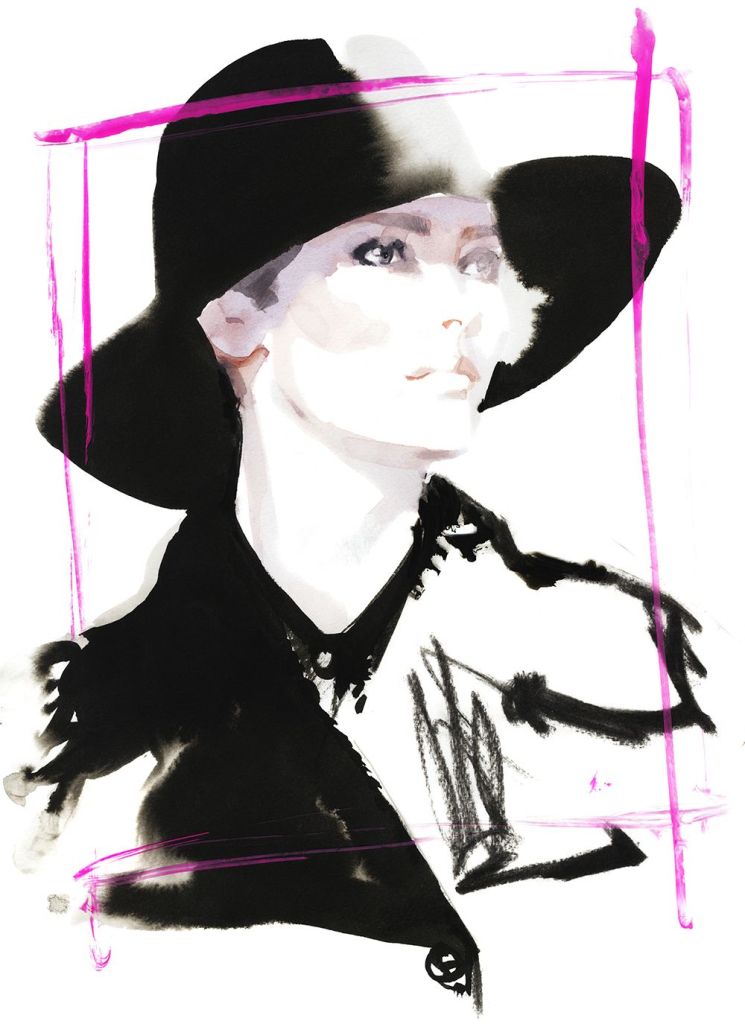
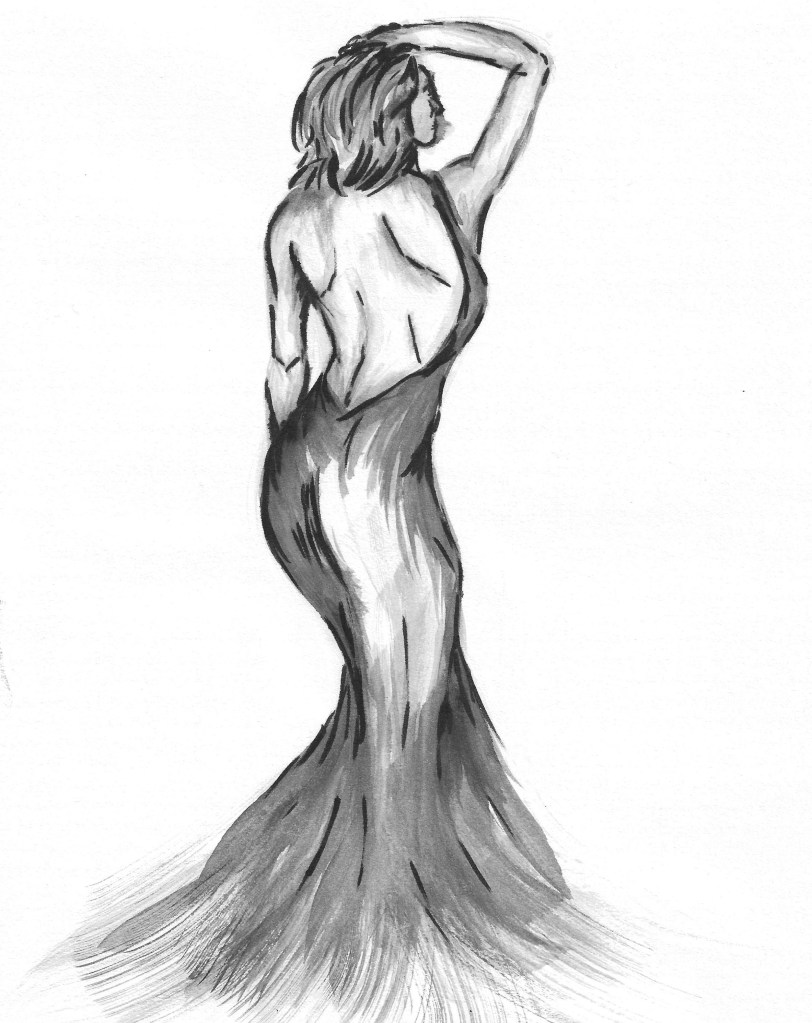
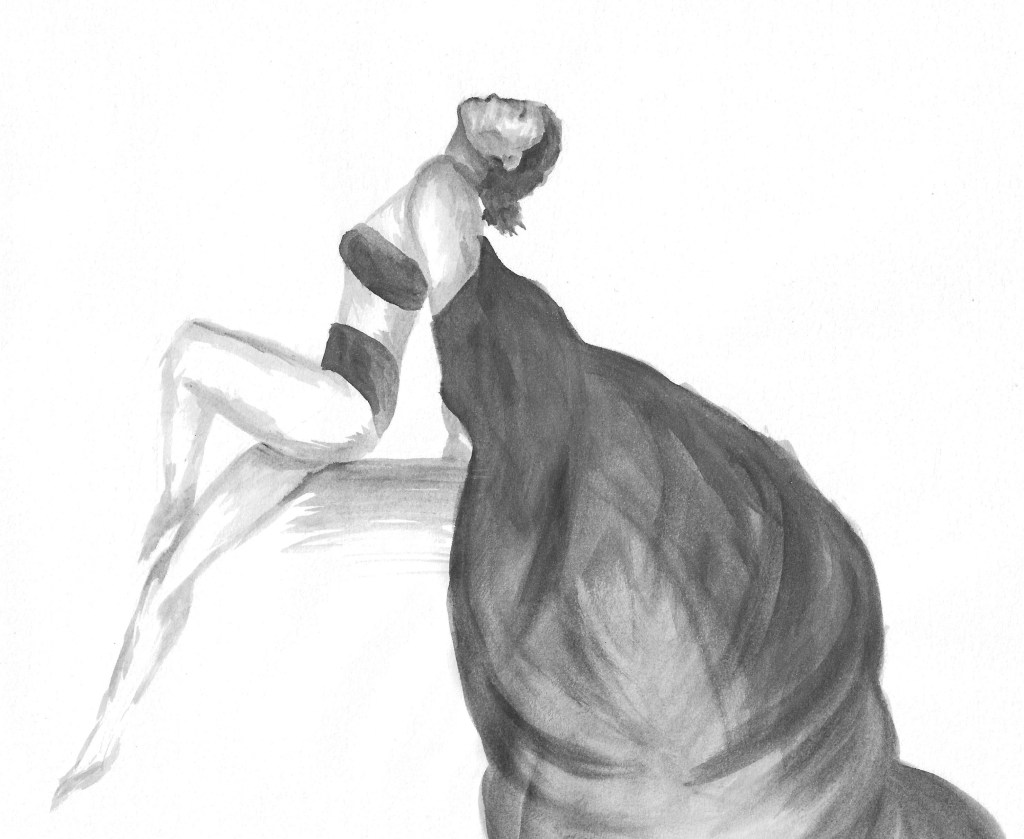
For our homework we had to create 3 fashion illustrations inspired by the work of David Downtown. I used black pens of 2 different thicknesses and black ink. Unlike in the session, I used water to dilute the ink to create different shades. This is something that I thought was successful. I used different brushed to get different strokes and marks. This is an example of David Downtown’s work.
To start each sketch I did a very light pencil gesture drawing then began to build on that. Then I used to ink at to add in the details such as folds in the clothes and body shape. I started with using lots of water and built up to less. Then in certain bits I used the pens to add more detail to the figure, clothes and facial features.
This one is slightly different in the way that it was done with just with ink and water, no pens. I like the floods and flow on the cape and the details on the figure.
We were introduced to the Drawing Exploration module and split into 2 groups. The group I was in is doing the figure drawing section of the module first. We began the session more theory based work, learning terms such as Wabi-Sabi, and what makes something a drawing. We also looked at 7 considerations which can define and determine a drawing from inception to completion and engaged with drawing as a bio-mechanical process.
Then we looked at different pencils and why we use different ones. In particular we focused on 2H, HB and 2B as these where the only tools we used for the figure drawing we did later.
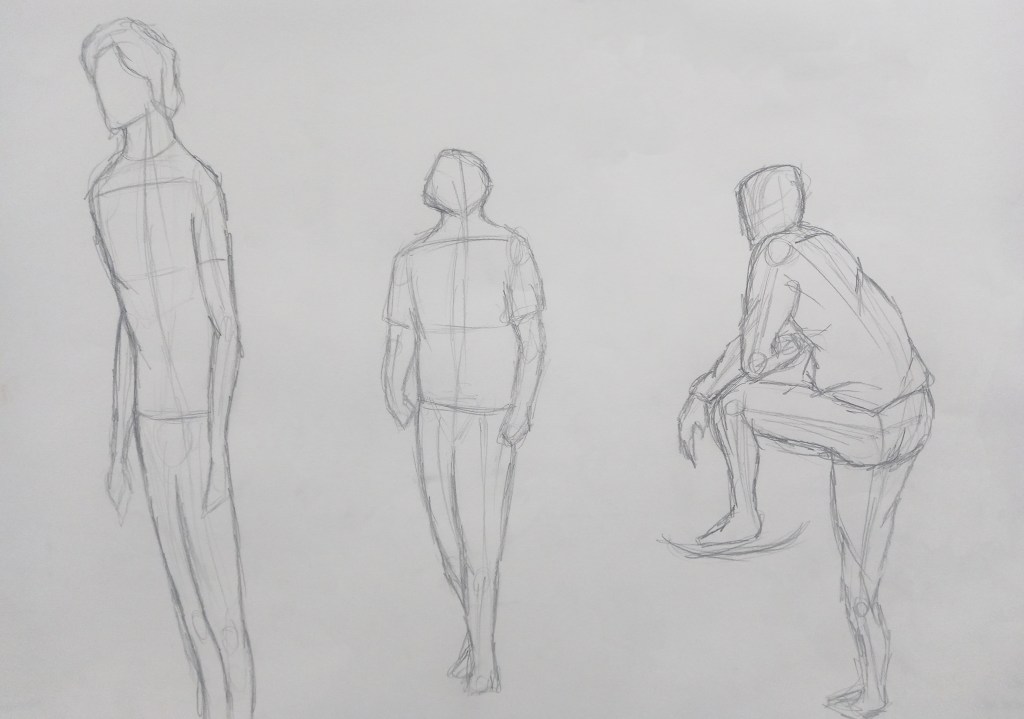
For the figure drawing we each took it in turns to model. Every sketch was done in under 4 minutes, forcing us to work quickly and record only the essential information. Initially we where given no instructions but later on we where told to focus on particular numbers of figures and sketch the scaffolding/framework first which helped to get the proportions of the body. Another technique that helped was putting 1 mark at the top and another at the bottom to keep the whole figure inside to make sure it stayed on the page.
Overall I’m happy with the outcomes from this session and could see clear improvement especially after using the framework technique as the proportions looked more accurate.
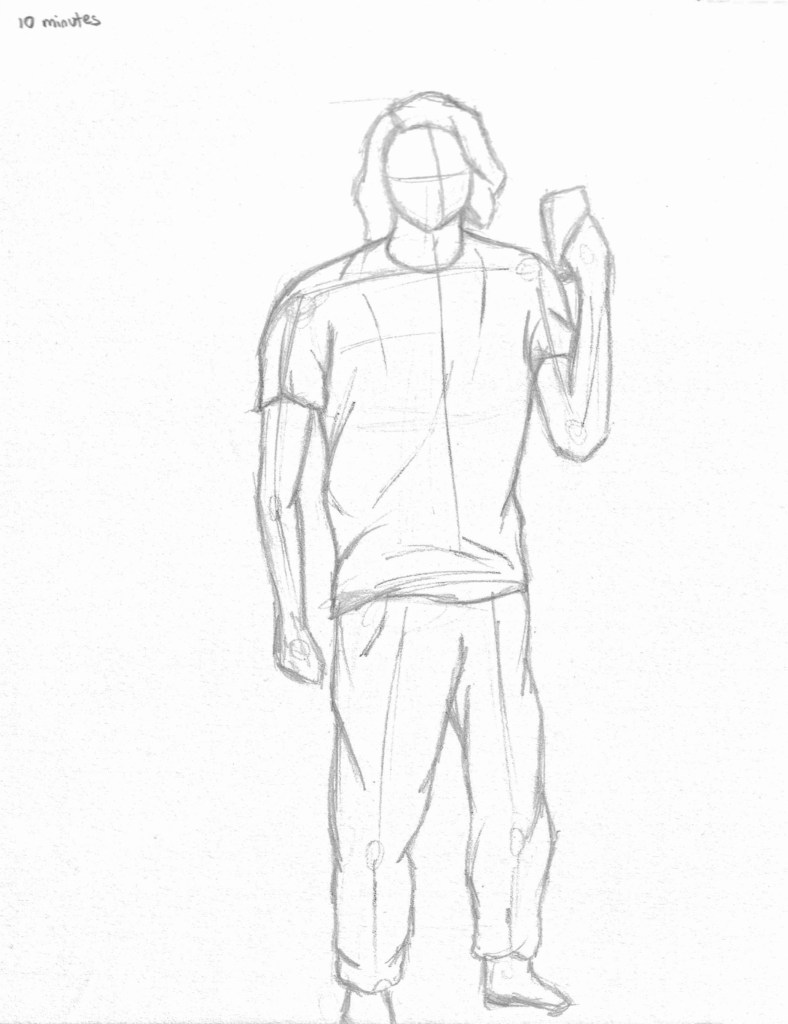
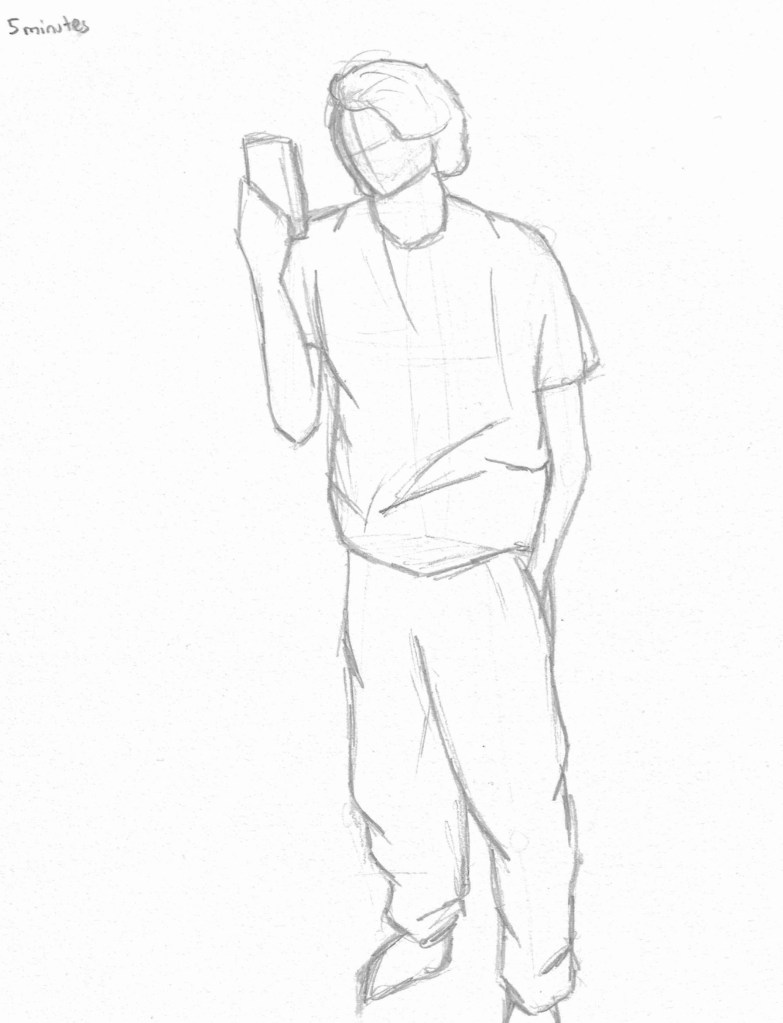
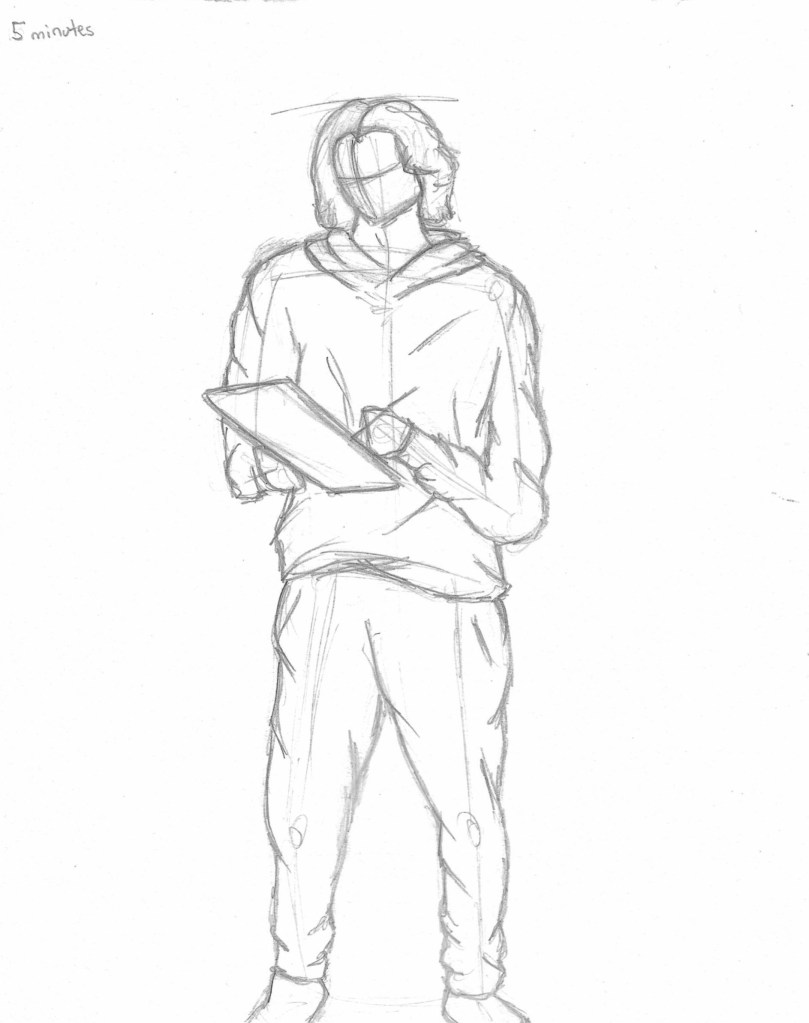
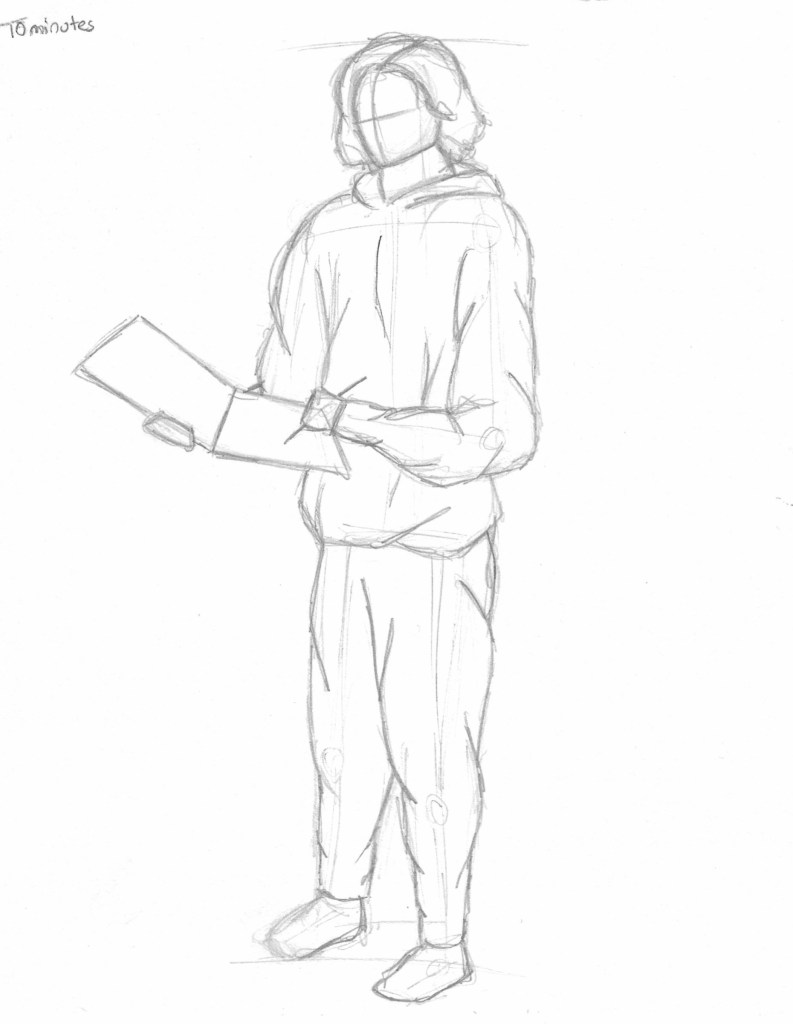
In my independent study I completed 3 figure drawing using the skills and strategies learnt in our session. I gave myself time limits of 15, 10 and 5 minutes to practice working fast and having abit longer for some to develop some details.
These sketches where done by standing/ sitting in front of a mirror and sketching myself. This was challenging as I had to stay very still and record the key information quickly. It’s something I had never experimented with and I think it was helpful as a way of improving my observational and quick mark making skills.
I took all the ideas from my reference images and the roughs I made and began to create the packaging. I chose to design 2 alternate front covers rather than a pull out/ poster, a back cover and a design for the cd/vinyl.
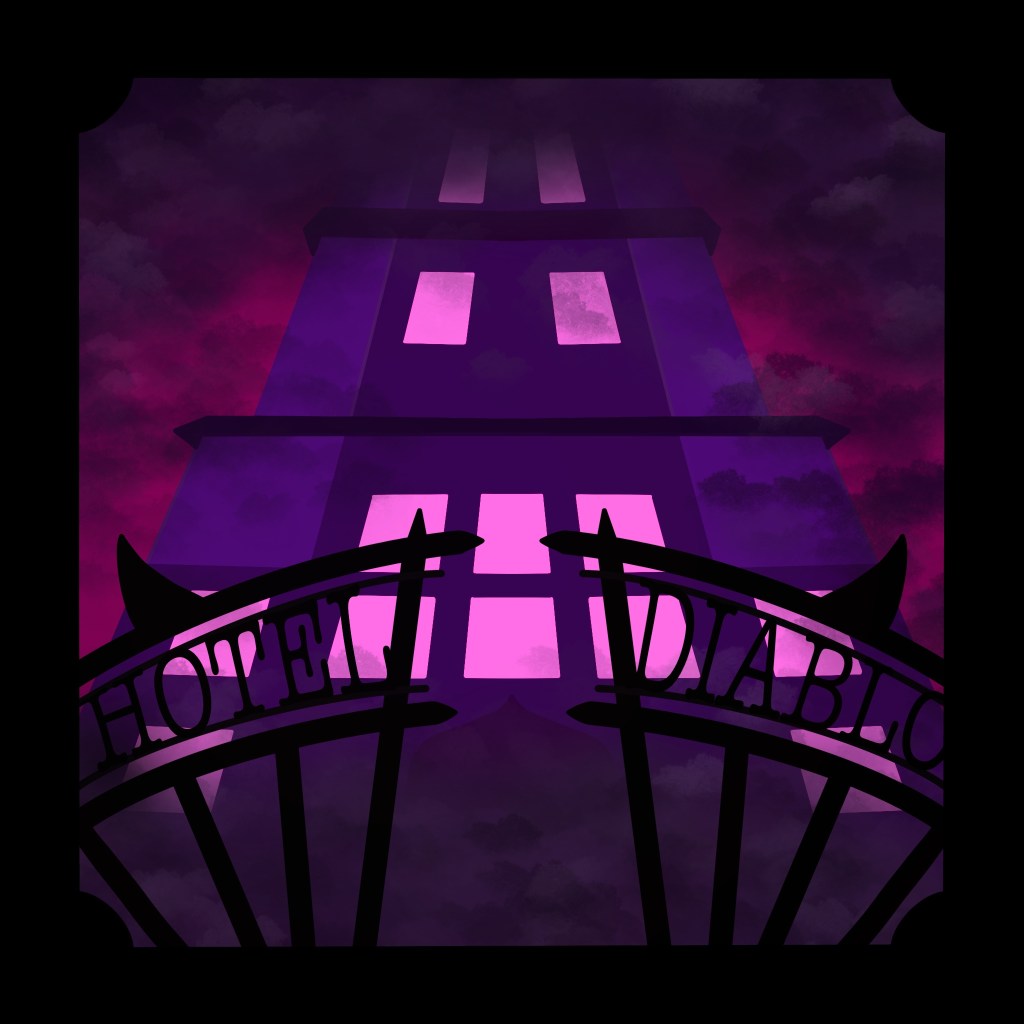
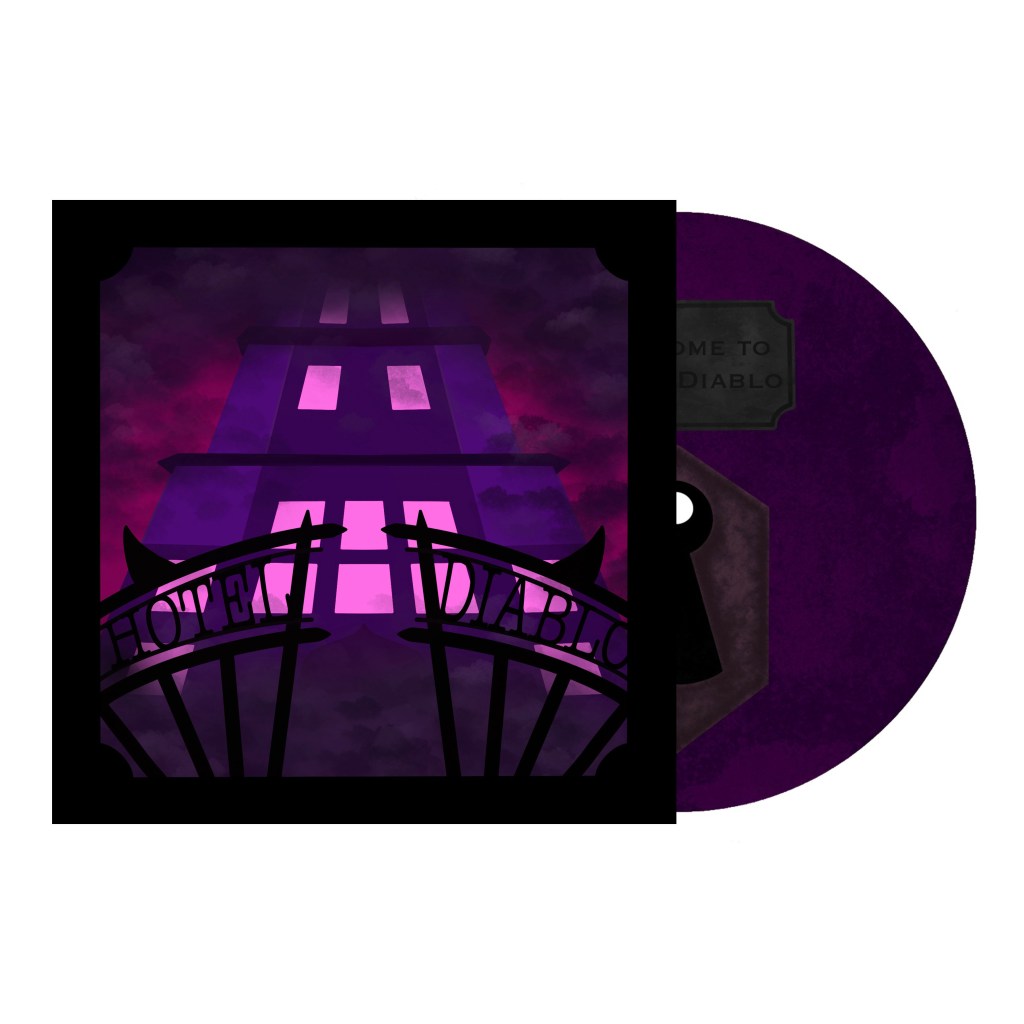
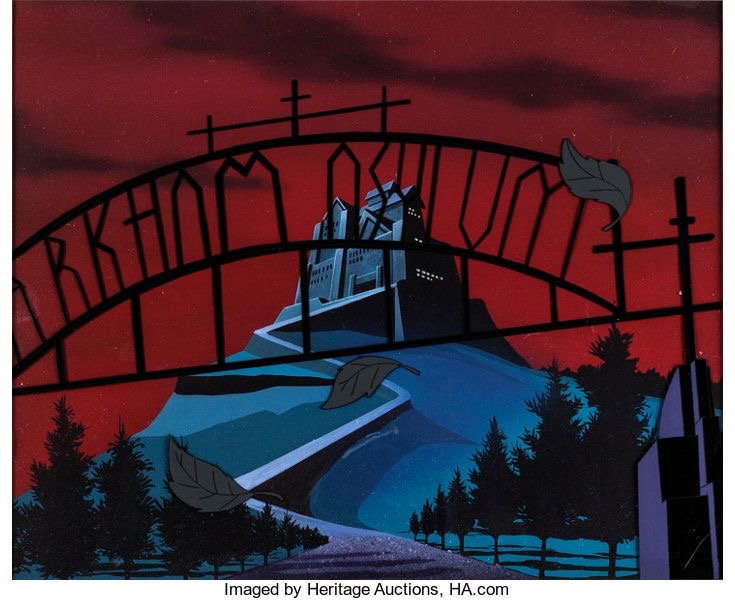
This is the first album cover design. For this piece I used a combination of Illustrator and Procreate. I decided to do a low, central vantage point, making the hotel appear large and ominous. I’m happy with the way that I was able to incorporate the album title into the design using a gothic inspired gate. I added a cloudy design over and around the hotel to add depth and create an eery atmosphere. The colour scheme is fairly simple with just pinks, purples and blacks. These colours reflect the dark yet rich sound of the album.
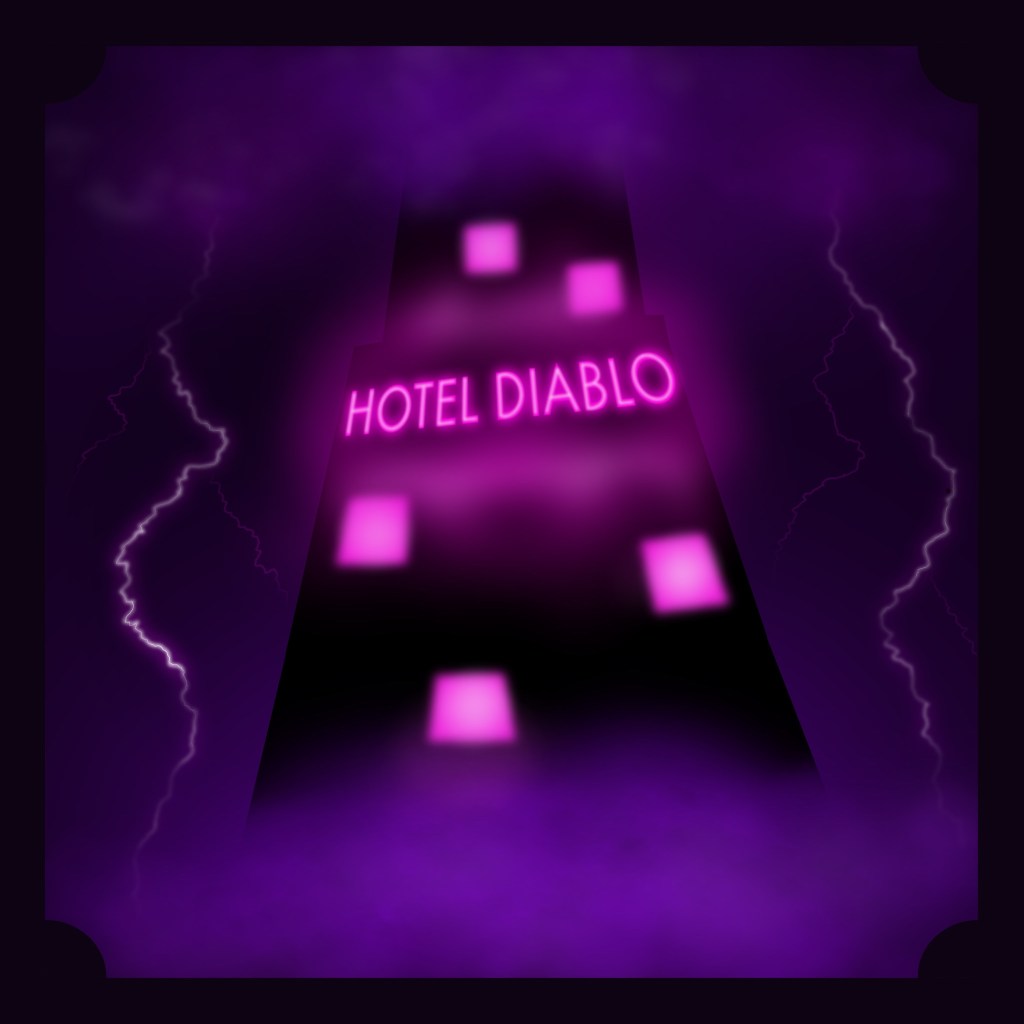
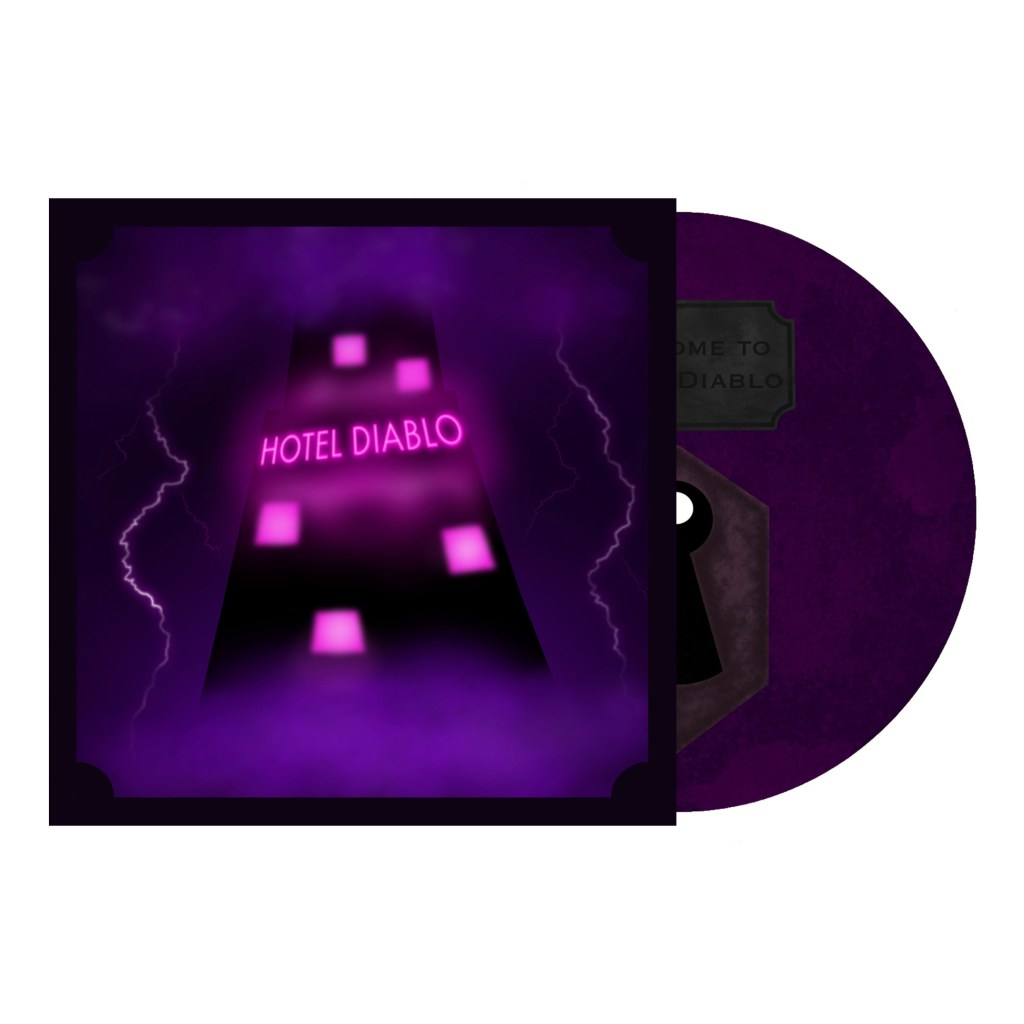
This is the second front cover design made with Photoshop and Procreate. I used a similar colour scheme as the first one but there’s more purple and black and I chose to limit the pink to the light. This cover is more atmospheric, with more cloudy texturing obscuring the top and bottom of the hotel. I particularly like the neon glow effects I was able to achieve on the lightening, windows and Hotel Diablo sign. The hotel is a more simple design with the only details being the pink light.
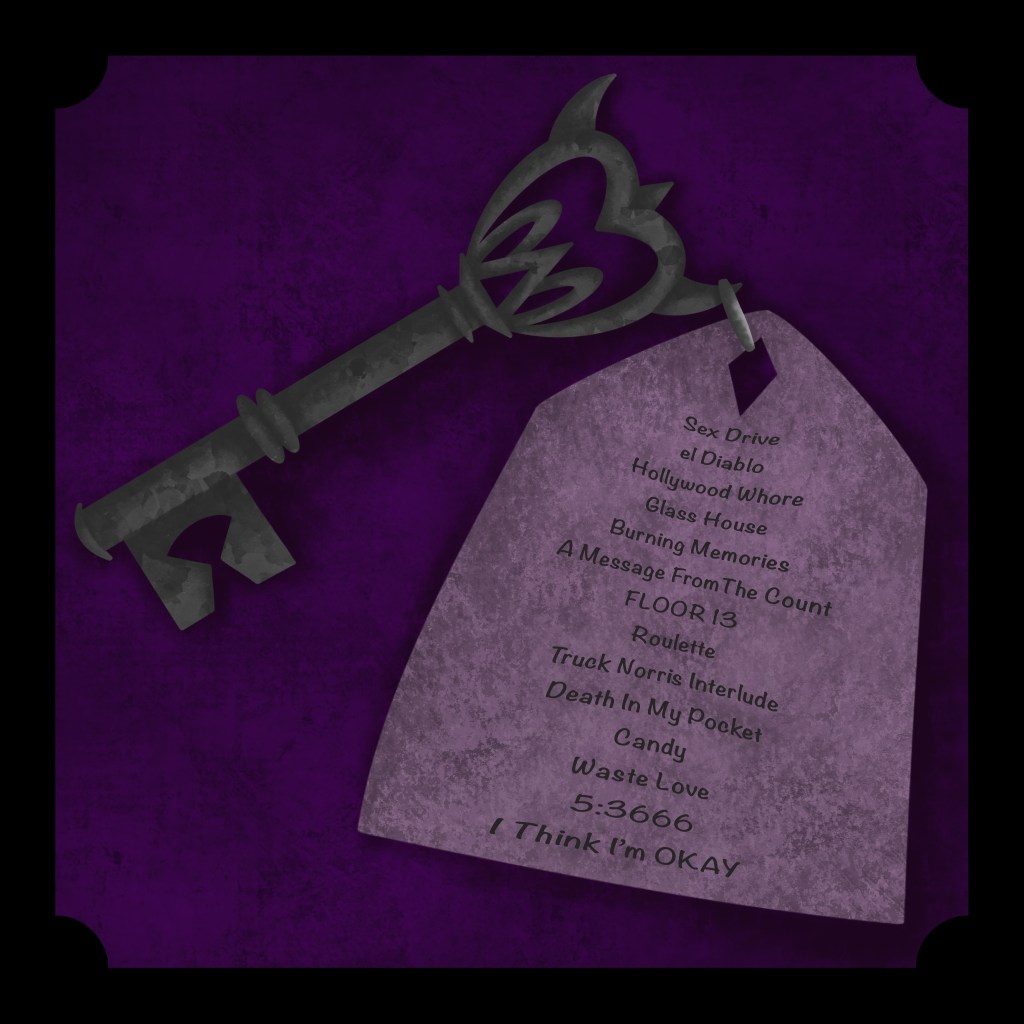
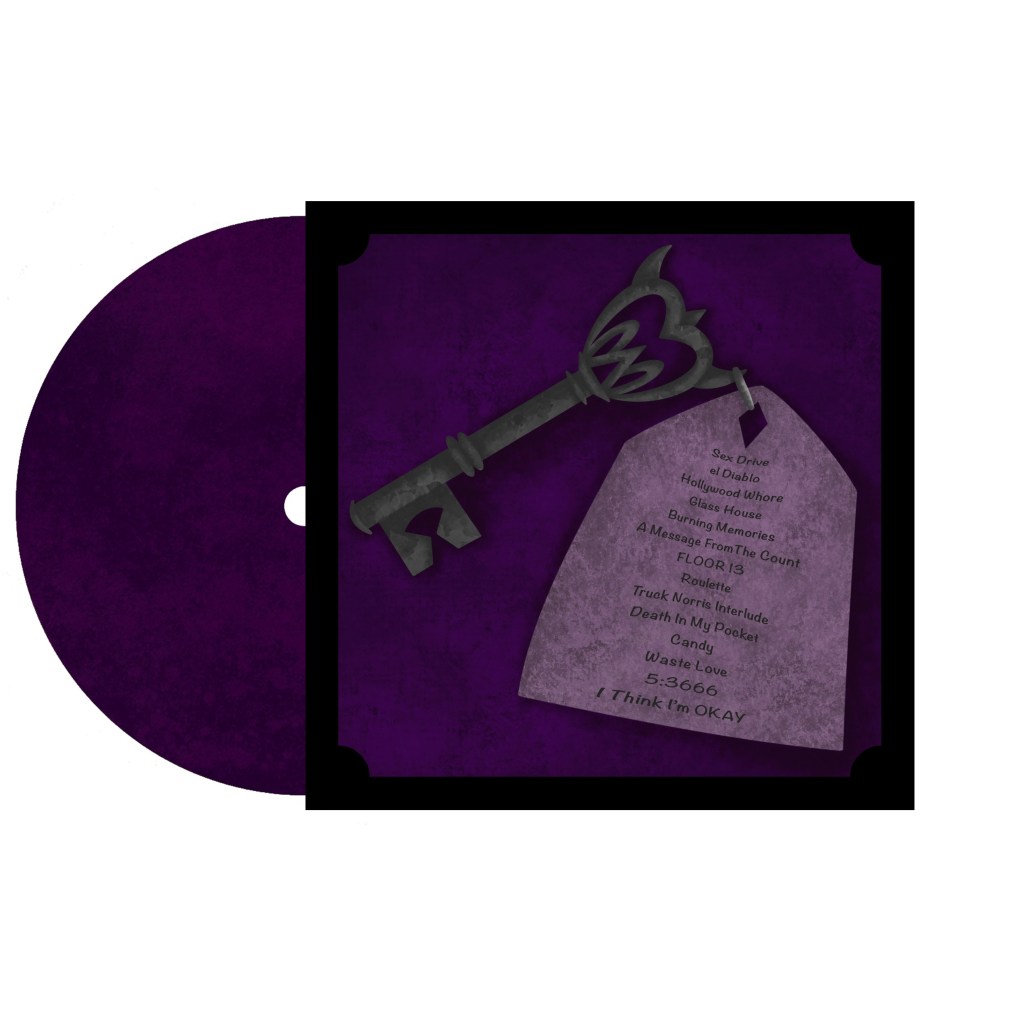
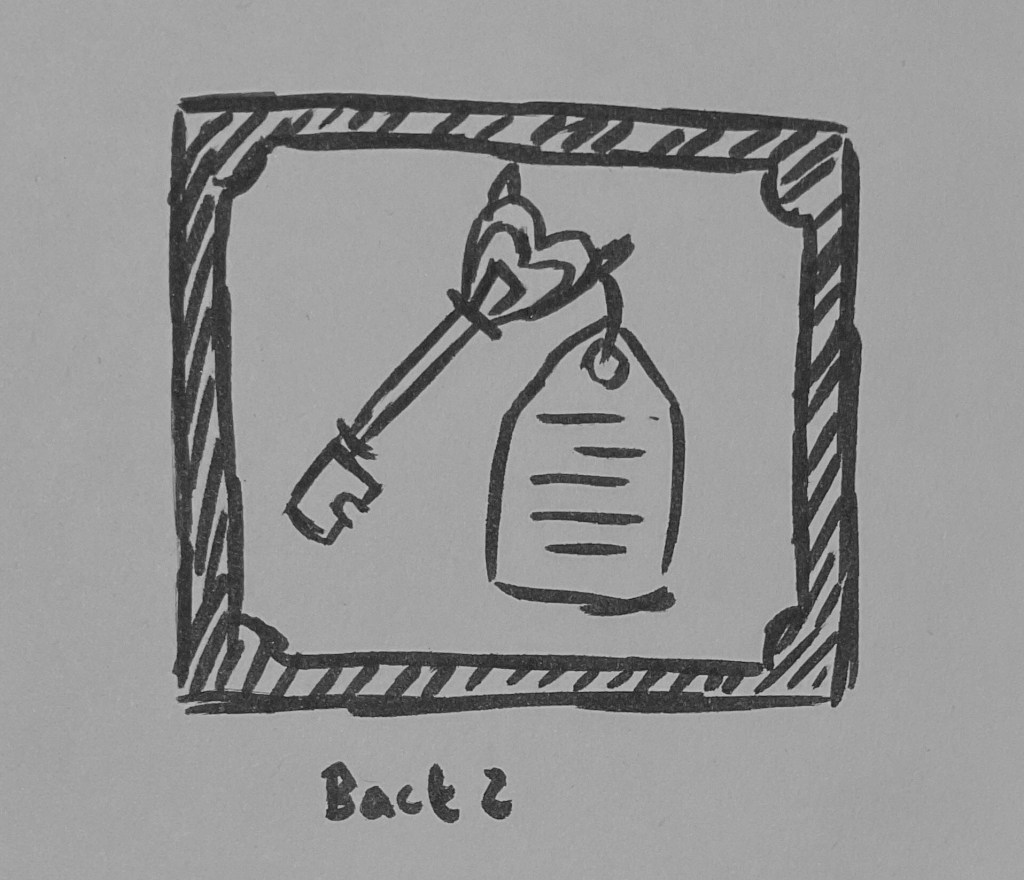
For the back I chose to do the key design, I used Procreate for this. I like the texture and shadow I created on the key and tag. The key links well to the overall theme of a hotel. I continued with a similar colour scheme so it fits well as a complete packaging design. I used the key tag to show to track list which is essential for album packaging. Also the imagery suggests that the key will unlock those rooms, creating the idea of the album being a metaphorical hotel.
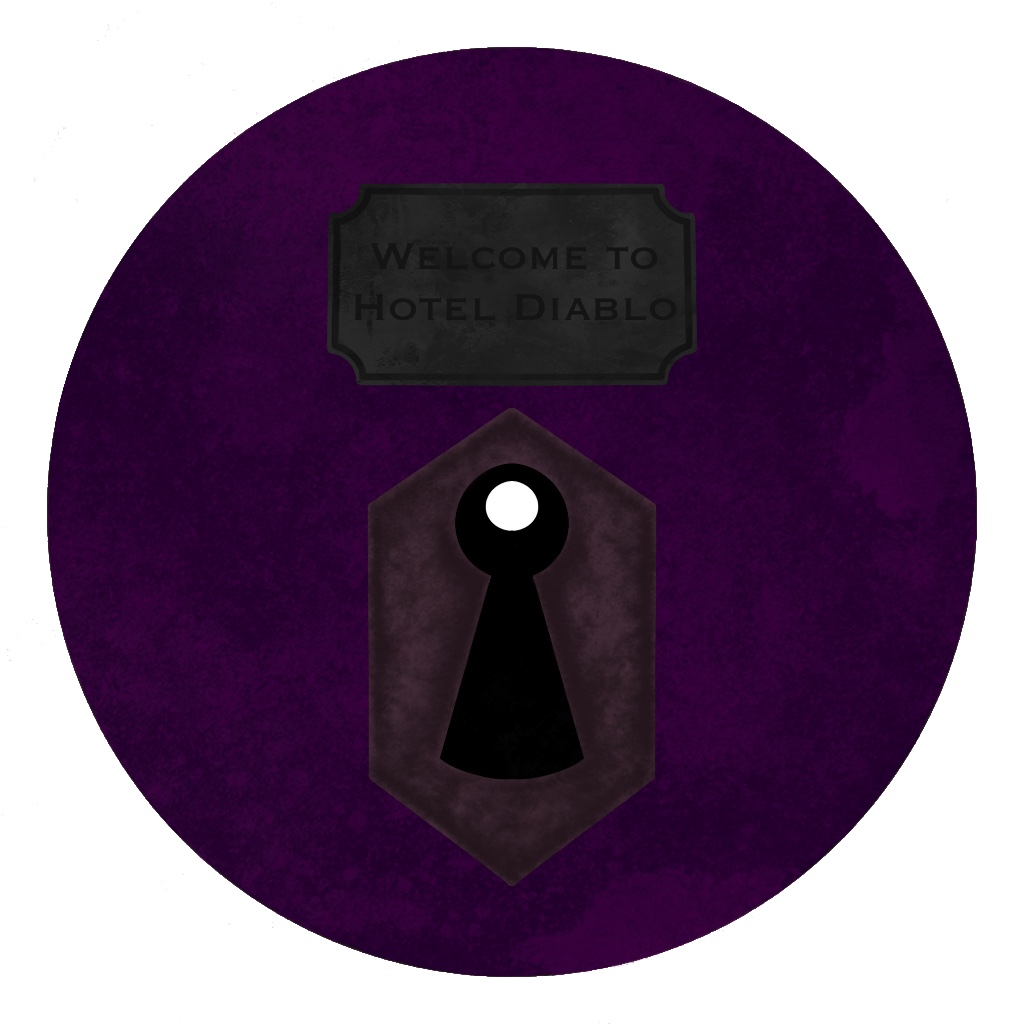
The cd/vinyl has a rusted keyhole design with a similar texture as the key. I added a sign at the top that says ‘welcome to Hotel Diablo’, I wanted to include this to link it to the theme and suggest that this is the doorway to the album and metaphorical hotel. I made this using Photoshop and Procreate.
The back of the cd/vinyl with the same texture as the front.
I then took my final designs and used Photoshop to put them together as a way of displaying them as a whole piece of packaging.
I really enjoyed this brief about creating a piece of music packaging. I was happy to create something about one of my favourite albums. I was able to draw lots of inspiration from the music, lyrics and other sources to create the packaging. Overall I’m happy with the final outcomes as they successfully incorporate my visual references and ideas while also reflecting the music on the album. Each part of the packaging works cohesively as a piece of packaging.
In this brief we have to design packaging for a cd or vinyl for an album or song of our choosing. The packing needs to include a front and back cover as well as a design for the cd/vinyl and could include an extra item such as a poster or pullout. I chose to make the packaging for an album called Hotel Diablo by Machine Gun Kelly. This is one of my favourite albums and I could see lots of ideas for imagery to represent the music through the pancaking for a vinyl.
Throughout the album MGK refers to a hotel but it’s never visualised in any of the actual packaging for the album. It’s more of a metaphorical hotel which represents his emotions. I wanted to represent this hotel visually as the key theme of the packaging.
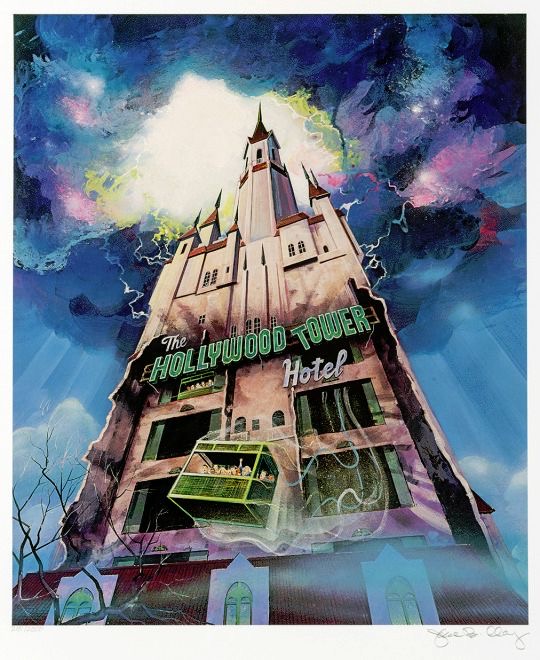
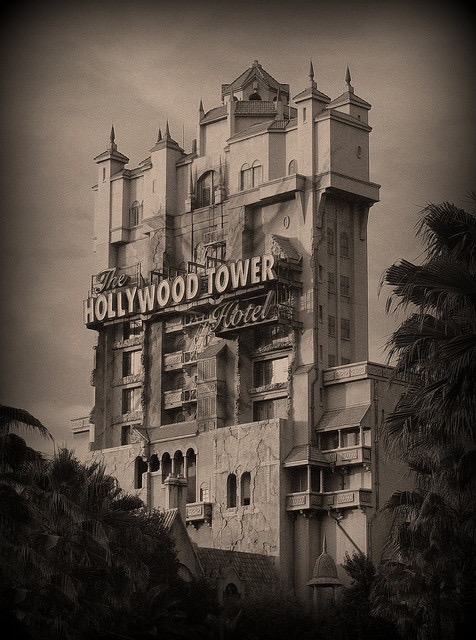
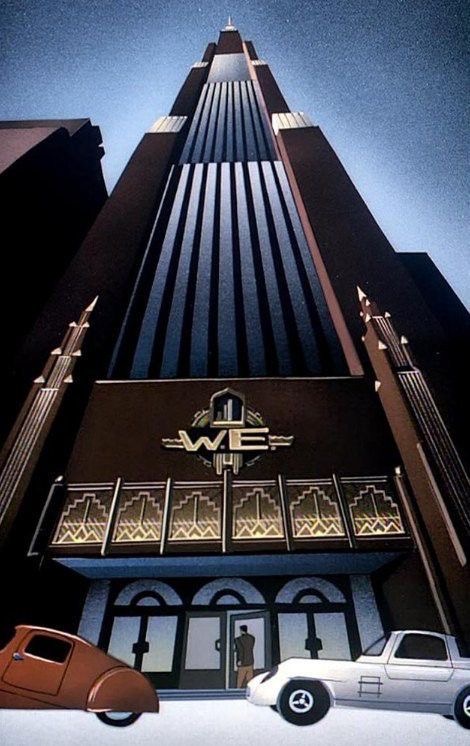
I found some reference images of different hotels and buildings to use for inspiration. I wanted to use a comic book style for the hotel. I took specific inspiration from haunted house scenes, comic book hotels and Disney’s Tower of Terror.
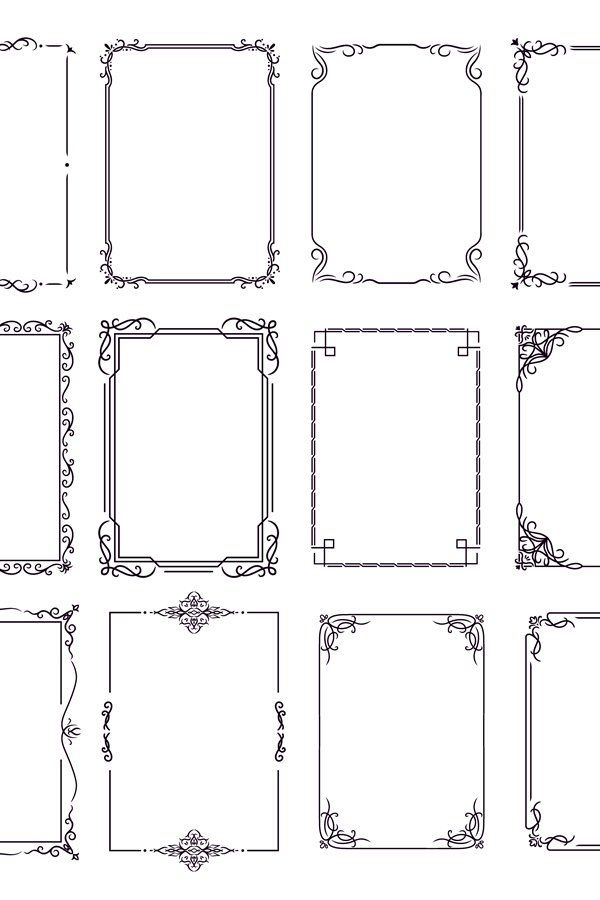
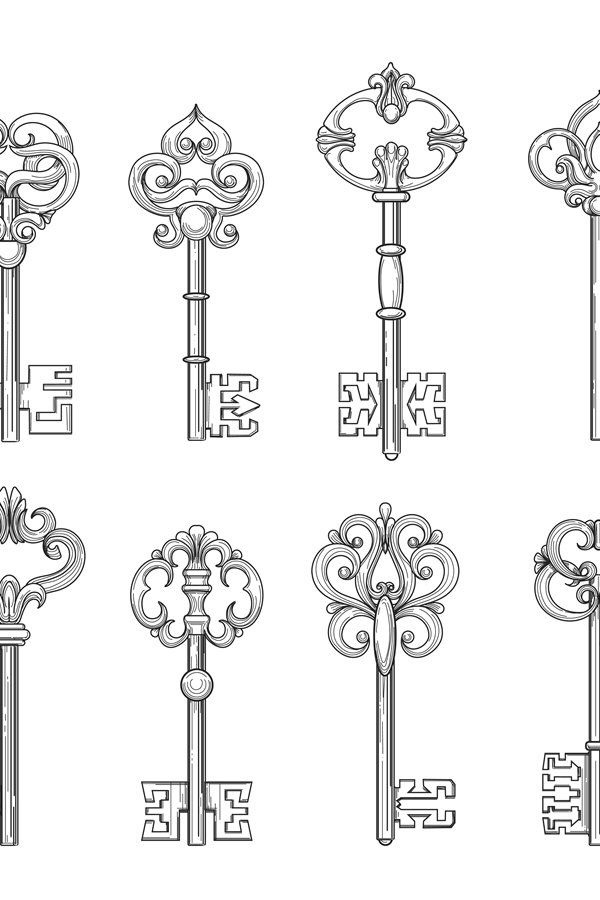
In hotels there is often fancy detailing like these below which I wanted to include as a border for the front and back cover.
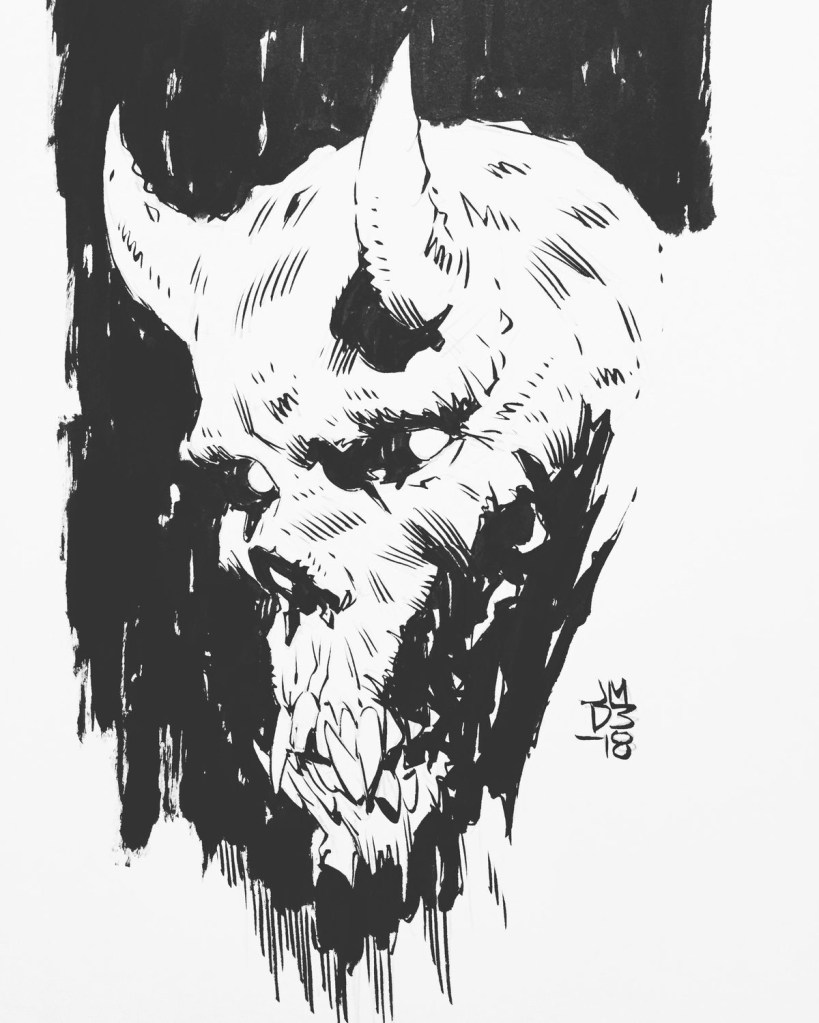
For a pullout/ poster I wanted to create a devil skull character with a key hole in its head to continue to theme of the hotel.
I wanted to use a key hole design on the vinyl/cd.
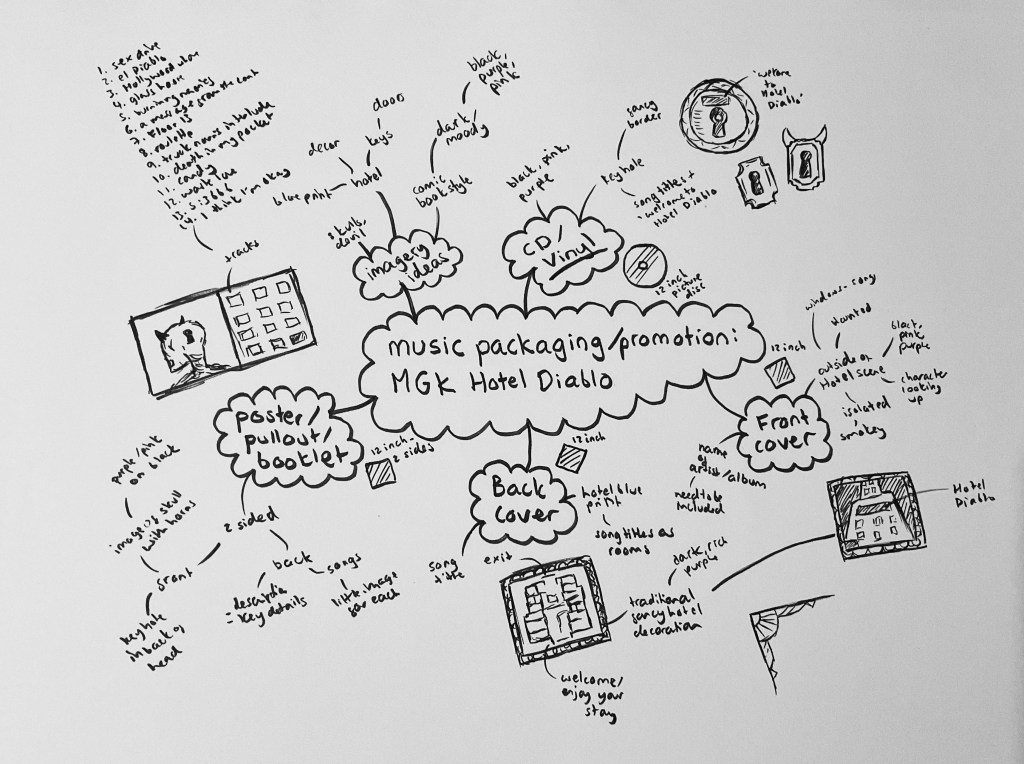
Here is my mind-map with initial ideas for each part of the packaging.
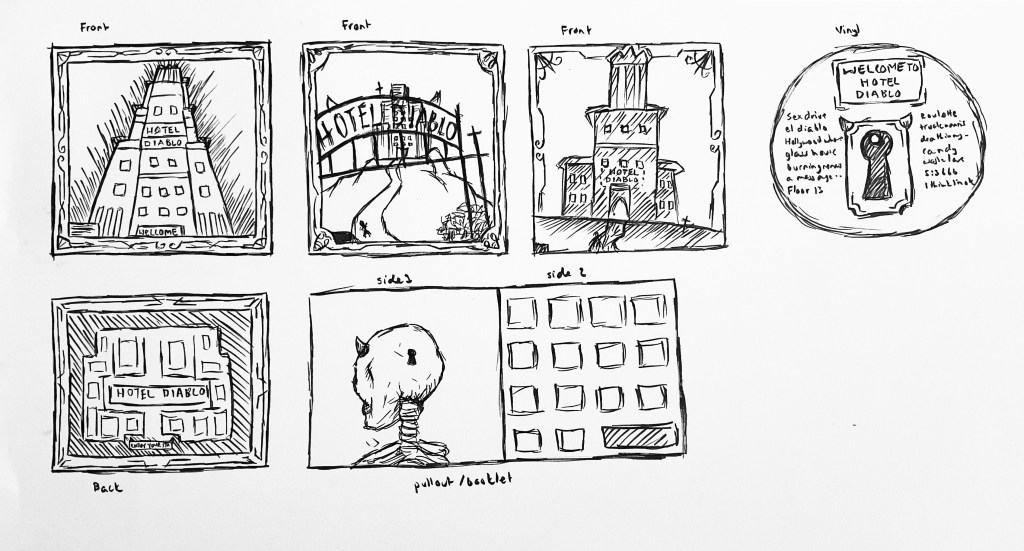
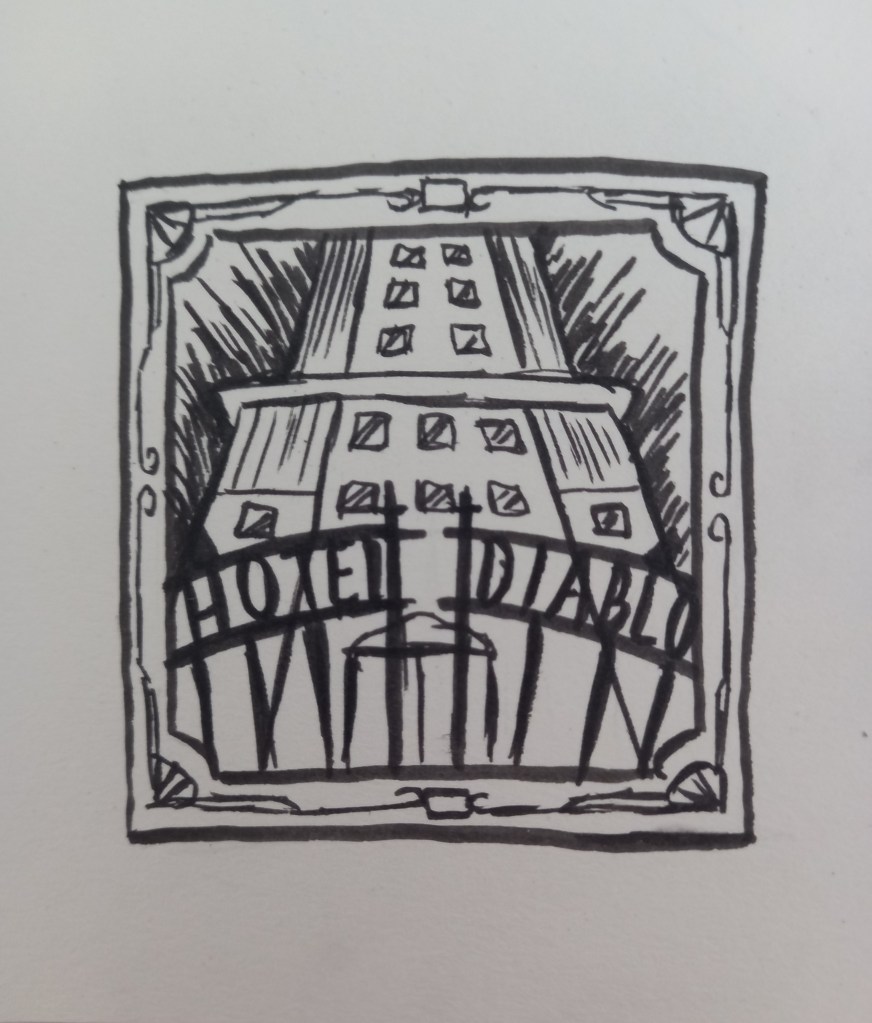
I then created roughs for each part. For the front cover I created a few different ideas for how to represent the hotel. The music in the album is quite dark in tone but also has an energy to it with the rich production. For me the best colours to represent the album are dark purples and pink so this is the colour scheme I’m gonna go with. The back cover will be a blue print of the hotel containing the track list to the album. Both these will have a decorative border around them. For the vinyl in want to add a key hole design with similar patterns to the borders to continue to hotel theme. For the pullout booklet I want to make a 2 sided design. The front with have the devil skull with the key hole and the back will have small images to represent each of the songs. I thought I could have these displayed in a windows like the hotel on the cover.
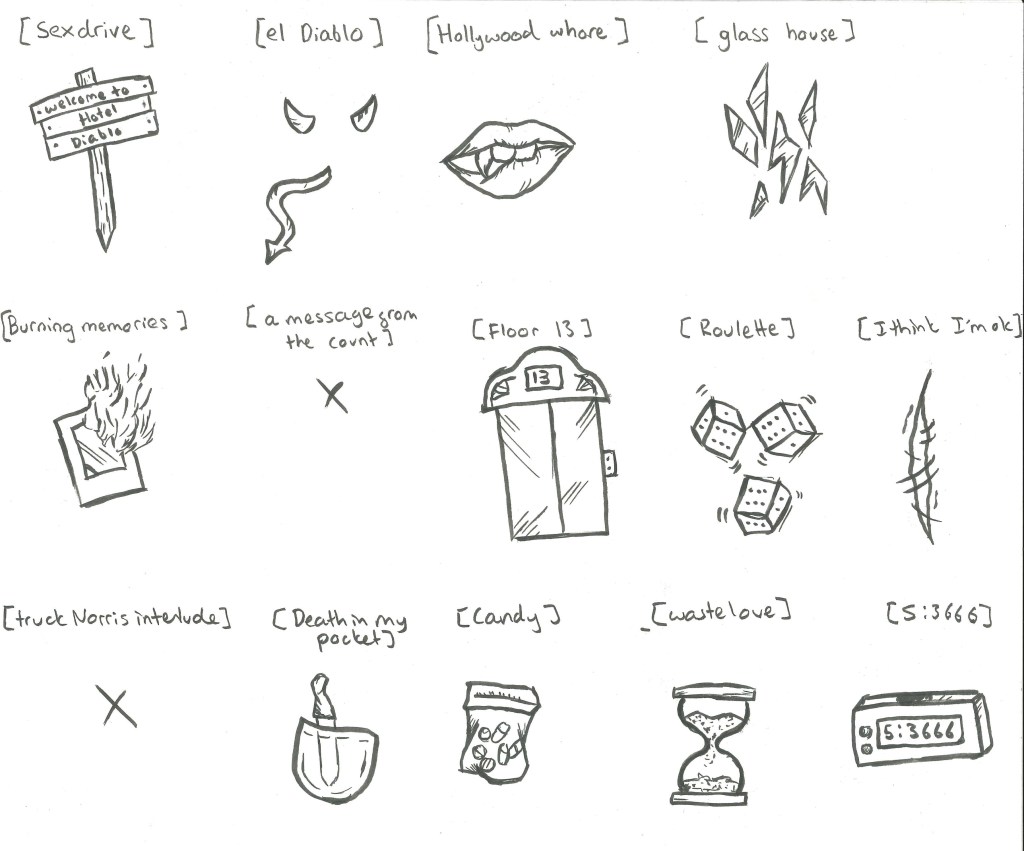
These are initial ideas for images to represent each song.
I combined my 3 roughs to make this composition. I particularly like the way the album title is incorporated into the design by using a gothic style gate.
Another idea I had for the back of the vinyl packaging was to use an image of an old fashioned key with a tag attached which has the track list on it.
In this weeks session on Photoshop we recapped selection tools and learnt some more advanced ones and applied these to making a digital collage.
Some classic selection tools that we revisited where the lasso tool, polygon lasso tool and magnetic lasso tool. These are useful but sometimes don’t give very precise selections. There’s also the object selection tool, quick selection tool and magic wand tool. I used a combination of these tools to help make my digital collage.
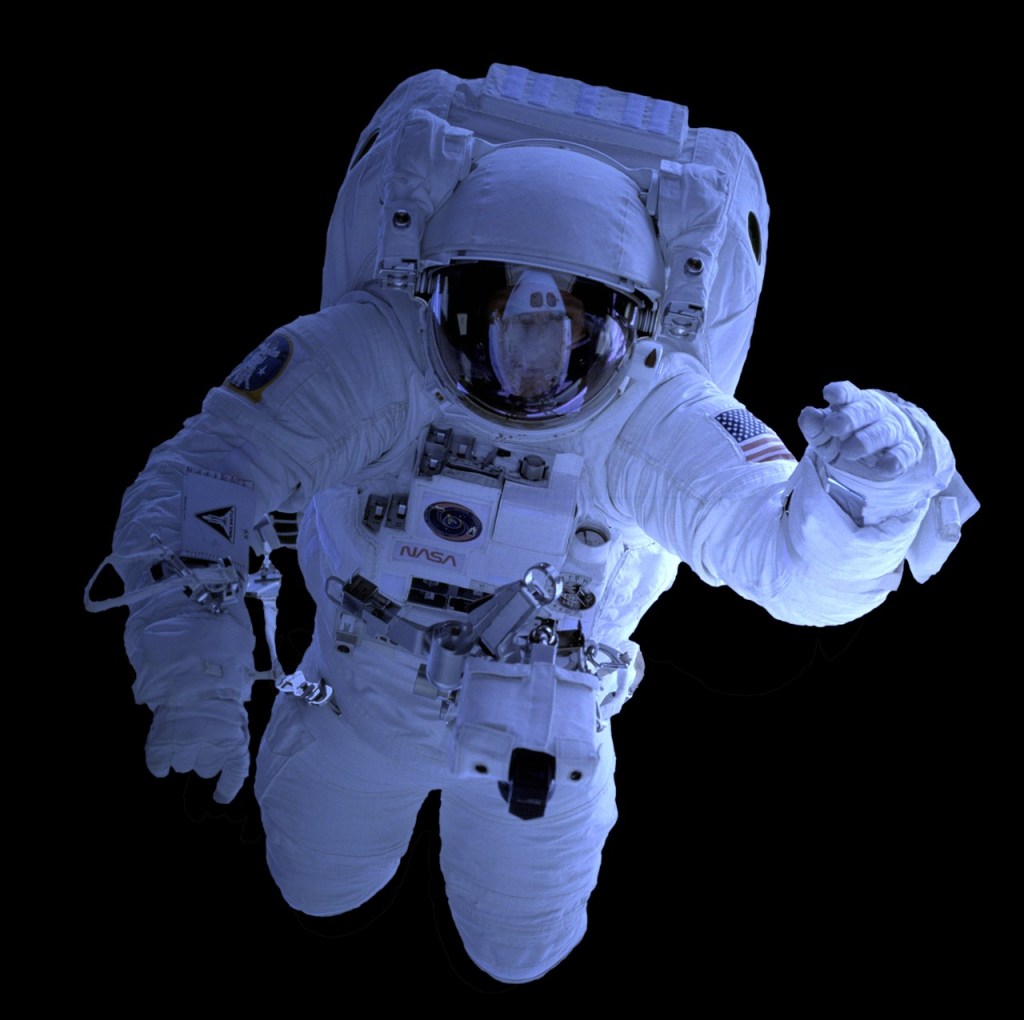
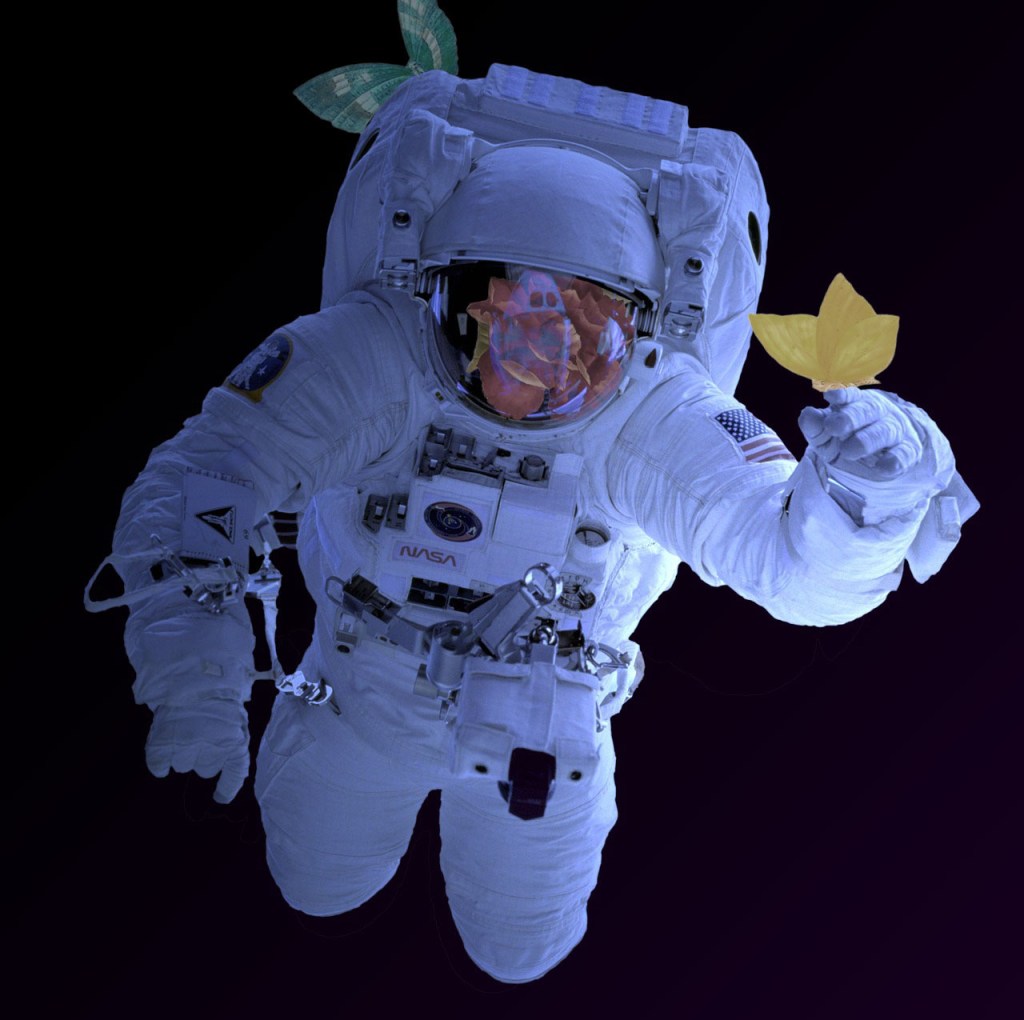
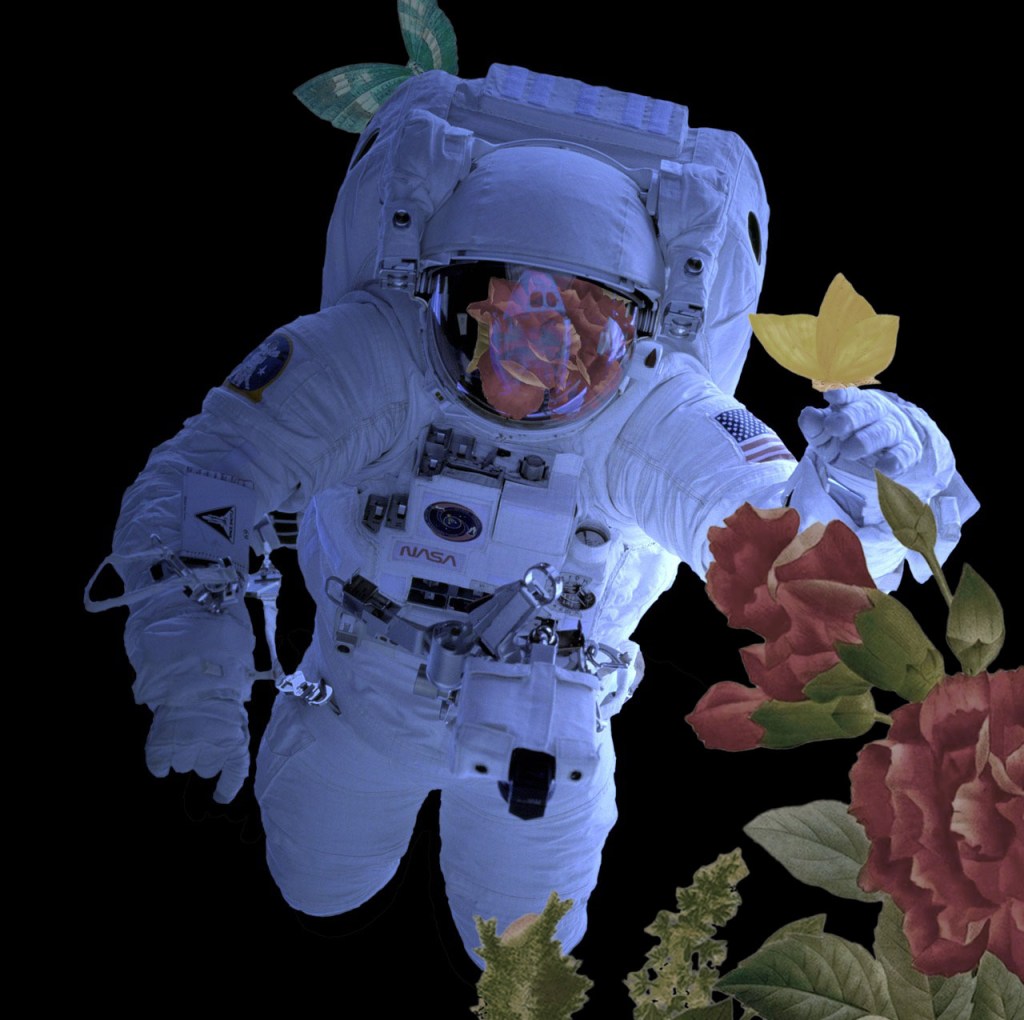
I went on Pixabay and chose this photo of an astronaut and a drawing of a bouquet of flowers. These are the 2 images I used to make the collage.
First I pasted both images into separate layers on Photoshop. I tried different classic selection tools to get the rose and butterflies that I wanted from the picture. I found that the most useful for this was the object selection tool as it gave me the cleanest edges. Once selected I copied them into new layers. The, using free transform I moved them to where I wanted them to be in relation to the astronaut. In order to make them fit properly I selected parts using the lasso tool and removed them. A new way of selecting that we leant was by going to the selection menu and choosing colour range. This allows you to select all the parts of a specific colour this will be a useful tool for future work but I didn’t need it for this collage. Another way is by using quick masks. You click the quick mask button, at the bottom of the tool bar and you’ll know it’s activated when the layer appears red. Then by using the brush tool you go over the part of the image you want to select, this is useful as it gives as softer edge to a selected object.
For each individual layer with the newly selected parts on, I added an adjustment layer and created a clipping mask. These are very useful as they allow you to non destructively add adjustments to select parts of an image. I adjusted the brightness, saturation, hue and contrast until I got the effect I wanted. For the rose I also changed the blend mode so it fit better with the helmets reflective surface.
I used the same process to add more of the bouquet to the image. Overall, I’m happy with the outcome as it used a range of different selection tool to achieve the digital collage. Each selection tool has it own purpose and properties tat make it useful. I learnt how to use quick masks, clipped masks and colour selection as well as improving my skills with the classic selection tools. I think the clipping masks will be especially helpful for future work as they will speed up the work flow in a non destructive way.
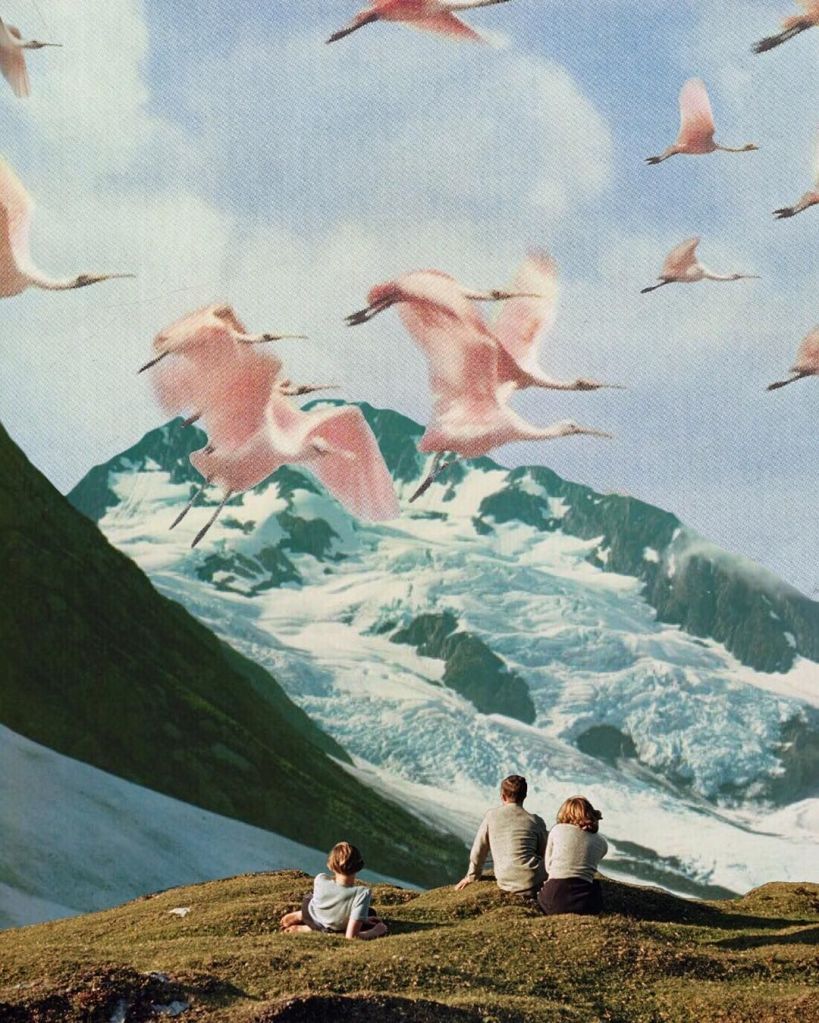
Digital collage isn’t something that I’ve experimented with before but I do like the style. In particular, I like the work of Natasha Chomko and Gary Hoang, 2 artists who specialise in digital collages. I like the aesthetic of their work and how they layer images to create their compositions.
My essay for this module comments on the differences between traditional handmade work and digital work. Collage is an art style that is very traditional art style that has recently been done digitally. While I like digital collages, I think it is limited by by the lack of texture that a handmade collage has. Digital collages are usually more refined and detailed because image sizes and layouts are easier to manipulate. I think both techniques have their benefits but I personally still prefer the aesthetic of a hand made collage.
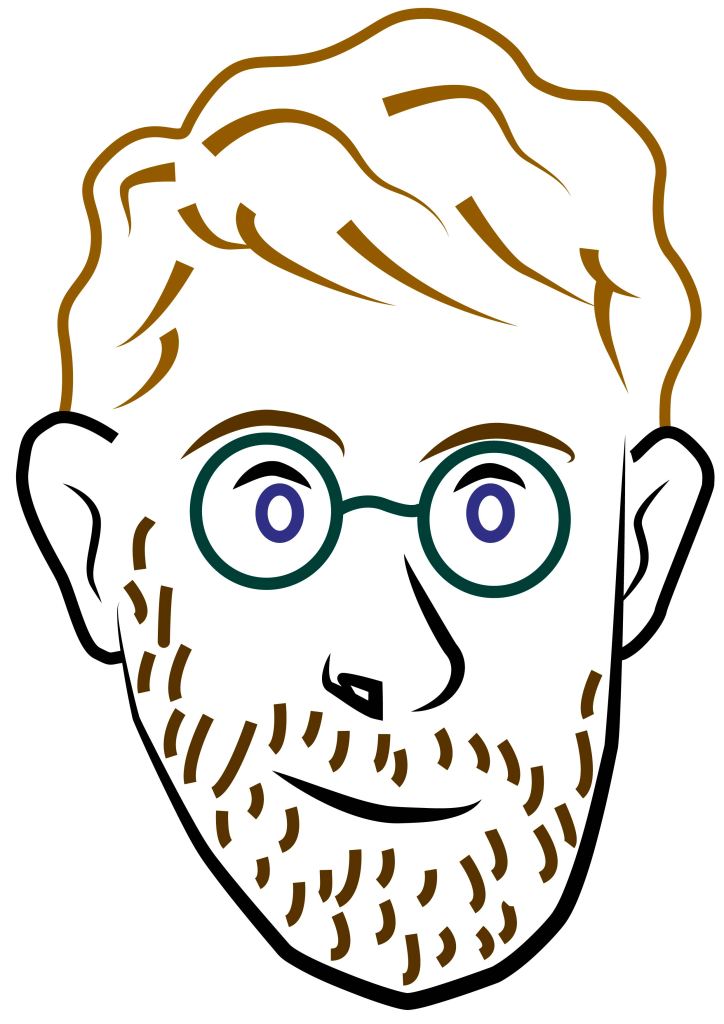
In preparation for our second Illustrator session, I practiced what we did last week to create a portrait. I used a combination of different tools, including the shape tool, pen tool and arc tool. After creating the portrait I changed some of the line colours.
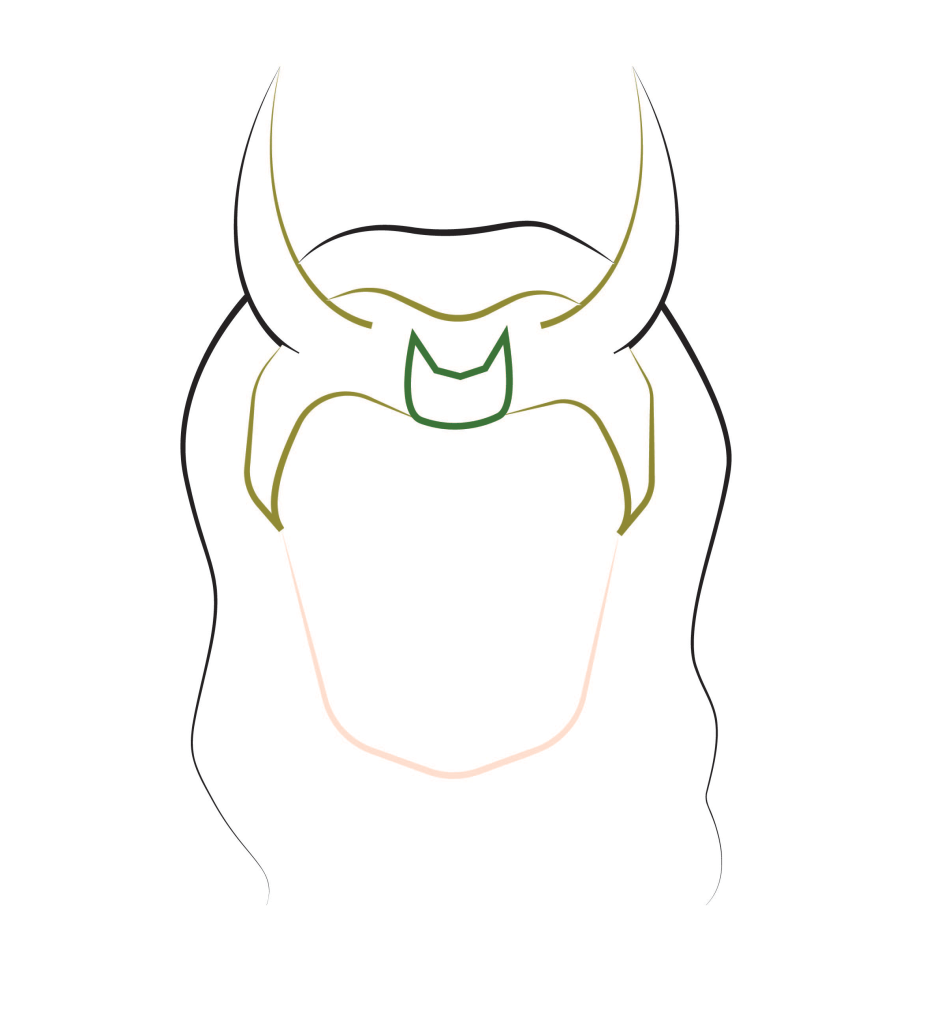
The focus of this weeks session was using the pen tool as its one of the more tricky tools to use in Illustrator. We did some practice tasks such as making simple lines, curved lines, arcs and rectangles all using the pen tool. When I became comfortable will the tool and how to manipulate it I made this simple outlined portrait design of Loki. All the lines used the pen tool, once I had draw the lines I further manipulated them by changing the stroke colour, thickness and shape. I made sure to reduce the number of anchor points to create smoother lines.
This piece is a more detailed image but used the same principles and the Loki one. I made the lines vary in thickness, colour and shape to make the portrait more interesting. The pen tool is difficult to understand and manipulate but I’m happy with the outcome of this weeks session as I’ve made progress with the tool. I’ll continue to practice with it as I an see how this software will be good for doing vector imagery which is something i’d like to explore.
Vector imagery is an art style that I enjoy and would like to create. Illustrator will be the best tool I’ve explored so far to do this style.














 Samuel Green Illustration