Categories
Digital Arts 1 Level 4

Digital Arts 1: Editing/ cleaning up sketches- Photoshop

Digital Skills Week 2

In this task I used Adobe Photoshop to edit and clean up my art to an industry standard so they’re ready to publish and share. I scanned my art using a scanner I had at home and this was to image I chose to edit.
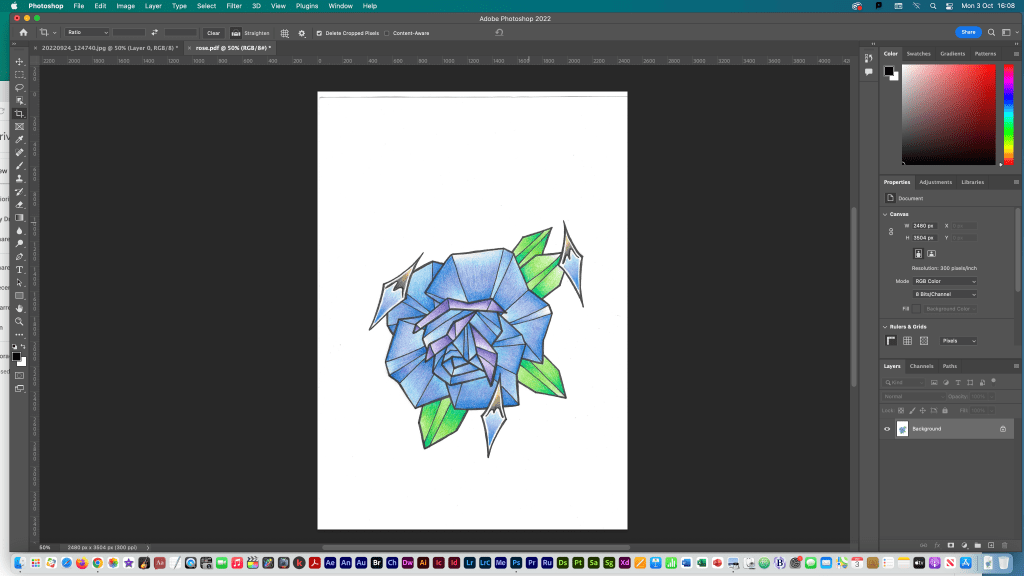
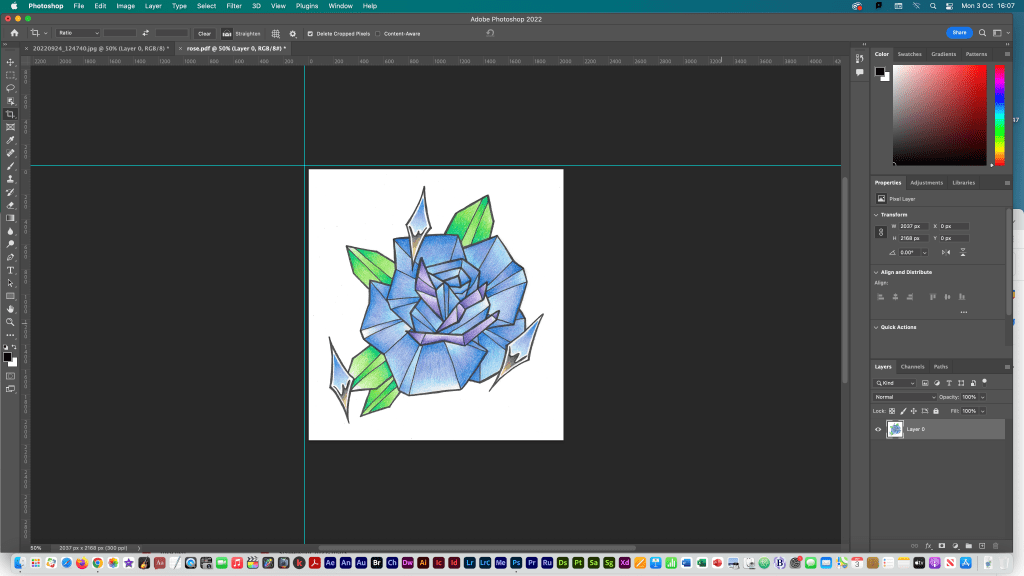
First I opened my scanned art in photoshop.
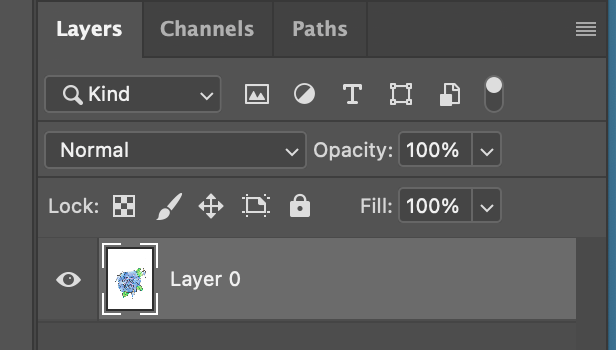
Then I changed my image from a background layer to a normal layer (layer 0) so I could edit it properly.
I rotated the image using the rotate tool and added rulers to help with measuring the dimensions.
Using the rulers and the cropping tool I cropped my image to remove lots of the plain white background.
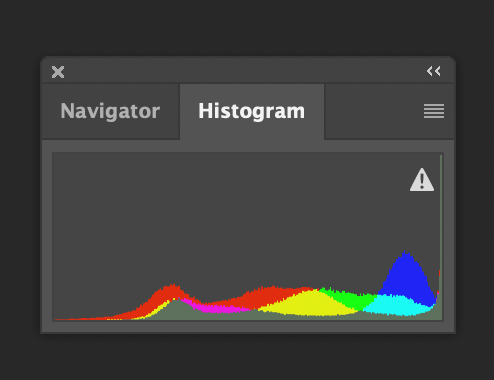
I then looked at the histogram of my image to see the distribution of colours.
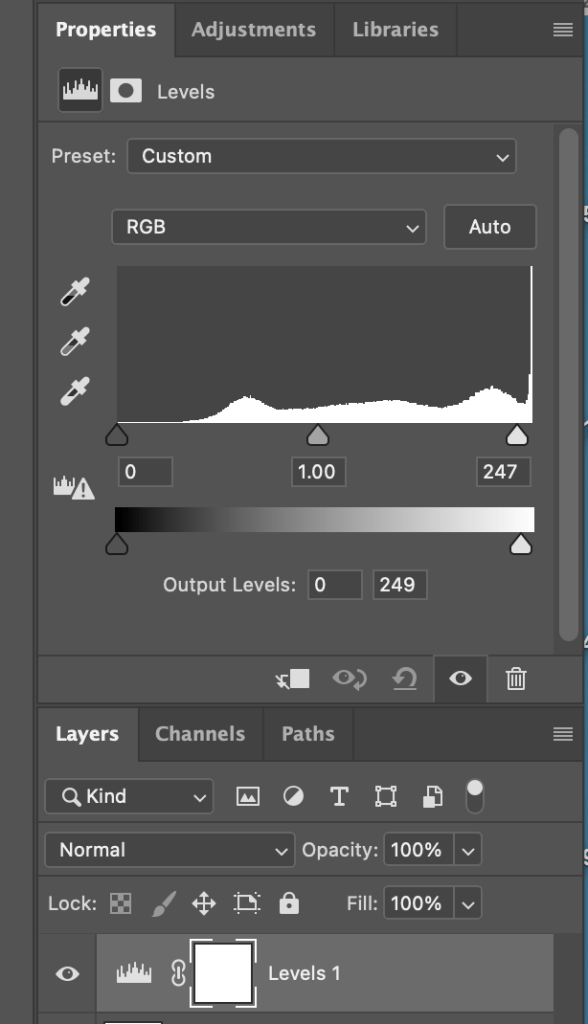
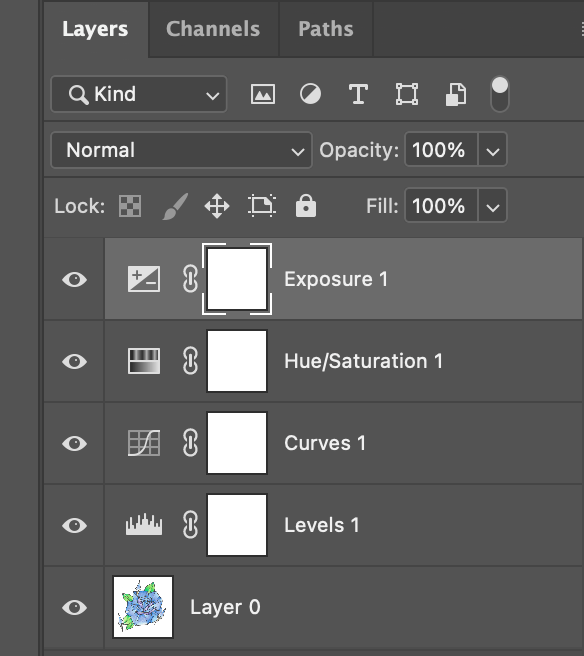
In properties I used the levels tool to adjust the shade of my image.
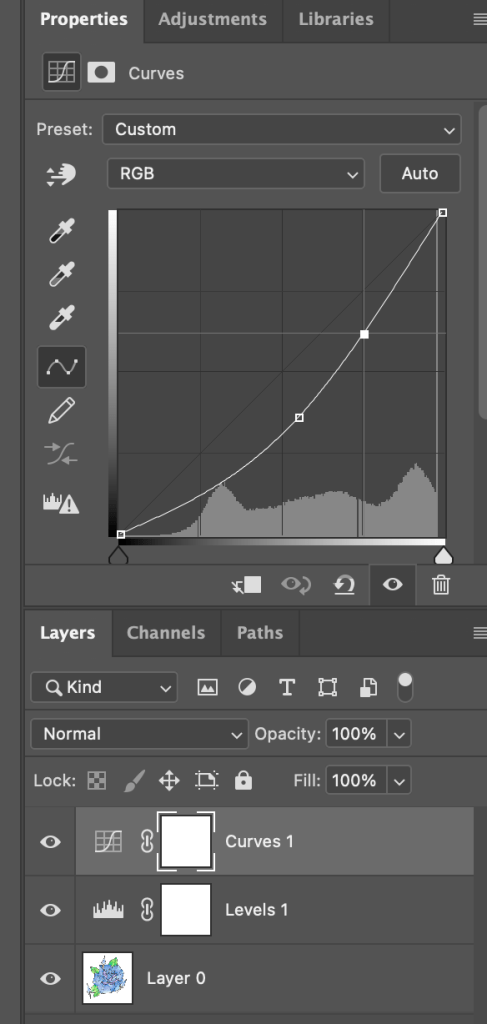
I further adjusted it using the curves tool which helped the colours be more bold and true to the original drawing.
I edited the exposure and hue/saturation.

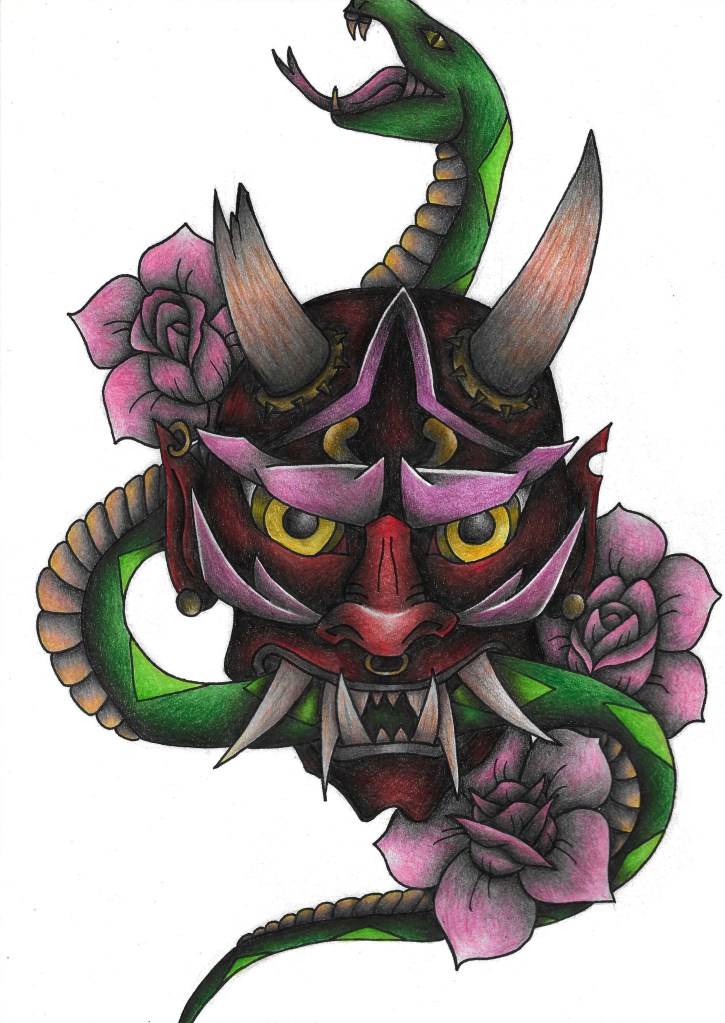
This is the final image. As you can see the image looks much cleaner and more professional after the photoshop editing.
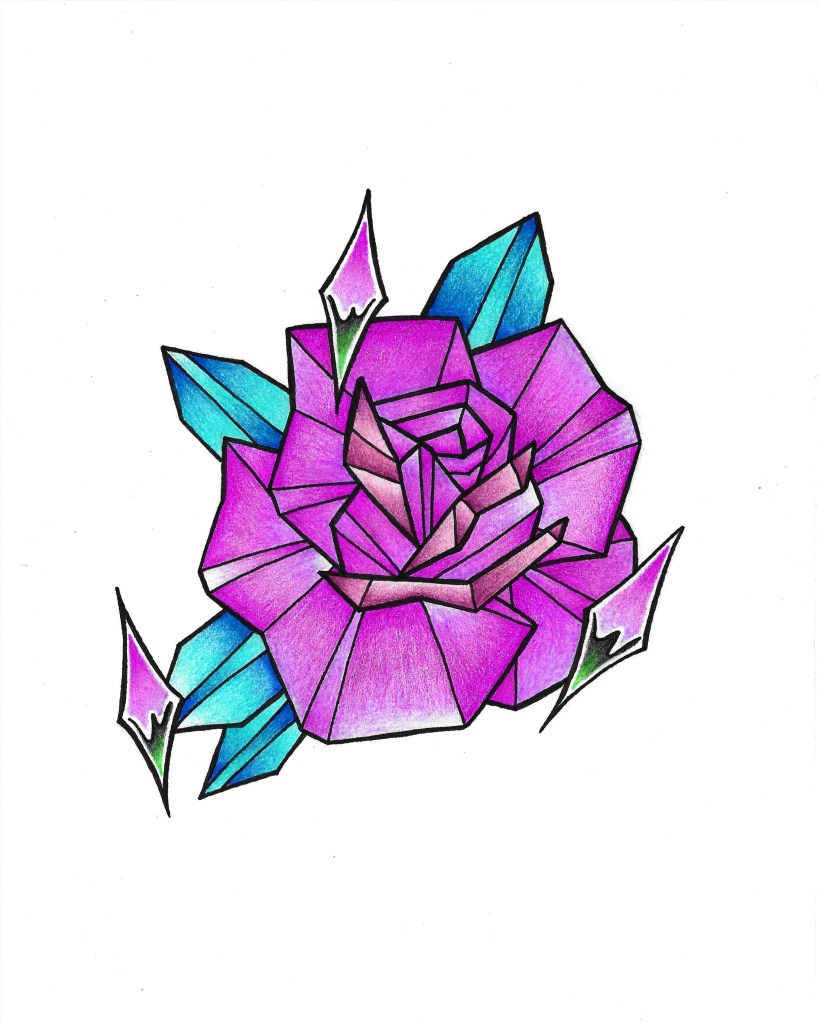
I further edited the image using some of the clipped adjustments such as adjusting the hue and saturation to make it a dark pink colour.
I also edited this scanned image using the same steps.

I found that using the basic tools photoshop fairly straight forward and was able to successfully clean up my sketches to a good standard. This was helpful to learn as I can use it across the modules and the work I do outside of university to help make my images look neater and more presentable.