This week we learnt the basics of Adobe Illustrator and used it to design characters from simple shapes. In preparation for the session I watched the tutorial videos which went over the basics of the software. Similarly to the other Adobe software you first have to select the canvas size and type that you want. Once open, it has a similar user interface as Photoshop and Indesign.
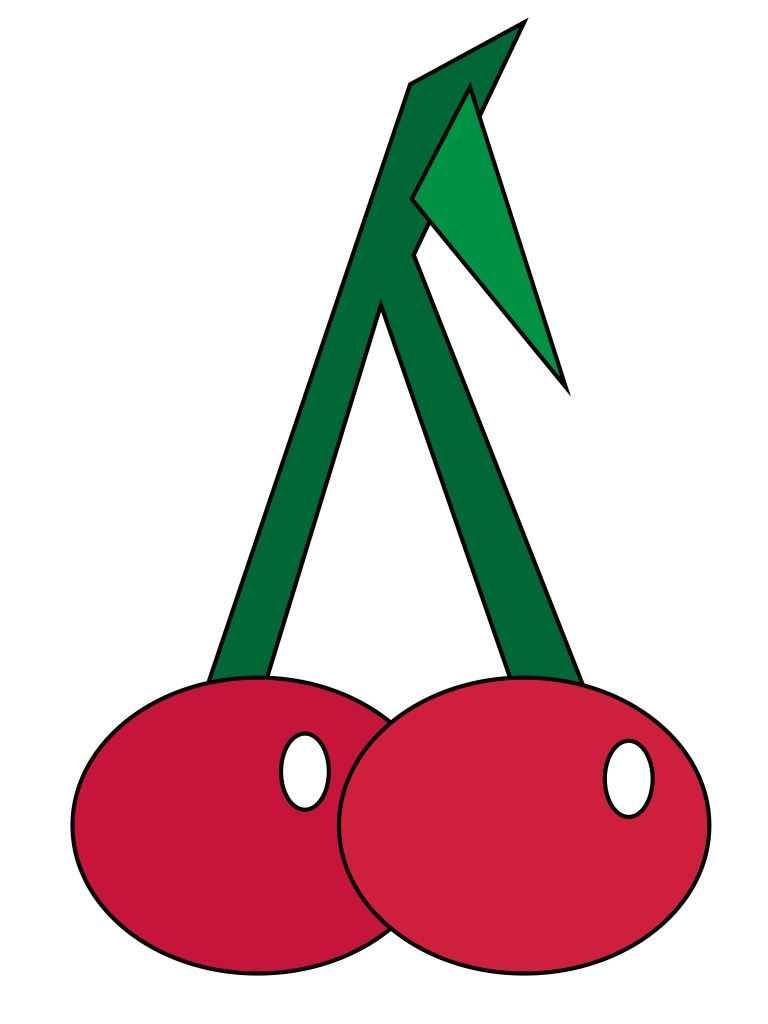
These are the cherries that I made. For this task we were only using simple shapes as a way of creating objects and characters. The cherries are made of simple shapes shapes as rectangles, circles and a triangle. In order to do this I used the different shape tools.After drawing the shapes I manipulated them by using the selection and direct selection tools. Also I used the fill tool to change the colour and stroke tool to adjust the thickness. One key thing was arranging the shapes so the ones you wanted to fully see were at the front.

After doing the cherries, which where basic in their composition, I moved onto doing an otter and koala. The shapes of these animals where more complicated and required me to manipulated the shapes more. Both animals where mostly made up of rectangles and circles. I used the colour swatches panel to add colour and changed the stroke size to 0 in order to remove the outlines. I began to combine shapes using the pathfinder tool to create more complex shapes.
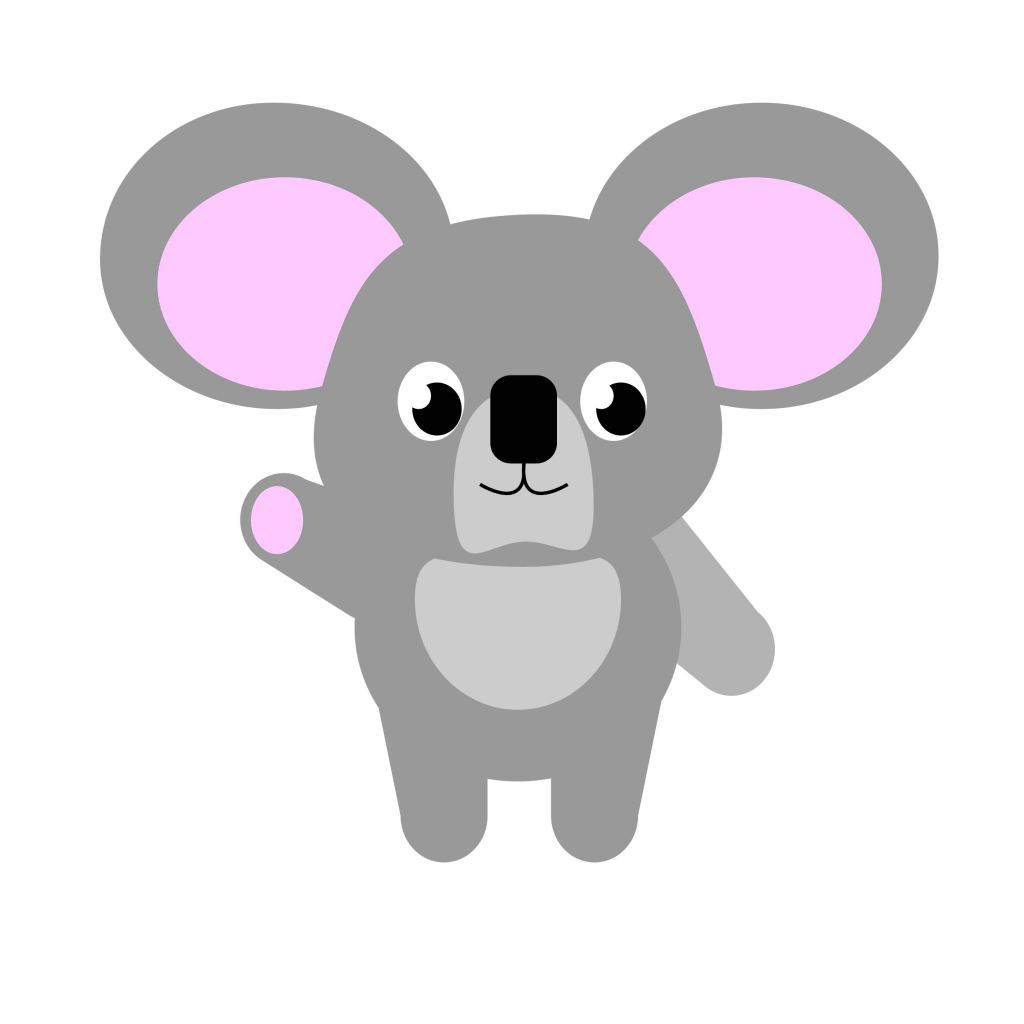
I’m happy with the animals I made as I think I was able to manipulate simple shapes to create characters and have become more familiar with the basics of Adobe Illustrator.


















 Samuel Green Illustration