For this project we need to identify a human-related problem and make an intervention in the form of a campaign for change through a combination of research and your own perspective The campaign must have an identity comprising of:
A logo
A colour palette
A typeface for display and a typeface for continuous reading matter
A slogan
These should unite and compliment each other to create a consistent look, tone and feel that is appropriate to the campaign subject and approach. It is important to use language that is appropriate to the subject and audience. Once the identity has been created, we must then apply them (brand) to a series of outcomes that come together to provide an array of opportunities for your audience to encounter them, and respond or help in some form.
Formats:
Digital – social media, websites, videos, animations
Spatial – pop-ups, interiors, exteriors, public spaces, environments
Events – performances, interventions, displays
The Process:
Research, find and choose a human related problem
Consider your audience – who should know about your problem?
Create an identity and branding for a campaign, made up of a series of outcomes
Make an intervention by positioning the campaign where it will be seen and experienced by your target audience (be sure to consider multiple formats and ways to communicate with your audience).
Provide a way for your audience to respond to your campaign
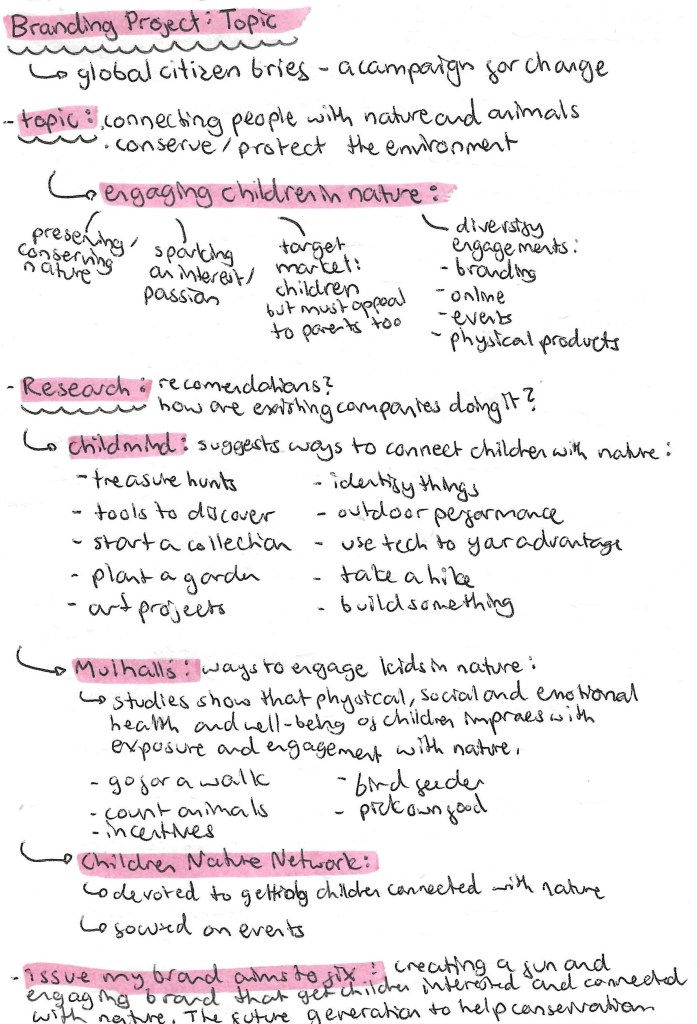
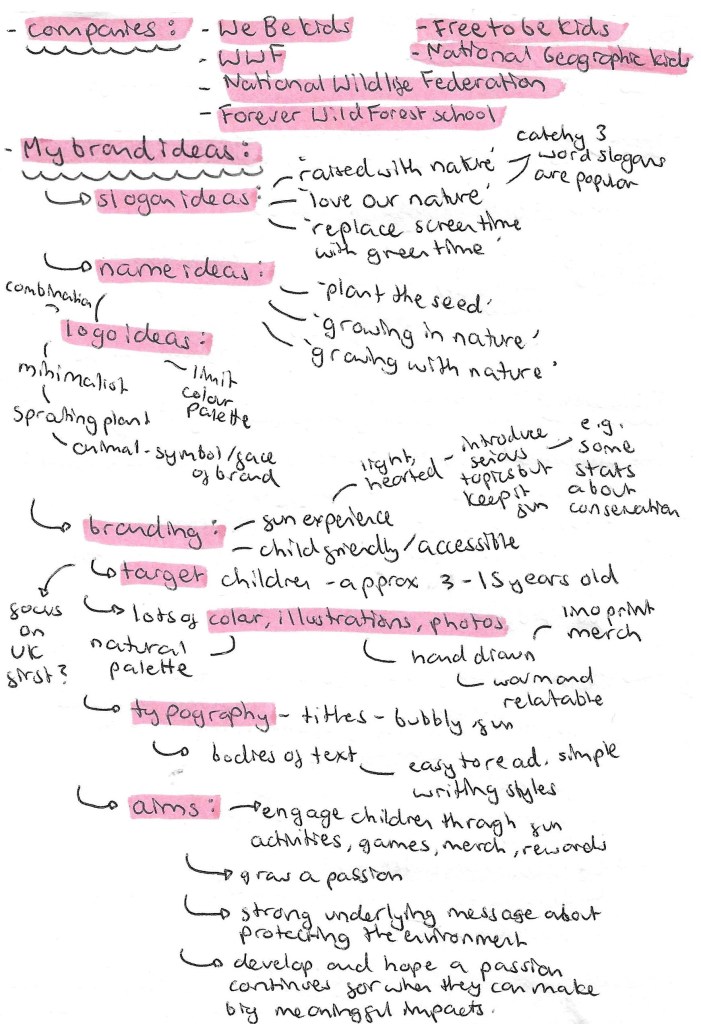
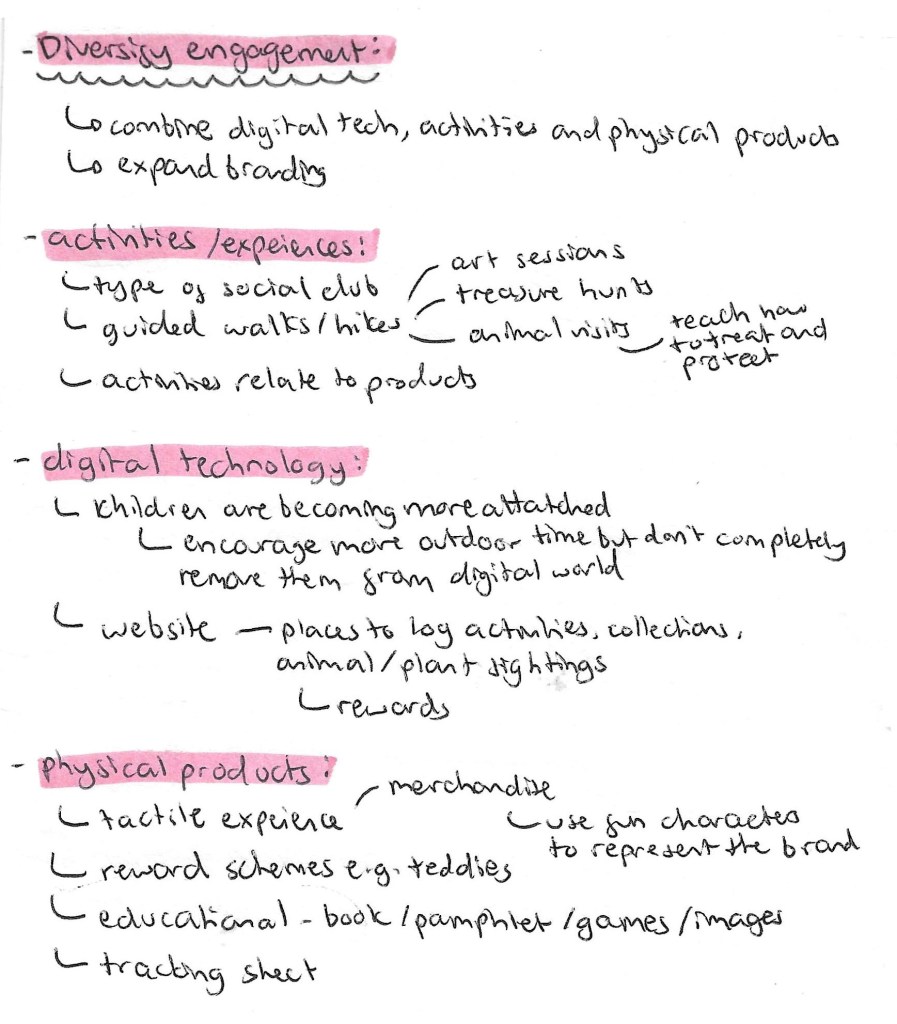
Below is my initial plan for the project. I aim to tackle the issues of conserving the environment and getting people more engaged with nature. I will target the campaign at children so will need to make all of the branding appropriate for children as well as appealing to parents. I did some research into the current market to see what other brands are doing and brainstormed some branding ideas.
3D printing is an additive manufacturing process where a 3D objects is created layer by layer using computer aided designs. Layers of material build up to create a 3D object. The opposite of this would be a subtractive manufacturing process, where a design is cut from a larger block of material. Some advantages of 3D printing are less wasted material, affordable start up costs, and the output is completely customisable. However, some disadvantages are can have a lower strength than traditional materials, increased cost at higher volume and usually requires post processing.
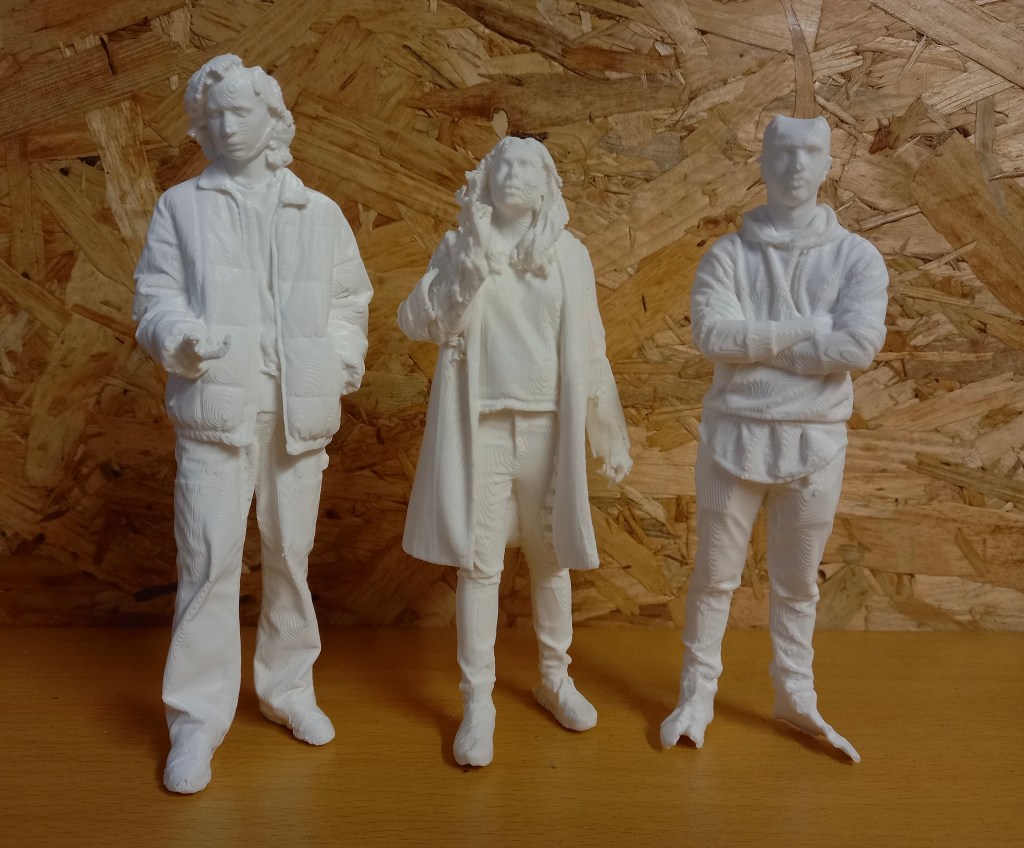
We had some 3D printed figure ready to work on so are just waiting on the batch from the most recents scans we did to be printed. Each print takes around 9 hours to complete, this is sped up when there’s more running at a single time. These will be just general visitors in the model. I will be mostly following the same workflow that I did previously as it seemed to work well for me. First I will need to remove the support structures and smooth the surface using sandpaper and tweezers. Then we’ll prime it to make sure the paint sticks well. The paints that work the best on PLA are acrylics and enamels. As we will be working with fine details we will need very fine tipped paint brushes.
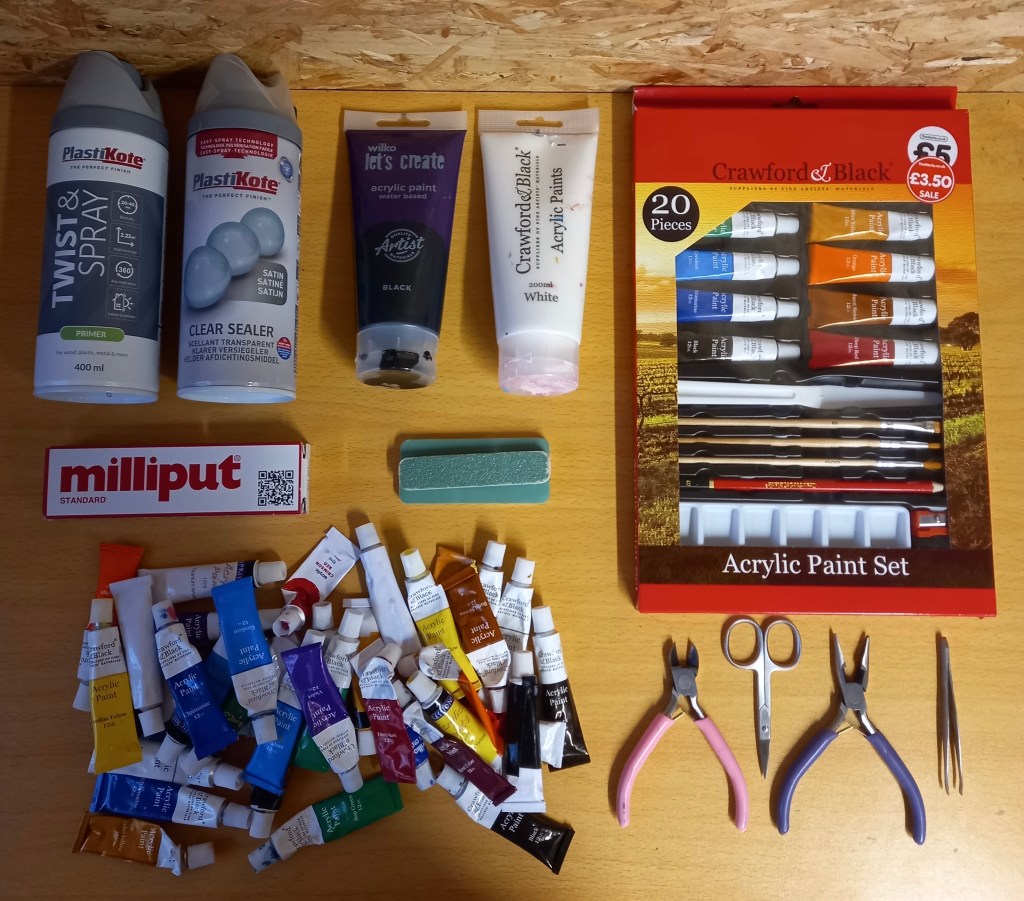
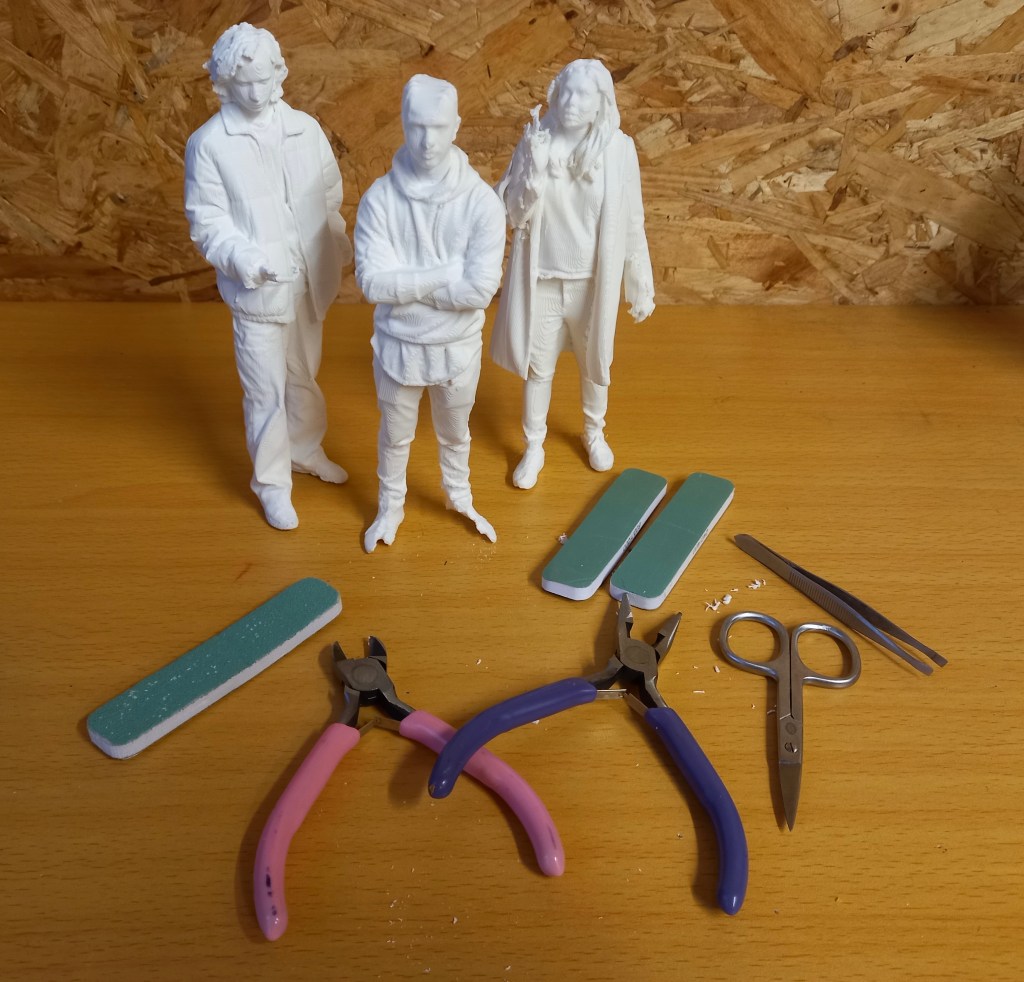
This image shows all the things I’ll need for preparing and painting the 3D models. This includes tweezers, players, scissors, sandpaper, milliput, acrylic paints, paint brushes, primer and sealer
First use tweezers and little scissors to pick of the big bits of extra filament. Then sand down the models to create a smoother finish. I’ve done the best I can at sanding them down and creating a nice surface to work with but there was only so much I could do because of the texture created by the 3D printer.
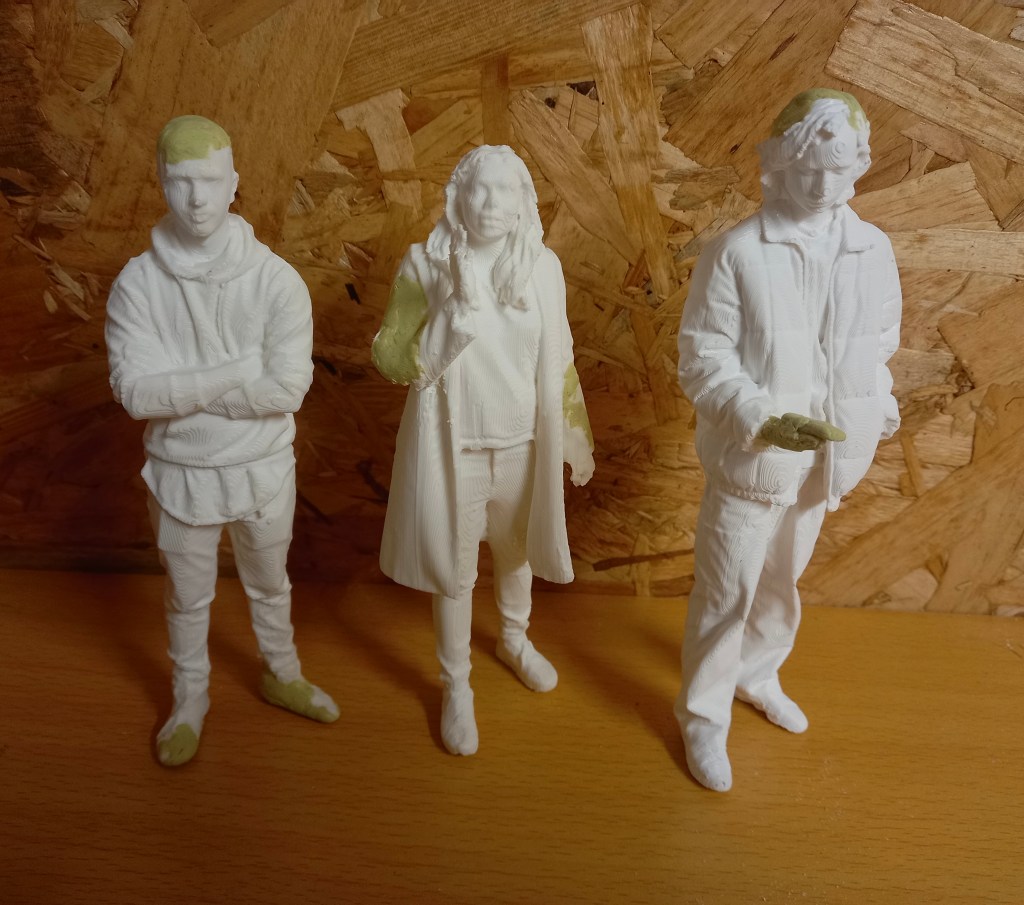
Then I used miliput, a type of modelling clay, to add in certain bits that didn’t print such as hands, phones and the tops of heads. I mixed the 2 parts in equal quantities for around 5 minutes. It softened up to become malleable and hardened again after a couple hours and was completely solid by the next day. All 3 of the figures needed some repairing. Most of it was fairly easy as it was just filing in the tops of heads and shoes but constructing a hand and phone was more challenging. I’m happy with the repairs I made but I’d look to improve the quality of the 3D scans and prints to avoid so many errors. The primer takes 24 hours to dry and hardened so after this I can begin painting them.
Spraying primer is an important step as it create a surface that the paint sticks to better. I put on safety equipment such as a mask, glasses and a glove for the hand I moved the models with. I sprayed them outside and also let them air dry outside. I had to shake the can for 2 minutes then spray from around 20cm away from the model, this helps to create a more even coverage. I did a combination of turning the model around, moving around the model and changing the height the model was at to try to cover every part. They’re not all perfectly sprayed as I couldn’t get the primer into certain bits such as the folds of some of the clothing but I think they’re covered well enough for painting. To improve this I would buy a fine nozzle extension to allow for a more precise spray. The primer is grey which helped as it was obvious which bits had been sprayed. The primer takes 24 hours to dry and hardened so after this I can begin painting them.
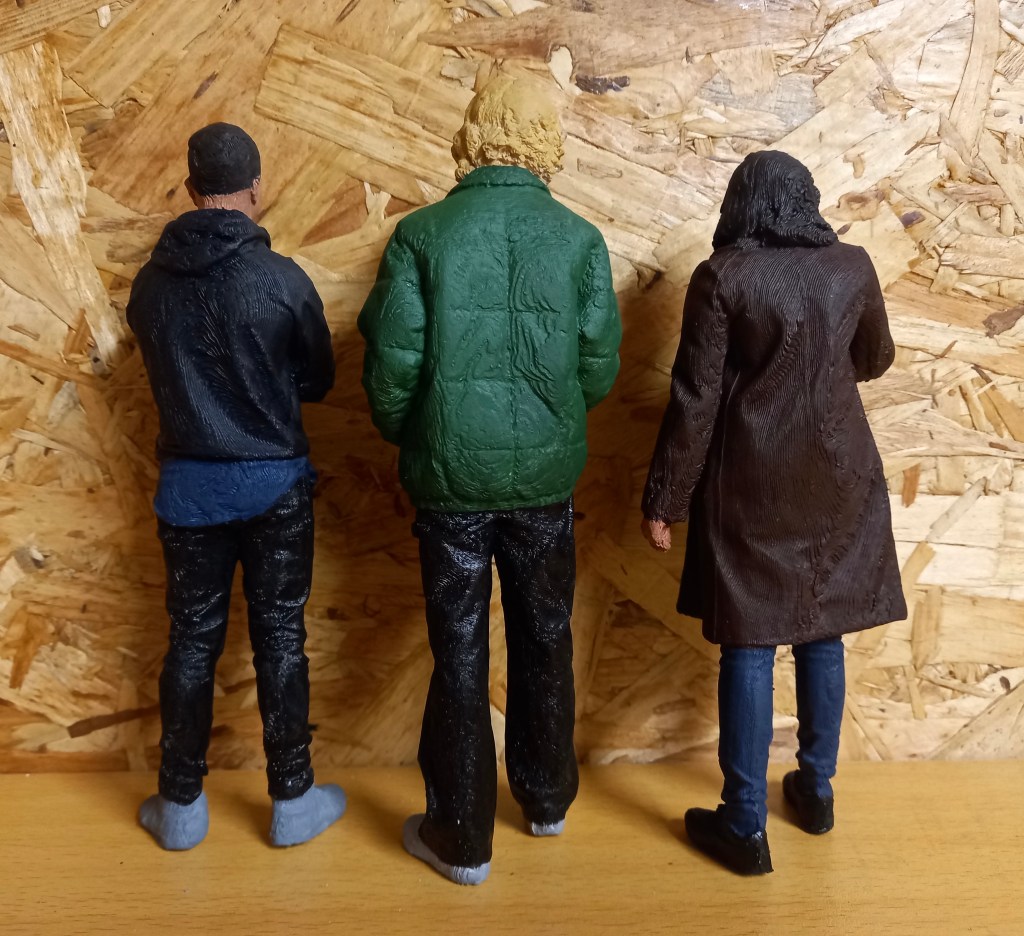
For painting I followed the same workflow and style that I did previously to achieve visual consistency across the figures. First I painted the clothing. 2 out of 3 of the figures are reprints so there is already a completed version made for the model. To get around this problem I made sure to change the colours of the outfits so that when they’re in the model you won’t realise. I wanted to make sure they all stood out without making all the colours obnoxiously bright. Furthermore, the brief wanted modern day looking people so I tried capturing that with the colour choices. I made sure to mix every colour myself and not use any paint straight from the tube. This make for more realistic and cohesive colour palettes. A tip that I was given was to desaturate the colours using grey to make the models appear larger. I made sure when making each colour to create an excess and not wash out the palettes. This way I would have spare to paint over any mistakes or bits I missed without spending the time mixing the exact colour again. This really helped save time especially as I got the the smaller details.
After the outfits I did the hair and skin. I did each hair with slight colour variations. Giving it a bit more of a realistic look with some lighter and darker bits. Mixing and painting the skin tones was the most difficult part of the process. I tried to get the skin tones as accurate the the reference images as I could. I mixed equal parts red, yellow and blue then from that base created each models individual skin tone. I started with the darkest skin tone and worked to the lightest. This way I could work off the previous tone to create the next one. I did all the skin tones before I started any of the facial features. At this point it became very tricky to get into all the little areas without getting paint of the hair of clothes. Once all the skin was dry I started the facial features. I decided for each I’d do the lips, eyebrows and for the eyes, the white bit with a black pupil and line at the top for definition. I had to exclusively use the thinnest brush I have for these.
When all the painting was done and dry I finished them with a clear sealer. I lined them all up outside making sure to protect them if they fell. I sprayed them evenly all over from around 30cm away to help secure the paint and give them a matte finish. I sprayed them with 3 coats of sealer and left them to dry.
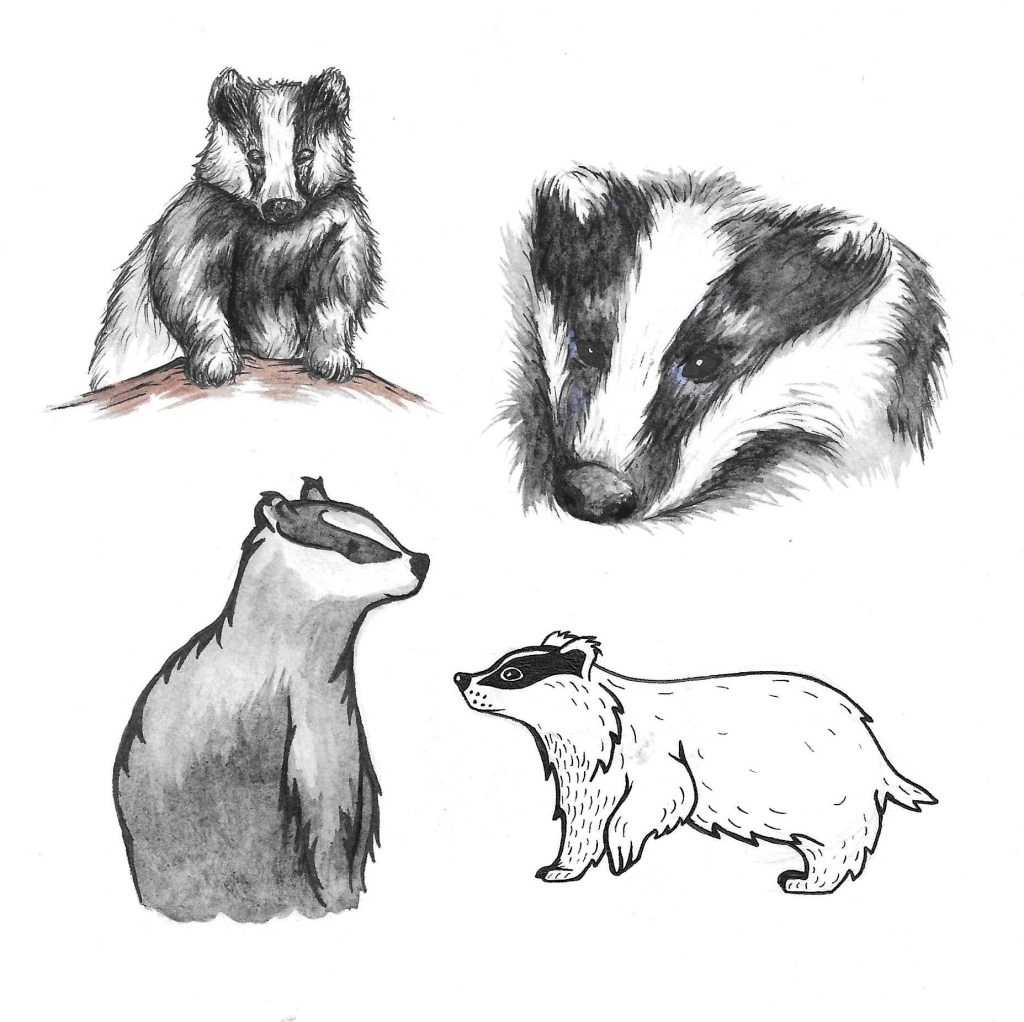
These are a few different visual styles that I tested, depicting a badger with watercolour and pens. My favourites for this project are the 2 on the left. I think the style I’m going to choose is somewhere in between the 2. With a bit more detail that the bottom one but not as much scratchy shading as the top one.
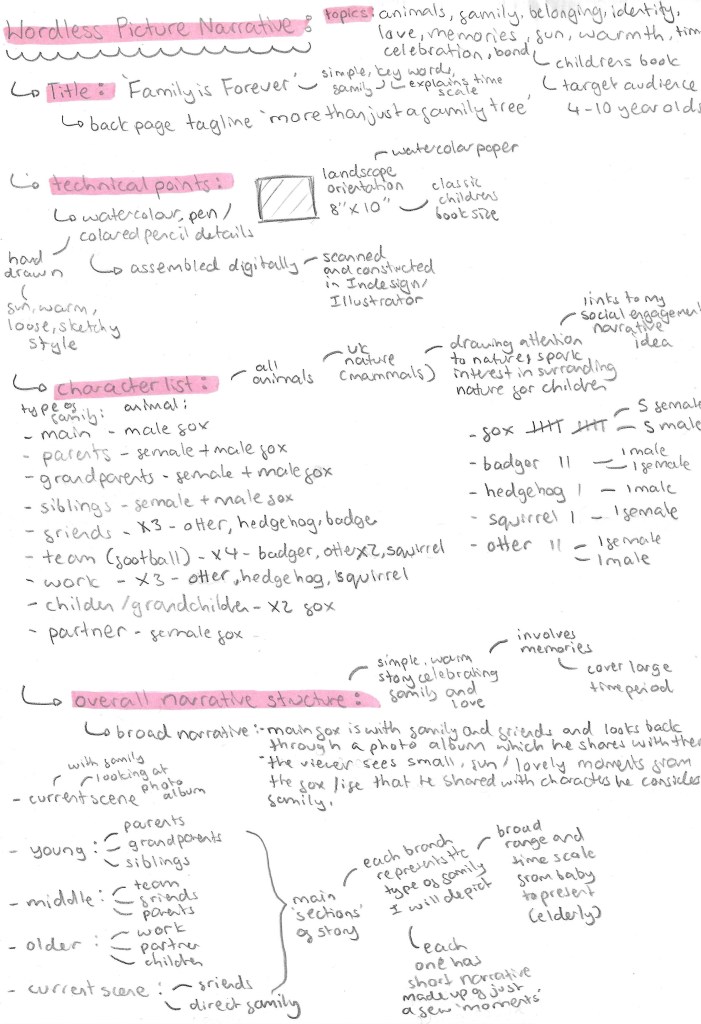
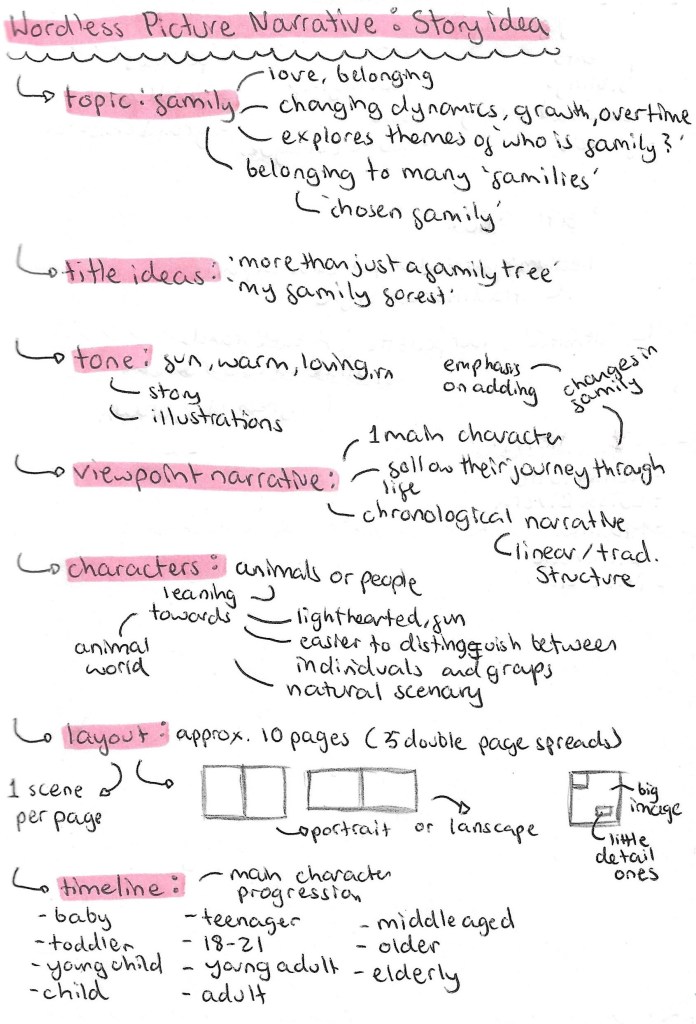
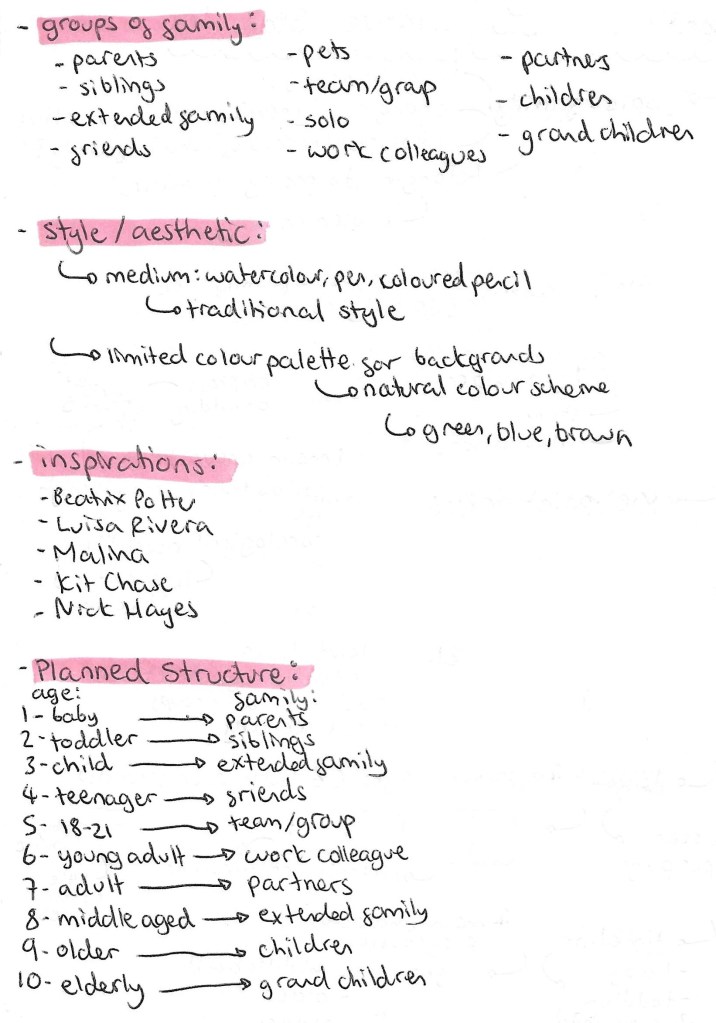
This page consists of my developed plan. I’ve changed the title to ‘Family is Forever’ as I think this is a simple title that is easily understood by my target audience, children of around 5 to 10. Also the repetition of words starting with ‘F’ makes it catchy and memorable. A key theme of this wordless narrative is time and this titles gives this idea. I worked out the different types of ‘family’ I wanted to represent and which characters I’ll use for each.
The main feedback I got on my plan last week was to work on the actual narrative so I decided to structure the story with a broad narrative with mini narratives within this. The overall narrative is about the main character, a male fox, and his family and friends who he shows through a photo album if his life. The viewer then sees lots of little memories and moments from his life. These are the mini narratives.
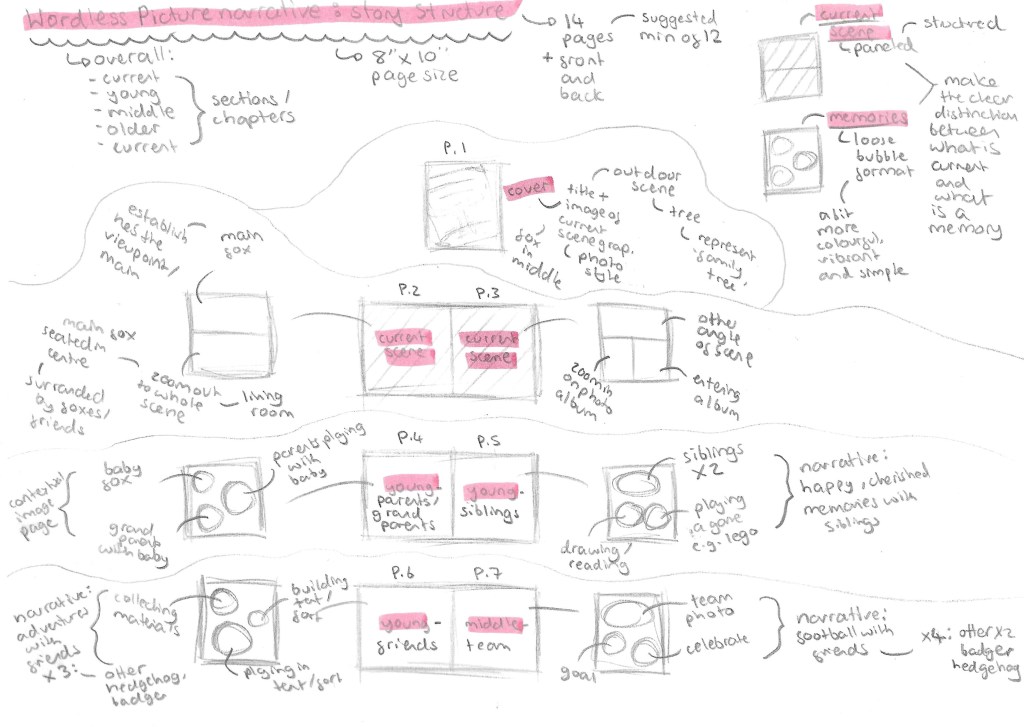
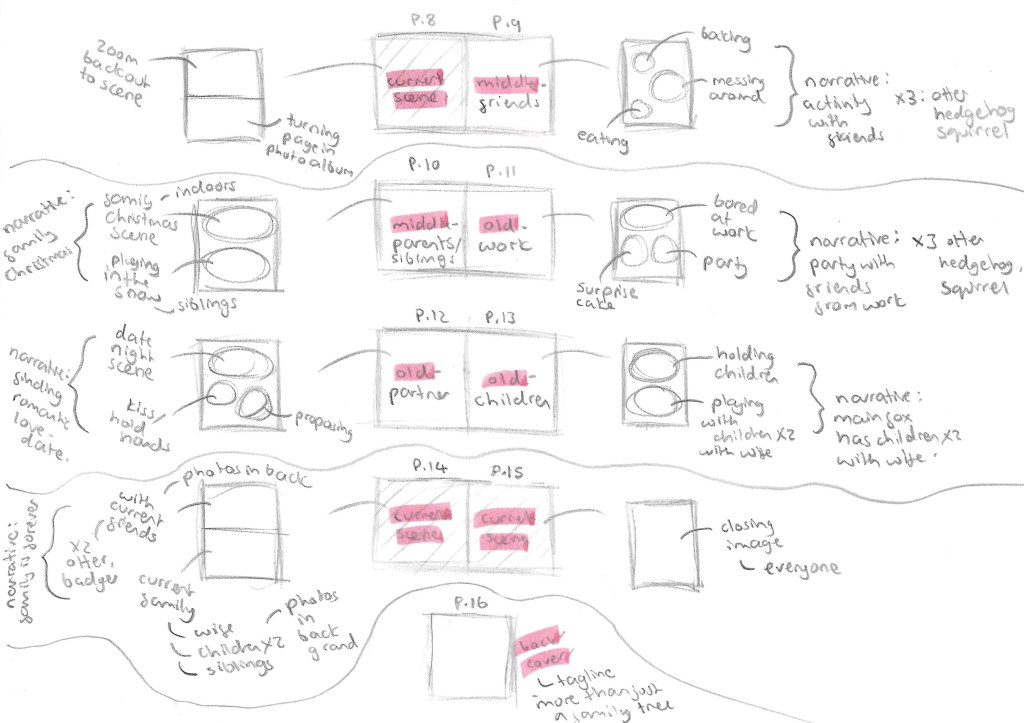
This is a more in depth look at the narrative in a page by page breakdown of the story. It was suggested to me that the minimum pages for even a short narrative story is 12 pages. My plan has 14 pages plus 2 pages for the front and back cover. The narrative will be broken down into 4 sections, the current scene, memories from when the main fox was young, middle aged and old. The story will start and end with the current scene. In order to make a clear visual difference between the current scene and memories as to not cause confusion, I will do the current scene in structure full panel illustrations but I’ll do the memories in a more loose bubbled format.
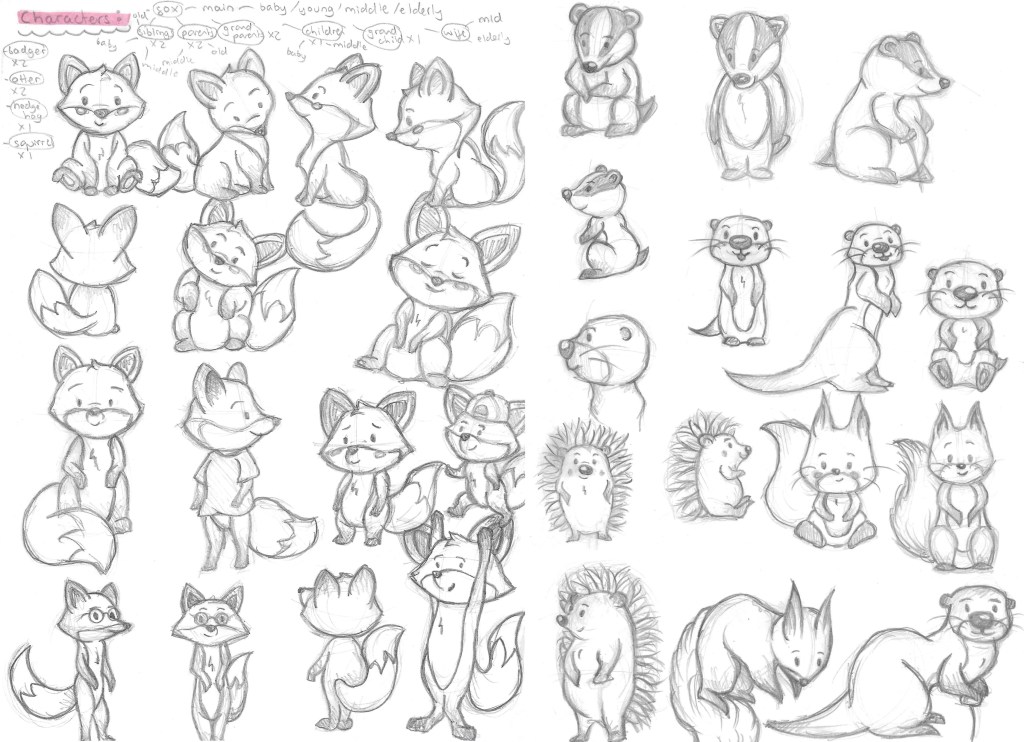
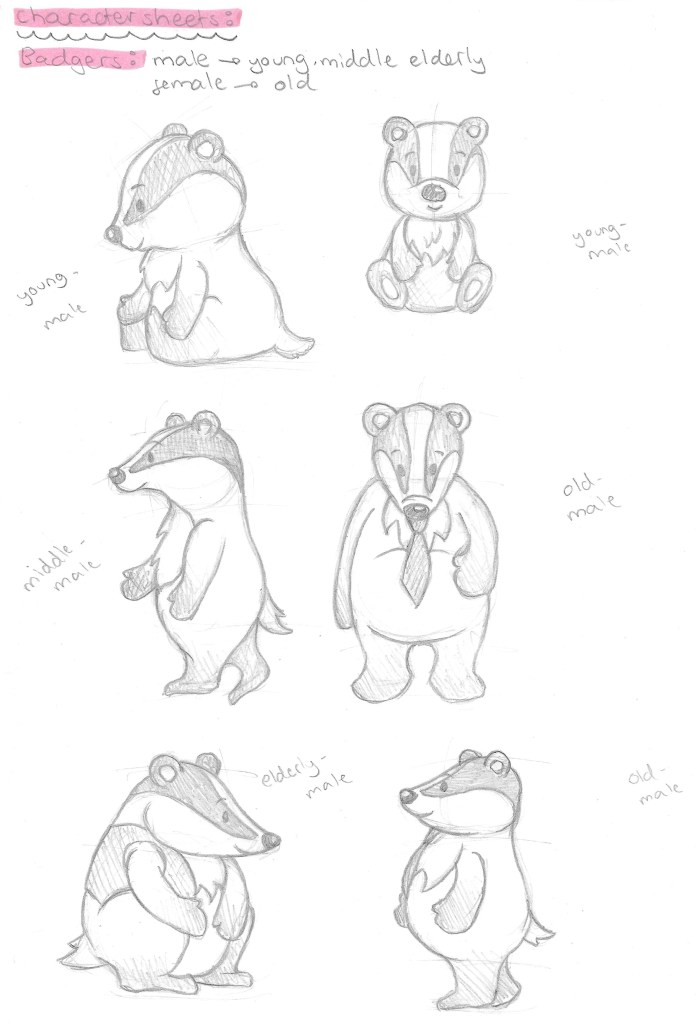
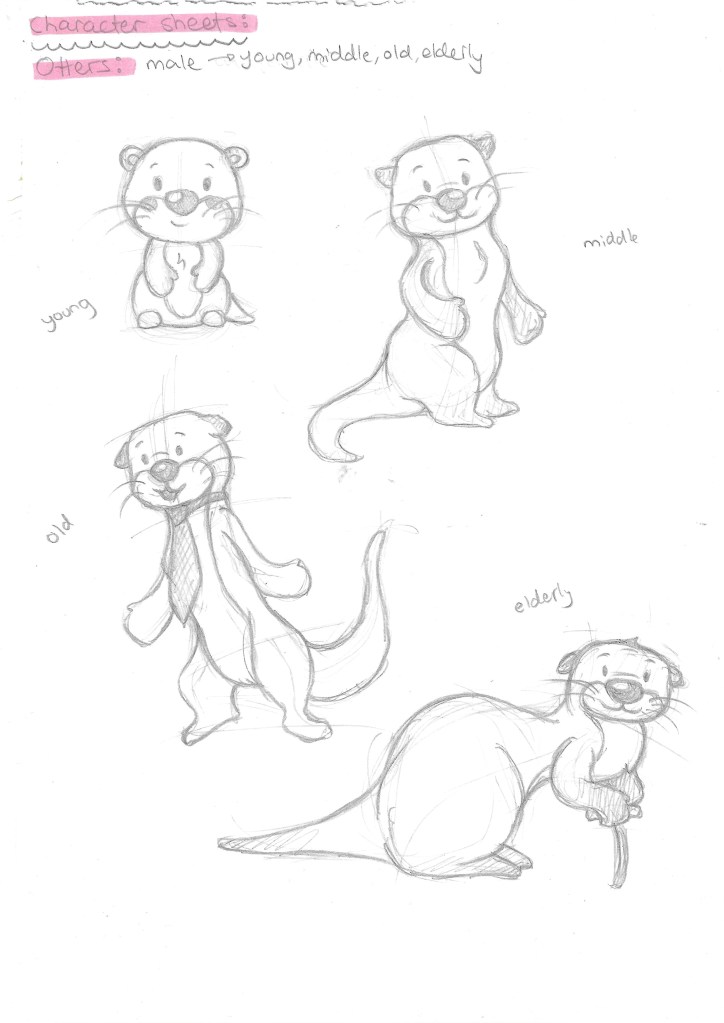
With the story planned out I started designing the characters. I started by making a list of all the characters I’ll need and what stage or stages of their life they’ll be at. The characters in the story will be the main fox, the wife fox, fox parents, grandparents, siblings, children and grandchildren. As well as badgers, otters, hedgehogs and squirrels.
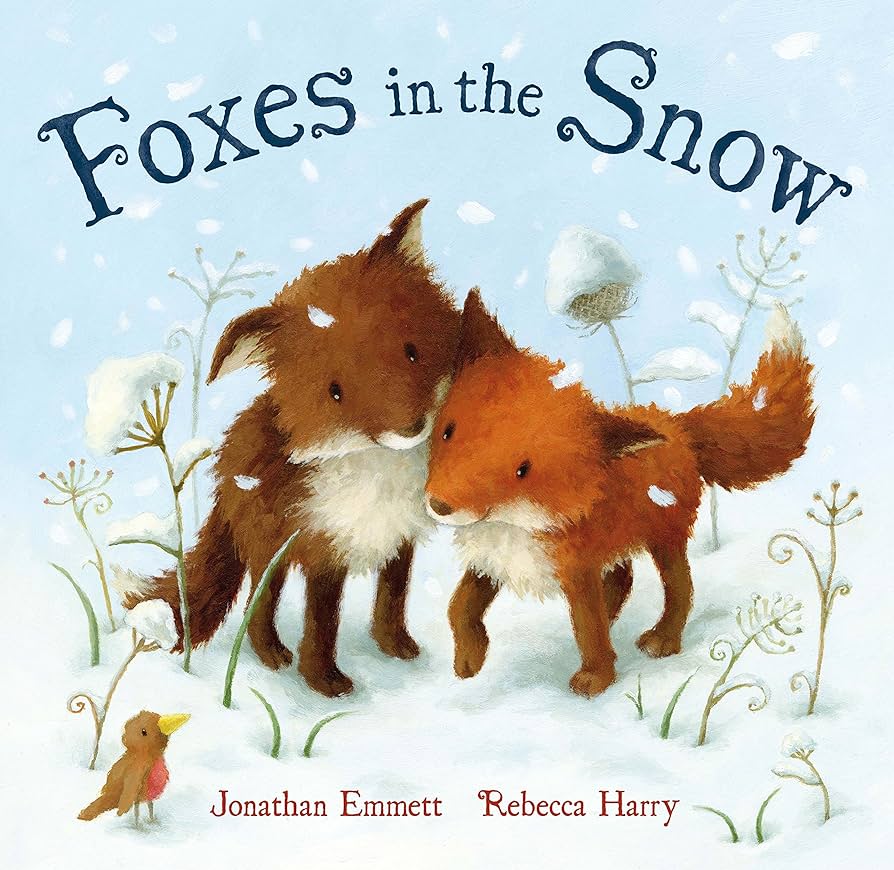
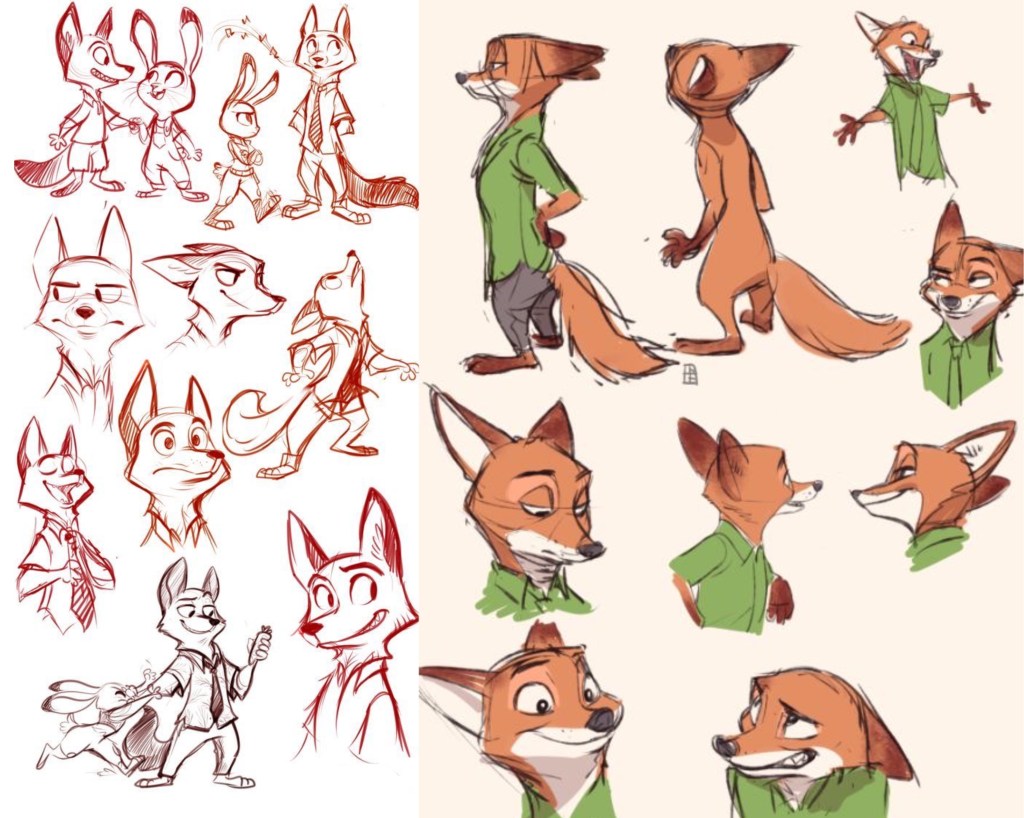
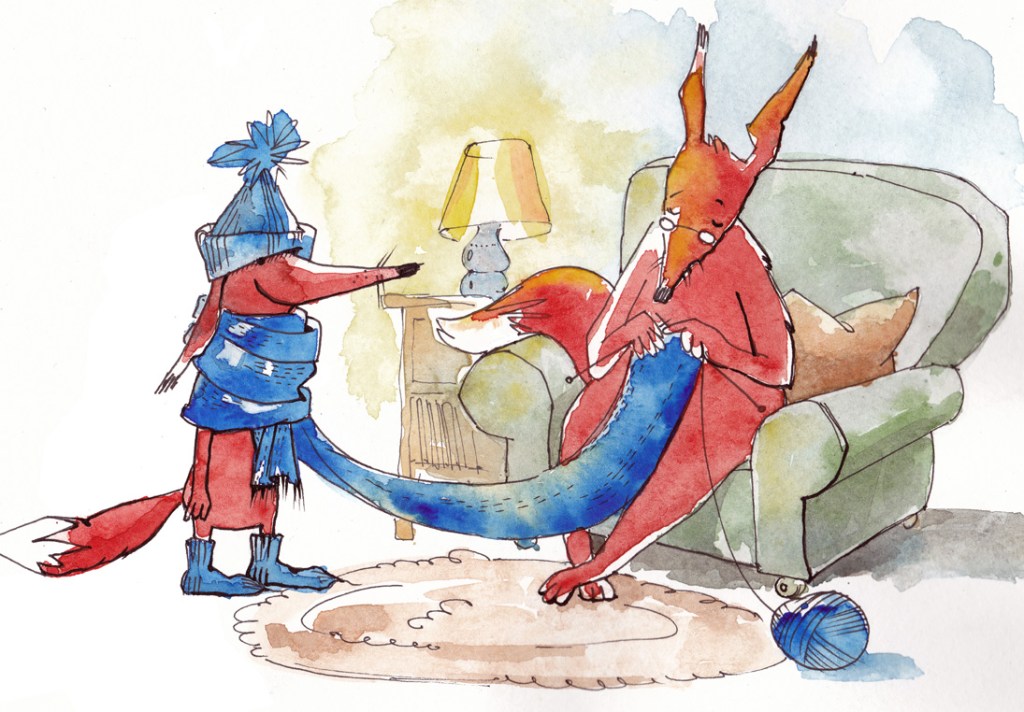
I researched lots of children’s books about animals and specifically foxes to get stylistic inspiration for my characters. One that really stood out to me was the illustrations from the book ‘Foxes in the Snow’. I also looked at Disney characters such as Nick Wilde from Zootopia. Disney are great at designing characters with lots of expression and personality. I wanted to make my characters somewhat humanised in regard to how them move to allow for more dynamic and expressive poses and facial expressions.
This is a storyboard of part of my story. This process helped me figure out composition, scenery and character poses. Now I’m ready to begin transferring the sketches to the right paper and start the final images.
I have been learning and practicing using Adobe Illustrator. This is a powerful software that’s ideal for making vector illustrations and is often used by graphic designers to create logos so is ideal to use for this module. I was introduced to the software last year in Digital Arts 1 but didn’t take it much further so I’ve had to relearn it this year. I started by watching introductory videos to get me familiar with the layout and the different basic tools including shape tools, pen tool and pathway tool.
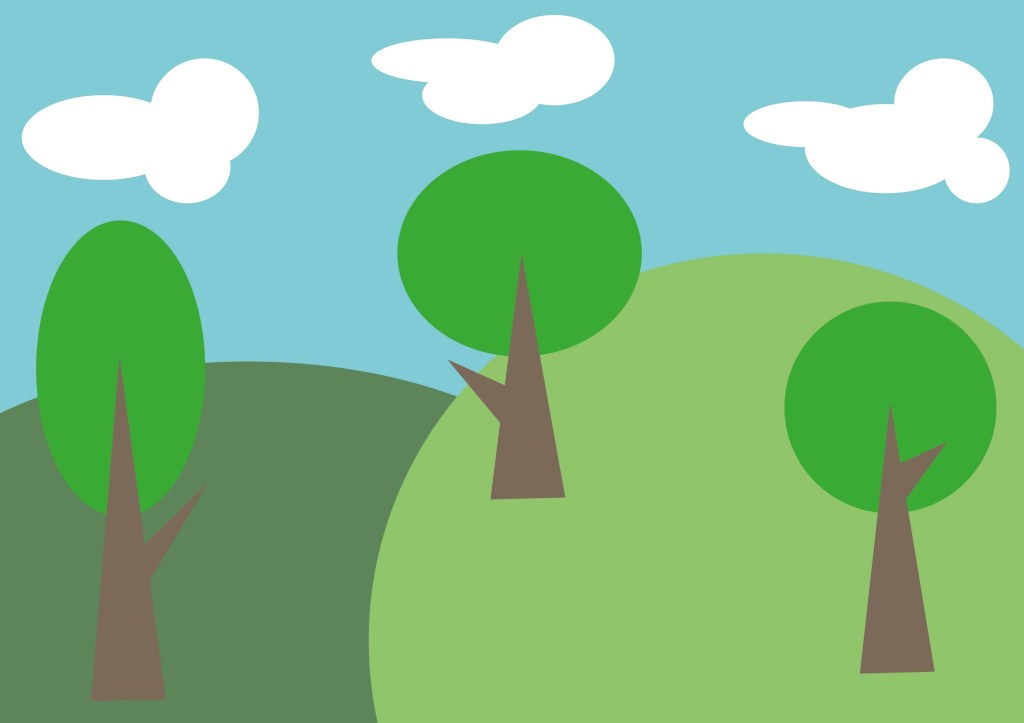
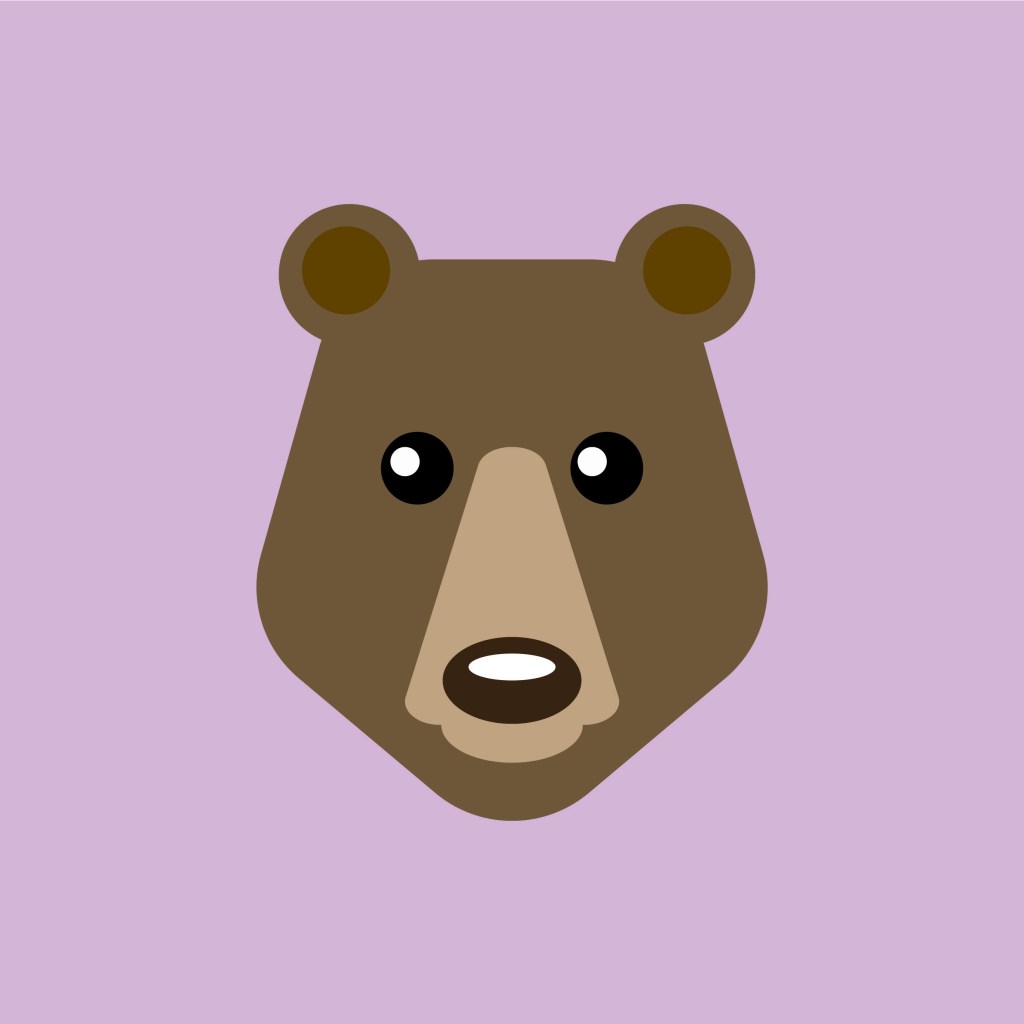
I created these 2 images using the basic shape tools. These tools are straight forward to use and manipulate at a basic level but become more difficult when you need to combine them to create more complex shapes and paths.
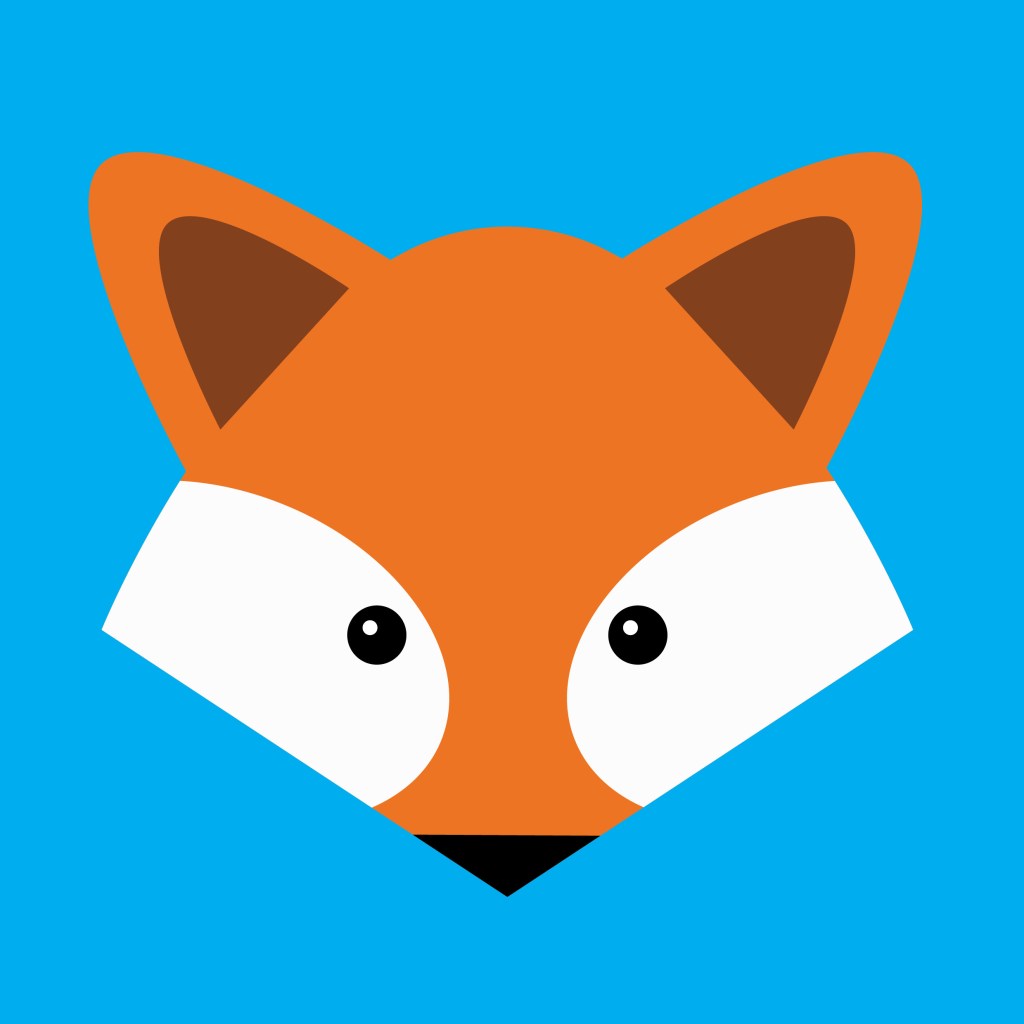
For these 2 I used a combination of shape tools, the pen tool and the pathfinder options. The pen tool is a difficult tool to manipulate accurately so I’m gonna need to keep working on it but I’m happy with the progress I’m making with it.
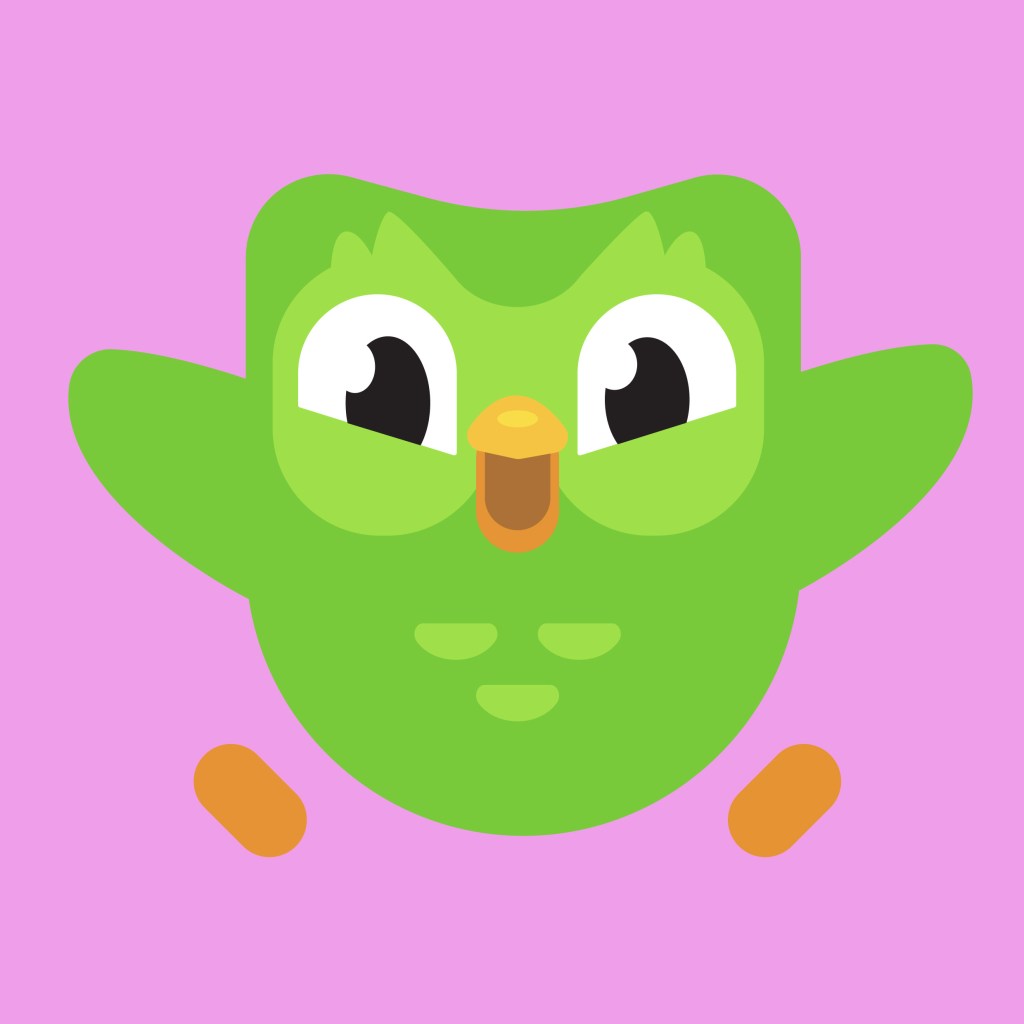
The Duolingo logo: this was a fun one to work on as it required lots of use of the pathfinder tool. While the logo may look like it has many complex shapes, the majority can be broken down into simple shapes like rectangles and circles. And for the bits that can’t the pen tool is needed.
Last week we where given the project brief so came to this session with an idea of what topic we wanted to do. In the session we learnt about different formats that branding can be used in. This helped give me ideas an inspiration for my project.
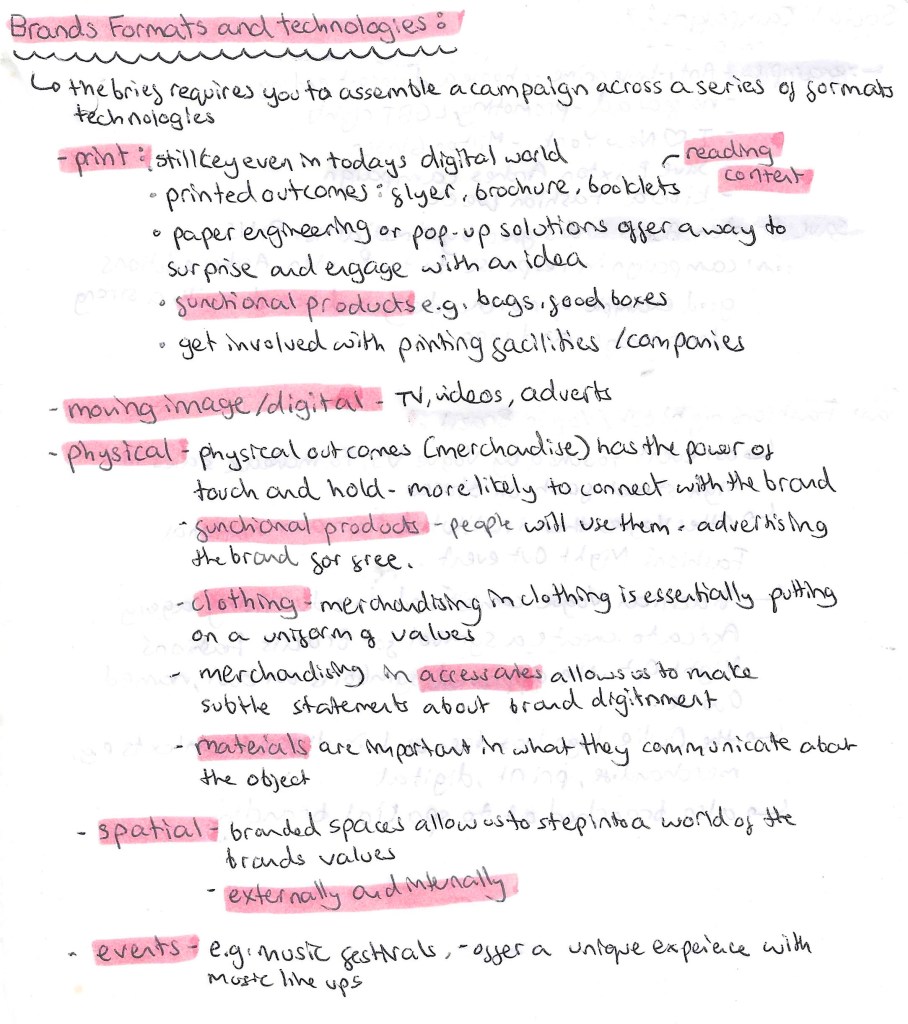
There are 5 main formats that we can use to assemble our branding campaigns. These are print, moving image/digital, physical, spatial and events. Which type or combination you use would depend on the idea behind the project and who your audience is as the format needs to be appropriate to the topic and target market. For my project on based around getting children more engaged and interested in nature I plan on create a diverse campaign utilising most is not all the formats. Below is more detail on the different formats:
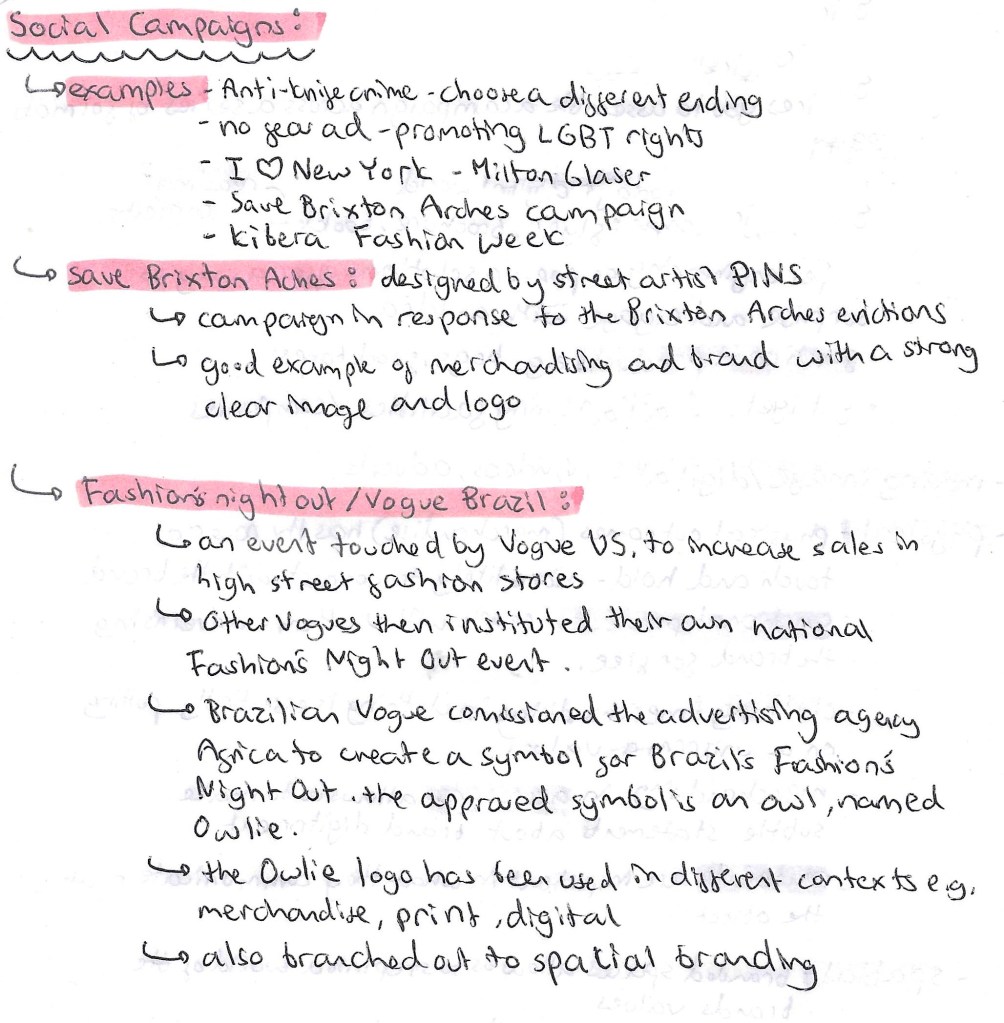
Then we looked at a few examples of social campaigns to get us thinking more about what goes into creating a social campaign.
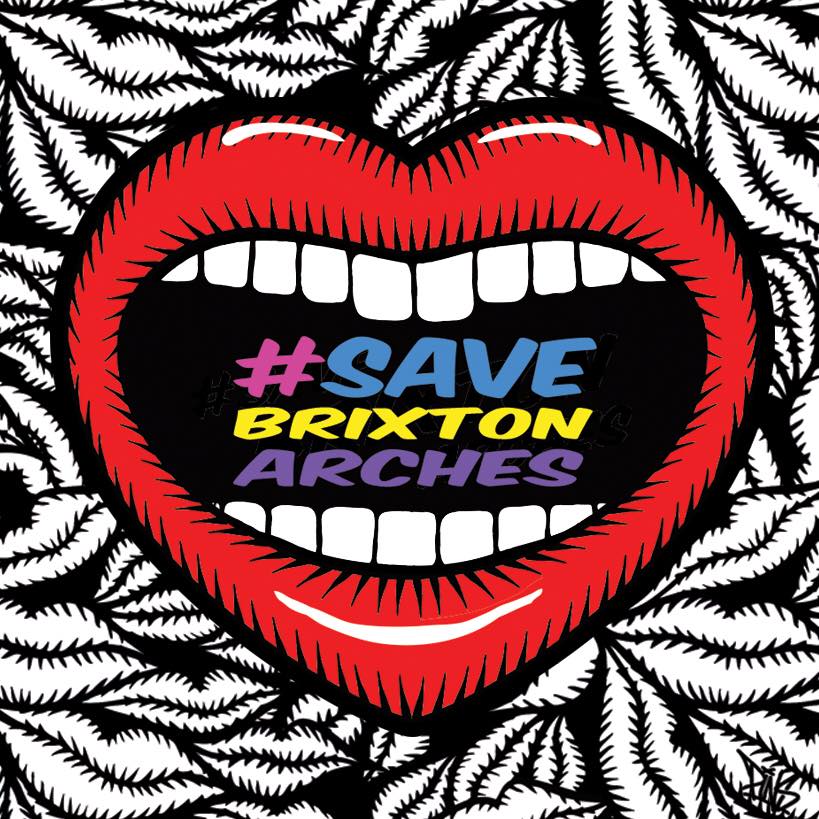
This is the Save Brixton Arches logo, I love have graphic and bold it is, it immediately commands your attention which is idea for this kind of social campaign.
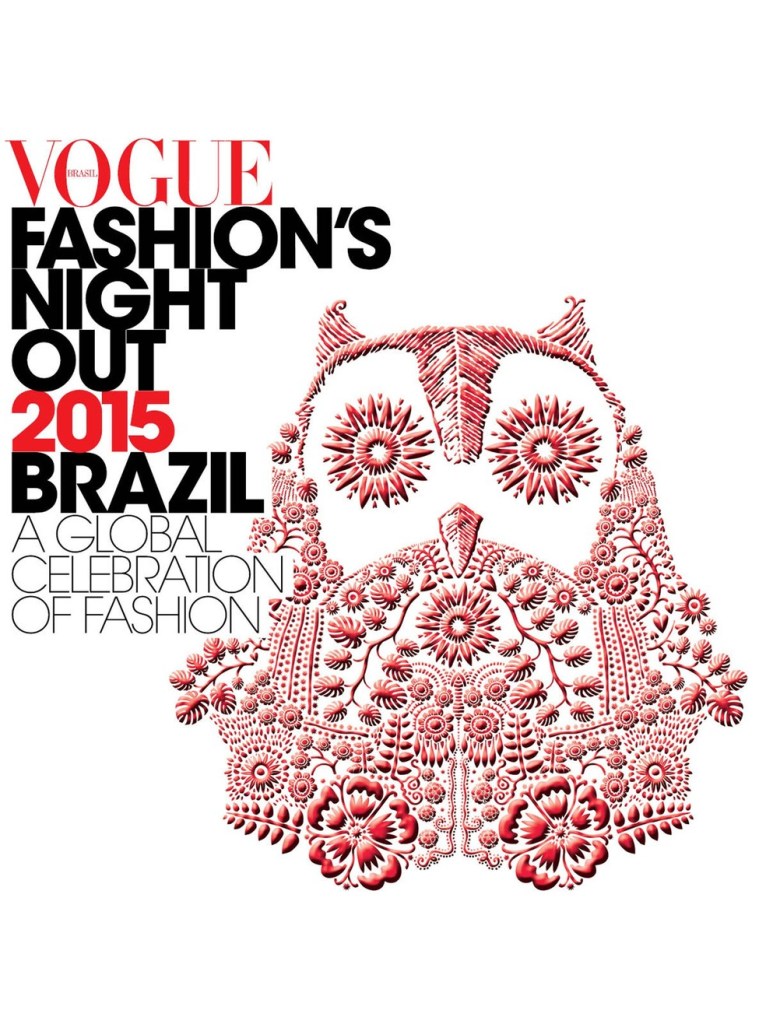
This is Owlie from the Vogue Fashion’s Night Out Campaign:
Then we looked at some different packaging examples and simple ways of branding items such as using Water Slide Decal Paper. We also spoke about pop ups and looked at some helpful resources on how to create these kinds of effects which I think would appeal to my target audience for the project, young children. This was all useful to me for my campaign as I want to produce a range of physical products.
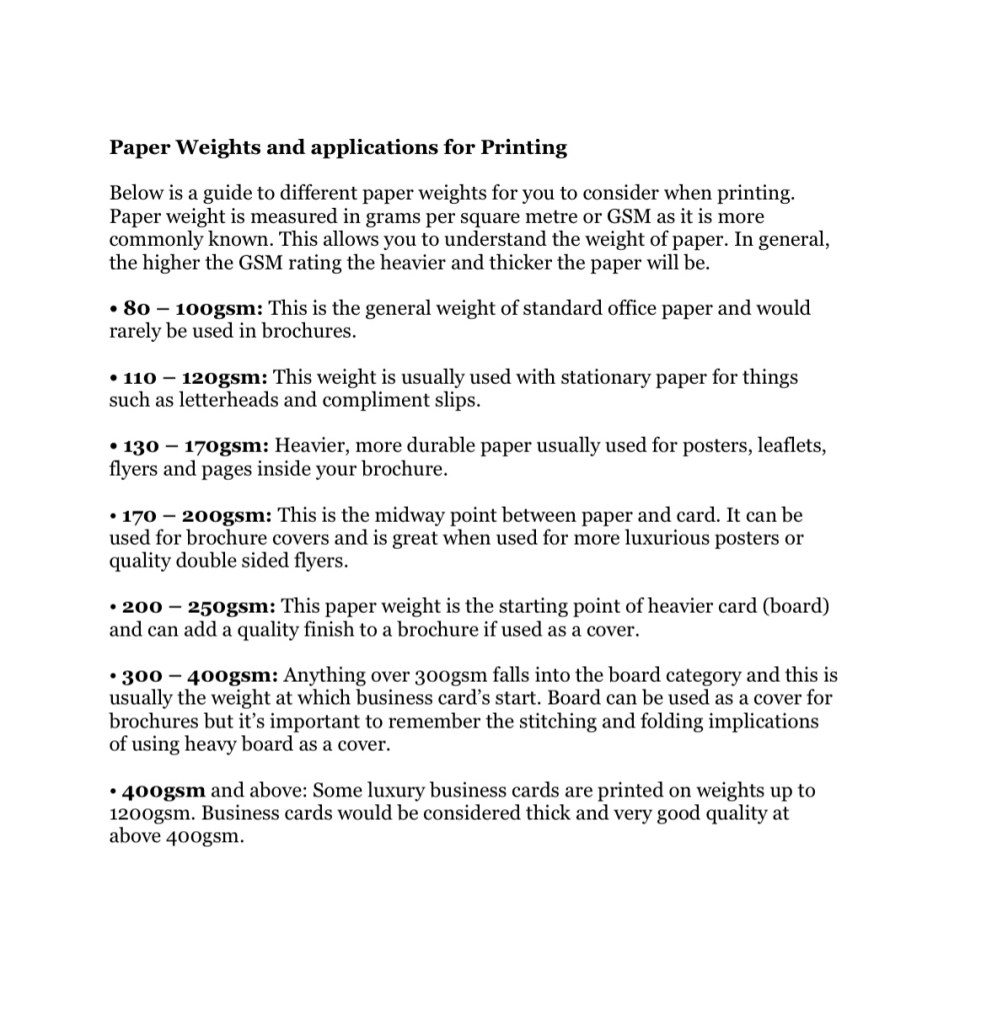
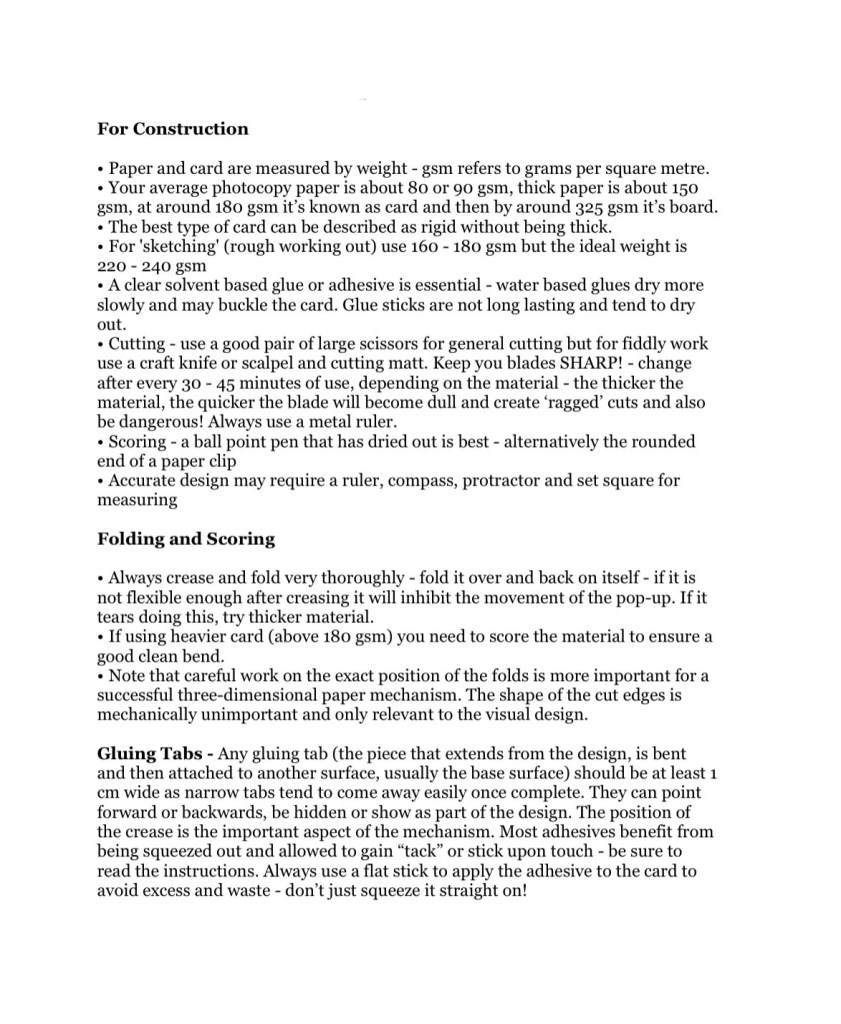
Here is some technical information the our tutor gave us about different types of paper and what needs to be considered when choosing which type to use for construction and printing.
3D scanners take a physical object, and digitises it so it can be saved, shared, and edited on a computer. Scanners contain many components such as cameras and lasers. 3D scanners can achieve a level of precision and accuracy that a normal camera or 2D scanner can’t. 3D scanners measure millions of points in a single measurement with a high level of precision. Scanners retain this high level of precision on objects ranging from very small to very large. The scanning hardware makes the digital representations and the scanning software allows you to work with the scan. 3D scanning is used in many industries such as architecture and model making for prototyping, quality control testing and 3D printing.
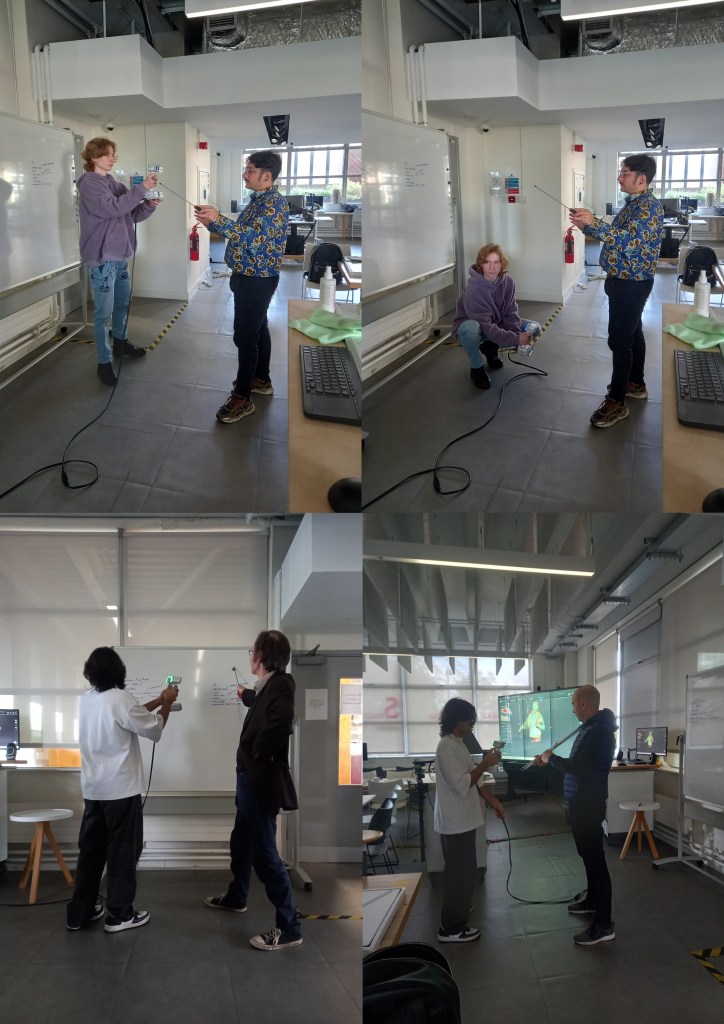
We had a session in the EMS area doing some 3D scanning for the model of the Great Hall. It was good to practice and expand on the skills I learnt from doing this last year. My partner for this project had no experience doing this kind of work so I was able to take on more of a leadership role and teach him about the software and processes involved. I learnt some new things about 3D scanning and printing such as different materials that the printers can use and why you would choose each one. For example resin gives a more clean and smooth finish as opposed to PLA, Poly Lactic Acid, a biodegradable plastic.I also learnt about about 3D software that I could use such as Tinkercad, Unreal Engine and Cinema 4D for 3D modelling.
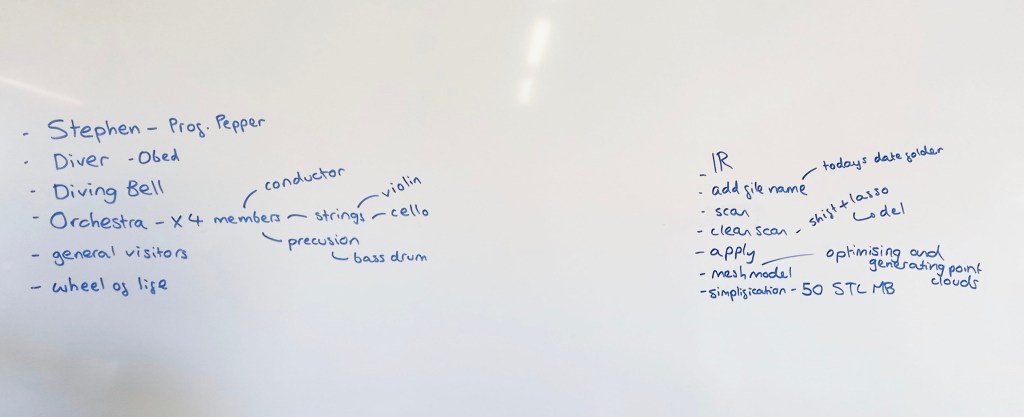
Before we started we made a list of what we needed to complete (left). We need to scan someone to be Professor Pepper, a Deep Sea Diver and their Diving Bell, an Orchestra, some more general visitors and the Wheel of Life.
On the right of the board are notes I made to help us use the 3D scanning software Shining 3D. This is an industry standard software as it’s one of the most reliable and highest quality 3D scanners. We used Eiscan sensors which are handheld devices that someone holds and moves around the person being scanned. 3D scanning works by a sensor sending out light which gets reflected off a surface and goes back into the sensor. The time this takes indicates how far away the subject is so the software os able to construct a model using this information.
Process: the subject picks their pose, making sure it’s something they can hold comfortably for a few minutes because too much movement will disrupt the scan. Then you select IR mode on Shining 3D, this is a lower quality scan than the other option but is more reliable. As our figures will be 1:10 scale we don’t need perfect details because they won’t be noticeable. Make sure to turn the data quality indicator on, the shows the subject being scanned in red, yellow and green on the monitor. Red is where there’s not enough data yet and green is when it’s got enough data. This helps you know what areas to scan again and what bits to leave. Then the person scanning starts to go around the model with the Eiscan sensor. A couple good tips I learnt where to start with the face and areas that are most likely to move during the scan, usually arms. Also when scanning try to work fluid motions because the sensor picks this up best. Once you’ve scanned the subject using the lasso tool, hold the shift key and circle around any errors to remove them. This is a similar process to using Photoshop. Then you’ll need to optimise and mesh the scan, this helps to fill in any gaps. It’s important to simply it to around 50 STL MB, so the file size is not too big and scan be printed. Finally save the scan and now it’s ready to be printed.
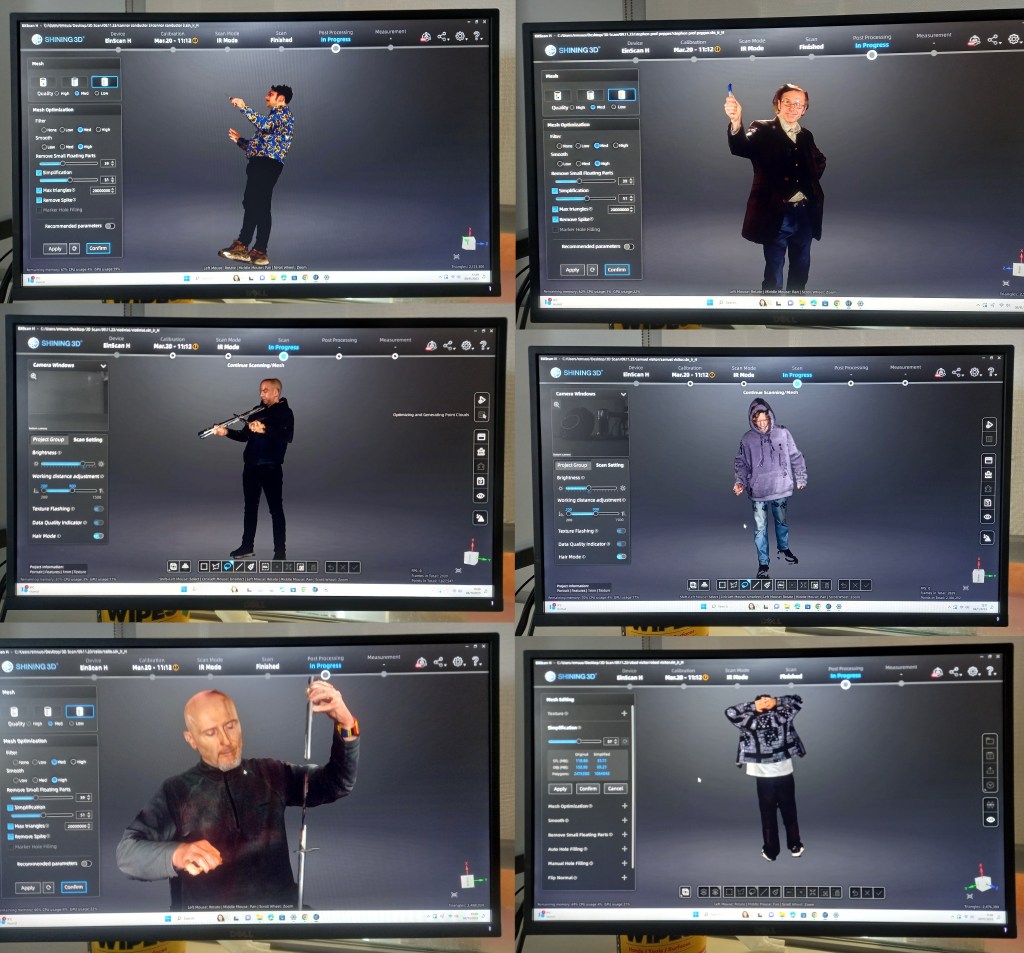
This is an image of the model scan forming in Shining 3D. It’s a quick process, only taking about 10 minutes from start to finish.
There were a few times that we had to repeat scans as they didn’t come out well. This was either due to the subject moving too much or the person scanning not capturing all the areas well enough. These are some of the scans we did during the session. We were able to scan Professor Pepper, 2 general visitors, and a 5 person Orchestra with a conductor, violin player, bass drummer, flutist and cello player. We picked instruments and poses that were authentic to the time period. For the instrument we used place holder such as metal poles and screw drivers so that the people being scanned could pose as if they where actually holding it. Once they’re 3D printed we will hand model the instruments. In the same way I did before I’ll hand fill any gaps or remodel any bits that don’t print well.
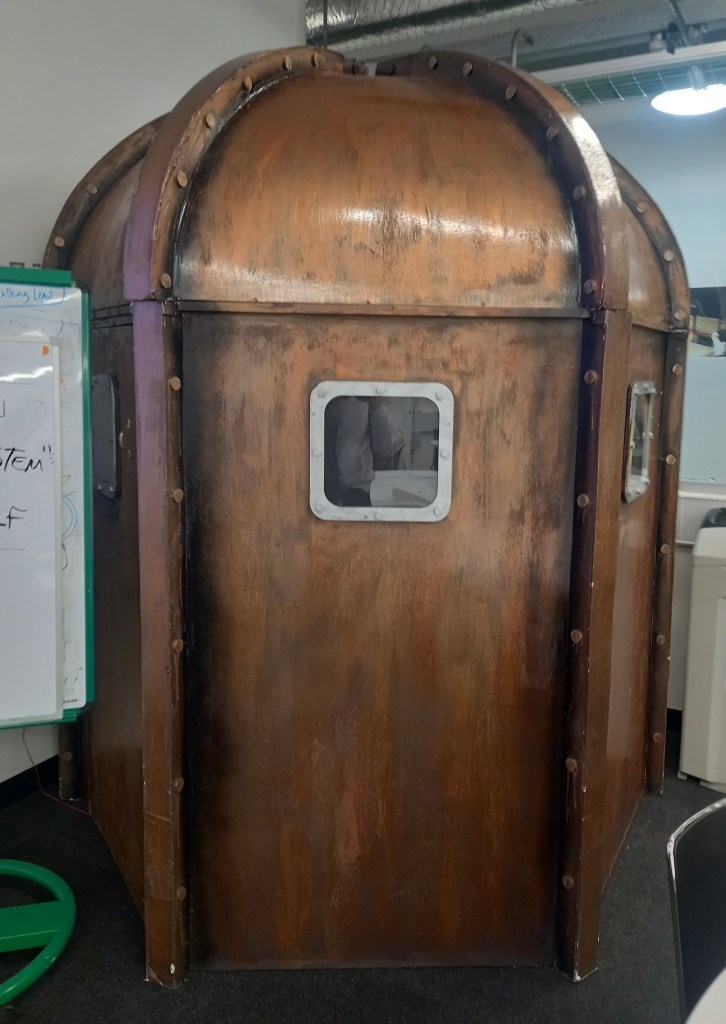
We also scanned the model of the Diving Bell using a different 3D scanning software that’s on an iPad called Polycam which is often used by architects for interior design work. It’s an easier software to use but produces lower equality scans with less detail. This is fine for the Diving Bell as it’s a big geometric shape with minimal detail so came out well with the scan.
We will have 1 more session of 3D scanning to get some more general visitors and scan the Wheel of Life as we didn’t get time to do those. We want more general people to populate the Hall right now we have 13 completed figures, 6 unpainted ones and 2 scans waiting to be printed. This is a total of 21 and our target was 25. Next week they will start to be 3D printed and once that’s done we can paint them.
Now that we’ve studied colour, typography and logos in terms of constructing a brand we where given a mini branding brief in preparation for our main brief. I recently started volunteering for East London Water Works Park in the design and communications branches. So for the mini brief I decided to create a new logo, colour palette and typography for them.
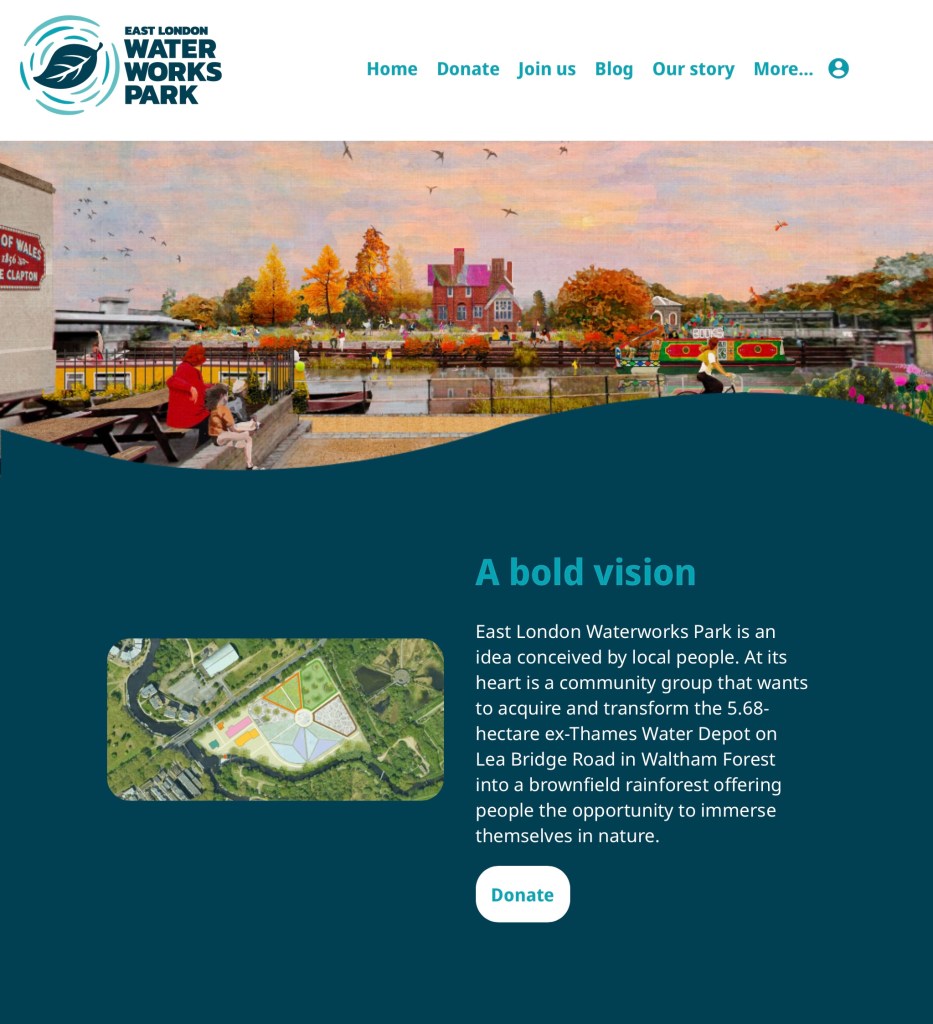
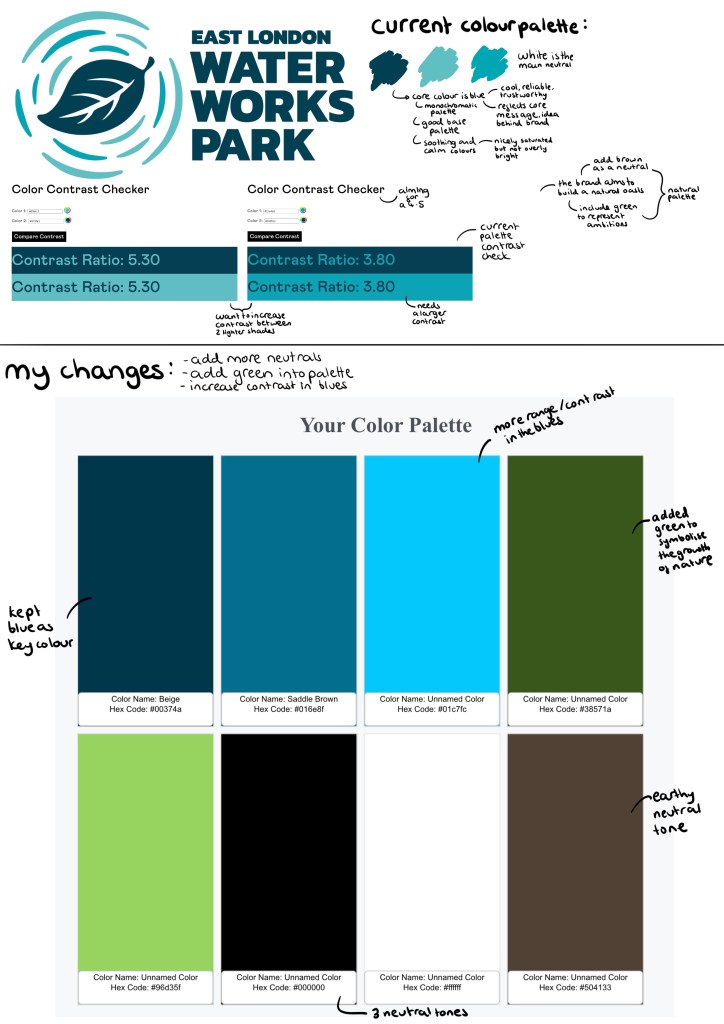
Here is an image on their current logo and a screenshot from their websites home page. It’s a combination logo as it has both an image a words. What’s great about this style of logo is that if you take either part away it still works. It’s ideal for new and fairly unknown brands as this way people can start to learn and recognise the brands name and logo. Both parts fit nicely into circle and square shapes, making it easy to place on products and advertisements. The simplistic vector images of water and a leaf are very nicely made and quickly translate to the viewer what the brand it about. Also the minimalistic colour palette of just different shades of blue with white as a neutral colour also supports the natural, water focused theme. The logo also work well I’m greyscale or in fully black or white. The typography is nice but not that interesting, with simple bold fonts for headings and a basic font for the paragraphs. They have a nice base but I see areas that I could improve to help improve the companies branding.
This is my work on adjusting the colour palette for the branding. The key alterations I made were increasing the variation between the 3 shades of blue, adding some green into the palette and adding brown as an additional natural neutral tone. I will keep white as the primary neutral tone as it brightens up the page as helps keep a calm feel to the brands image.
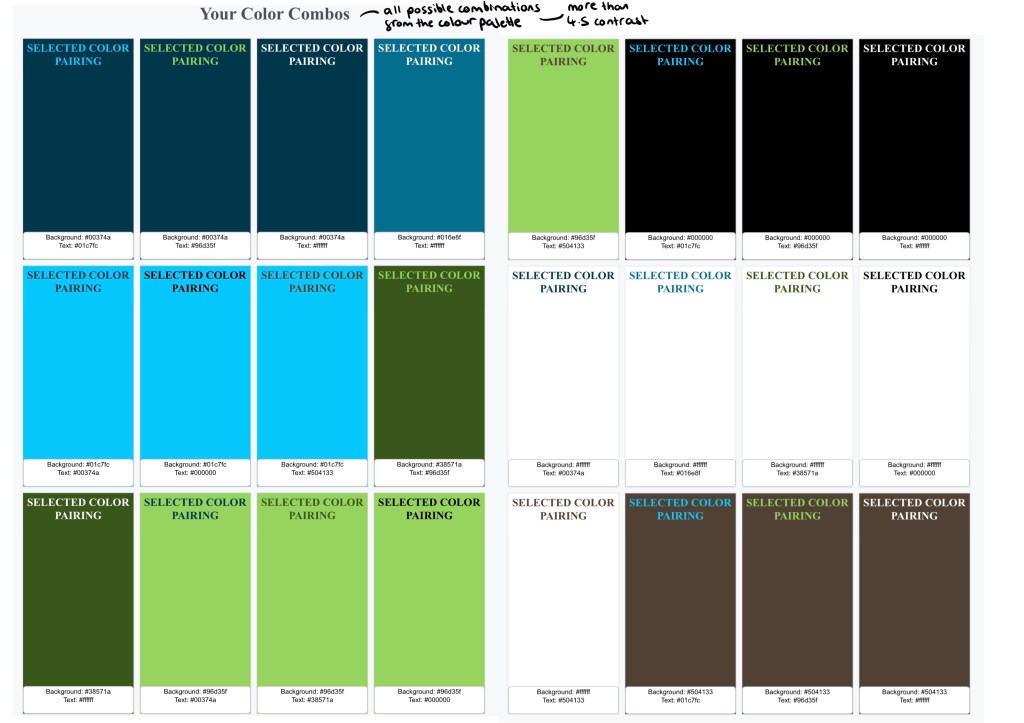
These are all the compliant pairings in the colour palette and their contrast score, 4.5 is the target to have enough contrast.
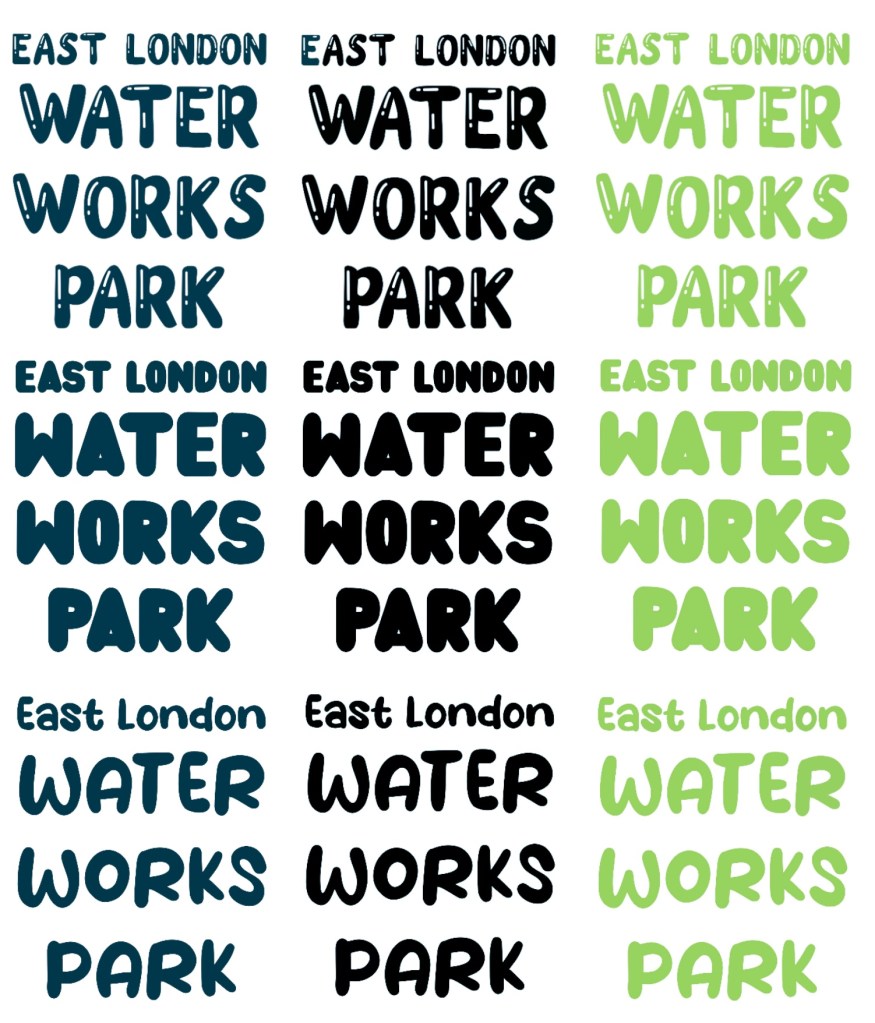
I like the fonts used as they’re very legible, making them easily accessible. However, this bold, simple style means a lack of personality so I found 2 fonts that I think bring more character to the branding. These 2 are a lot more fluid and bubbly, imitating water which compliments the logo and colour palette. Below are tests showing all the different contrasting colour options with the 2 fonts. I think these would be best used for big headings and in more informal branding such as social media posts. I would still keep the current typeface for the bodies of text as I want them to be as simple as easy to read as possible.
This show all the different compliant pairings of colours, highlights the diverse typography opportunities with the new colour palette.
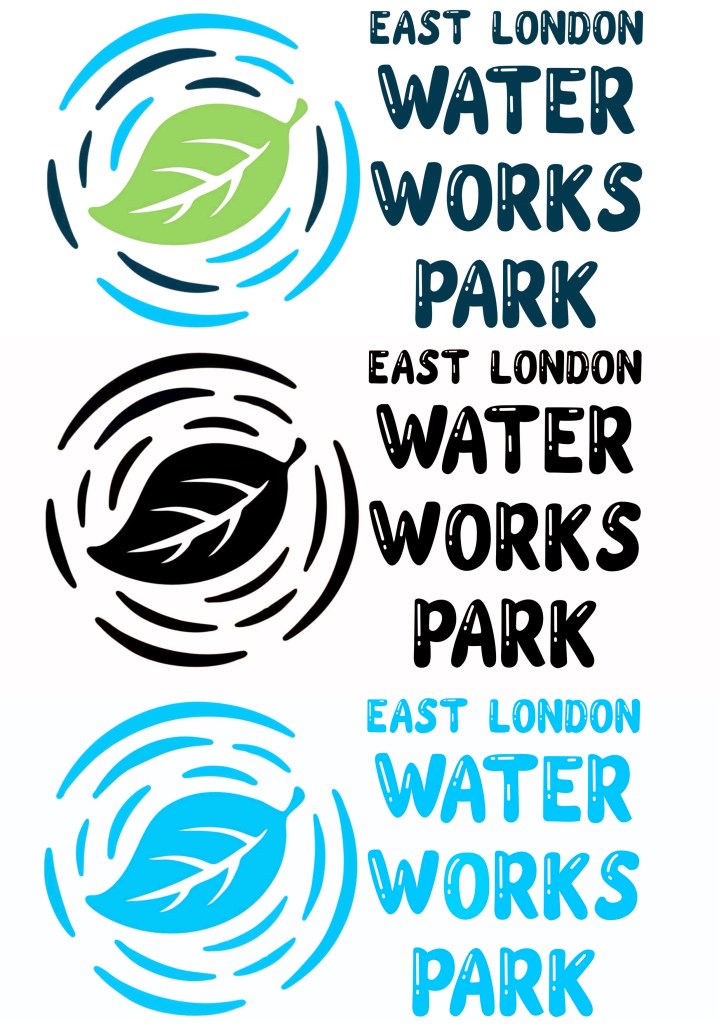
Here are 3 possible typefaces for the logo. I kept the same layout as the original but gave the fonts a bit more of a fun personality and tried each in 3 different colours. The dark blue would be for the official logo, then there would be an all black and an all white version and the green one would be for alternative colour scheme.
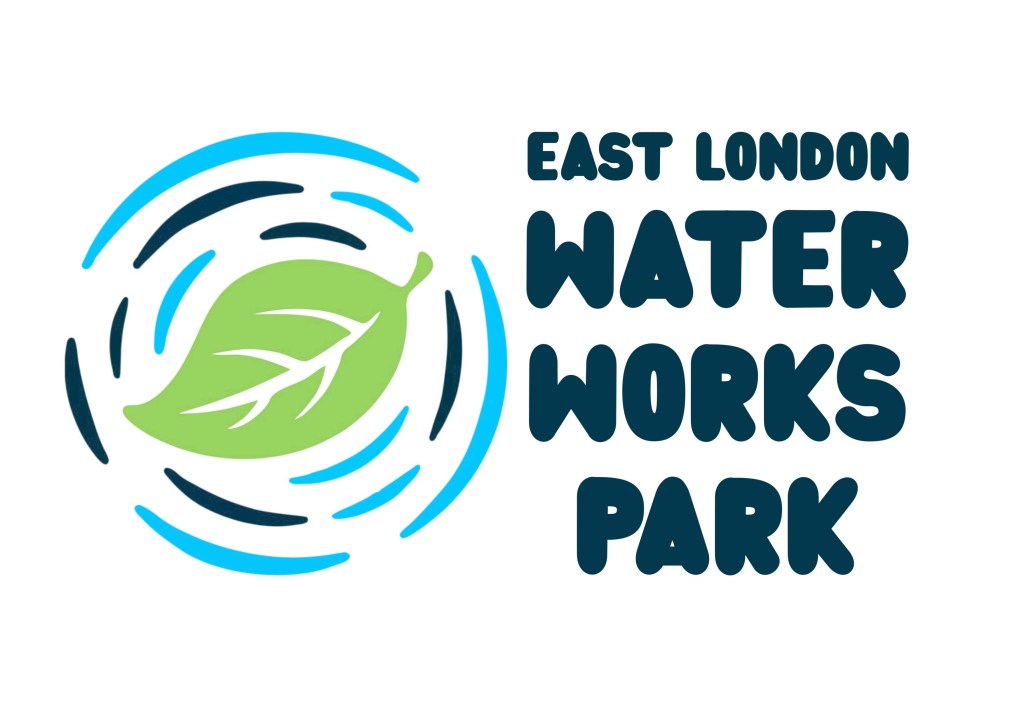
I applied my favourite 2 to the current logo. I made some colour changes to the logo. I made the 2 blues in the water ripples less similar so they’re more eye catching and made the leaf green to symbolise what the brand is aiming for.
Here are the different colour variations of the logo with my favourite new typeface. There’s a full colour version, an all black one and a monochrome blue one.
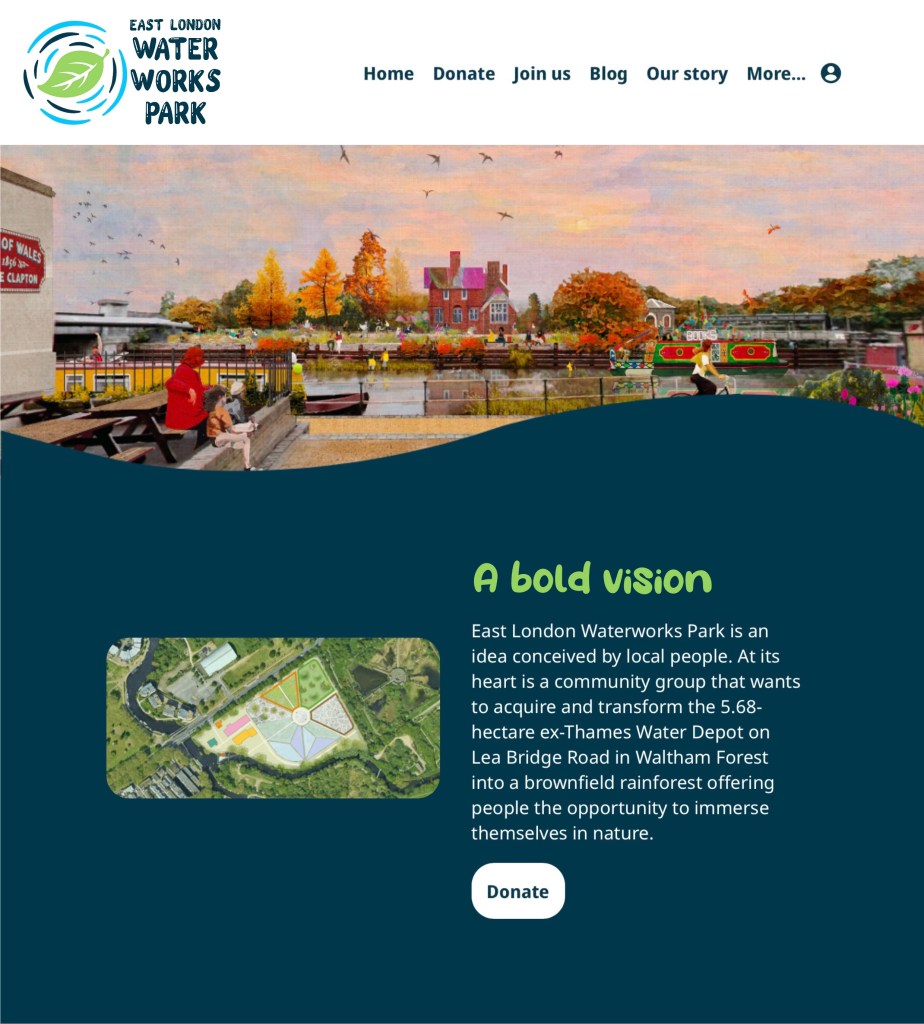
I then applied some of these changes to a screenshot of the website. The logo has been recoloured, the typeface is the logo has been changed, the typeface and colour has been changed for the ‘a bold vision’ heading. Also I changed the blue backdrop to a darker shade to make the text stand out more. Overall I think the changes have improved the branding while not taking away from the brand values and the original branding ideas.
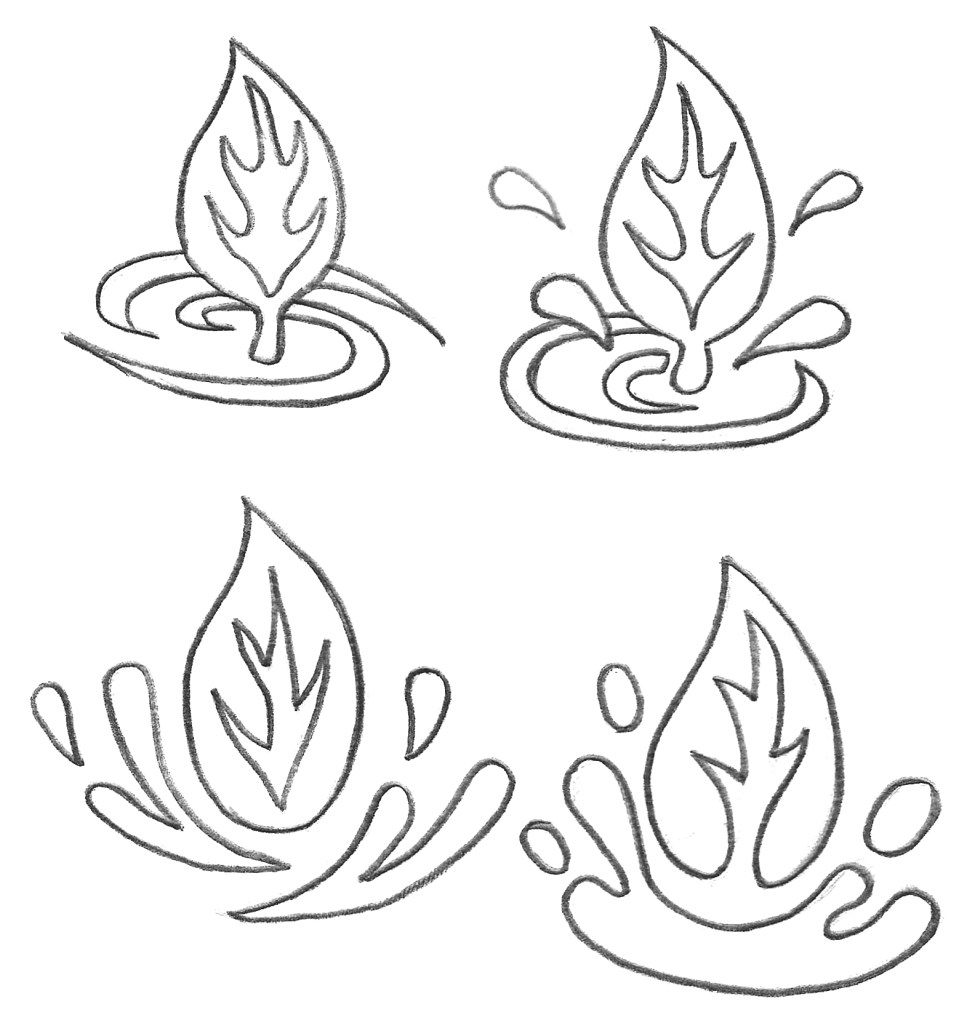
I did a few hand drawn sketches of logo redesign ideas. I wanted to keep the leaf and water as symbols in the logo but played around with the composition. This is an example of a pictorial logo which can also be combined with the brand name. I wanted to make the logo more dynamic so I tested different compositions.
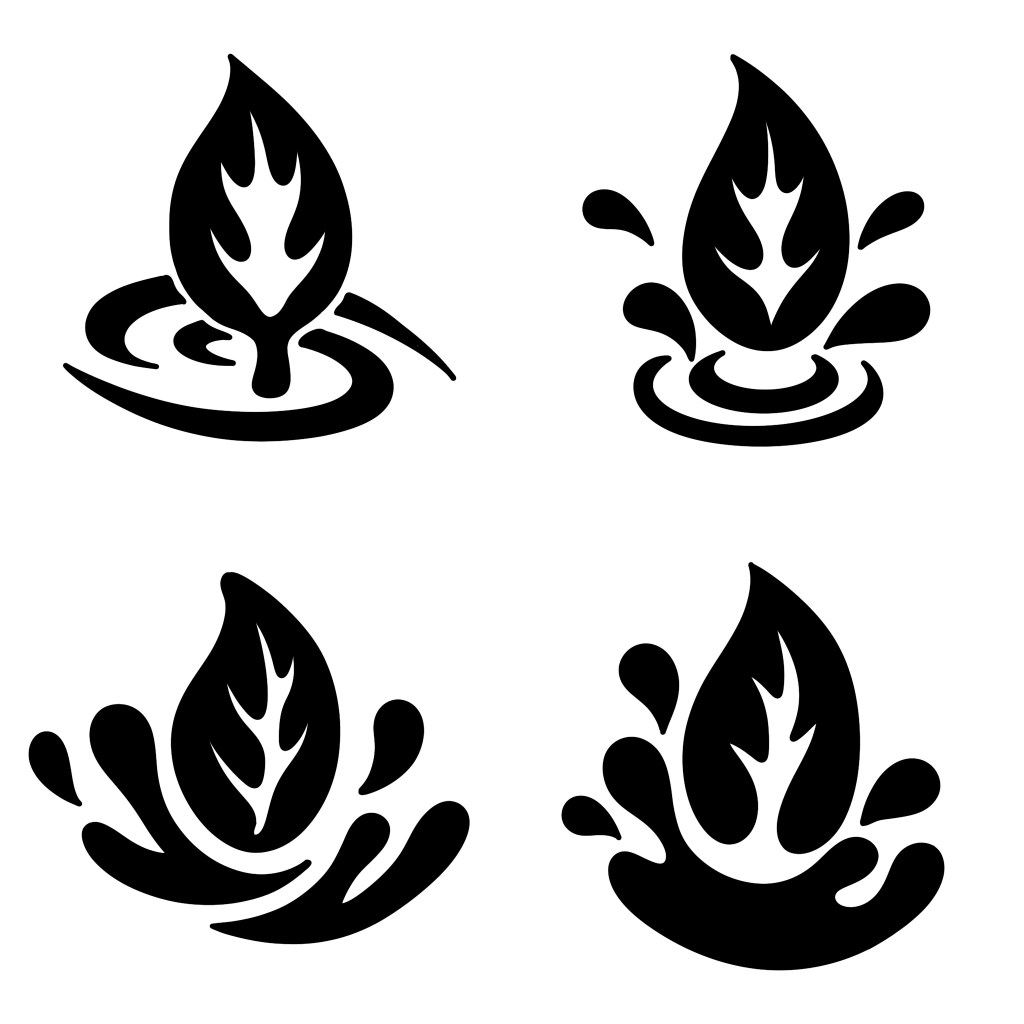
I redrew the logo ideas digitally using Procreate and made minor adjustments. I made them in all black as it’s important when making a logo to create it in greyscale values to check the design is good before adding colour.
Here are a few potential colour options for the logos using the colour palette I made or the brand. I think my favourite of the colour schemes is the bottom right one as I think the bright green and blue mixed with the darker blue work well together and are very eye catching. To properly make this logo I would use Adobe Illustrator and vectorise it.
After completing the sessions on the 3 possible briefs I have decided to do the Visual Storytelling project. I will draw inspiration and ideas from from the other briefs where I can to strengthen the project. Wordless picture narratives are the type of narrative I enjoy viewing the most and it has the strongest link to my personal career ambitions.
Pitch: I want to create a wordless picture narrative all about the power and love of belonging to a family. I want to explore how family dynamics and how your ‘chosen family’ may change overtime. The narrative will have a fun and warm tone as I want it to be a celebration of family. It will be a viewpoint narrative as it will be a chronological journey through 1 main character’s life. I plan for the characters to all be animals, specifically the wildlife you’d see around England such as foxes, badgers, hedgehogs and squirrels. I think this will help make the narrative more fun and visually engaging. I plan to creat 20 images, so 5 double page spreads probably in landscape orientation. Each page will depict a stage in the main characters like and a moment where they felt love from someone or a group that they can call his family. In terms of the visuals I want to use watercolour with little details of pen and coloured pencil to depict these beautiful natural scenes to try create a world that these animals live in. I will be taking inspiration from the likes of Beatrix Potter, Luisa Rivera, Evgenia Malina and more.
Beatrix Potter:
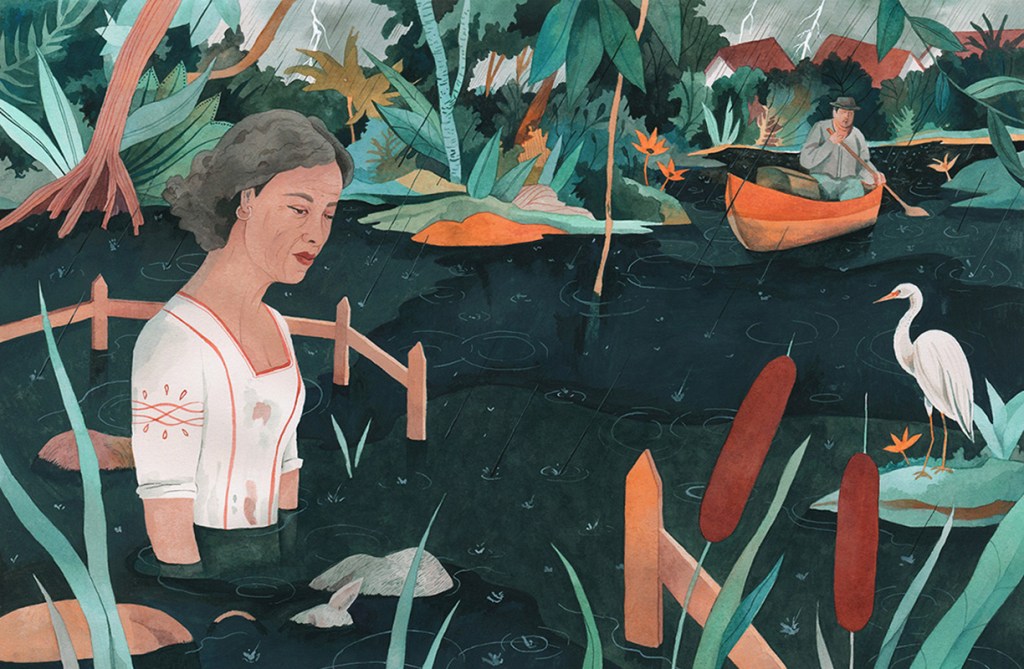
Luisa Rivera:
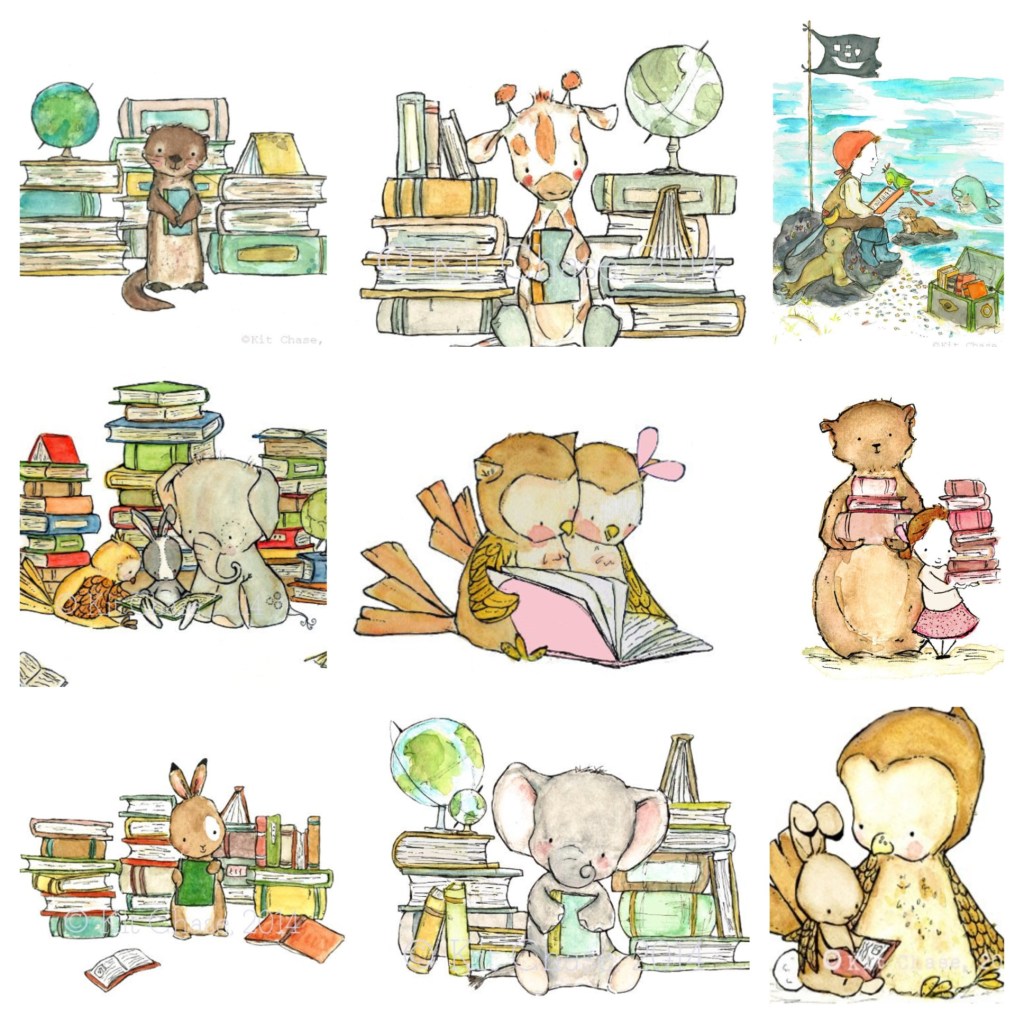
Kit Chase:
Evgenia Malina:
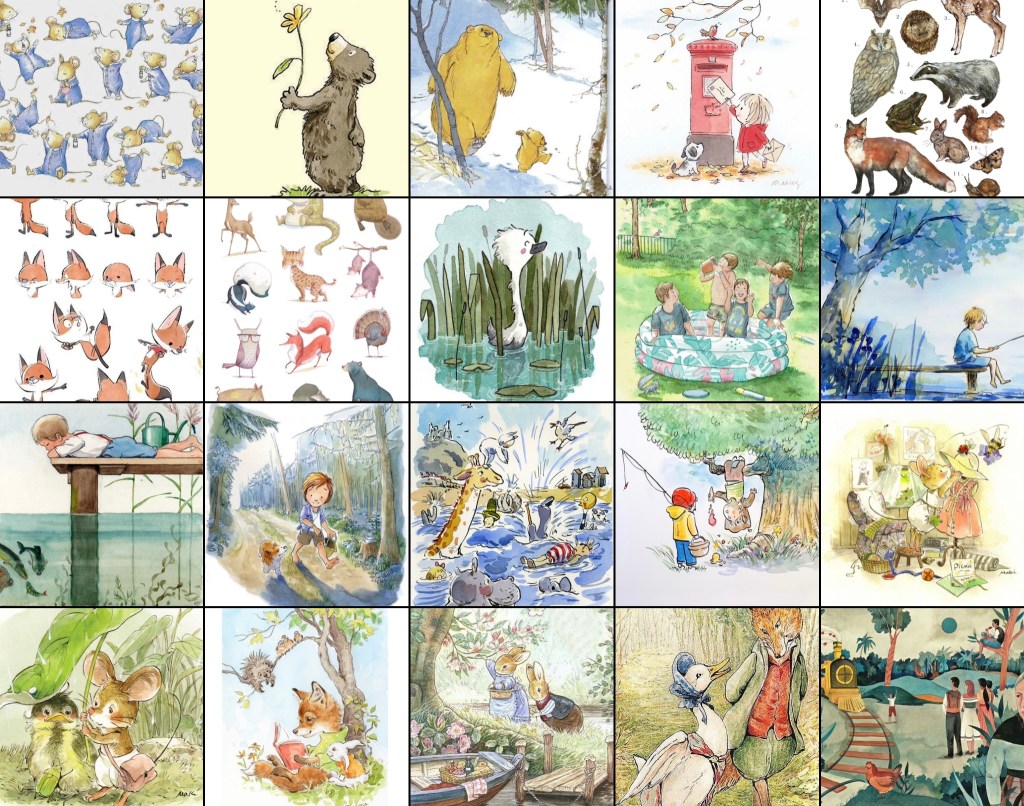
Here’s a mood board I made with visual inspiration from different illustrators:
The Great Hall model is currently in a flat pack form. The parts have been laser cut but we still need to make a frame for the basic shape to sit on. This is in panels and need to be stuck together. This should be a fairly quick process and then we can start to decorate the interior.
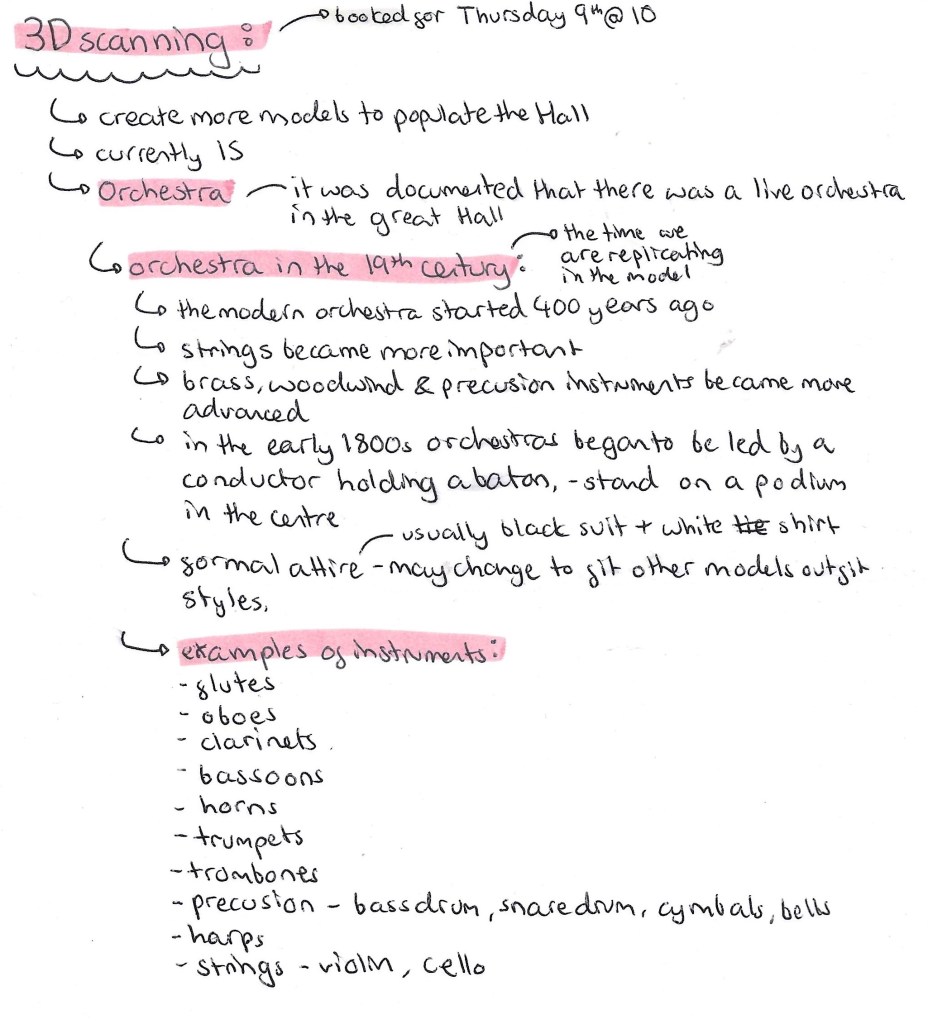
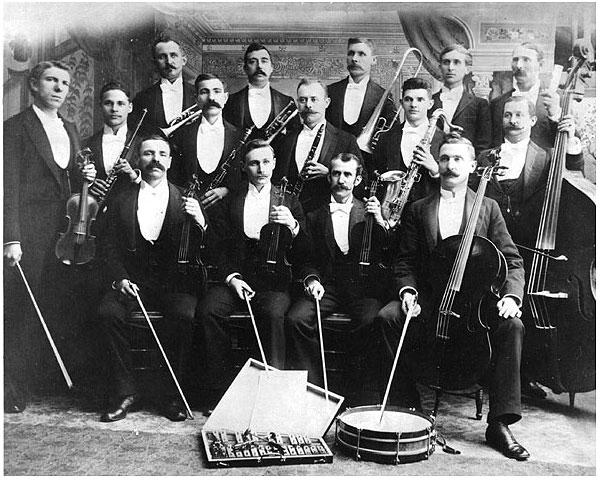
In order to capture the busy atmosphere of the Great Hall we need to make more figures to populate it more as there is currently only 15. This process will require 3D scanning, printing and painting. I booked a session to use the 3D scanner in the EMS. As well as producing a few more figures to go around the Hall we’re going to make an Orchestra to show how there was live music there at the time. I did some research about 19th century Orchestras to see how to best recreate this.
Orchestras are large groups but due to time we won’t be able to make that many so I think it’s best to scale it down to around 5 people. This will include a conductor who stands in the middle with a baton and 4 musicians who are sitting down around him. I plan on including a range on instruments such as flutes/ clarinets, percussion, trumpets/horns and strings. I will 3D scan people in the correct positions and give them props to signify the instruments but once they’ve been 3D printed I will hand model the details of the instruments.
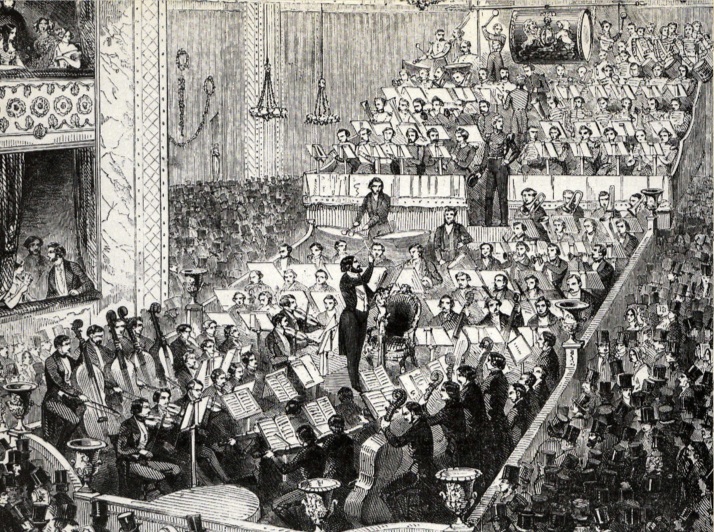
Here are some reference images of 1800s Orchestras:
In addition to scanning people for the Orchestra, I will be scanning some of the replicas of the exhibits that where made. Such as the Diving Bell and The Wheel of Life. This way we won’t have to sculpt of 3D model the exhibits, we can just scan and print them. Also I will scan people to be specifically interacting with the exhibits, for example some sitting by the train which was in the centre of the Hall and someone in the Divers costume for the Diving Bell.
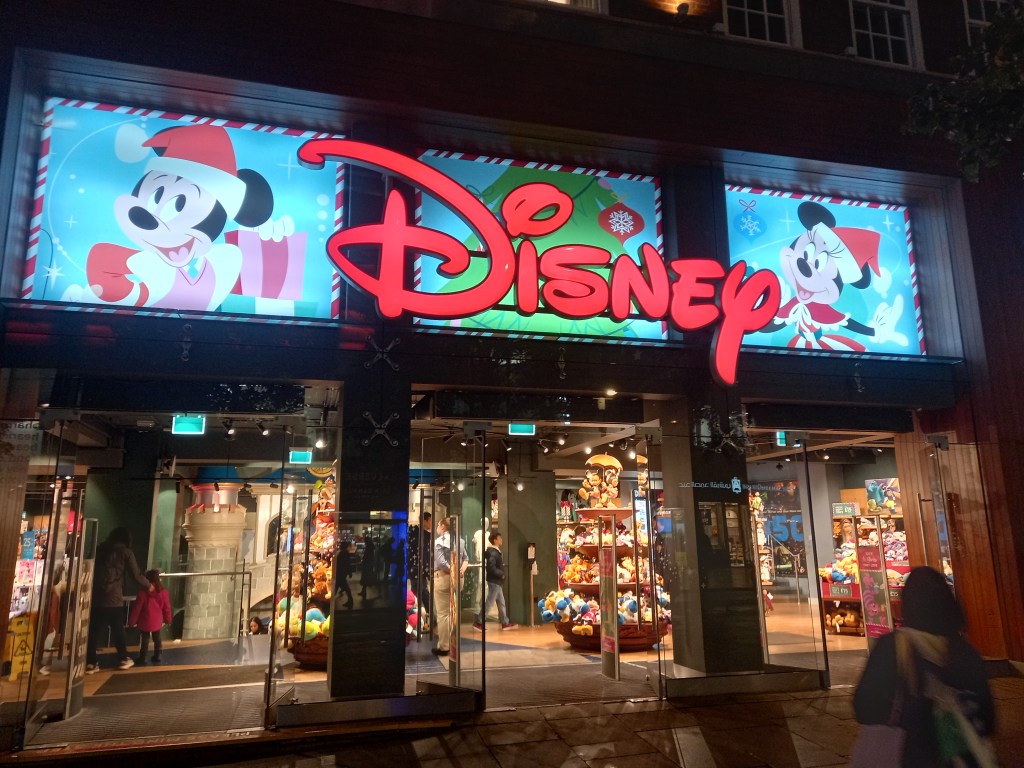
During independent learning week we where given the task visit somewhere completely dedicated to a brand. I chose the Disney Store on Oxford Street in London. Disney is a brilliant example of a brand that has become so successful that they’re able to create a world. The Disney Store is a small example of this, when you enter the shop you’re instantly immersed and surrounded by the brands visual identity and values.
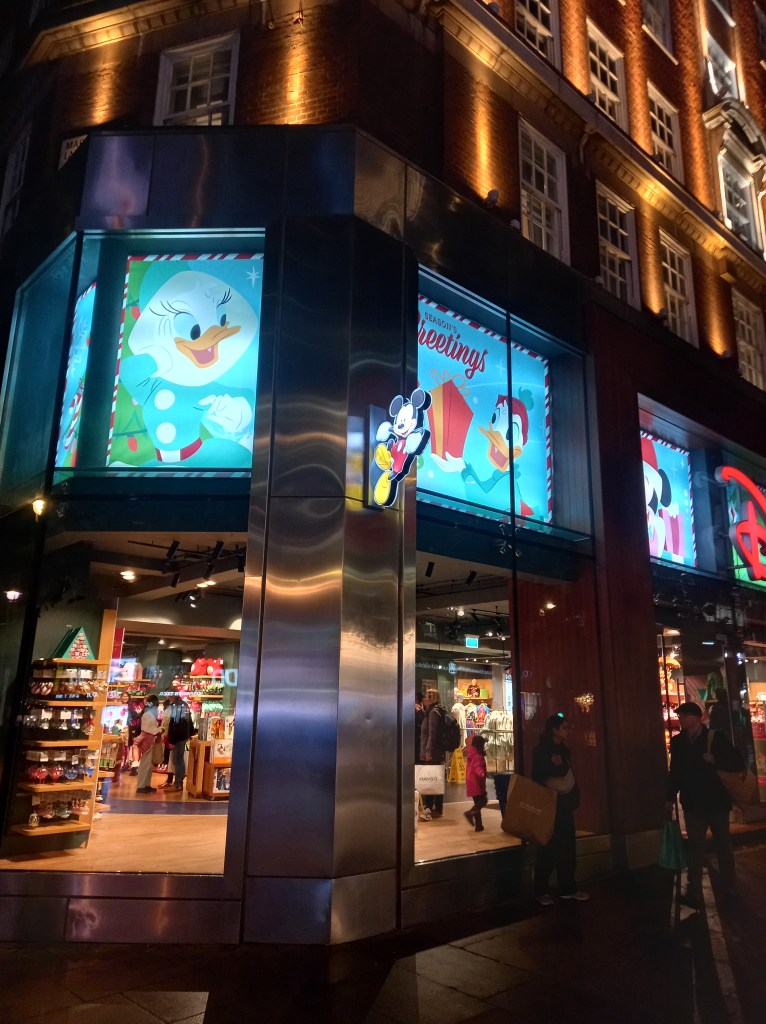
From the outside you’re instantly attracted to the icon logo. This is an example of a Word mark logo as it just consists of a word in their unique typeface. The neon sign is in red as this is the first colour our eyes see so it draws your attention from far away. The logo have a dynamic and fun script style.
No matter what side of the street or direction you’re coming from you’re bombarded with branding as their are glowing images and signs of easily recognisable characters. This is another way of them capturing your attention. The blue in the images contrast the red signs, making them both stand out. Also blue connotes trust, loyalty and accessibility, all key parts of Disneys identity.
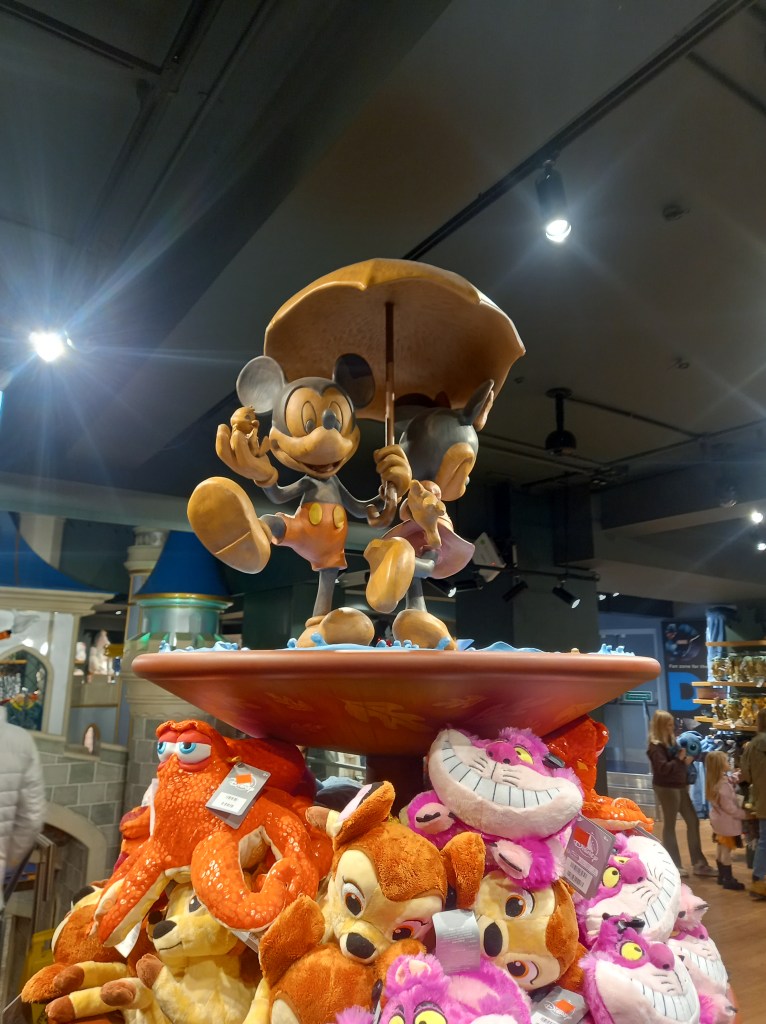
Once you enter the shop you’re immersed in Disney’s identity. There are elaborate decorations of characters and sets from the movies, making visiting the shop feel more like an experience rather than just a shopping trip.
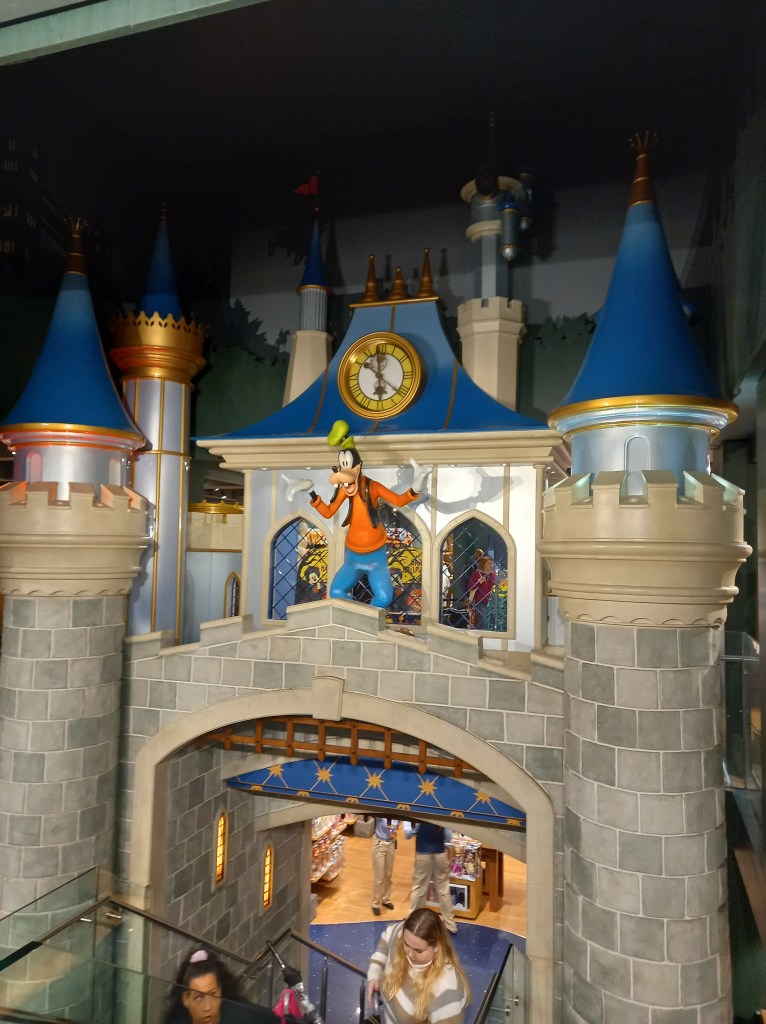
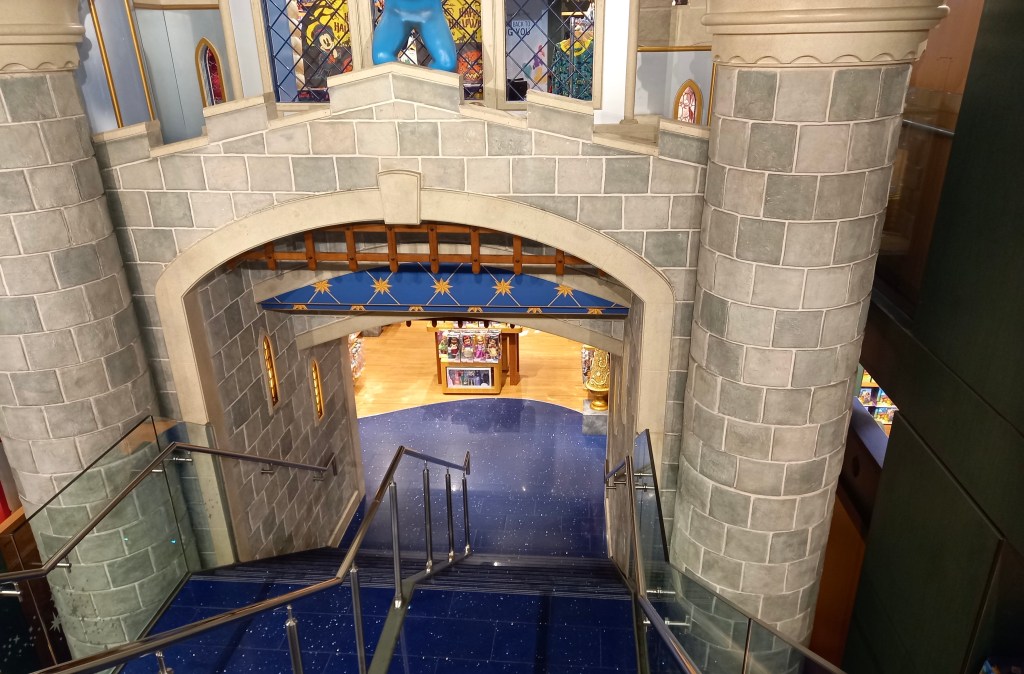
The stairs to the lower level are designed to look like you’re walking through the castle. They very cleverly navigate you around the shop. This makes people more likely to visit the other parts of the shop.
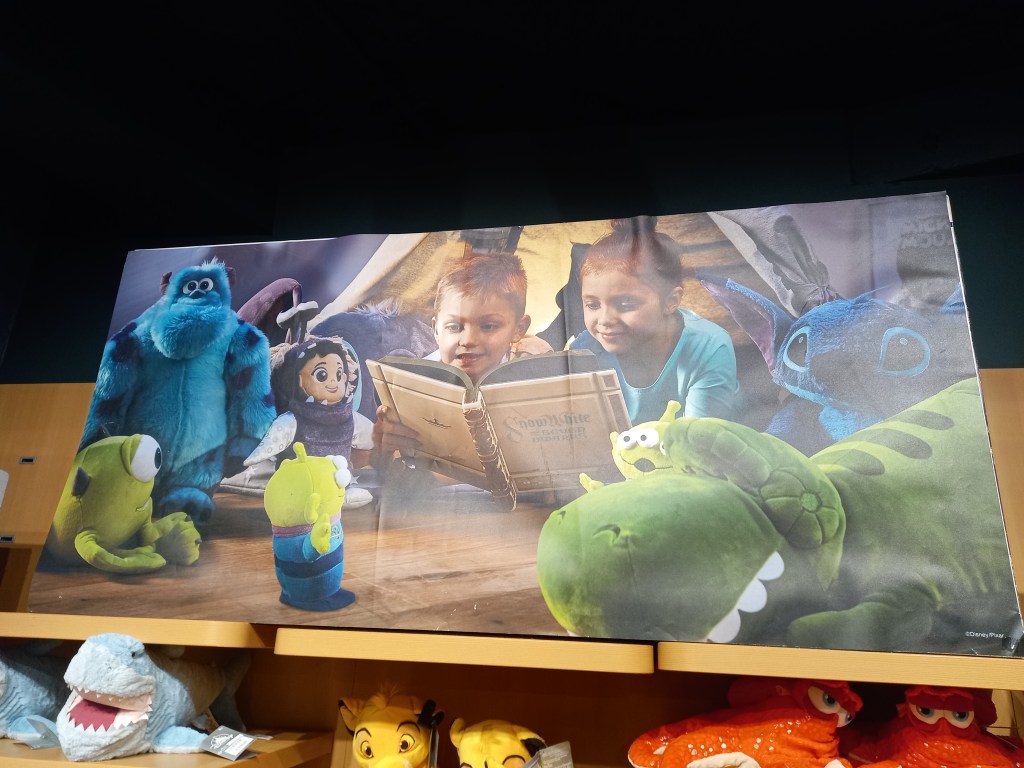
There was lots of adverts like this around the shop depicting families surrounded by Disney products. This is used to push Disney’s family friendly image and encourage families to purchase the merchandise.
This bold font was all around the store and is used so that customers can read the signs from a distance. There are a range of sizes on here. The bigger parts are what they want you to see first.
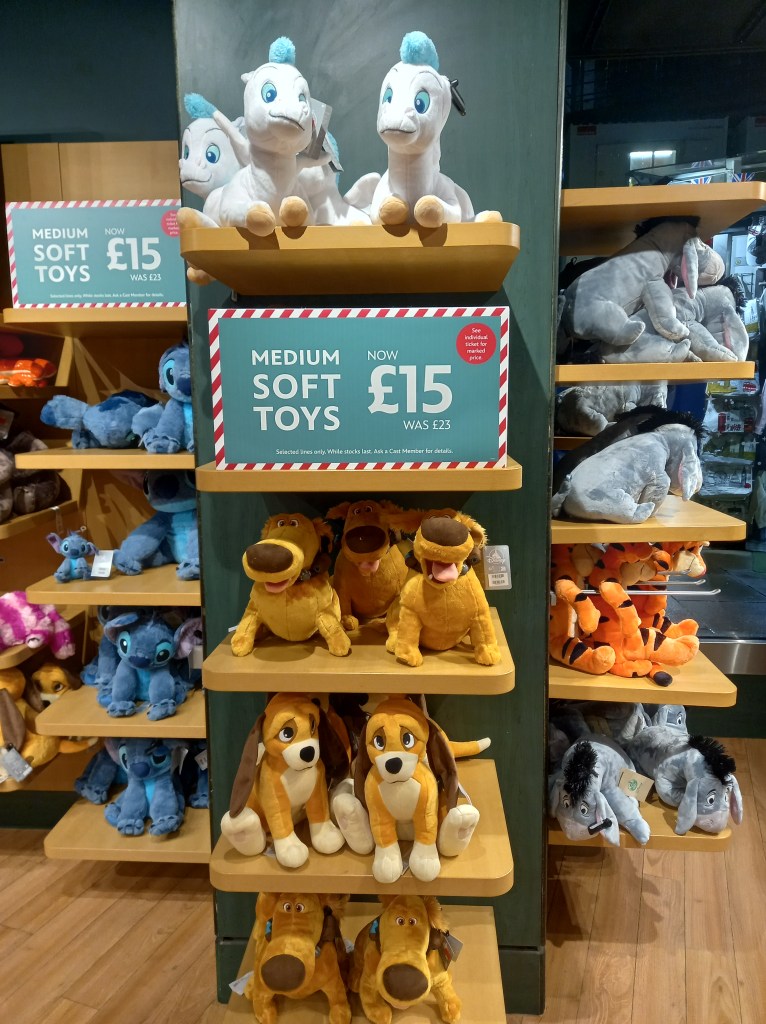
Another thing I noticed was that as you go around the store there is bright colours everywhere to engage the customer but all the floors, pillars and shelves are darker or more muted colours so you hardly notice them and your eyes are drawn to the products.
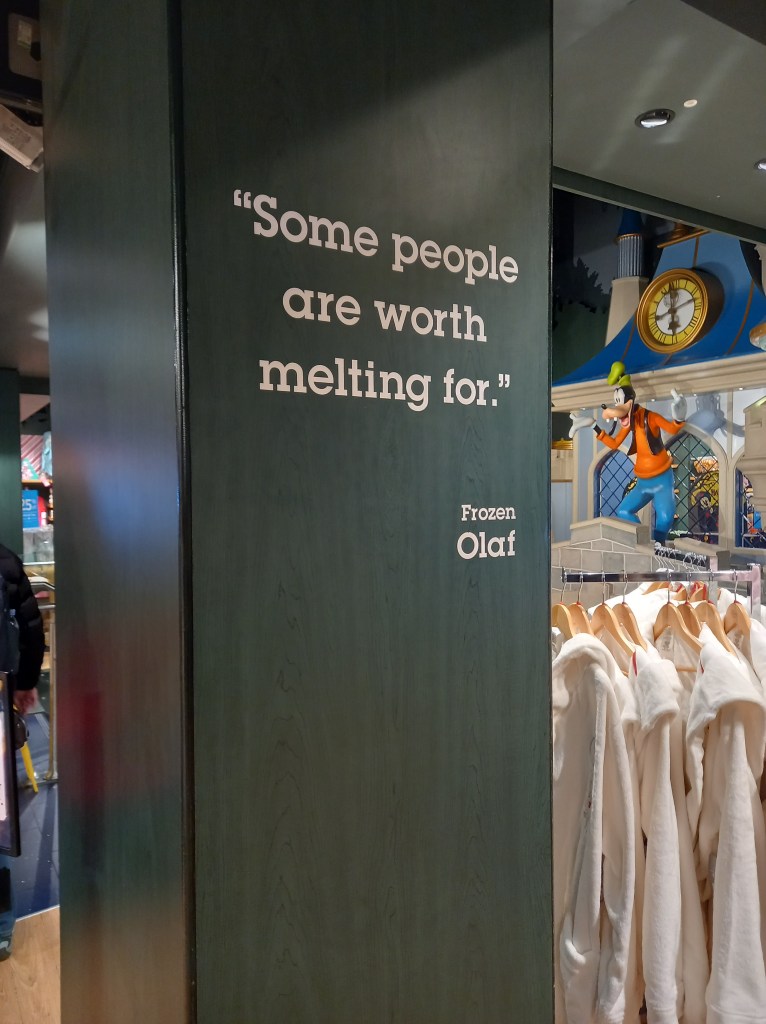
There where a few quotes like this dotted around the store. I think this is a particularly clever way of immersing you in the brand. They’ve taken quotes from popular Disney characters and using them to endorse and push Disneys values and ideas. This is a great way of making use of all the available space and bringing the characters to life.
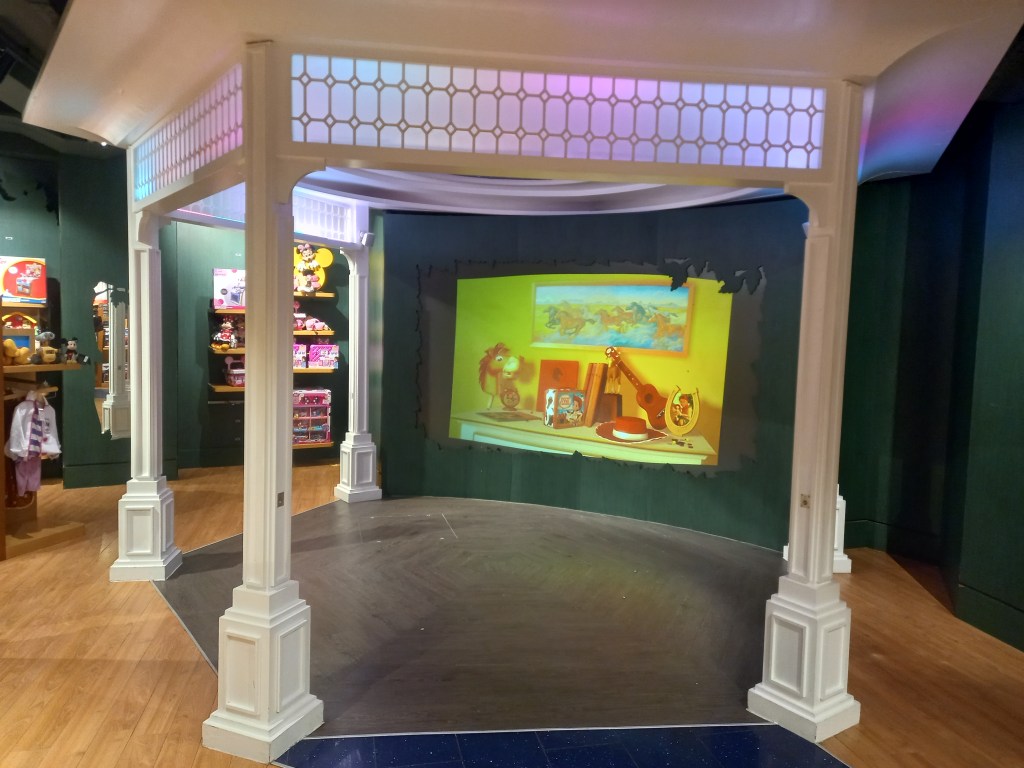
There’s also a little viewing area where you can sit and watch clips from Disney films and TV shows. This helps encourage people, especially families with children, to stay longer, increasing their chances of buying more merchandise.
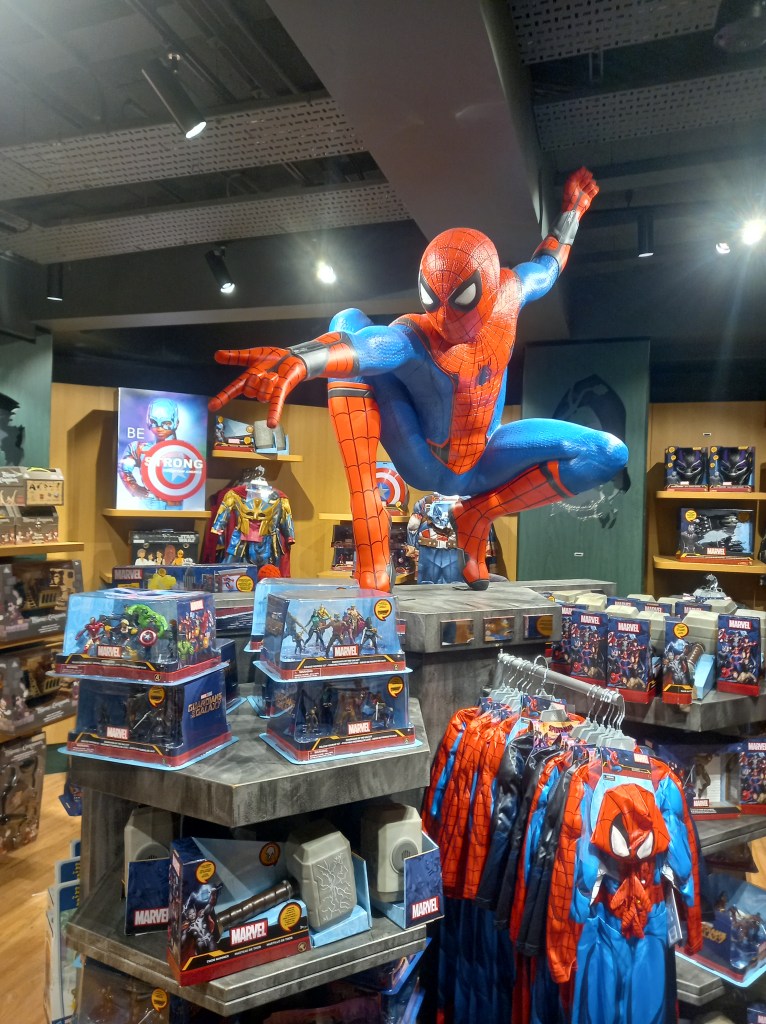
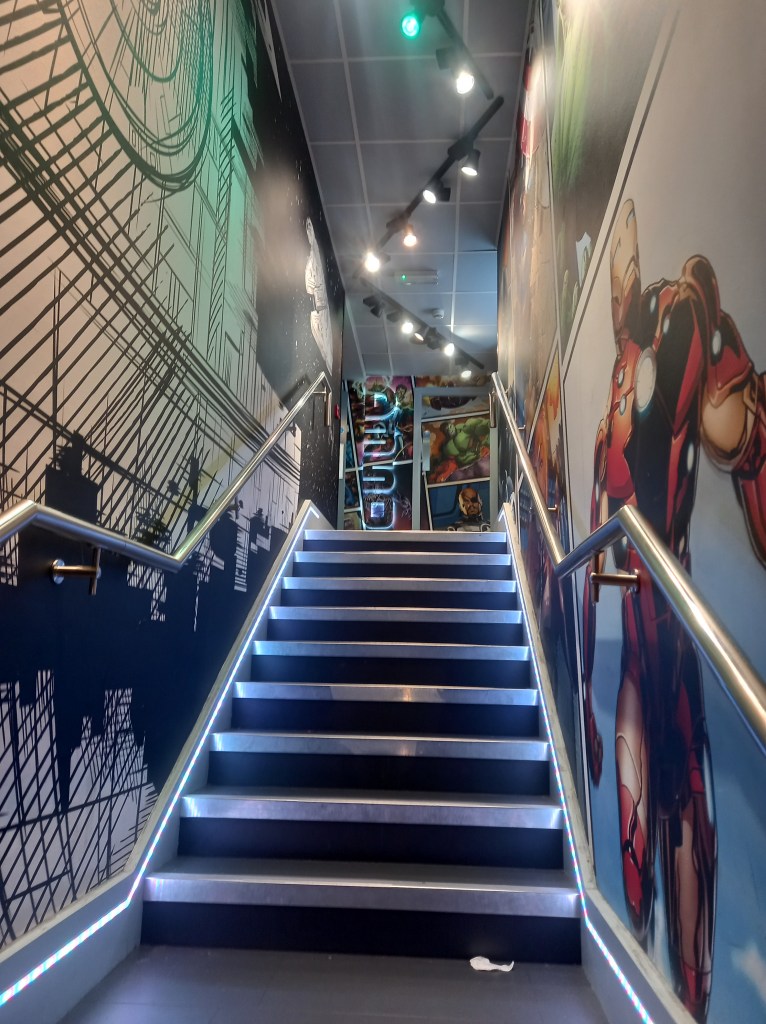
The store was divided into sections so as you go around the shop it was like taking a tour around Disneys catalogue of work. This helps to appeal to all audiences as they covered Classic Disney, Princess, Pixar, Marvel, Star Wars, National Geographic and more. This was the walk way from the main Disney store to a smaller section dedicated to Marvel and Star Wars. There was less bright colours, the colour scene was generally cooler tones with lots of blues and grey. This is an attempt to appeal to a stereotypically older and more male dominated section of Disney fans.
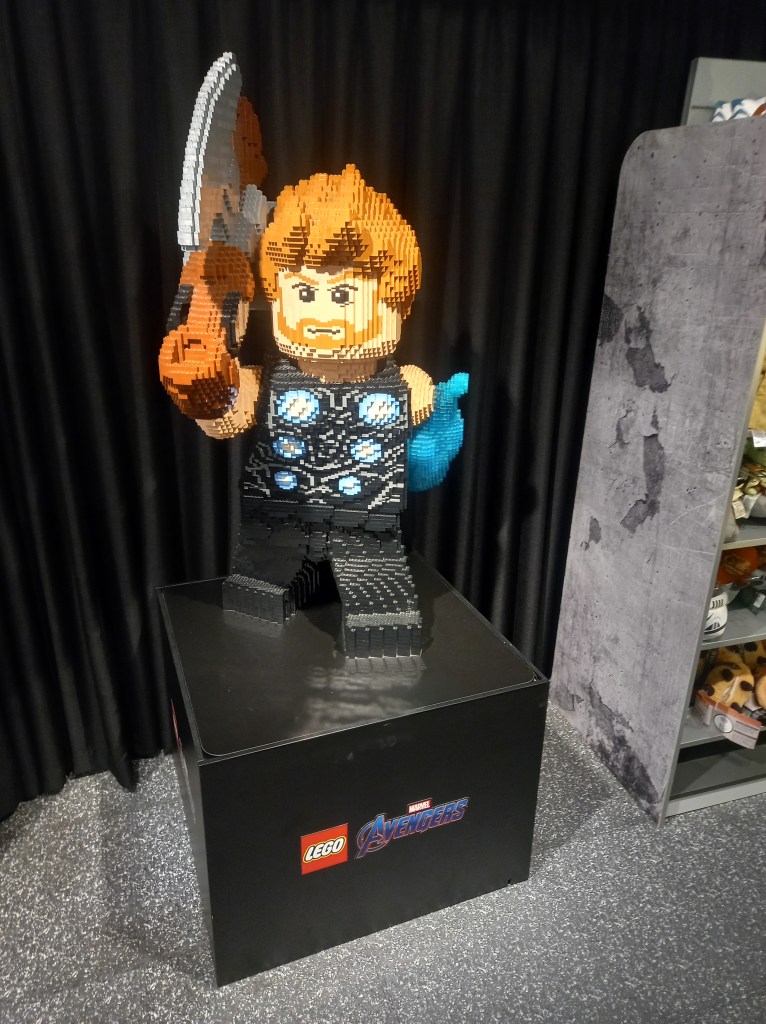
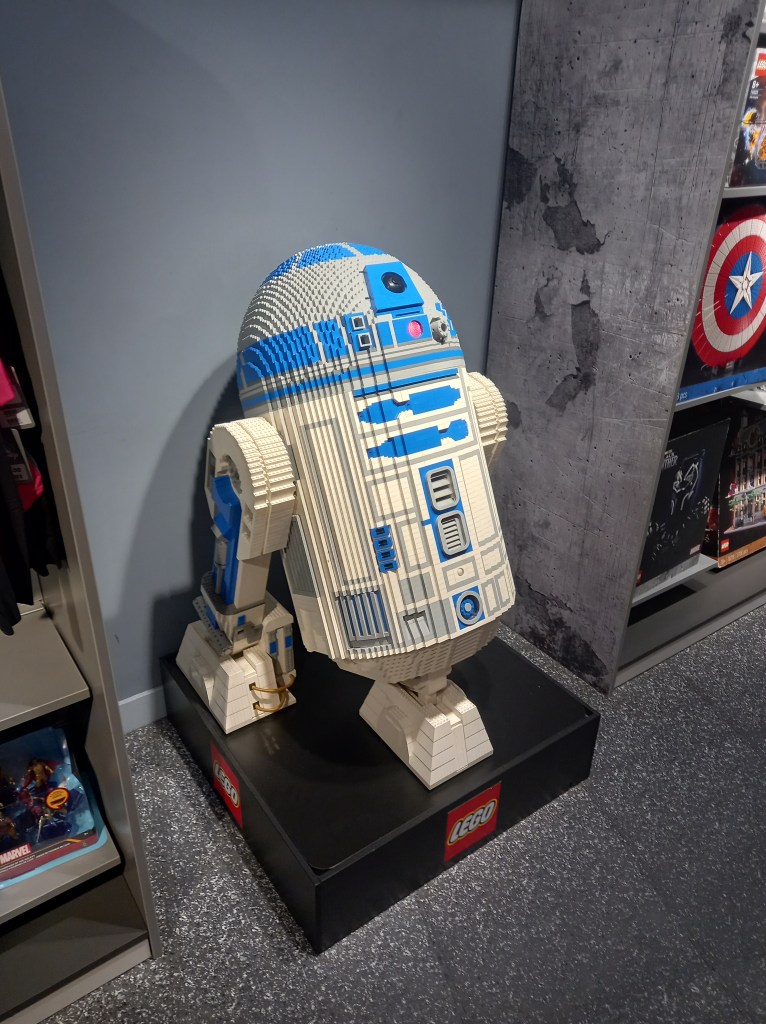
There was brand collaboration between Lego and Disney. This is mutually beneficial as both brands gain exposure and in turn sales. Also these big Lego characters are another example of the elaborate decorations.
In summary I visited the Disney Store to explore and immerse myself in a branded environment. The Disney store is a carefully designed place to engage you from the second the store comes into view. As you go around the store you’re constantly immersed in branding and Disneys identity. All the products and decorations are specifically placed to make the customer go around the whole store to encourage them to buy more merchandise.

















 Samuel Green Illustration