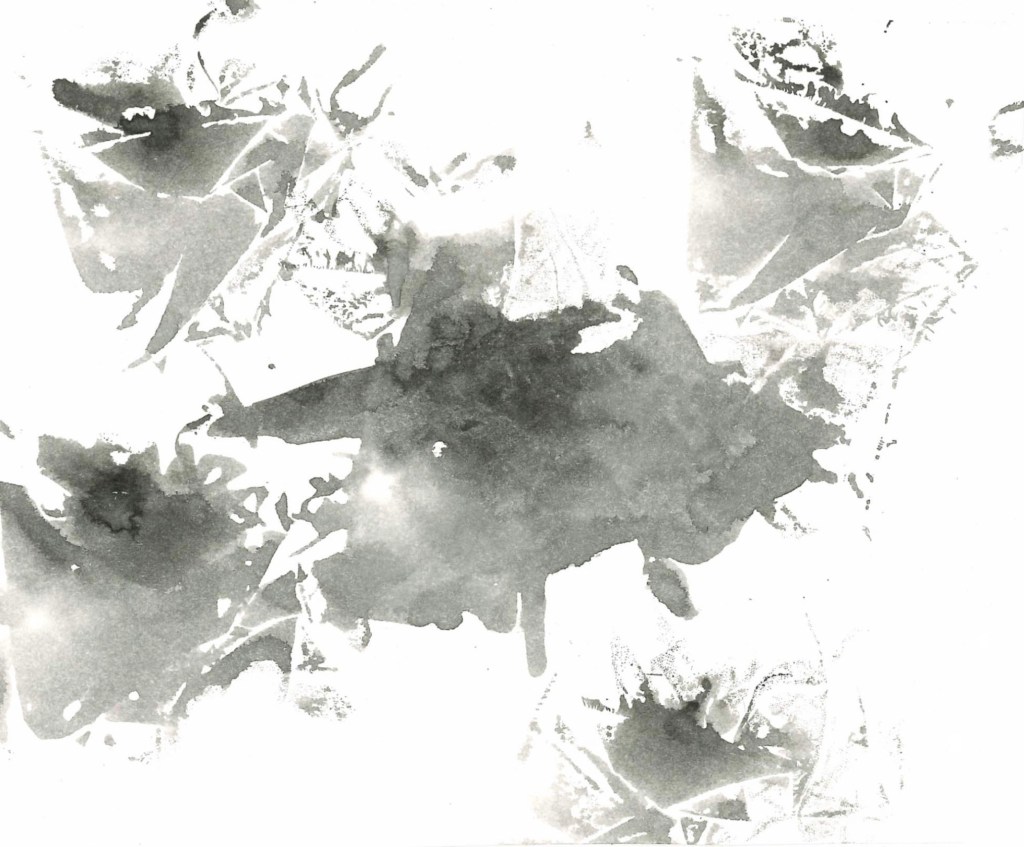
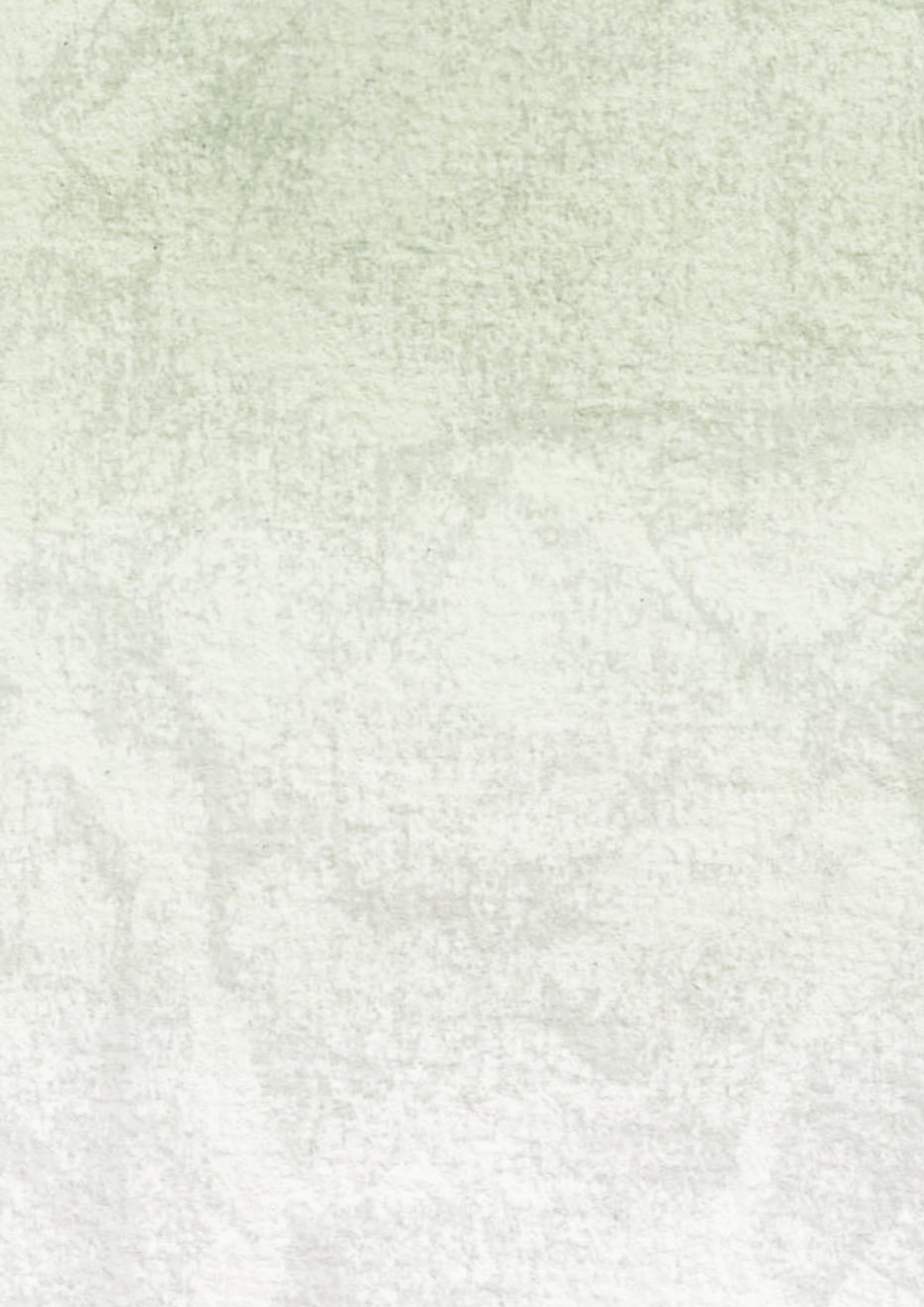
Using InDesign I made the template for the art book with the watercolour backgrounds I created. I learnt about how to create different page layouts and how to export them into a PDF with the correct layout. I like the textured backgrounds as they fit better with the natural theme of the project than plain white pages. The next step is going to be placing the images and text into the InDesign booklet. I will experiment with scanning in hand written text and using typed text to see which looks better.
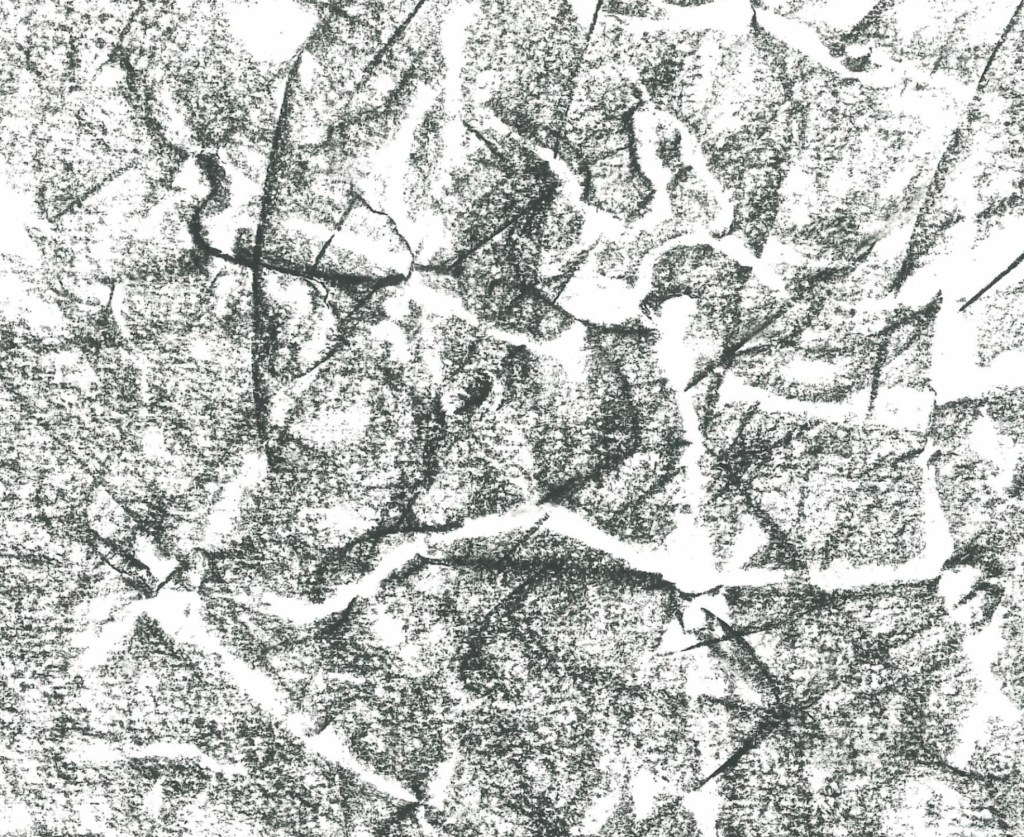
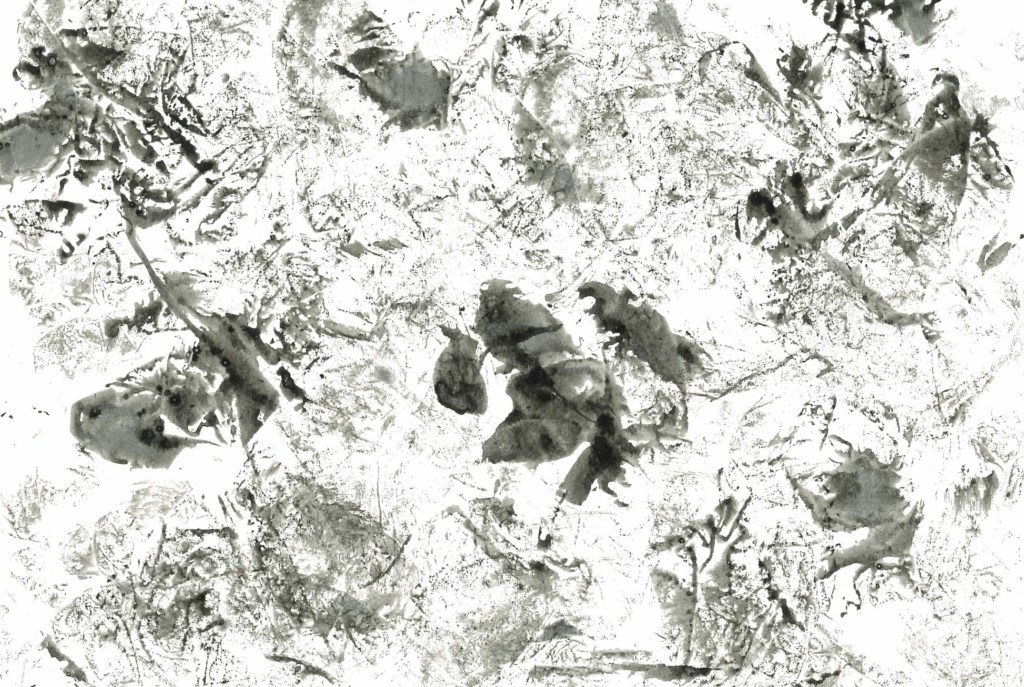
After testing exporting my template as a PDF I was unsatisfied with the quality of the background as it became too pixelated. So I found a different texture, a piece of wood, and scanned it. Then I added my water colour wash over it on Photoshop to create this textured background. It still aligns will the natural theme of the book but is a much clearer image when exported. So I will use this for all of the double page spreads in the book but I’ll keep the front and back cover the same as the initial one.
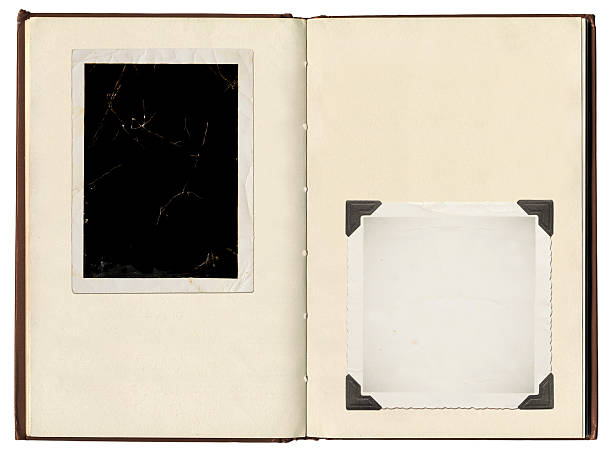
I would like to make my art book resemble an old style photo album. I can achieve this aesthetic by using corner tags, small notes around the images, and by spacing the images out. The reason I’d like this style is to create an organic and intimate experience for the viewer.
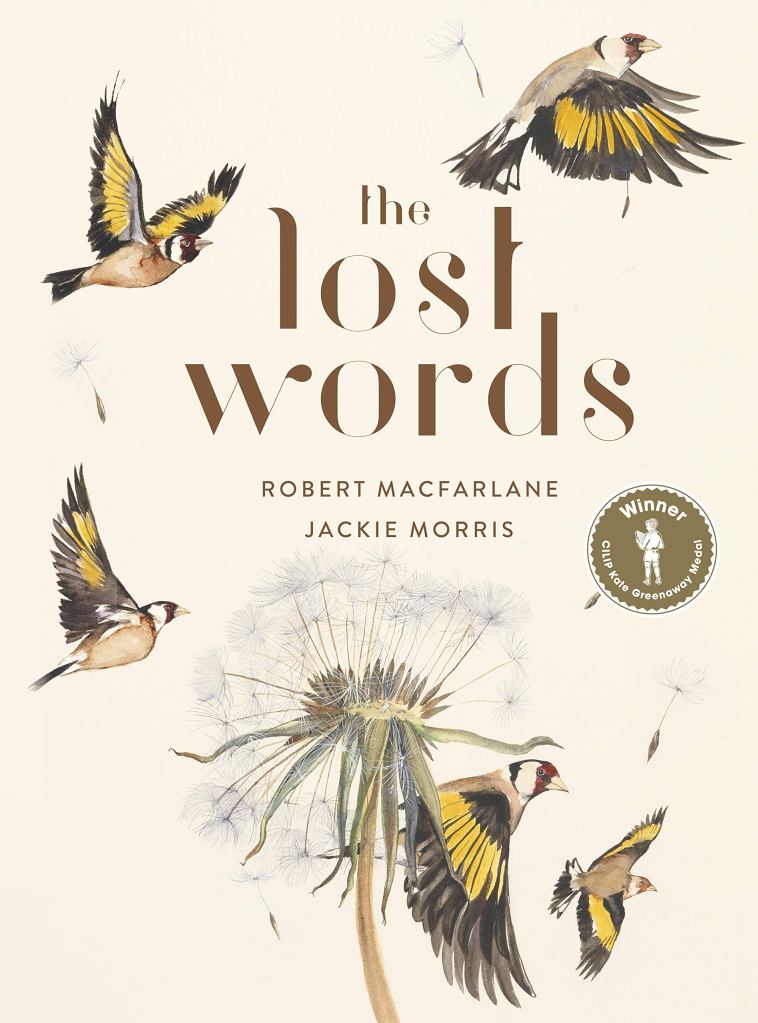
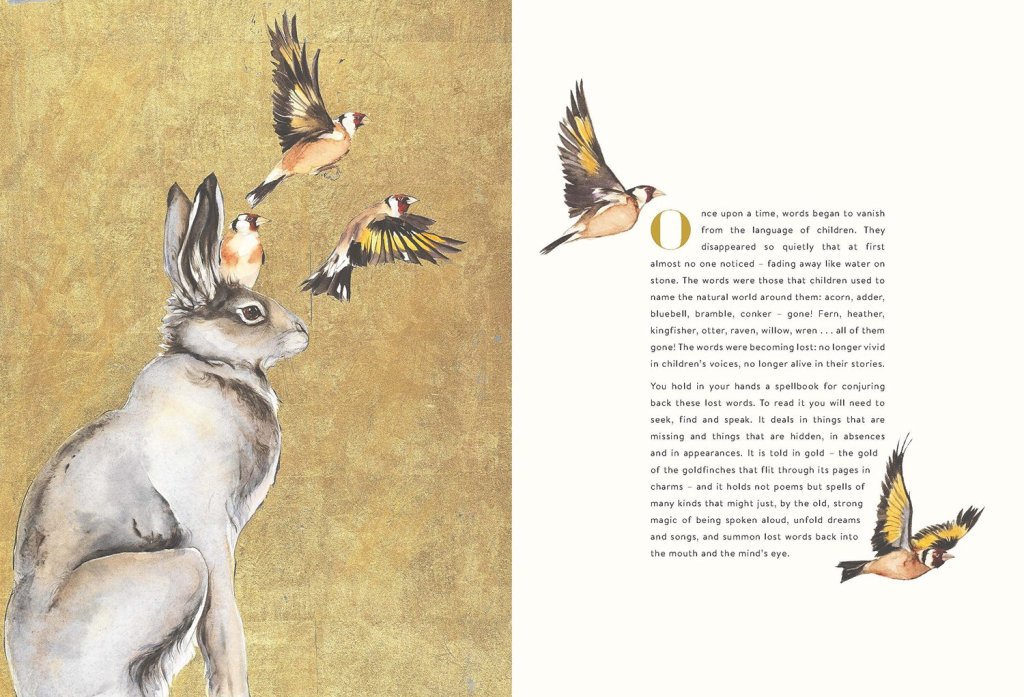
Another key inspiration for the layout of the art book is The Lost Words as I like the way the images and text are placed on the pages.

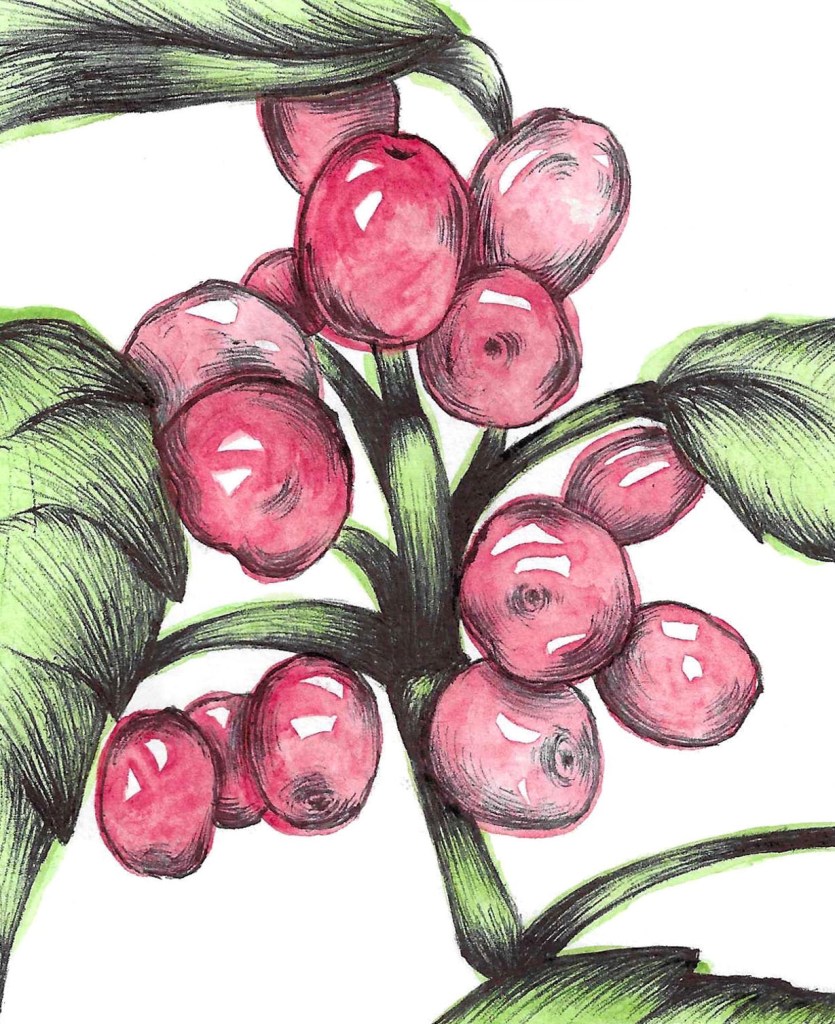
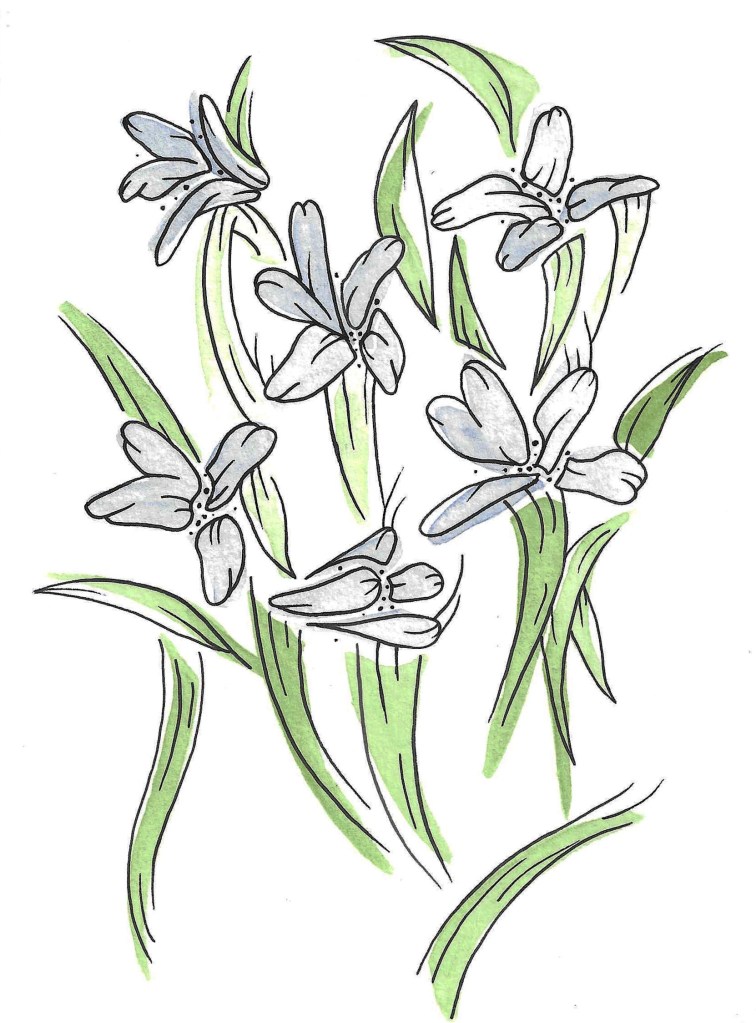
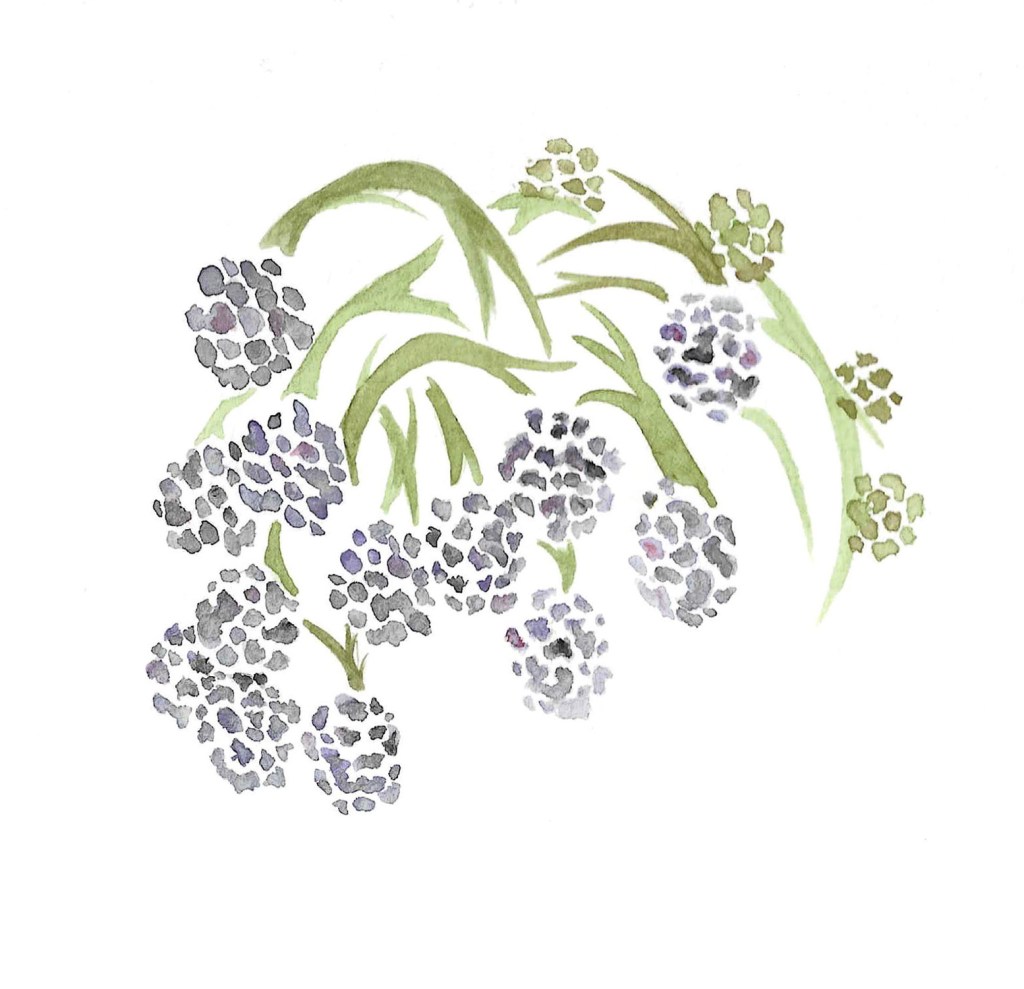
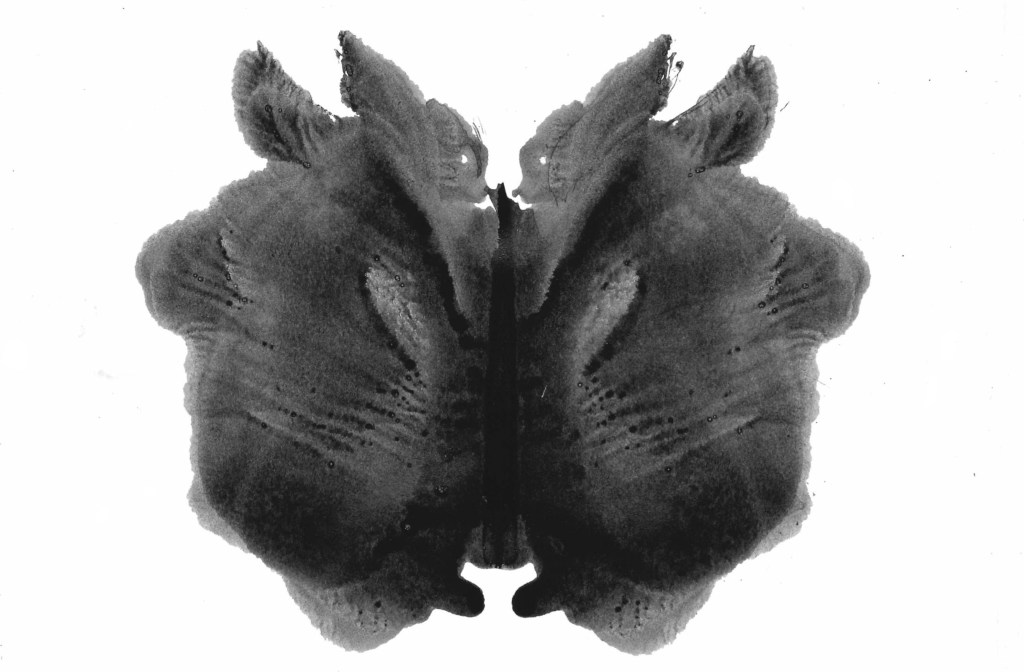
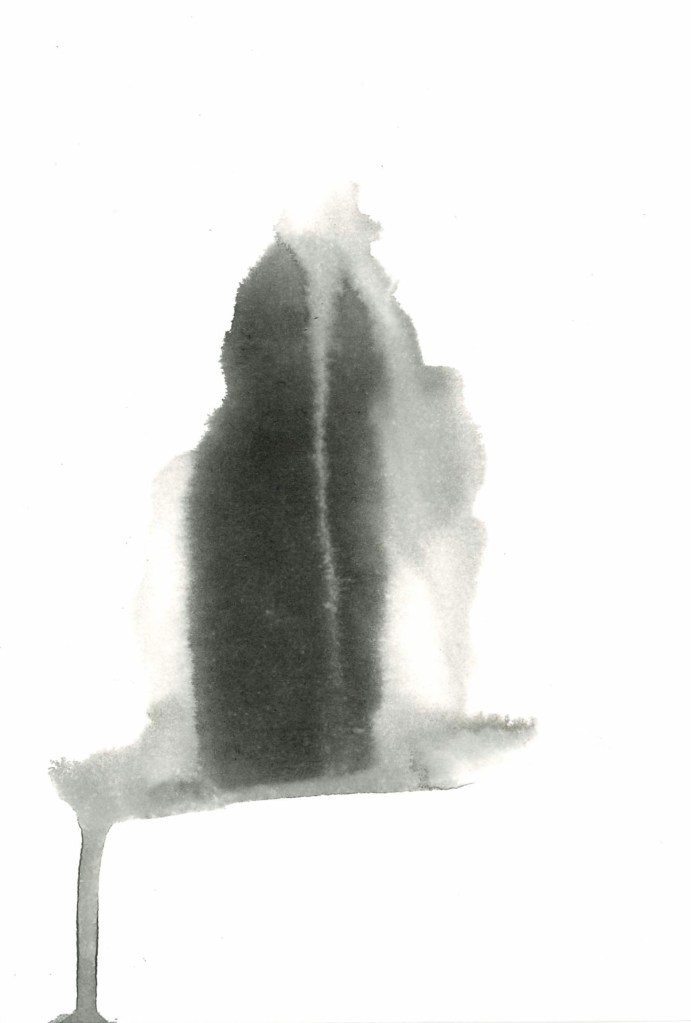
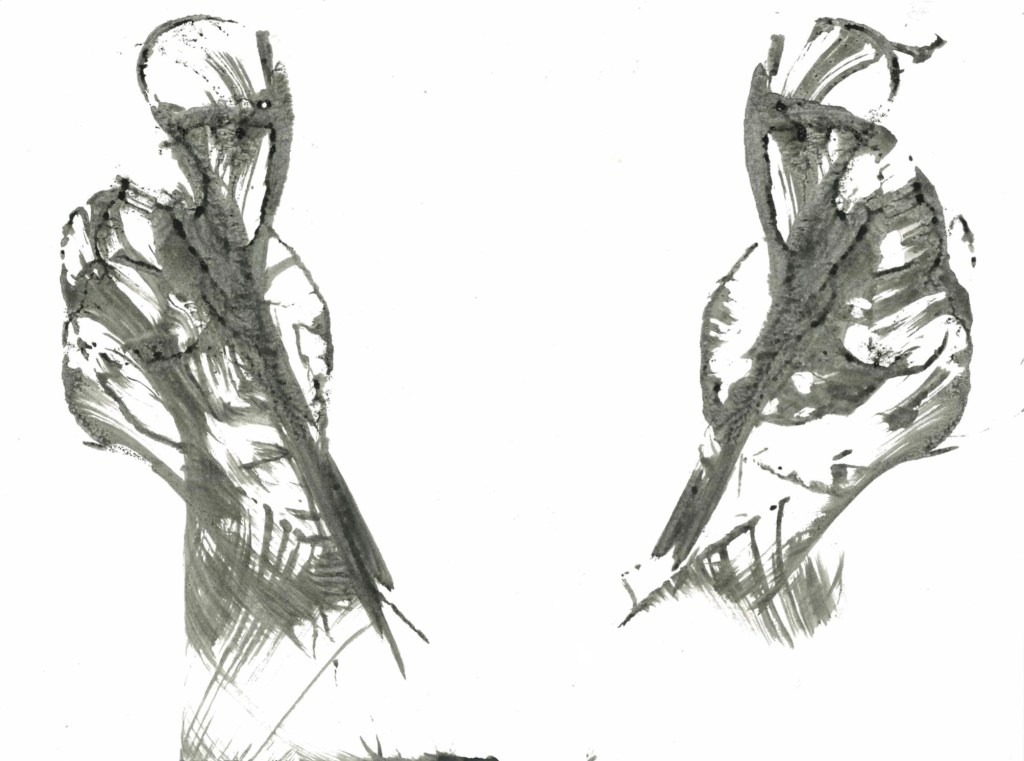
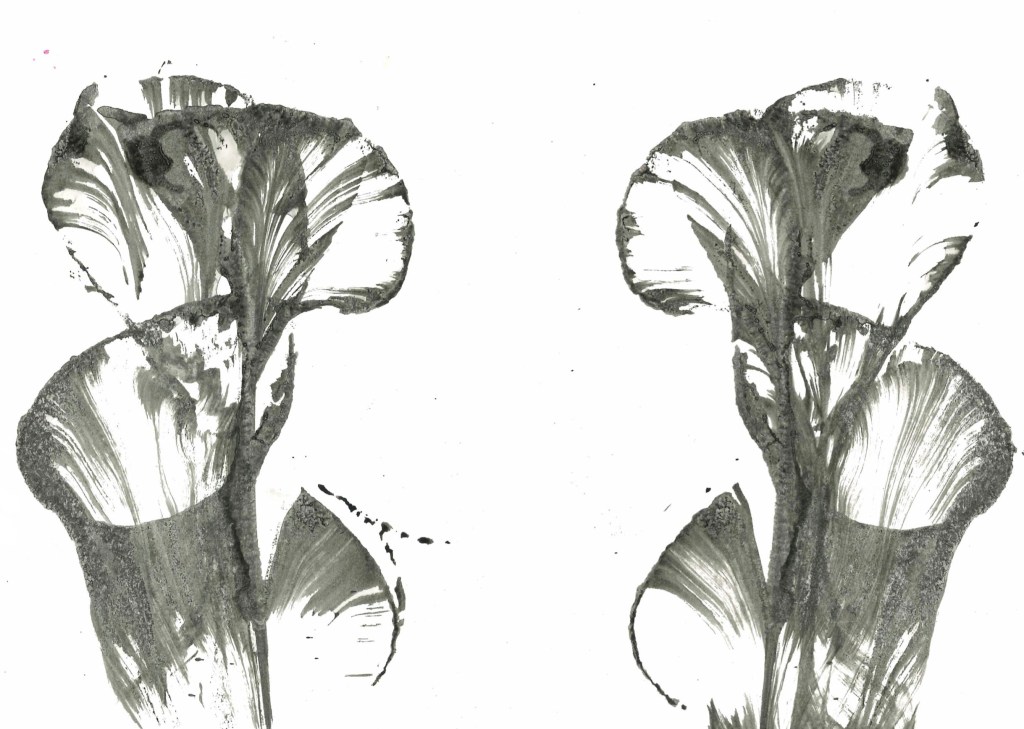








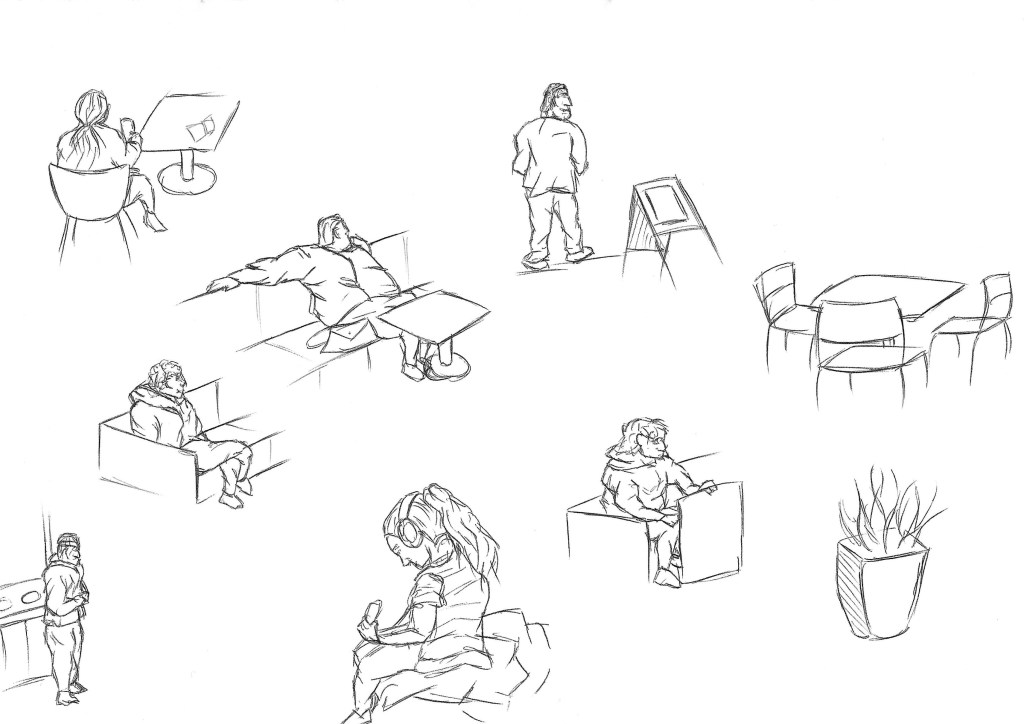
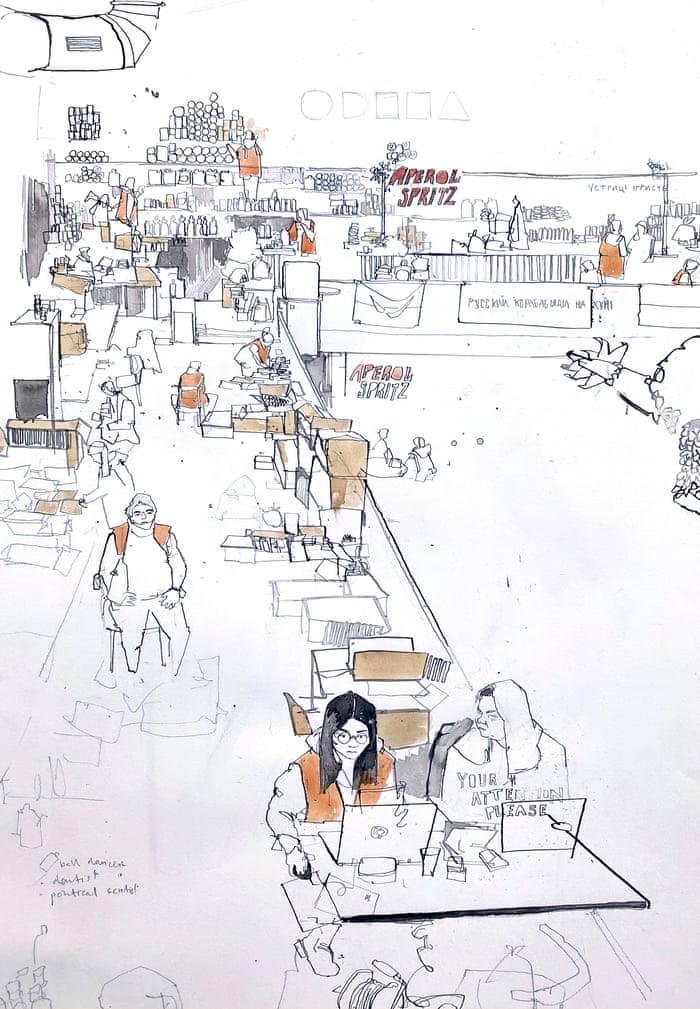
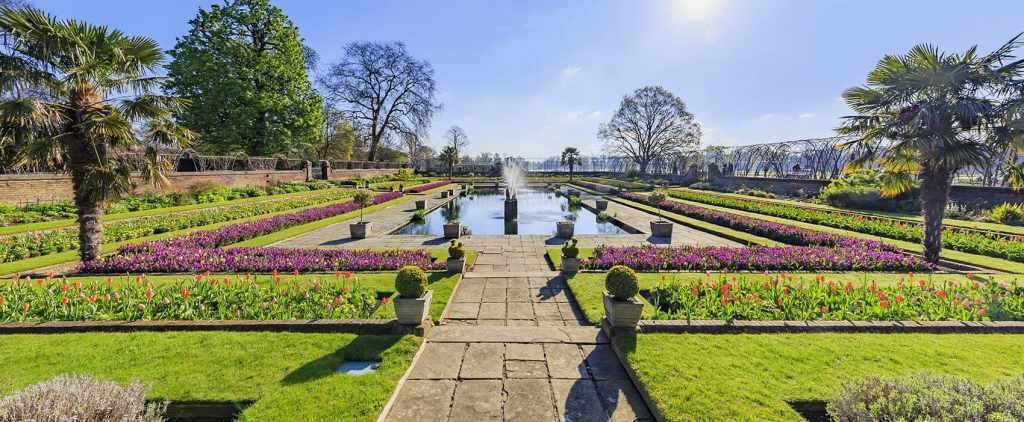
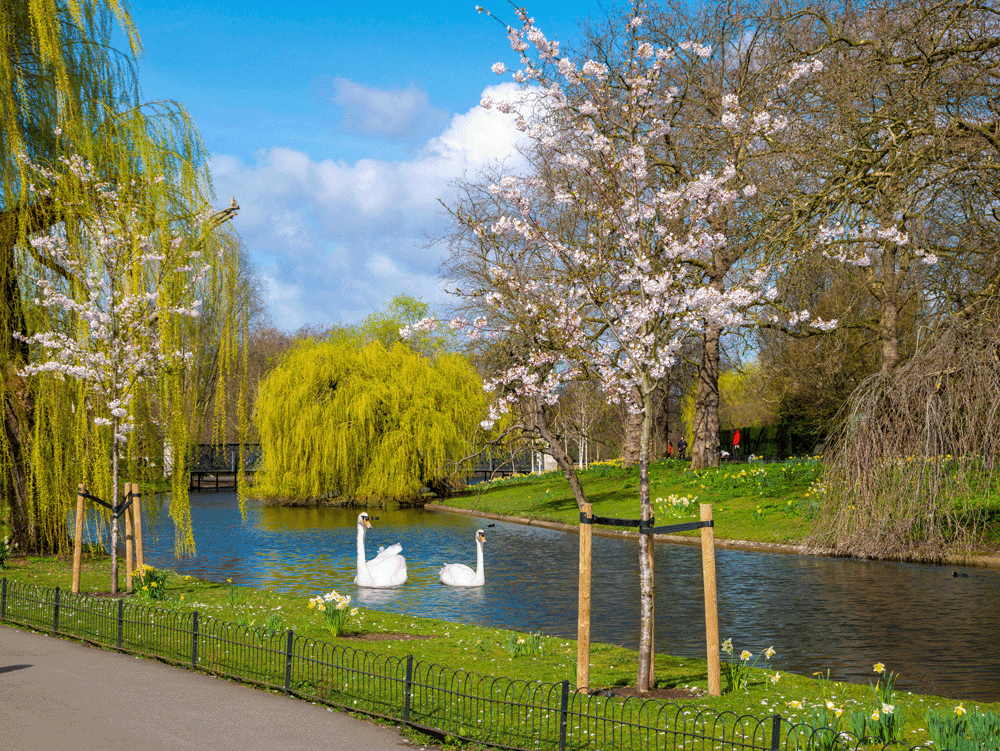


 Samuel Green Illustration