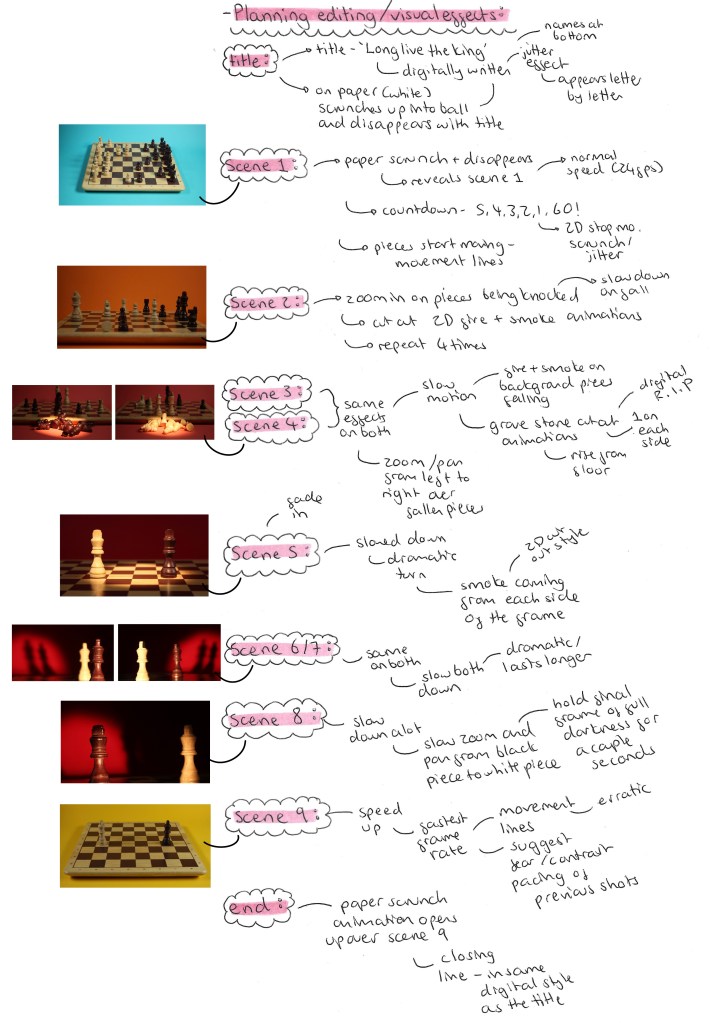
I have all the chess sequences and all the 2D cut out sequences so it’s now time to plan out how I want to edit the video. João, an animation student, joined me on this project to help with the editing of the video. This is really helpful as it will speed up the editing process as I won’t need to learn the software from scratch independently. This will allow for more ambitious editing and result in an overall better video. As João joined the project late and will only be helping with the final stages it allowed me to take up an art directory role, overseeing the production. We decided that all the editing would be done together so we could continuously bounce ideas off each other. Also I didn’t want to just hand the editing of the video over to him as I still want my vision to be seen in the editing it’s the perfect opportunity to learn how to use the editing softwares.
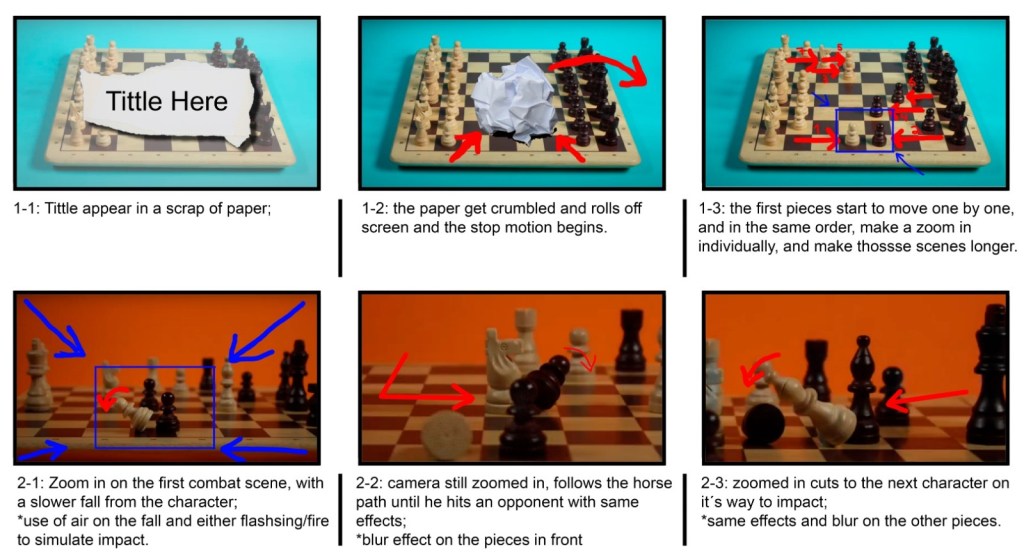
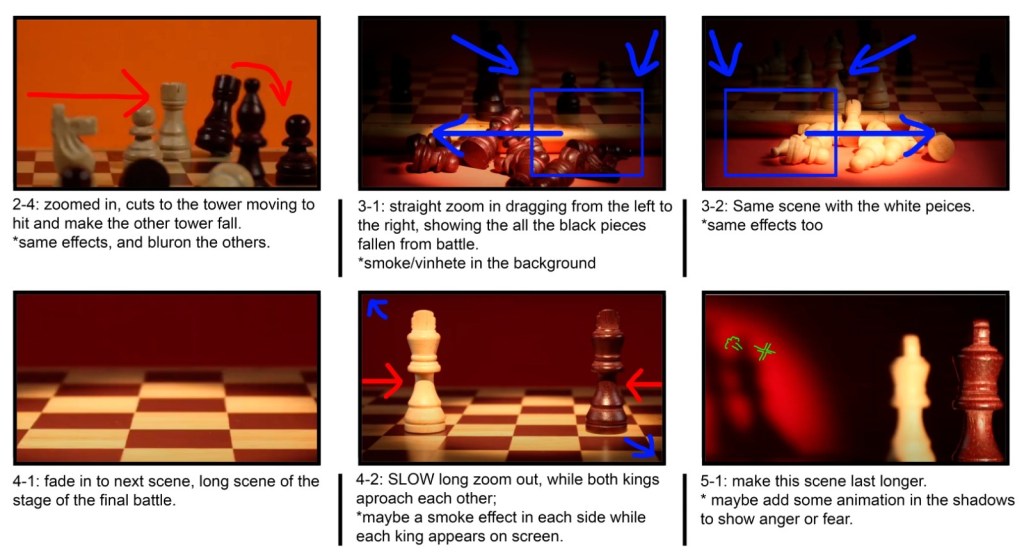
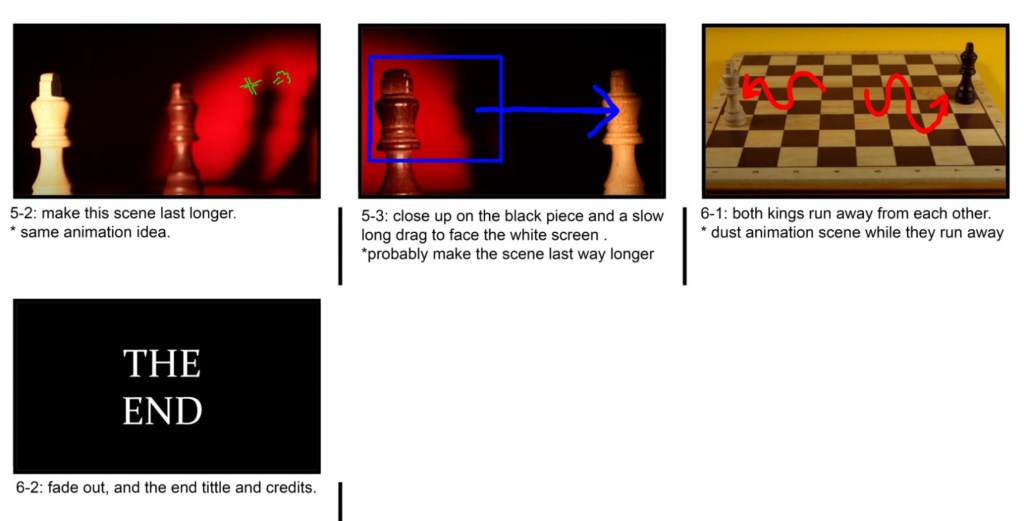
Below are mine and João’s plans for the editing and effects in the video. We each made one individually then had a meeting to discuss our ideas come up with a combined plan for how we want the video to look.
My Plan:
Joao’s Editing Ideas Storyboard:
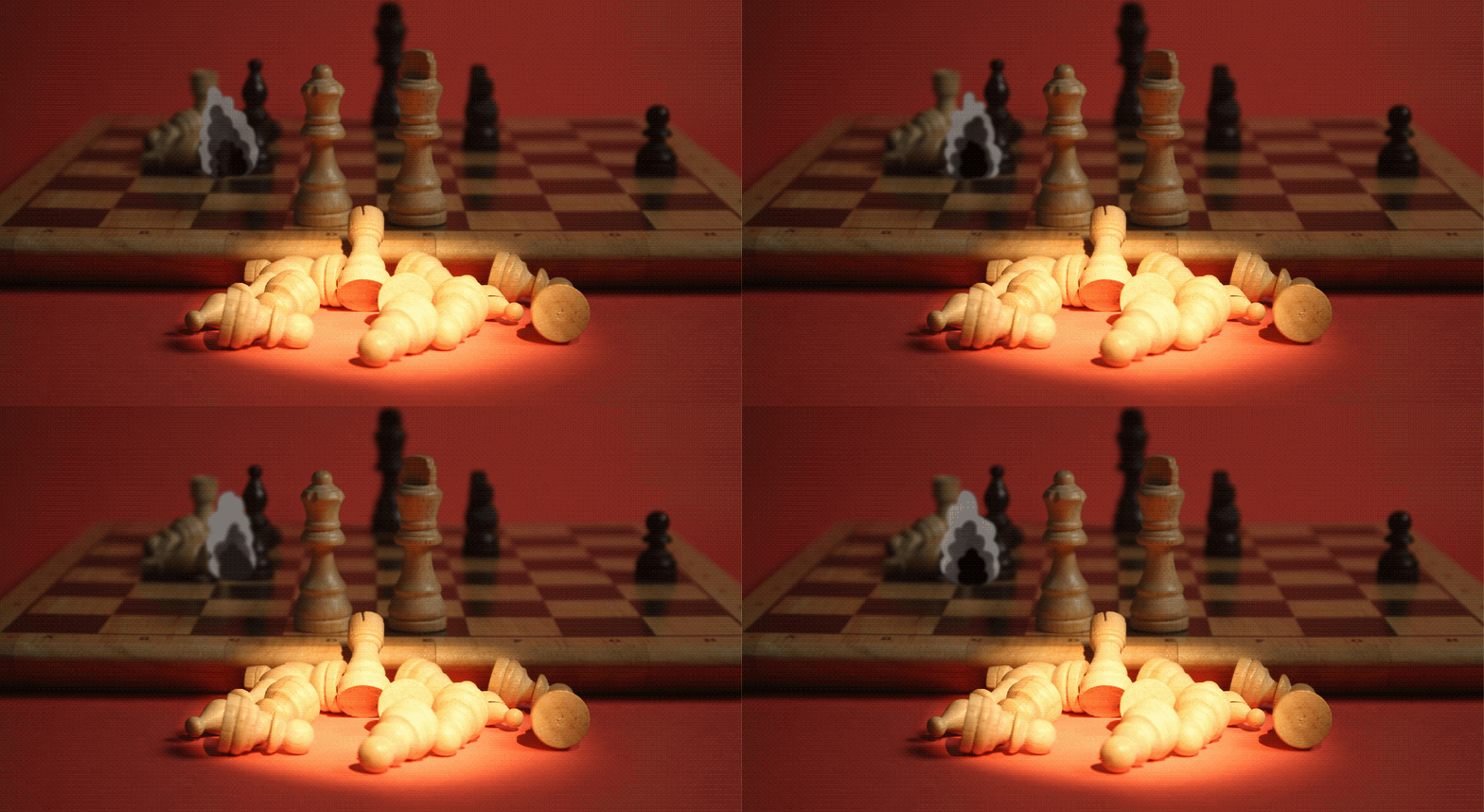
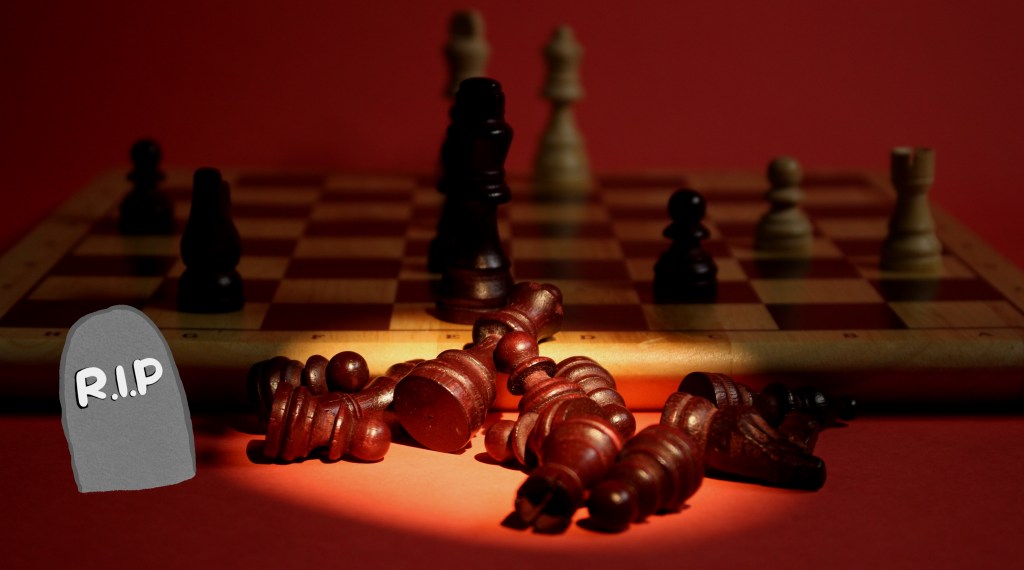
Visual Effect tests: after discussing our ideas I began to test out some of the ideas by overlaying the animated GIFs of the 2D cut outs on some frames from the chess video to see how the 2 styles look together. Overall I’m really happy with the combination of styles. I thinks it’s a unique and fun blend of analogue and digital styles. When it comes to adding the effects onto the videos is after effects we will be able more precise about colour corrections and placement to ensure they feel a part of the scene and not just an effect stuck on top.

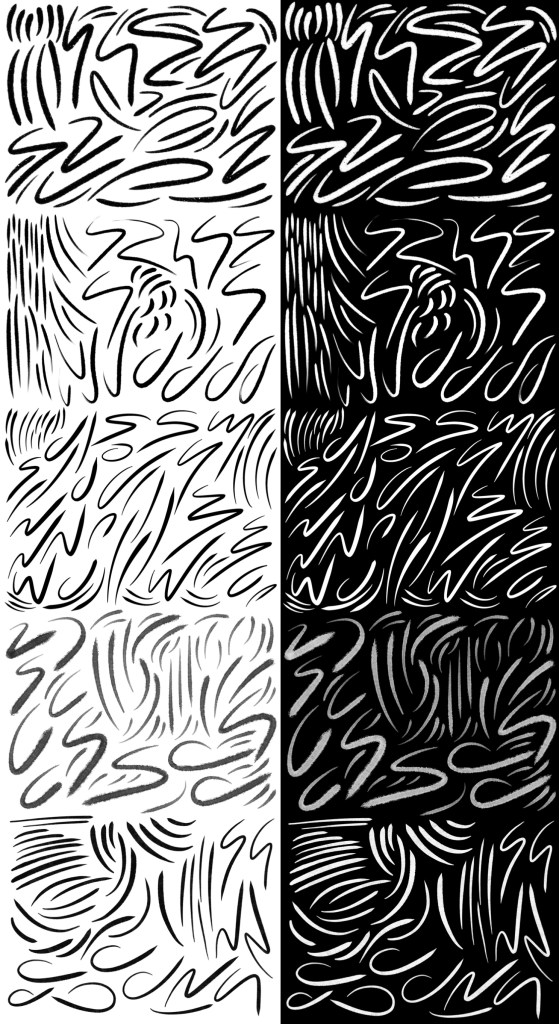
Movement lines experiments: inspired by Keith Haring’s art I want to add movement lines to some of the sequences. Specially scenes 1, 2 and 9. I tested out different brushes on Procreate and different types of dynamic lines. I really like the idea of having black movement lines for the white chess pieces and white movement lines for the black chess pieces. I think this contrast will be unexpected and more visually engaging. To get the lines to After Effects I will draw the line big in Procreate so it won’t be pixelated and export it as a PNG.
 Samuel Green Illustration