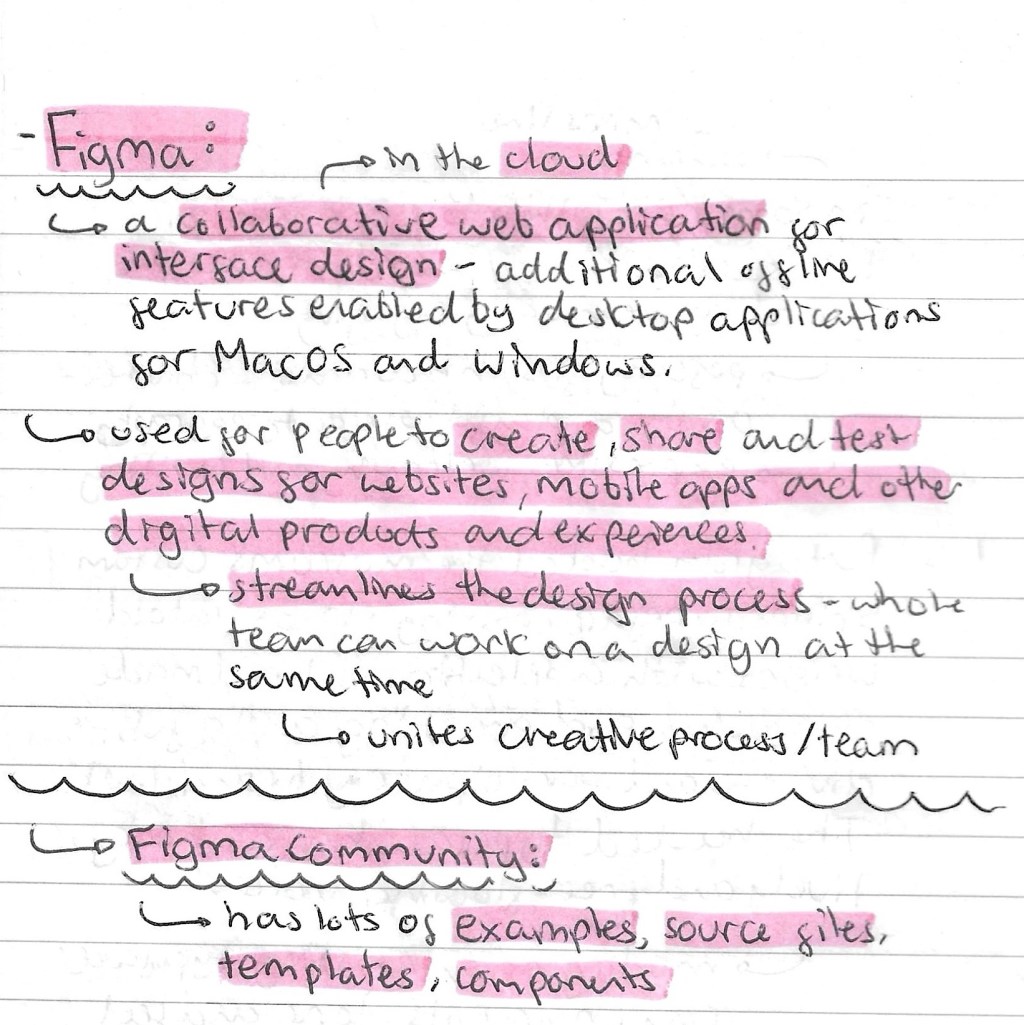
This was the other activity we did during our session introducing interactive sequences. We were introduced to Figma which is the website we’ll be using to make our interactive pieces. Prior to this session I had never used Figma so it was all new to me. Figma is a collaborative web application for interface design. It’s used for people to create, share and test designs for websites, apps and other digital products. It easily unites and streamlines the creative process for a design team.
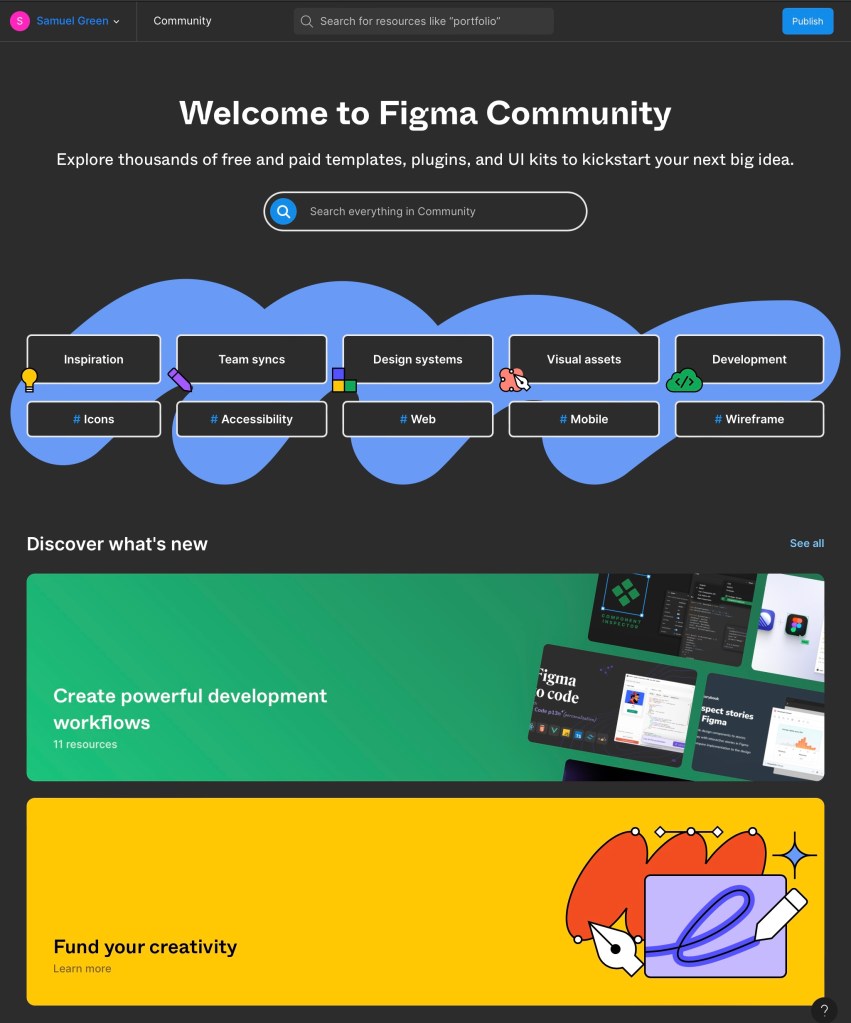
Figma community: this is an additional website that has lots of inspiration, examples, templates, visual assets and more than anyone with a Figma account can use.
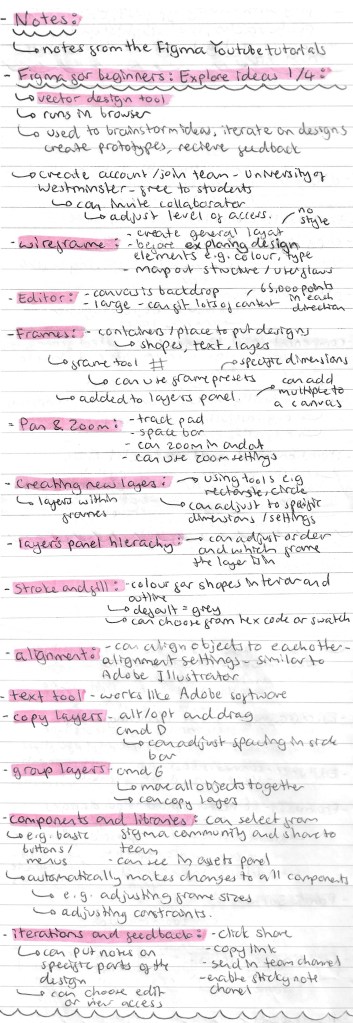
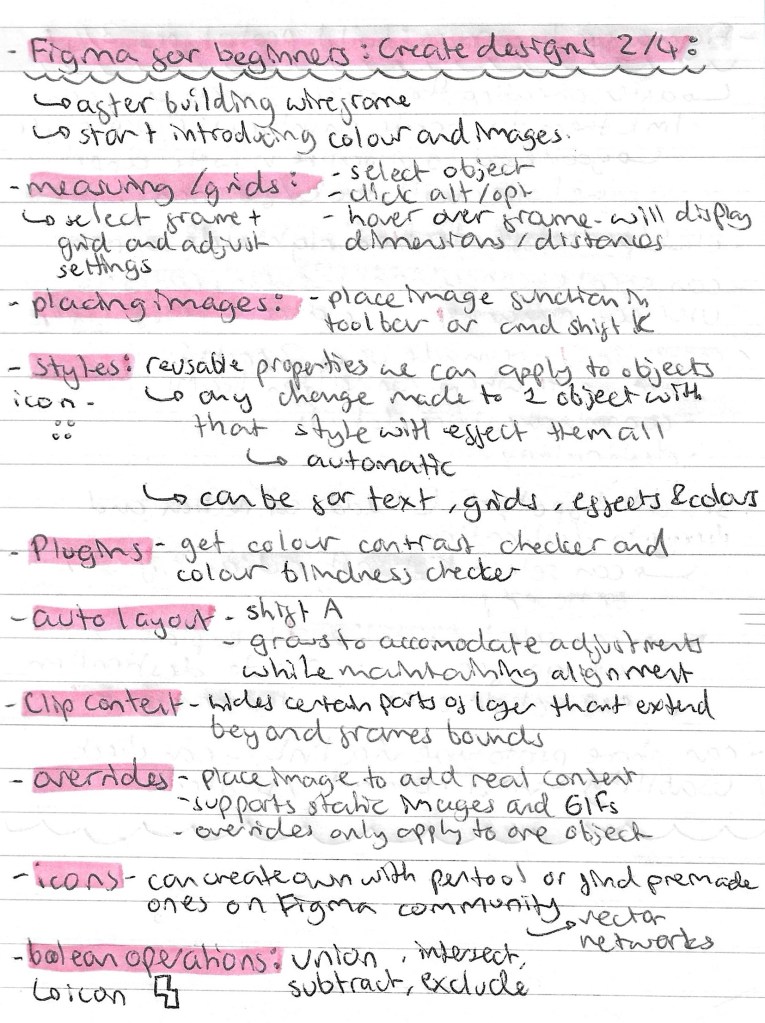
Note from videos: our introduction in the lesson was very brief so I watched a series of introductory tutorials from Figma’s YouTube channel to advance my knowledge and confidence with the application. I learnt a lot from these videos, all the notes I made from them are below:

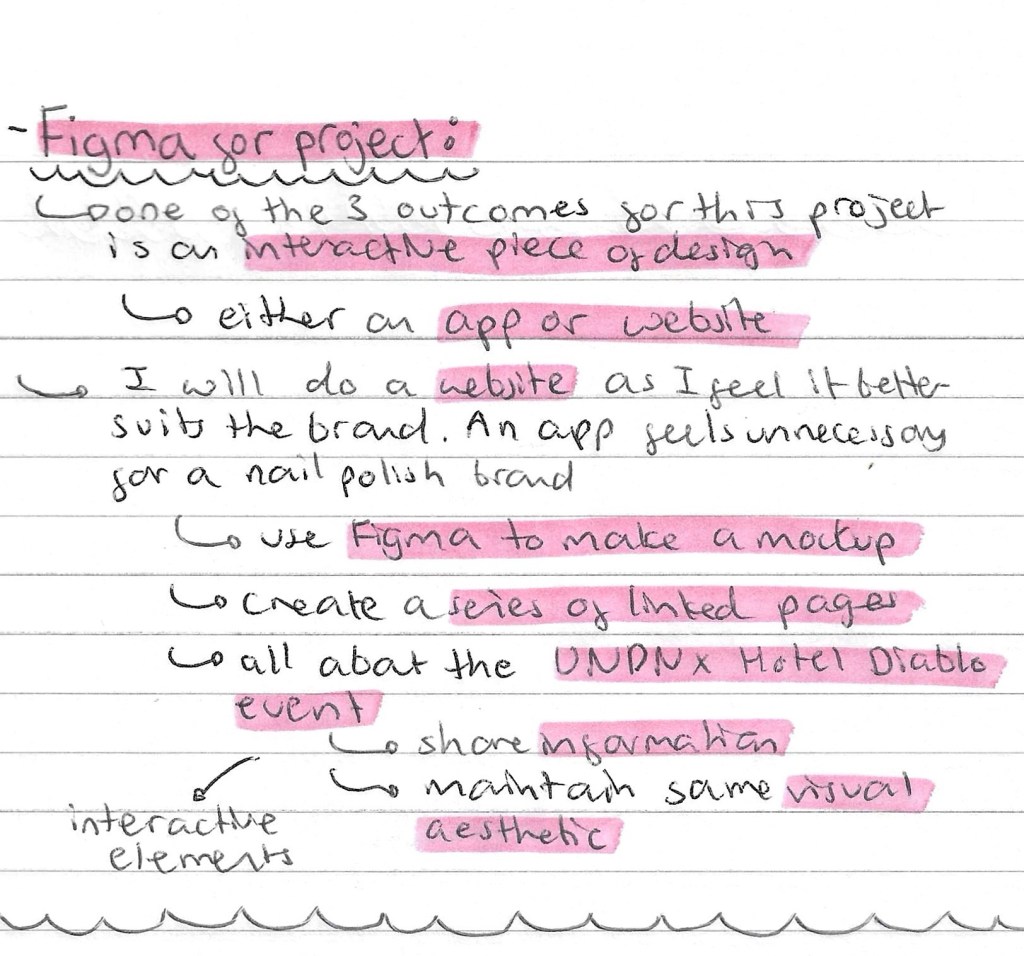
I feel that I’ve learnt a lot about Figma and how to use it from the introduction in class and my own research. I will be using it to create my interactive piece for my UN DN X Hotel Diablo event. We have the option to either make a mockup for a website or app. I’ll be doing a website as I feel it’s more relevant to the type of event I’ll be creating. The important things to keep in mind when it comes to creating this will be that it needs to use the relevant and useful information, maintained the visual identity of the event and includes interactive elements. These can be easily added into a Figma design by using the prototype tab and creating connections between 2 pages.
 Samuel Green Illustration