We each began to write up scripts for the questions we where answering using our research. We made slight adjustments to the order and redistributed who was saying what part to make it more even. I did a few drafts and kept timing myself to see how long each of my answers would take to say. Each answer could be around 30 seconds long, so this was a good exercise in having to condense research into just the key bits. For a couple of my questions I collaborated with others in the groups as there was overlaps in the research. This is my drafted script for my answers.

Then we all met up as a group and created 1 script with each of our answers on. This took a while as we had to get the lengths of each answer right. Then we added the images we wanted on our pages to the Google slides. This was a helpful tool as it allowed us to work on the same document across multiple devices and see instant changes. We then coloured coded the parts to make it clear which bits each of us would say. My speaking parts are in orange.
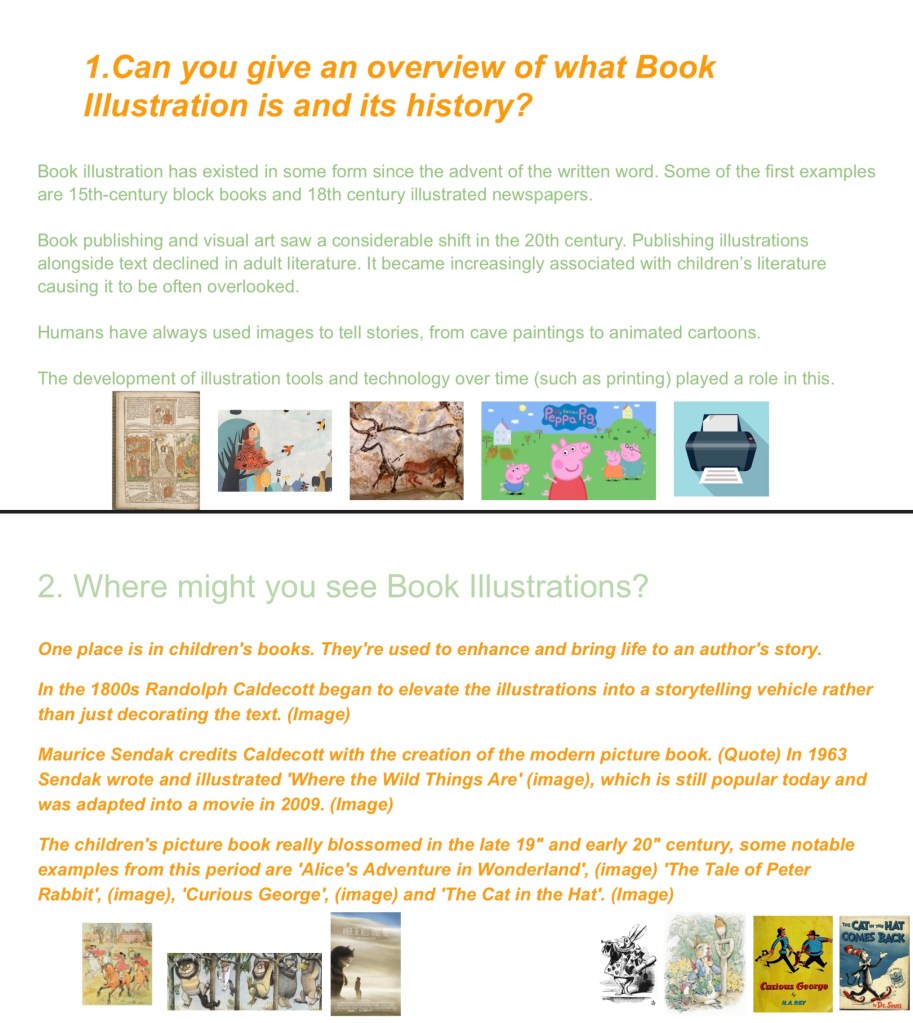
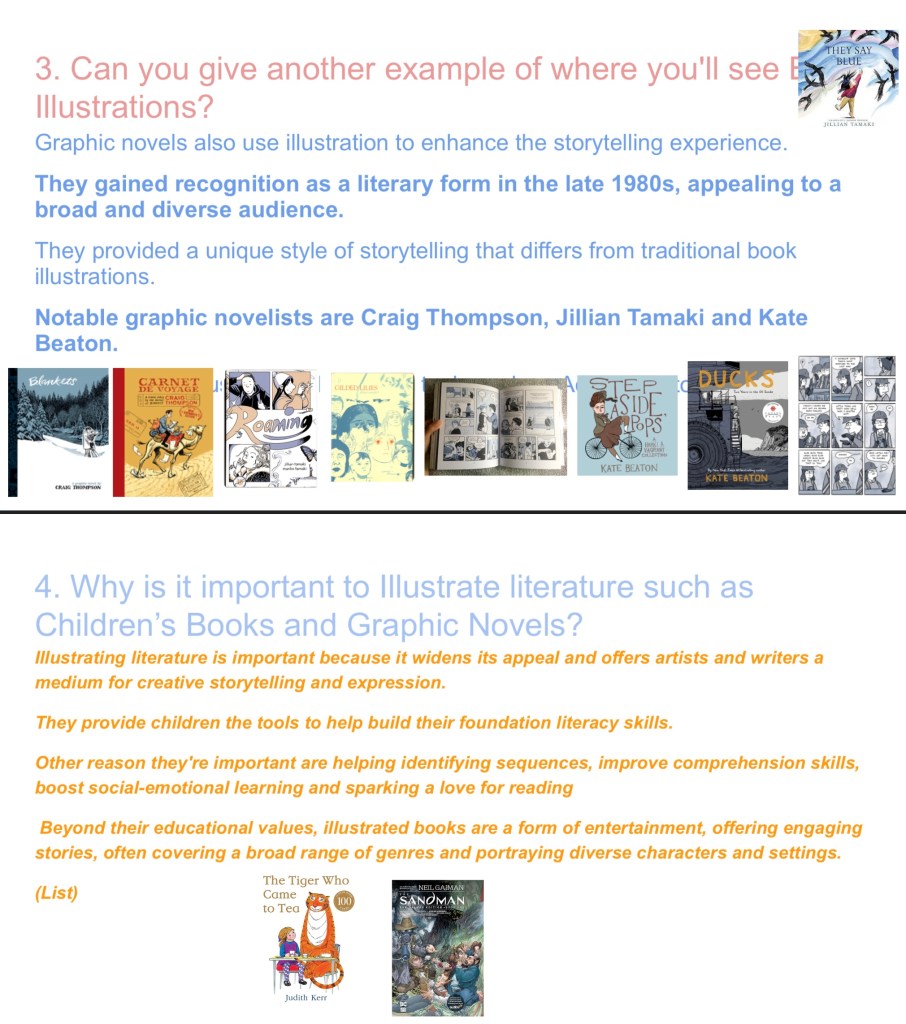
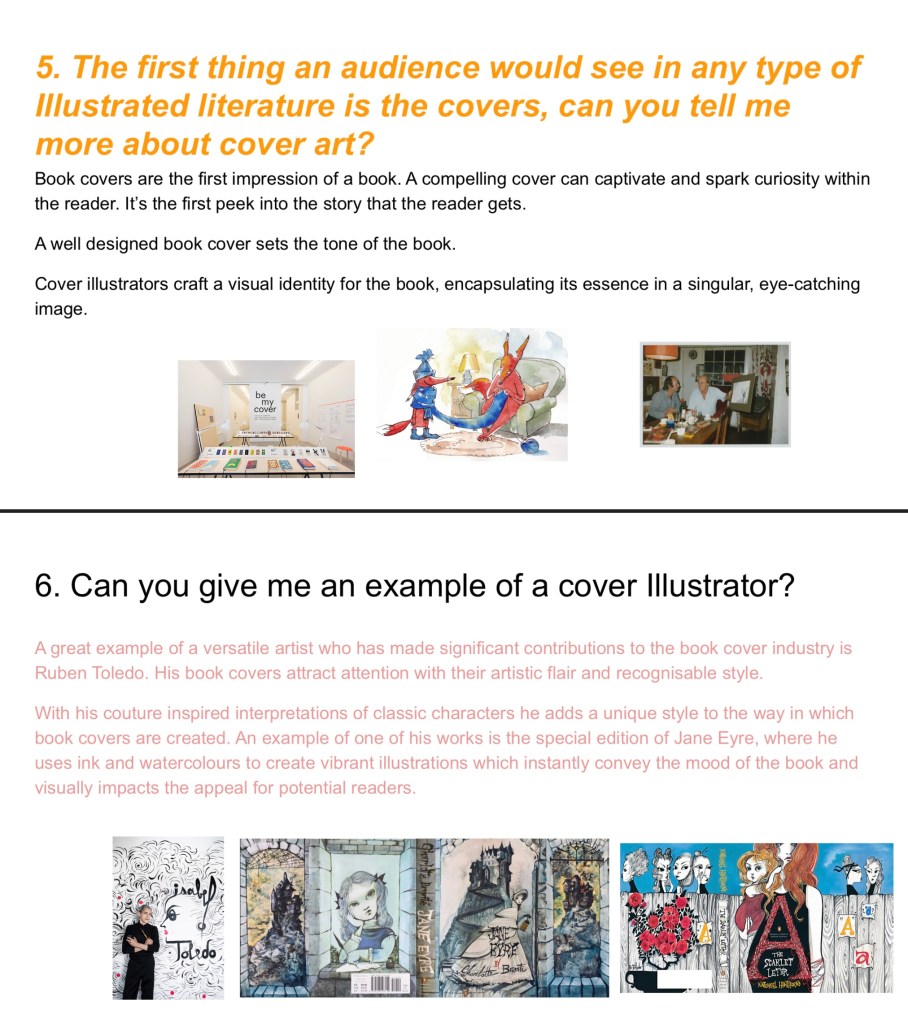

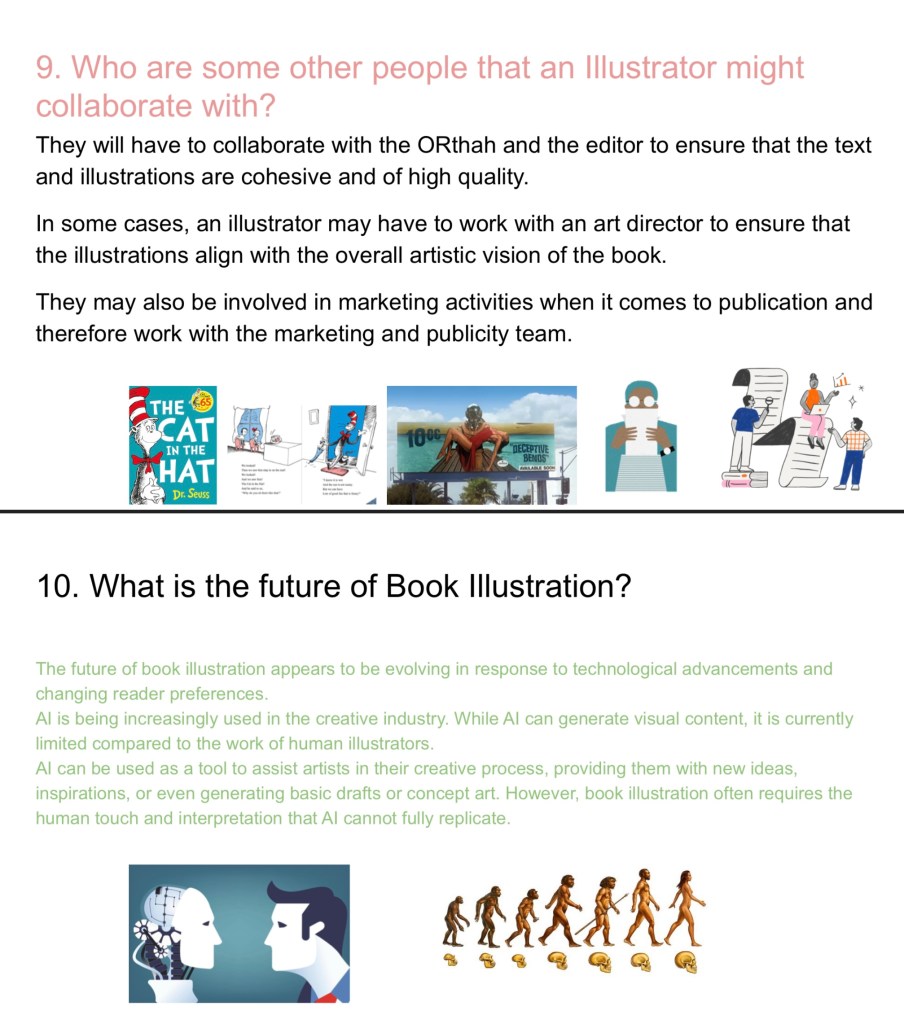
After some practices we recorded to audio for the video making sure to keep it in a back and forth conversational Q and A style. To try and make the audio more interesting we added some vocal effects and changed some of the speeds. But we made sure that each speaker had the same vocal effect on each of their parts to make it clear that it was a conversation between multiple people. Having 1 combined script was very helpful and made the recording process easier. With the audio done the next step was to make the visuals for the presentation.
 Samuel Green Illustration