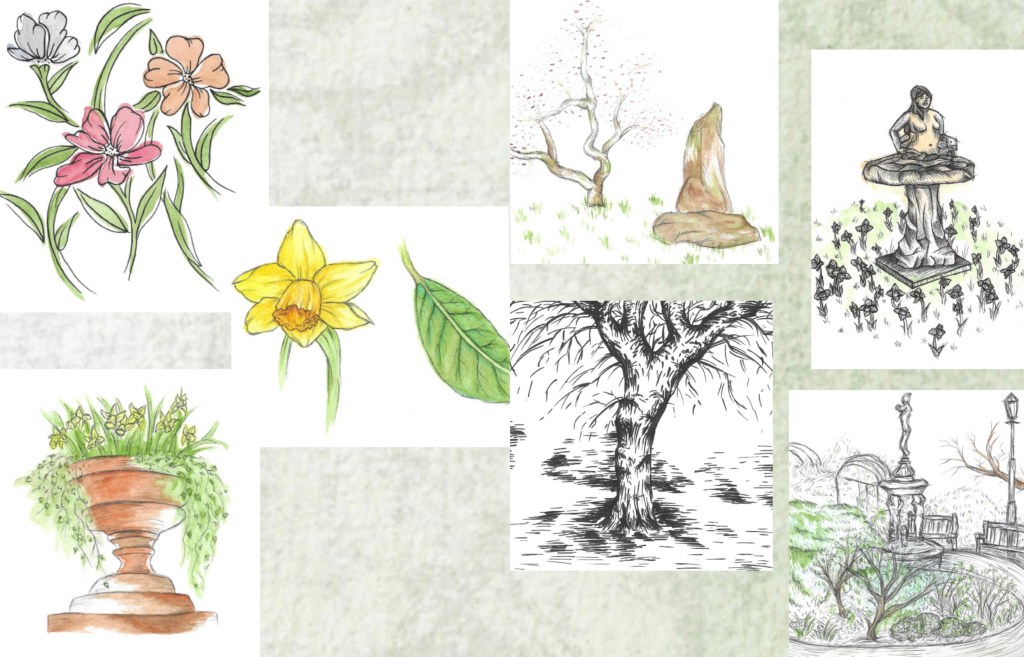
This was the initial way I tried to layout the images. I was unhappy with this for multiple reasons. The quality of the backgrounds wasn’t good enough and the negative space around the images was too distracting. Also I felt that they was too many images crammed onto each page.
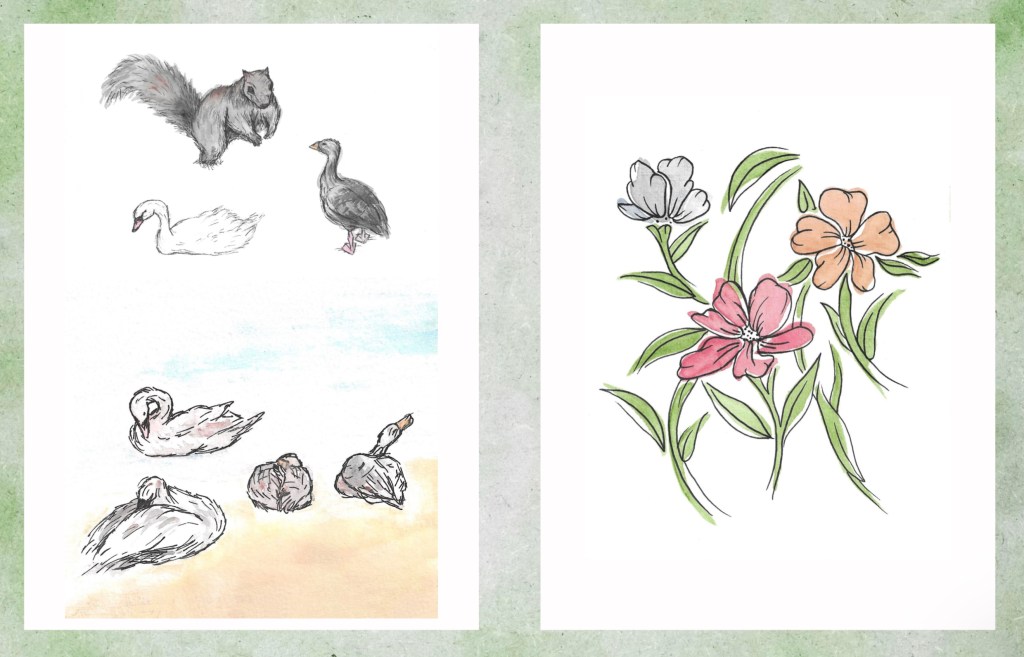
I fixed these problems by using the textured background as just a border and placing the images on a white rectangle. This helped draw the viewers attention straight to the illustrations rather than the green spaces. Also I spaced out the images better. I still kept them in themes, animals, plants and scenery. I chose to put some of the images that I felt where the strongest on their own page. This helps to slow down the experience of looking through the art book and make each image clearer.
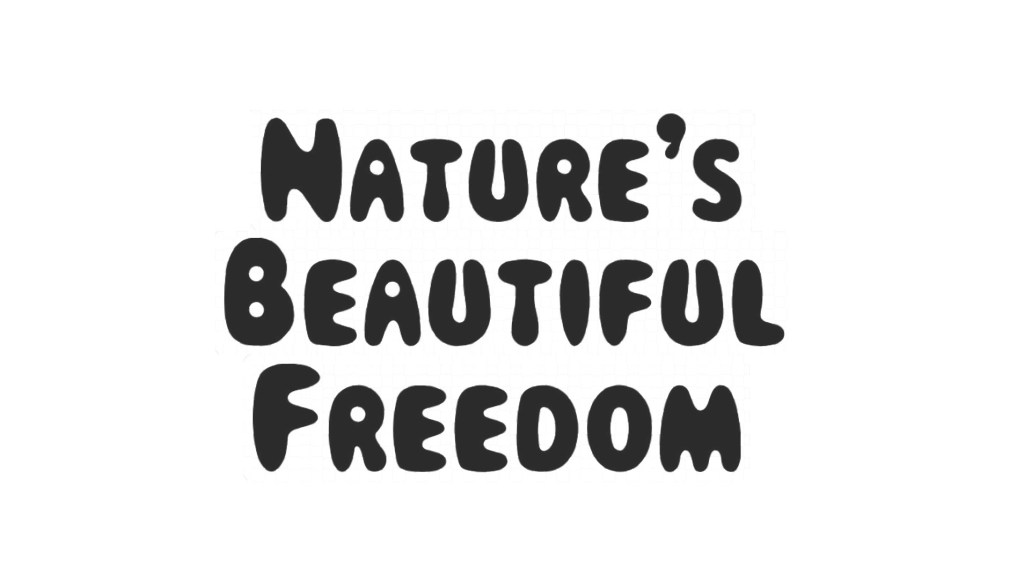
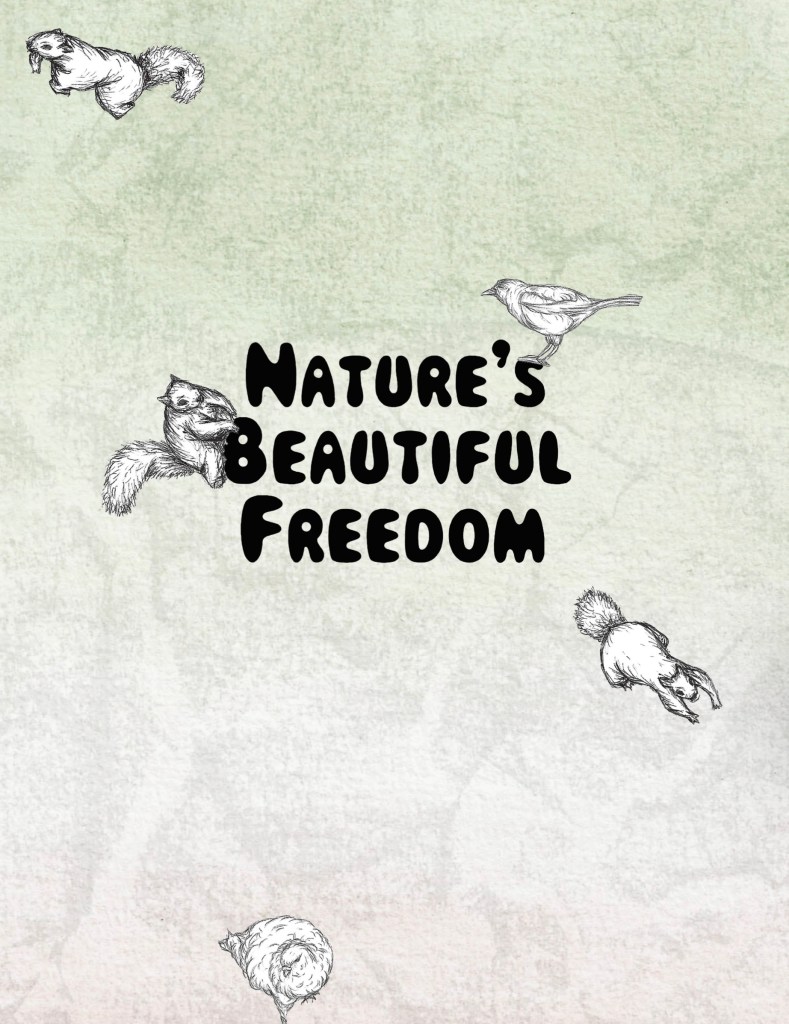
Once I had settled upon the image layout for the main pages I began to work on the front and back cover. I tried out different fonts and eventually chose this one. I liked the fun and bubbly look of it and thought it reflects the tone of my project well. I chose the title ‘Nature’s Beautiful Freedom’ earlier in the project. I used Photoshop to select the text, remove the background and save it as a PNG so when I went to place it in InDesign it would just be the words.
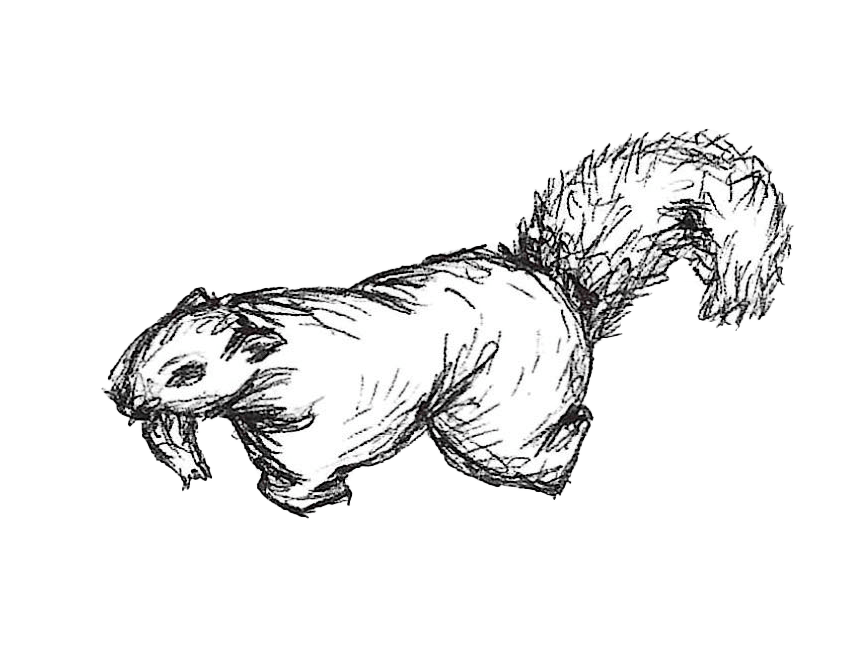
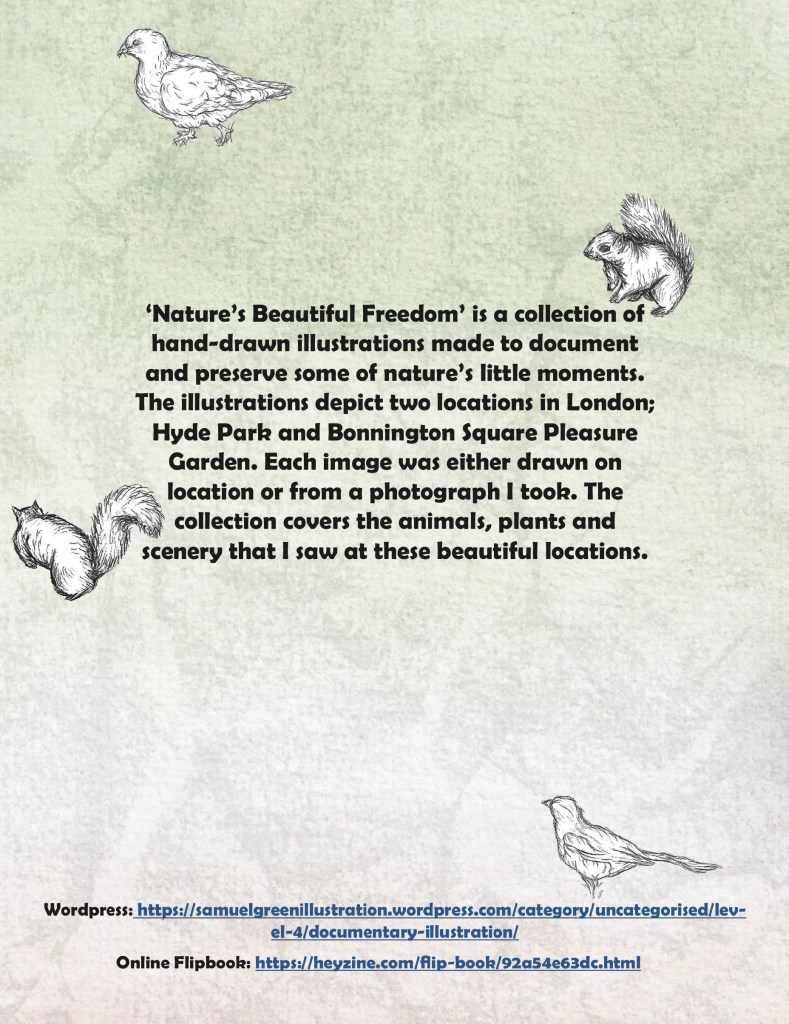
I didn’t want to overcrowd the covers but didn’t want it to just be the title on the watercolour background. I decided on cutting out some of the biro sketches of squirrels and birds to place on the covers. I used the same technique as the titles to remove the backgrounds. The animals help to make the covers more dynamic and playful, with some running off the page and others climbing on the title.

This is the font cover, I’m really happy with how the background, title and animal sketches came together.
This is the back cover. I used the same textured background the same idea of the animals running around the page. It has a summary on the back of what my project is all about. I chose a different font for the larger blocks of text. I also included links to my website and an online flip book version.
 Samuel Green Illustration