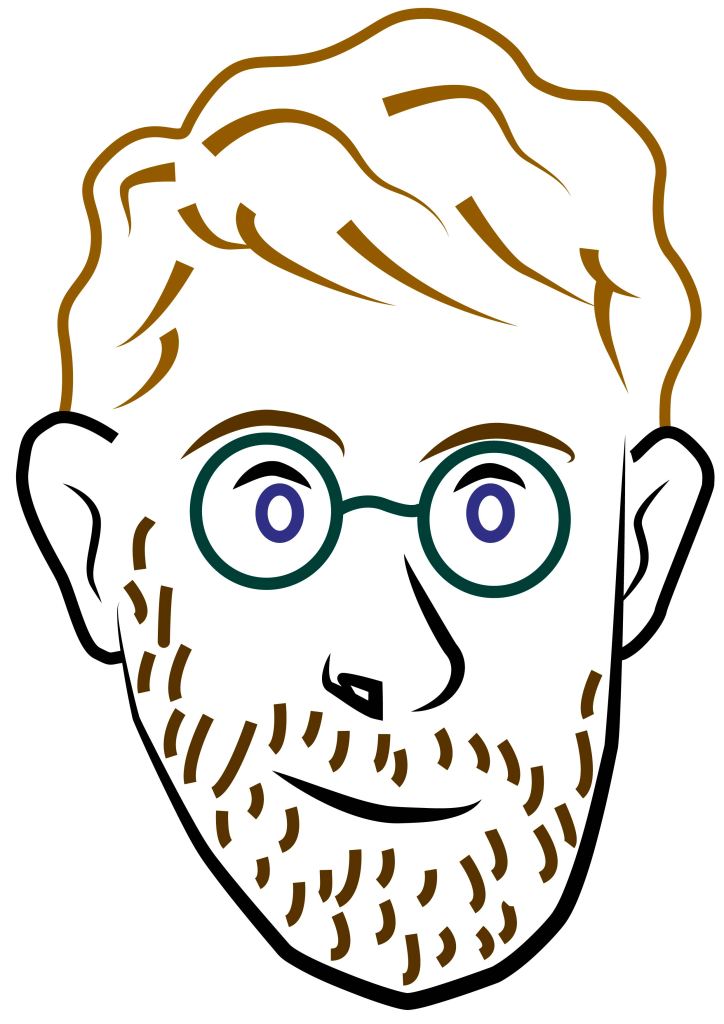
In preparation for our second Illustrator session, I practiced what we did last week to create a portrait. I used a combination of different tools, including the shape tool, pen tool and arc tool. After creating the portrait I changed some of the line colours.

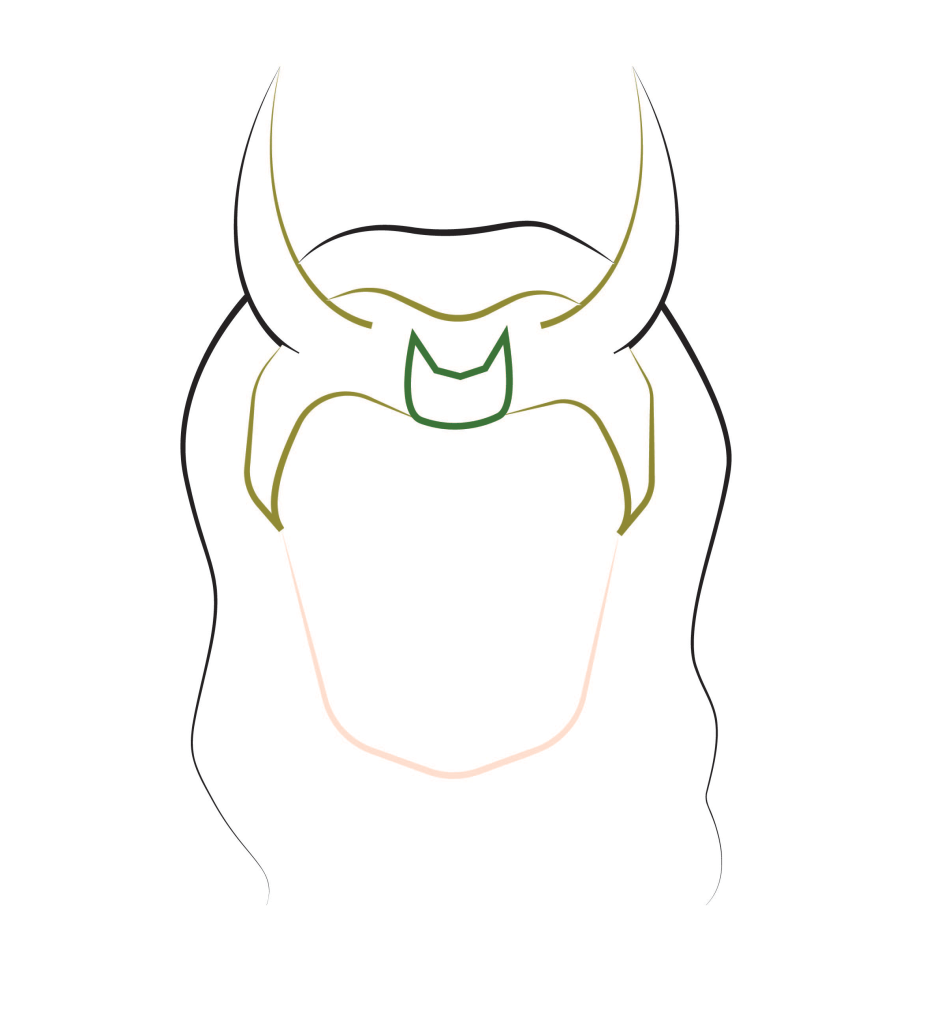
The focus of this weeks session was using the pen tool as its one of the more tricky tools to use in Illustrator. We did some practice tasks such as making simple lines, curved lines, arcs and rectangles all using the pen tool. When I became comfortable will the tool and how to manipulate it I made this simple outlined portrait design of Loki. All the lines used the pen tool, once I had draw the lines I further manipulated them by changing the stroke colour, thickness and shape. I made sure to reduce the number of anchor points to create smoother lines.
This piece is a more detailed image but used the same principles and the Loki one. I made the lines vary in thickness, colour and shape to make the portrait more interesting. The pen tool is difficult to understand and manipulate but I’m happy with the outcome of this weeks session as I’ve made progress with the tool. I’ll continue to practice with it as I an see how this software will be good for doing vector imagery which is something i’d like to explore.
Vector imagery is an art style that I enjoy and would like to create. Illustrator will be the best tool I’ve explored so far to do this style.
 Samuel Green Illustration