Categories
Digital Arts 1 Level 4

Digital Arts 1: Colour and Light, Colour and Mood- Photoshop

After last weeks session learning about how to paint with greyscale tones digitally we now moved onto painting with colour, specifically looking at how colours interact with light and how this can affect the mood of a piece.
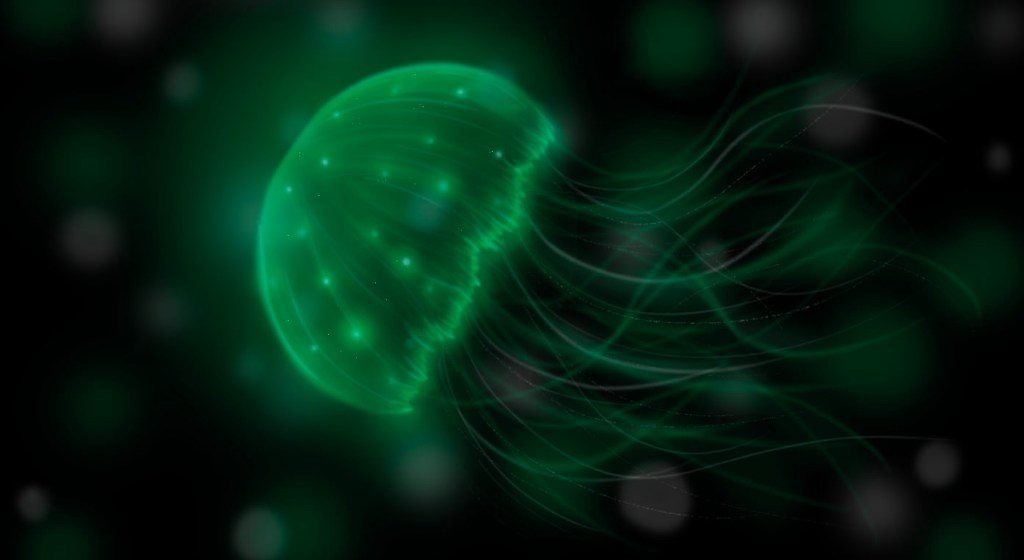
This was a piece I did in preparation. I digitally pained this jellyfish on photoshop using a limited colour palette of just shades of green, black and white. I attempted to capture the bioluminescent light using subtle tonal changes.
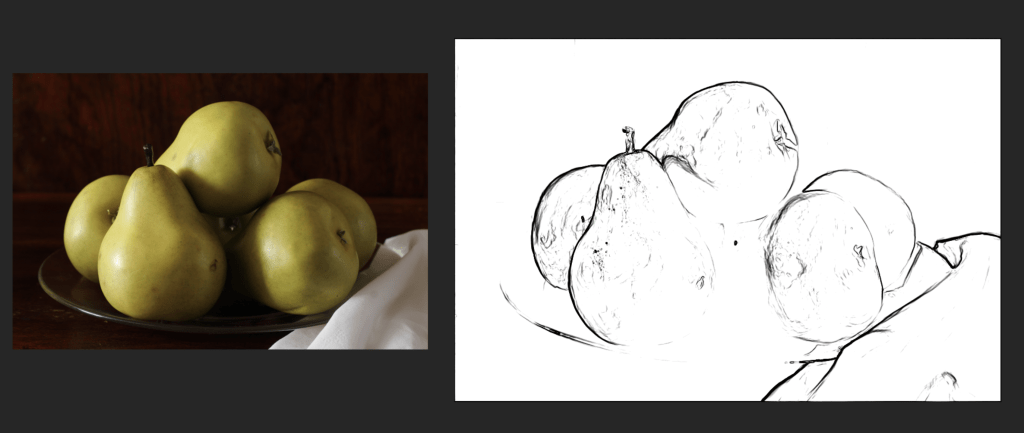
This is the reference image that I worked from during session. On the right is a simple black and white line version of the image, I used this to select the shapes of the pears which i then coloured on another layer.
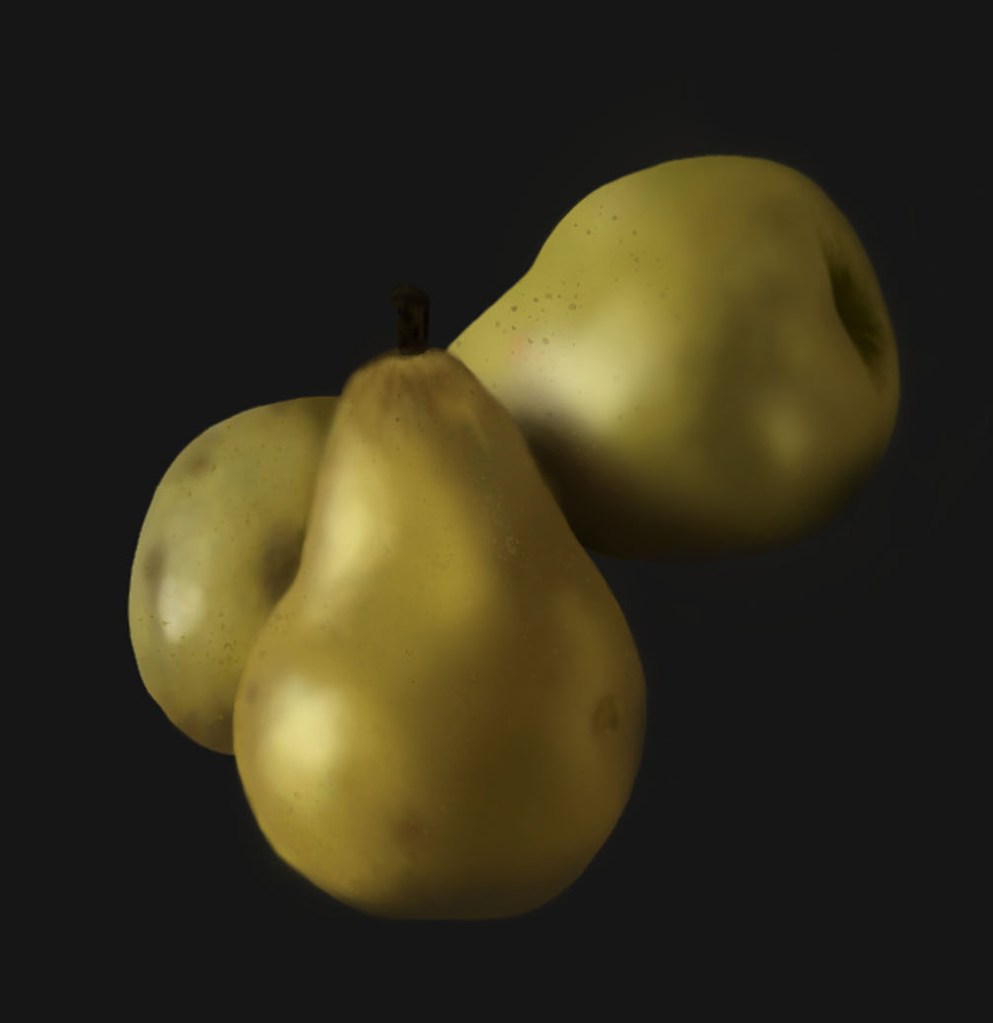
I selected 3 pairs from the image to focus on and colour. Through this exercise I became more confident with different brushes and selecting colours. To colour the pears I used soft and hard brushes, making sure to use the pen pressure. I also used a splatter brush to add some texture. To make the right colour I first filled the selected shape with a light base colour. Then I used the eyedropper tool to identify one of the mid tones and worked off of that shade by going up and down the colour picker, to achieve different hues of the same colour. I also worked by adjusting the size and opacity of the brush.
Another practice piece. I’m getting more confident with blending and adding texture to my objects to help make them look three dimensional.

These digital pieces are heavily inspired by traditional oil paintings. In my essay I compare traditional techniques to digital work. I’ve found that digital painting is a faster process than traditional painting as there are useful tool like the eyedropper tool and pre set brushes which streamline the process.
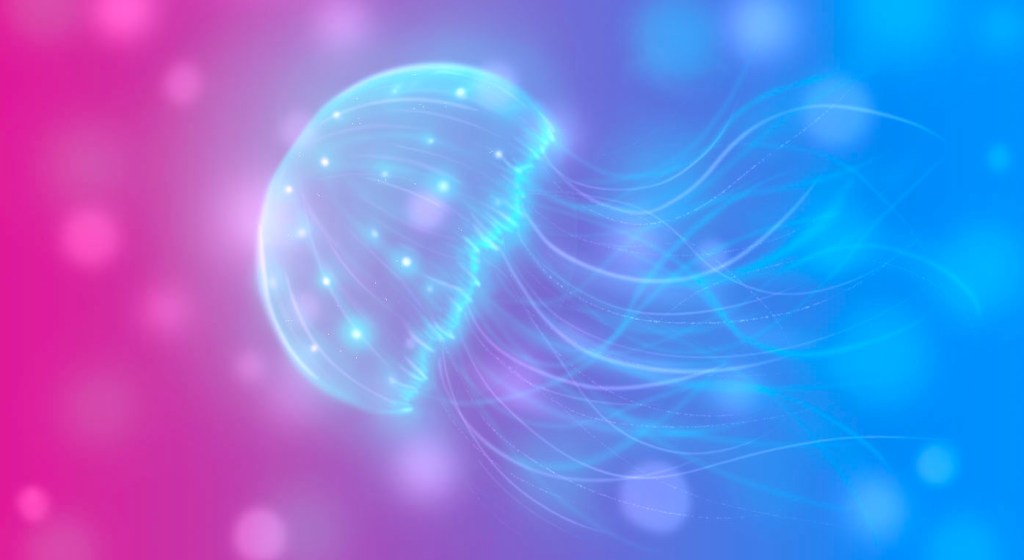
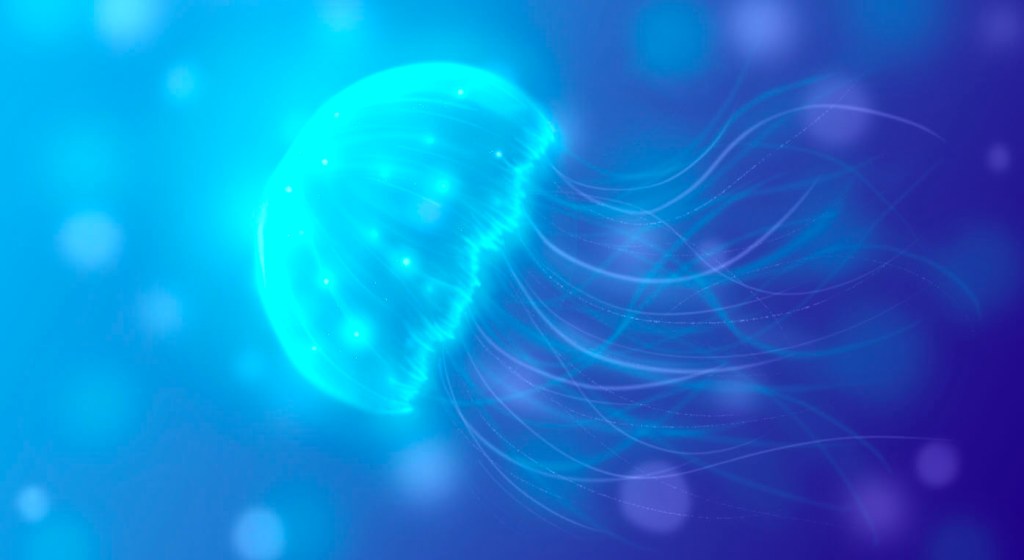
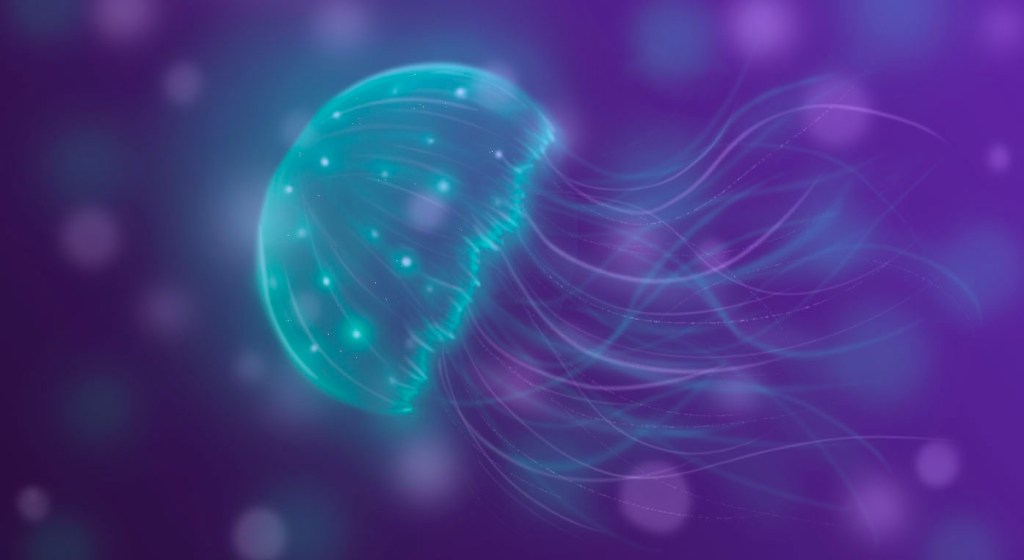
I also started to look at colour and how this can effect the mood and atmosphere of an image. For these 3 images I changed the background to different colours to add a warmer and more vibrant mood than the original image had. I did this by creating a gradient on a separate layer and changing the blending mode to combine the 2 layers.

I really enjoyed this weeks session about painting digitally with colour on Photoshop. I think I was successful in this weeks session and am happy with the pieces I produced. For the most part I used the same tools and techniques and the greyscale work but found it more enjoyable to work with colour. This is a technique I will definitely continue to use as I think it’s a good way of creating colourful and striking illustrations.

Leave a comment