Categories
Digital Arts 1 Level 4

Digital Arts 1: Painting with light digitally- Photoshop

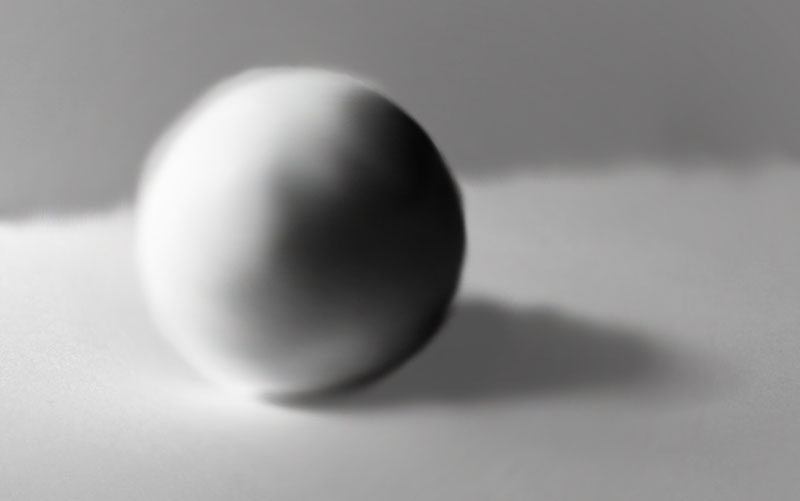
Before painting with light it is essential to understand how light interacts with an object to create highlights and shadows. This image breaks down the different areas of light and shadow of an egg. I used theses ideas for my own digital paintings.

In preparation for this weeks session of photoshop I watched the tutorial which talked about lighting and tone and how to paint digitally using different brushes. I then made my own digital painting on an apple using those techniques. I’m happy with the outcome as I think i was able to manipulate the brushes and shades to show the shadows ad highlights of the object. The shading wasn’t as smooth as I would have wanted so I want to learn how to achieve a glossier finish.
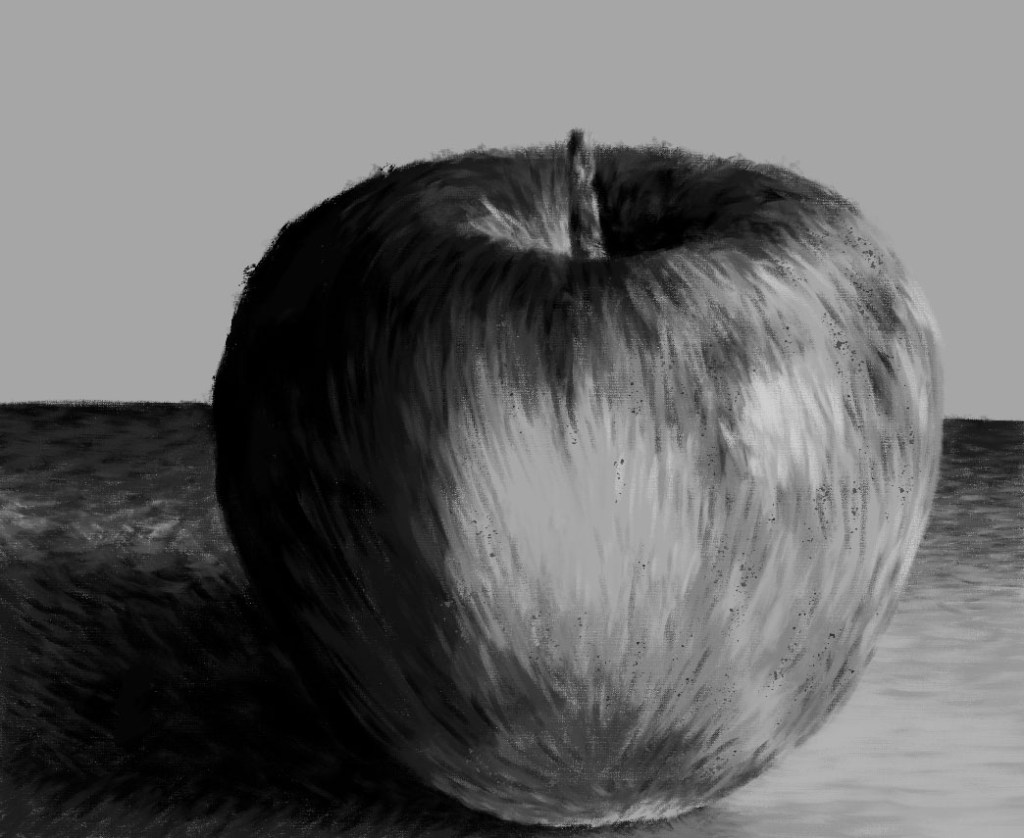
Digital painting of an apple.
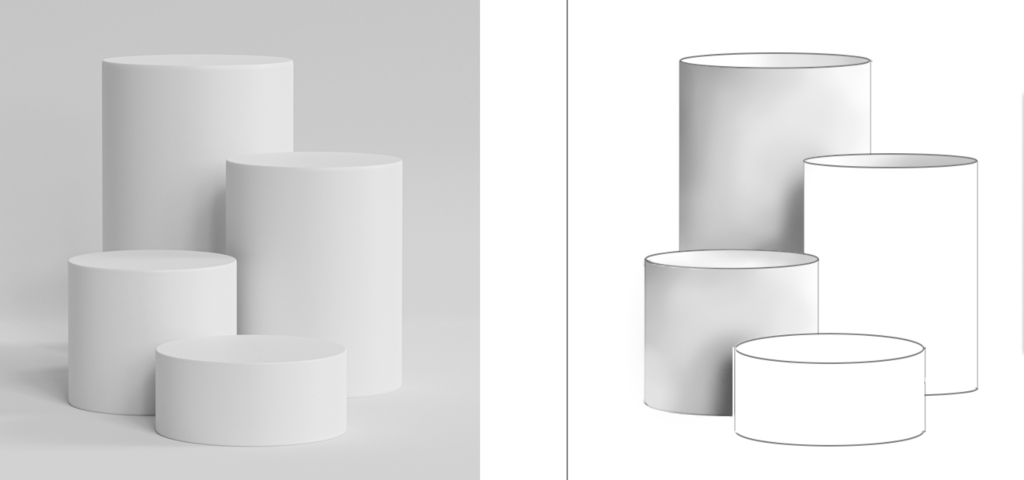
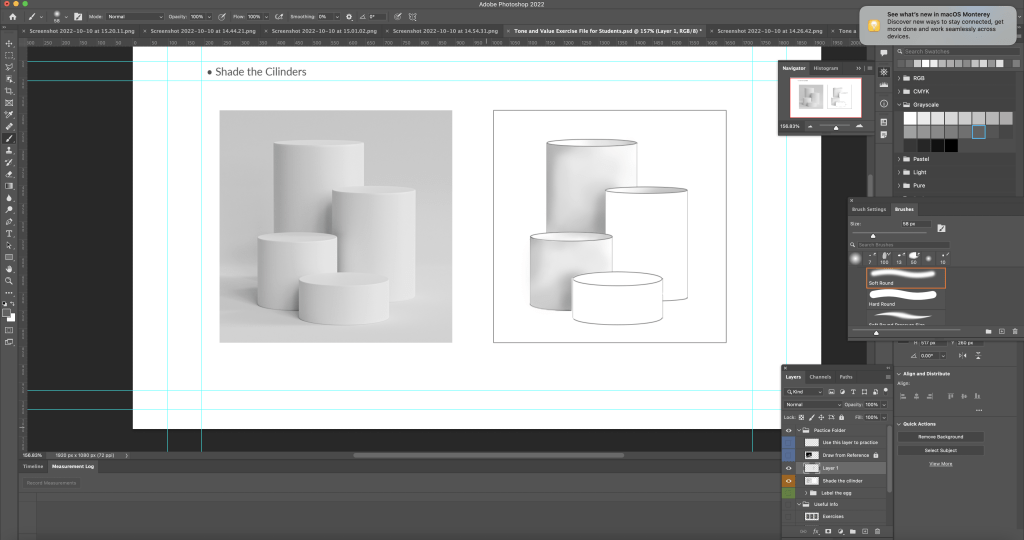
I learnt in more details about different brushes and how to change them. Our task was to some of the cylinders using the Wacom tablet and brush tool. First I selected the area I wanted to shade using the magic wand tool to ensure I wasn’t adding tone to any other parts of image except my targeted part. I selected the brush tool and tested out different bushes and brush settings. I chose to use the soft round brush which is in the general brushes category. I adjusted the settings to allow the pen pressure on the Wacom to be visible. With this I began to shade using the greyscale palette.
Here are a couple cylinders with more refined shading as I further emphasised the dark and light sections.
Another practice piece. For this one I used the soft round brush with pressure opacity to give it a lighter texture.
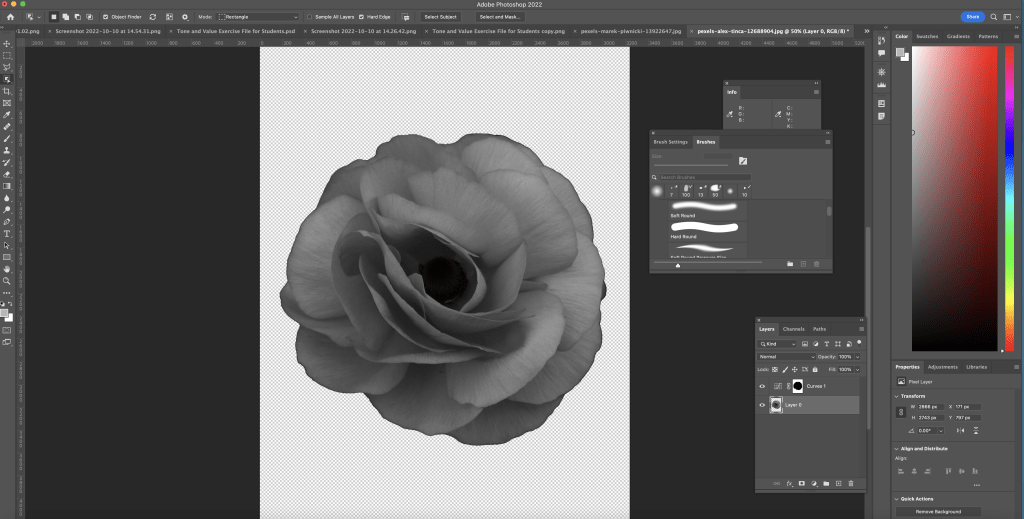
I then made my own brush using a photo of a rose that I downloaded. First I desaturated it to make it black and white. Then I selected the image, inverted it then removed the background. Next I selected define brush preset and named it.
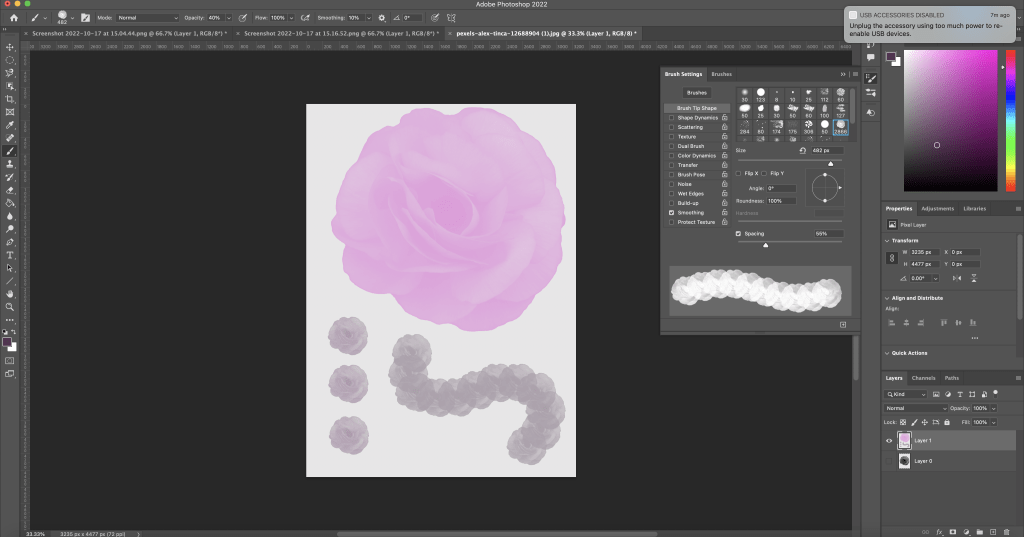
This is the brush I made and tested out different colours and spacings.

This week we focused on the brush tool and how to effectively use it to add tonal values to an object. In order to do this we had to use the selection tools that we learnt the previous week. I improved my understanding of the relationship between and object and a light source which will help me with my art in general as this is a key aspect of drawing. I started to get more comfortable using the brush tools and testing out the different brush options as well as settings such as hardness and opacity. After leaning about this method of shading I still prefer hand drawn shading as I feel that I have more control of shade and texture.

Leave a comment